

Overview
Frontierz delivers live training and onboarding through configurable AI Fellows. Sessions are voice-based and run in real time, similar to a video call.
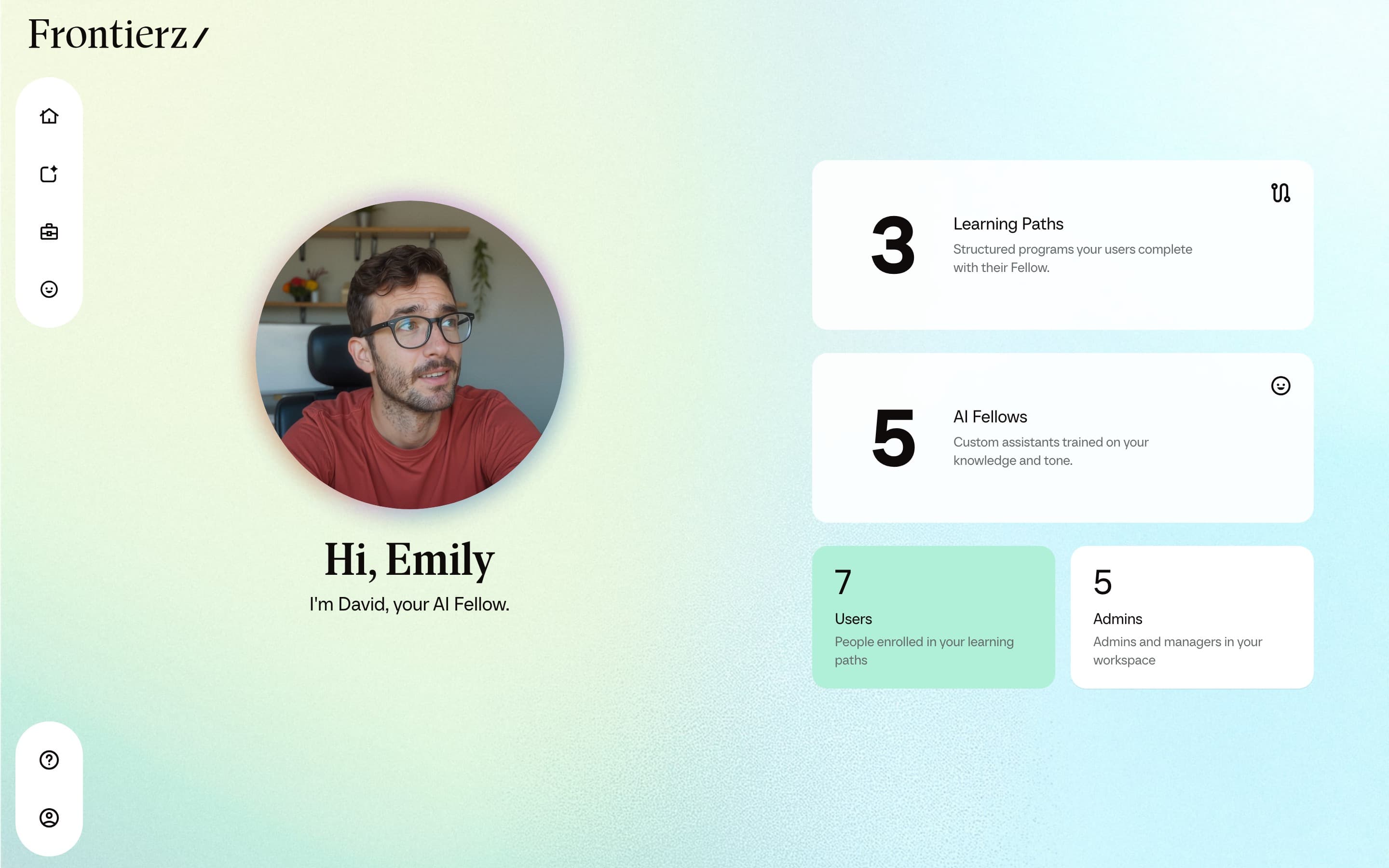
Frontierz is built on two core components:
- AI Fellows. Configurable conversational AI with a defined persona, purpose, Knowledge Base, and set of Connectors. Users speak to an AI Fellow and receive responses in real time. During a conversation, the AI Fellow can search its Knowledge Base and consult the relevant source document when the answer depends on a specific detail. AI Fellows can also be created as AI Simulations, where the AI Fellow plays a defined role for practice and assessment.
- Learning Paths. Structured programs composed of sequential sessions and objectives. An AI Fellow runs each session and confirms that its objectives are met before the next session unlocks.
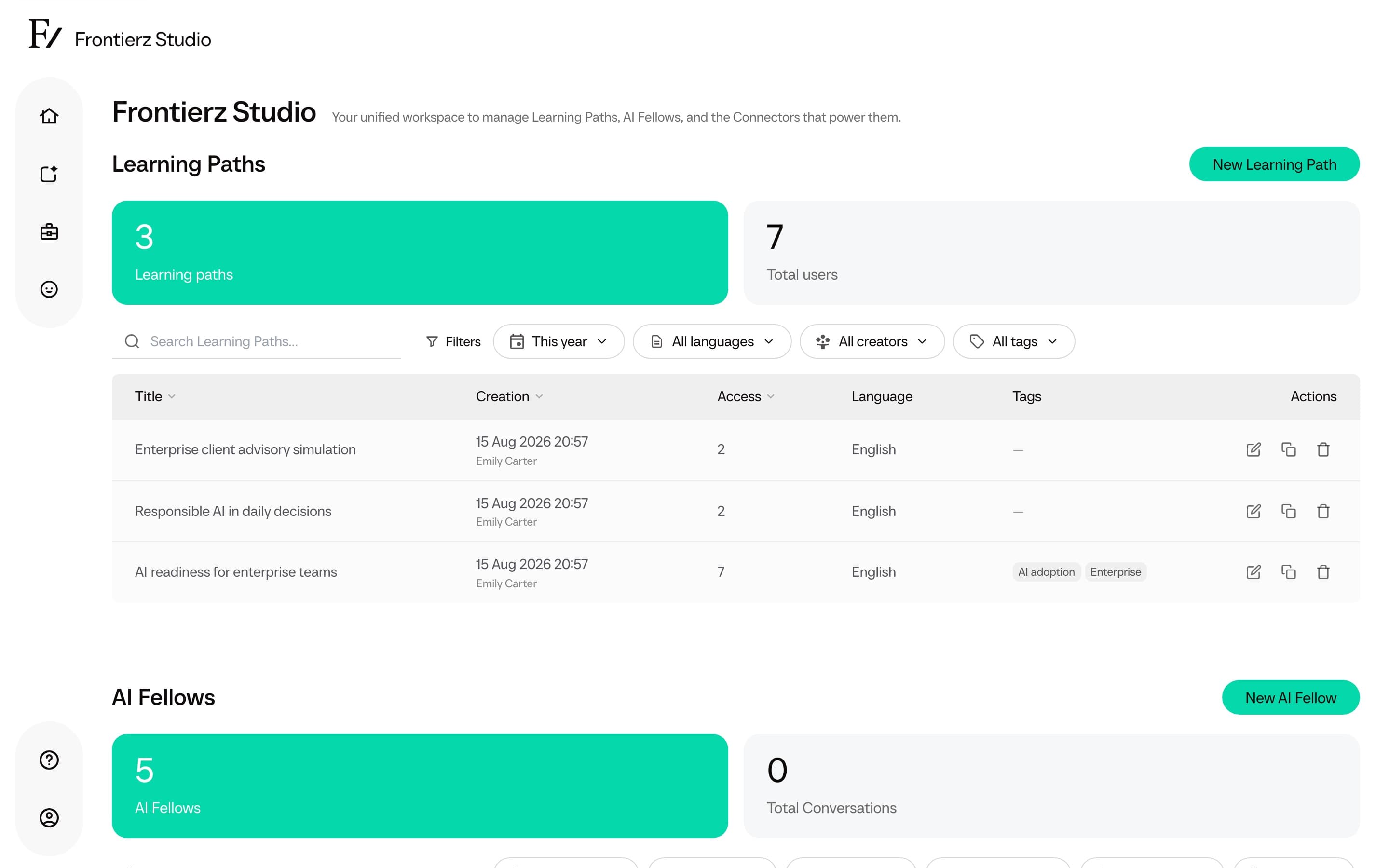
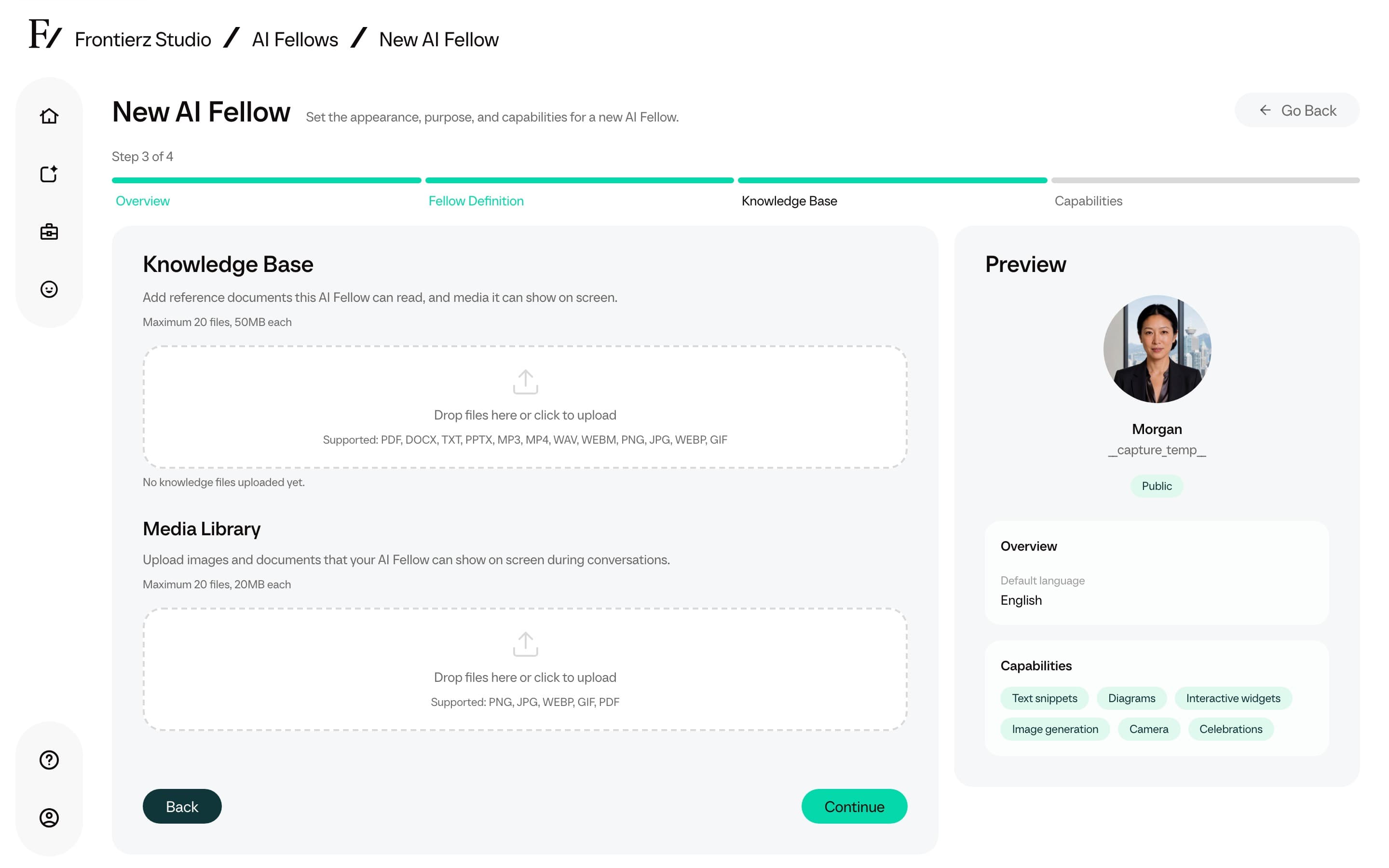
AI Fellows and Learning Paths can be deployed independently or in combination. A standalone AI Fellow on a public link is sufficient for a focused coaching tool. A Learning Path is recommended when progress tracking across multiple sessions is required.
Frontierz is most effective for use cases where the primary value is in a conversation, such as coaching, simulation, interview rehearsal, onboarding, or competency assessment. It is not designed for passive content such as videos, documents, or multiple-choice assessments.
Frontierz is not a learning management system (LMS) and is not a general-purpose chatbot. It can operate alongside an existing LMS. LMS registers Canvas, Blackboard, or another LTI 1.3 platform so learners can open a Learning Path or AI Fellow from that LMS. A Learning Path can also write completion data back through a custom Connector. AI Fellows are voice-first by default. When an admin enables text chat mode, the same AI Fellow can also be used by typing. AI Fellows can interpret a shared screen and interact with external systems through Connectors.
Administrator capabilities
From Frontierz Studio, Admin users can:
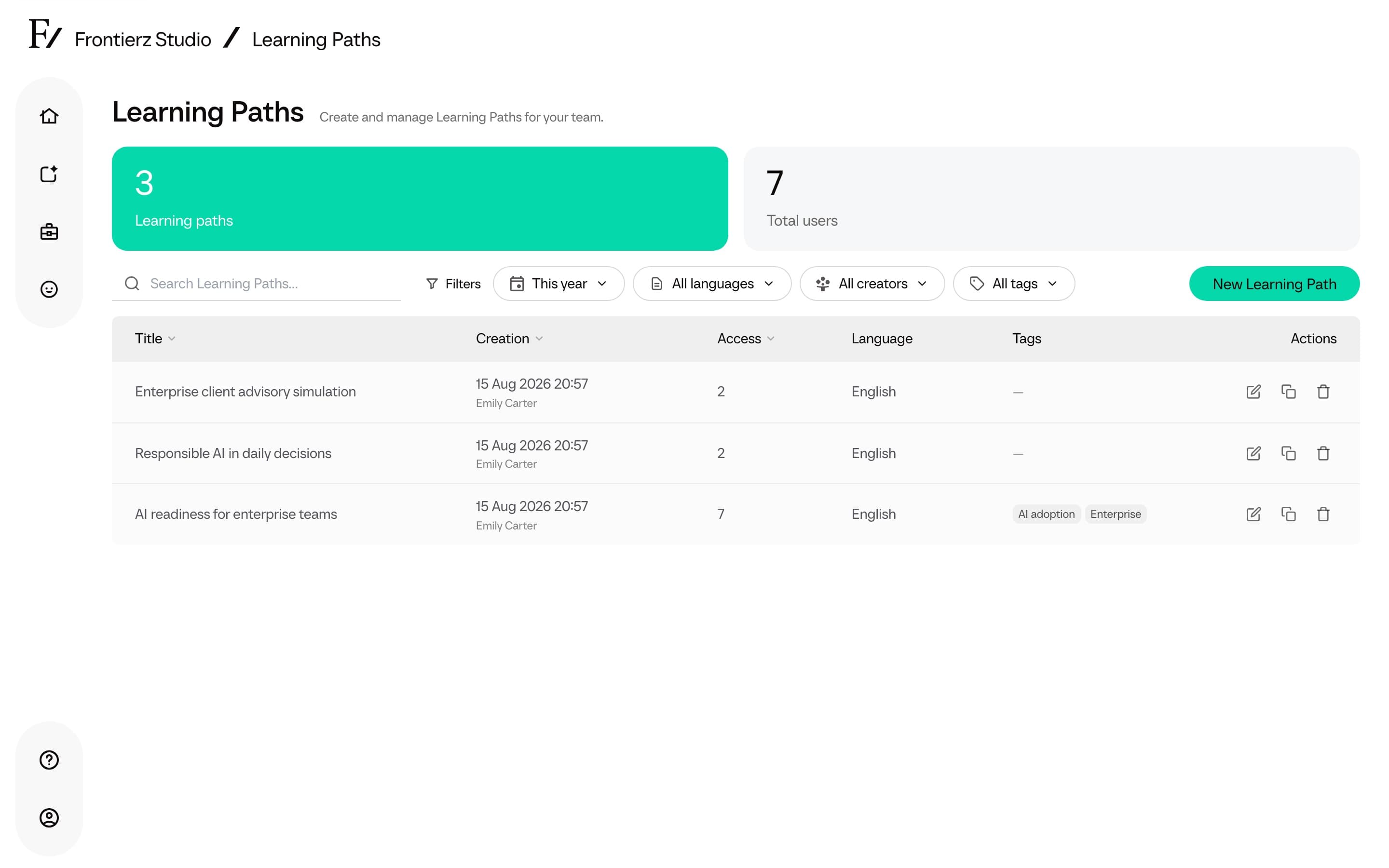
- Build and edit Learning Paths. Define sessions, write objectives, enroll users, upload reference material for the AI Fellow, or generate a full draft Learning Path with Build with AI.
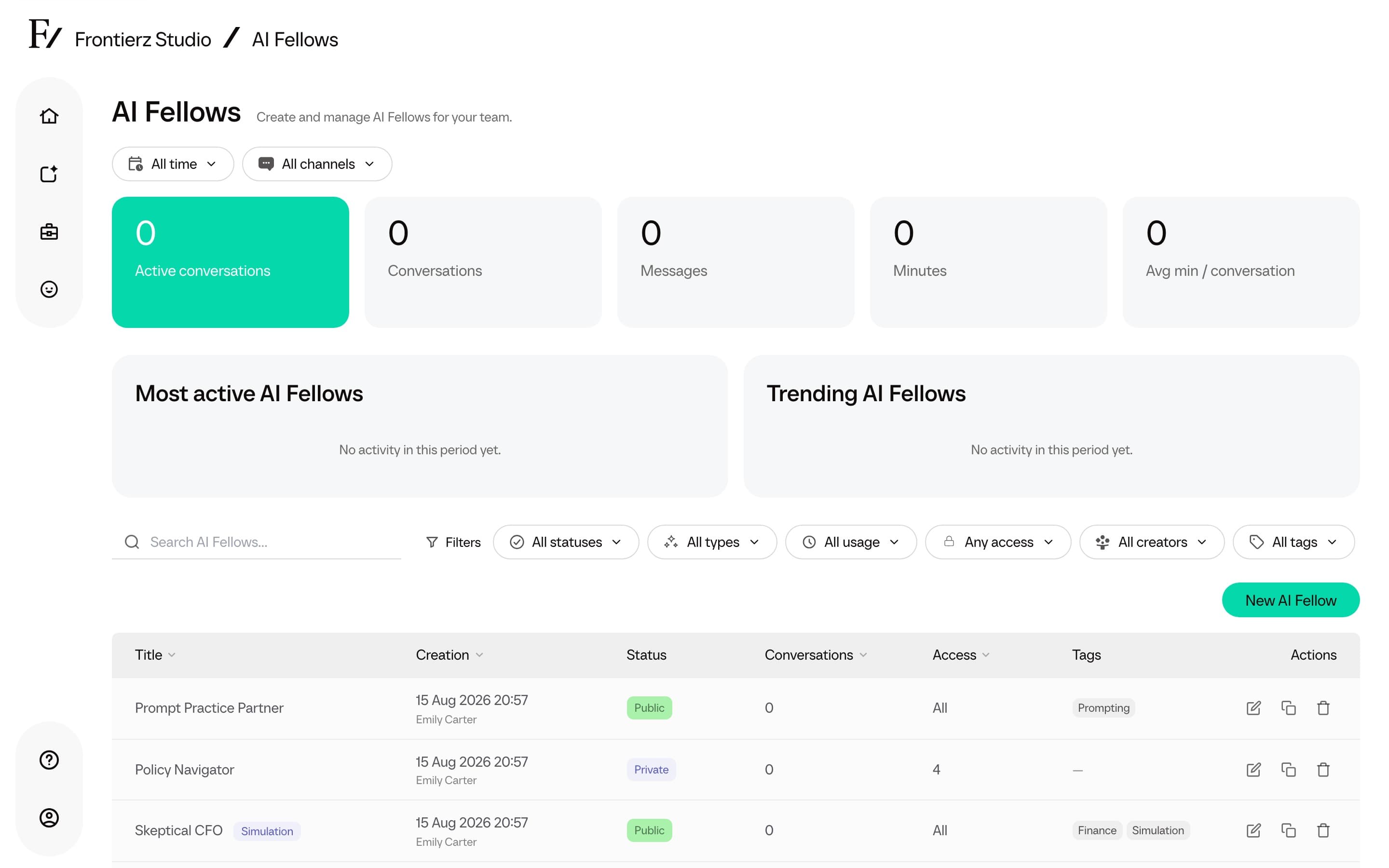
- Build and edit AI Fellows. Configure the persona, voice, language, instructions, knowledge, and Connectors.
- Create AI Simulations from a guided form when the goal is role-play practice rather than a general AI Fellow.
- Create and deploy AI Fellow Identities when that feature is enabled for the workspace.
- Set each AI Fellow's visibility (Public, Private, or Disabled) and manage the access list of any Private AI Fellow.
- Manage Connectors. These are the integrations that allow an AI Fellow to act during a conversation, such as screen sharing, calendar invitations, or calls into customer systems.
- Configure per-asset capabilities. The groups are Presence (Screen share, Camera), On screen (Text snippets, Diagrams, Interactive widgets, Image generation), and Session flow (Schedule next session on Learning Paths, Celebrations). Managers can change built-in capability toggles on assigned assets.
- Organize AI Fellows and Learning Paths with optional Tags (up to 20 per asset) so Studio lists can be filtered by shared labels.
- Invite Admin users, Creators, and Managers, and assign which Learning Paths and AI Fellows each Manager oversees. See Roles and permissions.
- Open a single user detail page for Users, Managers, Creators, Full Admins, and Owners to review activity, platform usage, account details, and workspace permissions. See User detail.
- Generate a Learning Path report from the analytics dashboard, then print it or save it as PDF.
- Generate an AI Fellow report for a single AI Fellow from its conversations, then print it or save it as PDF.
- Import a SCORM package as a new Learning Path, or add one as a session in an existing Learning Path.
- Import or export a Frontierz Learning Path file to move sessions, objectives, and notes between workspaces.
- Turn Learning Path communications on or off, and choose Weekly or Intensive pace, so learners get follow-up emails and monitors get a Monday digest.
- Add a ready-made starting point from the Fellows library.
- Track usage, identify users who are progressing or stuck, review AI Fellow conversations, inspect every Connector execution, and open the AI Fellow edit history.
- Connect Canvas, Blackboard, or another LTI 1.3 LMS so learners can open a Learning Path or AI Fellow from that platform.
- Use View as User to confirm what a User sees without changing their own login.
The number of AI Fellows and Learning Paths per company is not capped. Each AI Fellow can hold up to 20 documents in its Knowledge Base.
Next pages
Navigation
The sidebar, quick-access shortcuts, and switching between Learning Paths.
User experience
What Users see: Home, Your Journey, live sessions, transcripts, and previous chats.
Frontierz Studio
The administration hub and its three creation areas.
Learning Paths
Programs with ordered sessions, objectives, user management, analytics, and Connectors.
AI Fellows
Standalone AI participants for coaching, simulations, public links, and embedded widgets.
AI Simulations
Create role-play AI Fellows from persona, context, and assessment objectives.
Fellows library
Add a ready-made AI Fellow to the workspace and edit the copy.
Connectors
Built-in capabilities and custom integrations for AI Fellows and Learning Paths.
Administration
Company Settings, Company Profile, LMS, Access Management, roles, and CSV imports.
LMS
Connect Canvas, Blackboard, or another LTI 1.3 platform.
AI Fellow Identities
Generate and deploy a company-owned AI Fellow appearance.
Responsible AI
AI labeling, human review, reviewable evidence, and decision boundaries.
Privacy and data
Knowledge files, conversations, camera, screen sharing, Connector data, and retention questions.
Glossary
Definitions for Frontierz terms, roles, resources, and navigation labels.
Changelog
Product changes, fixes, and known issues.