AI Fellow Identities
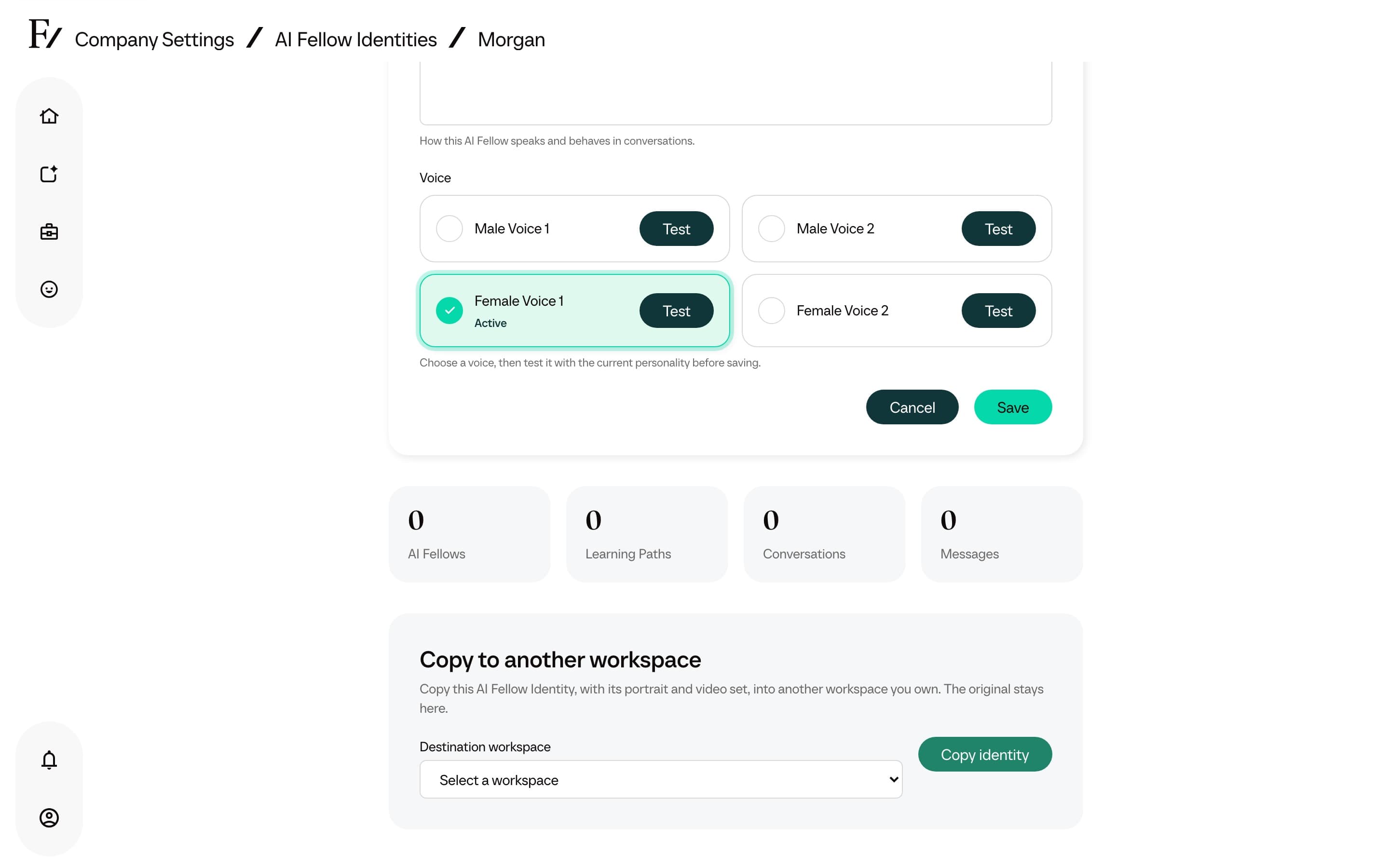
AI Fellow Identities let a company create its own animated Fellow appearance. The workflow generates portrait choices and motion clips, then deploys the finished identity so it can be selected when creating AI Fellows, AI Simulations, or learner experiences.
This page is available to Full Admins when the feature is enabled for the workspace. Managers cannot open it.
Create and deploy an identity
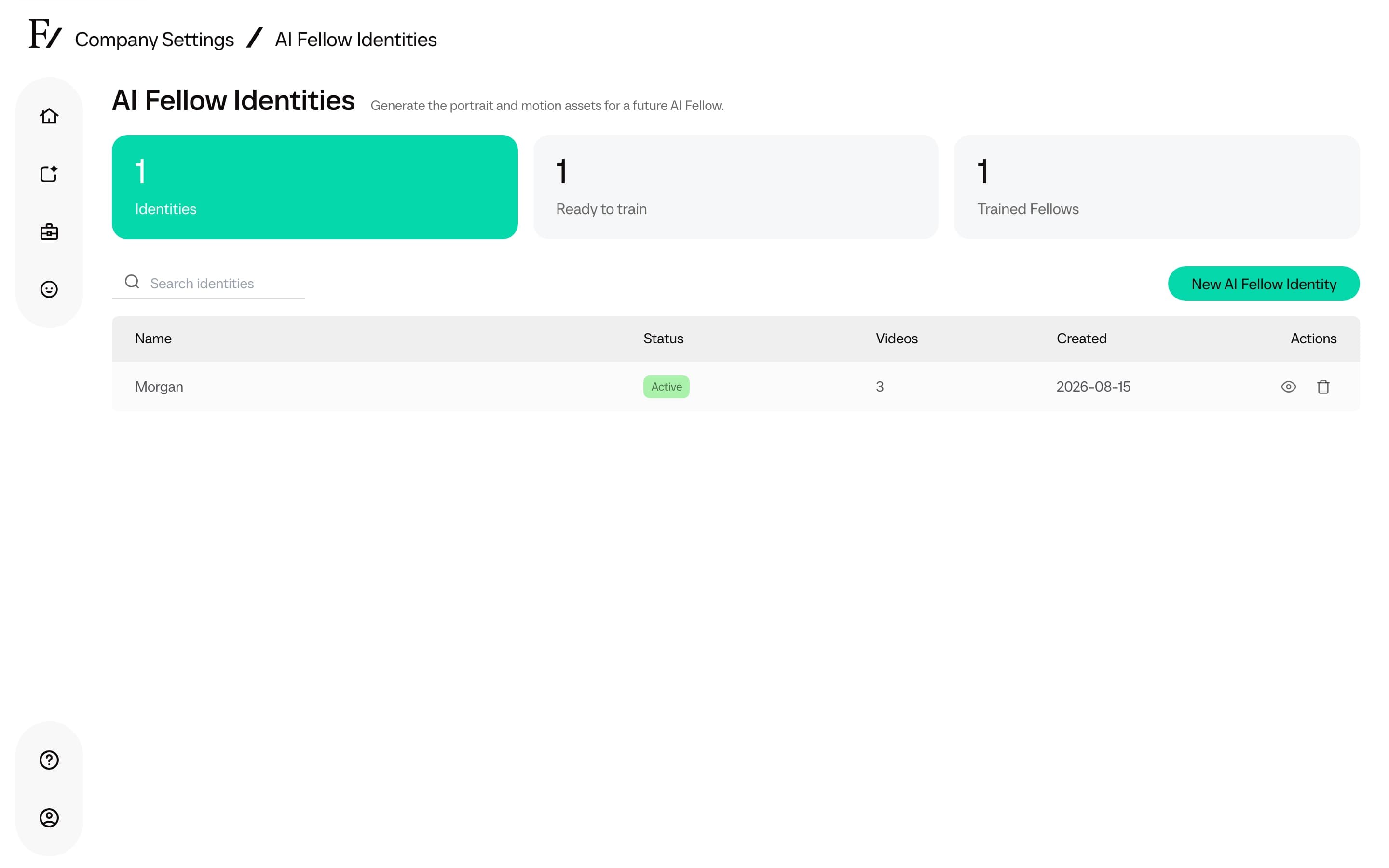
Click Turn on for your company. The identity becomes available to the company. Its status changes from Building to Active.
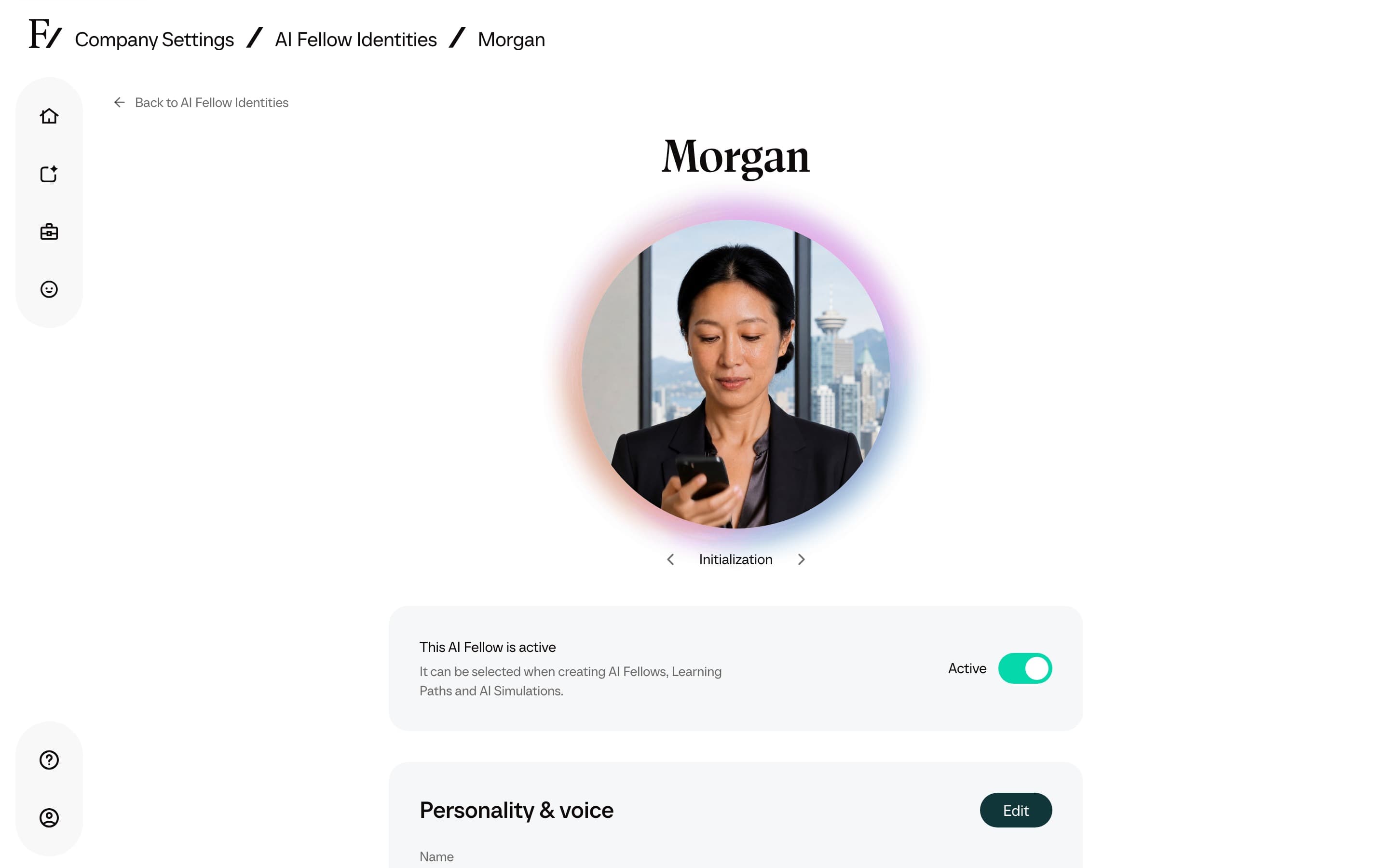
After deployment, use the status control to disable or re-enable the identity. An Inactive identity stays in Company Settings but is hidden from Fellow pickers.
Name, personality, and voice
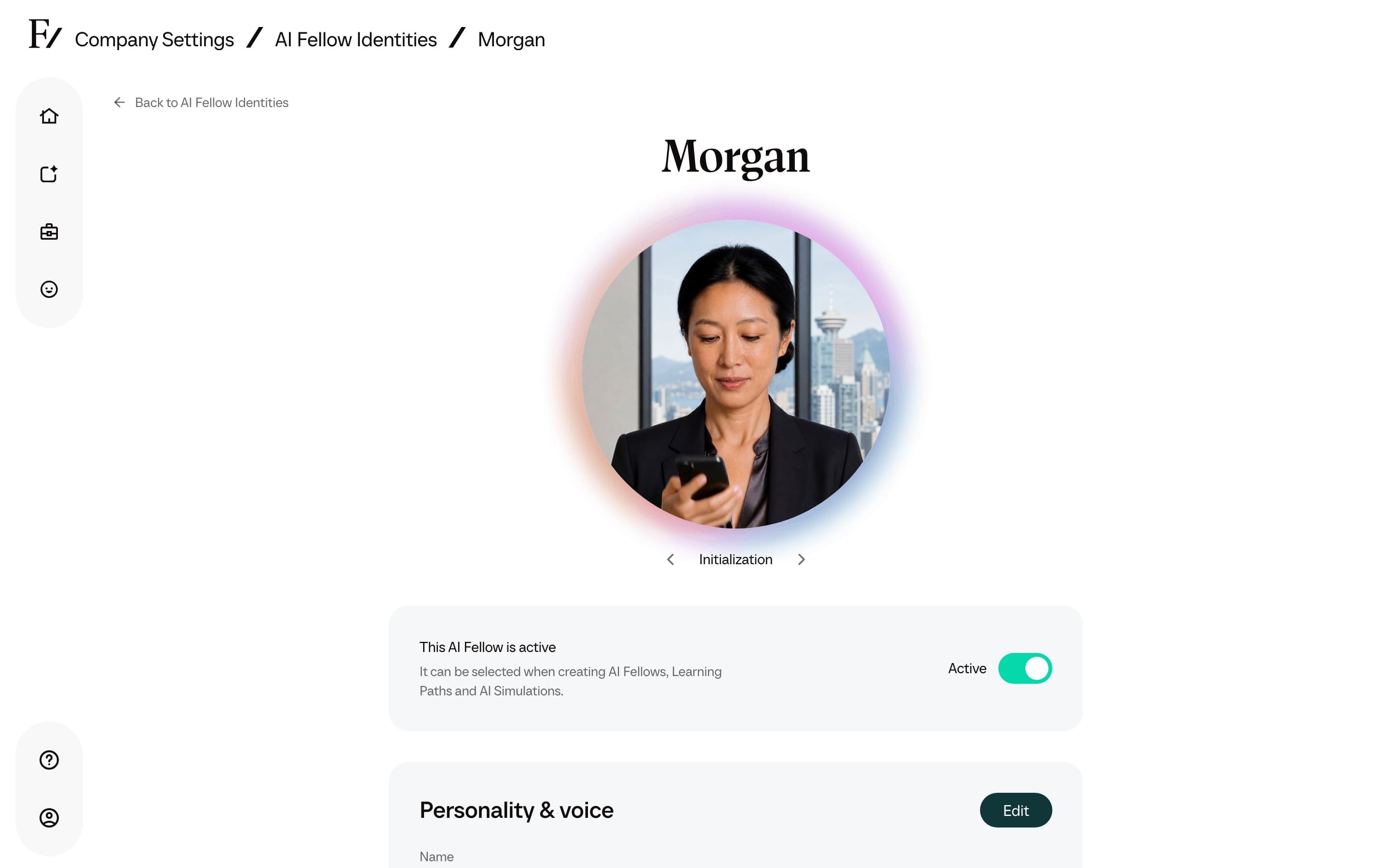
Open a finished identity and select Edit in the Personality & voice section. The Name is the display name shown wherever that AI Fellow appears. Personality controls how it speaks and behaves. Voice cards show the active voice and let you test another voice before saving.
Copy to another workspace
Owners with more than one workspace see Copy to another workspace on a fully generated identity. Choose the Destination workspace and click Copy identity. The original stays in the current workspace.
The copied identity includes the portrait and completed video set. It arrives in the destination ready for review and deployment, but it is not deployed automatically.