
Visibility
Visibility determines who can access an AI Fellow. Every AI Fellow always has one of three visibility settings, which can be switched from the AI Fellow monitor page.
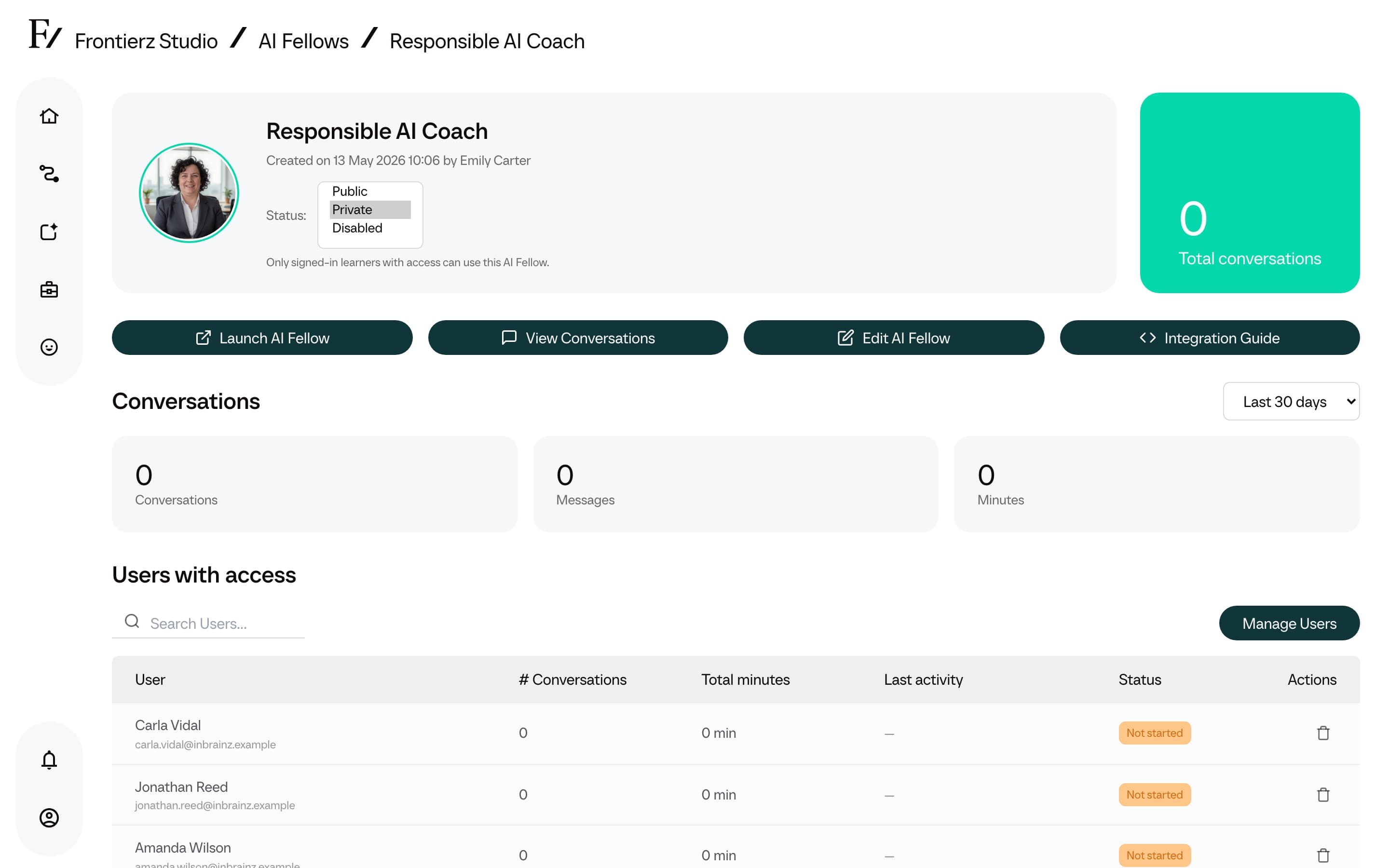
The three visibility states
| Visibility | Who can talk to it | Login required | Recommended use |
|---|---|---|---|
| Public | Anyone with the standalone link or the embedded widget. Anonymous browsers and signed-in users. | No | Demos, customer tools, public coaching, or any pilot where user identification is not required. |
| Private | Only users explicitly granted access through Manage Users or Access Management. Other visitors see an access-denied page. | Yes | Internal coaching, Manager-only AI Fellows, or any case where attributed transcripts are required or the link must not spread externally. |
| Disabled | Nobody. The AI Fellow remains in Studio for reference, but visitors see a deactivated page. | No | Pausing an AI Fellow while preserving its configuration, or removing it from production temporarily for revision. |
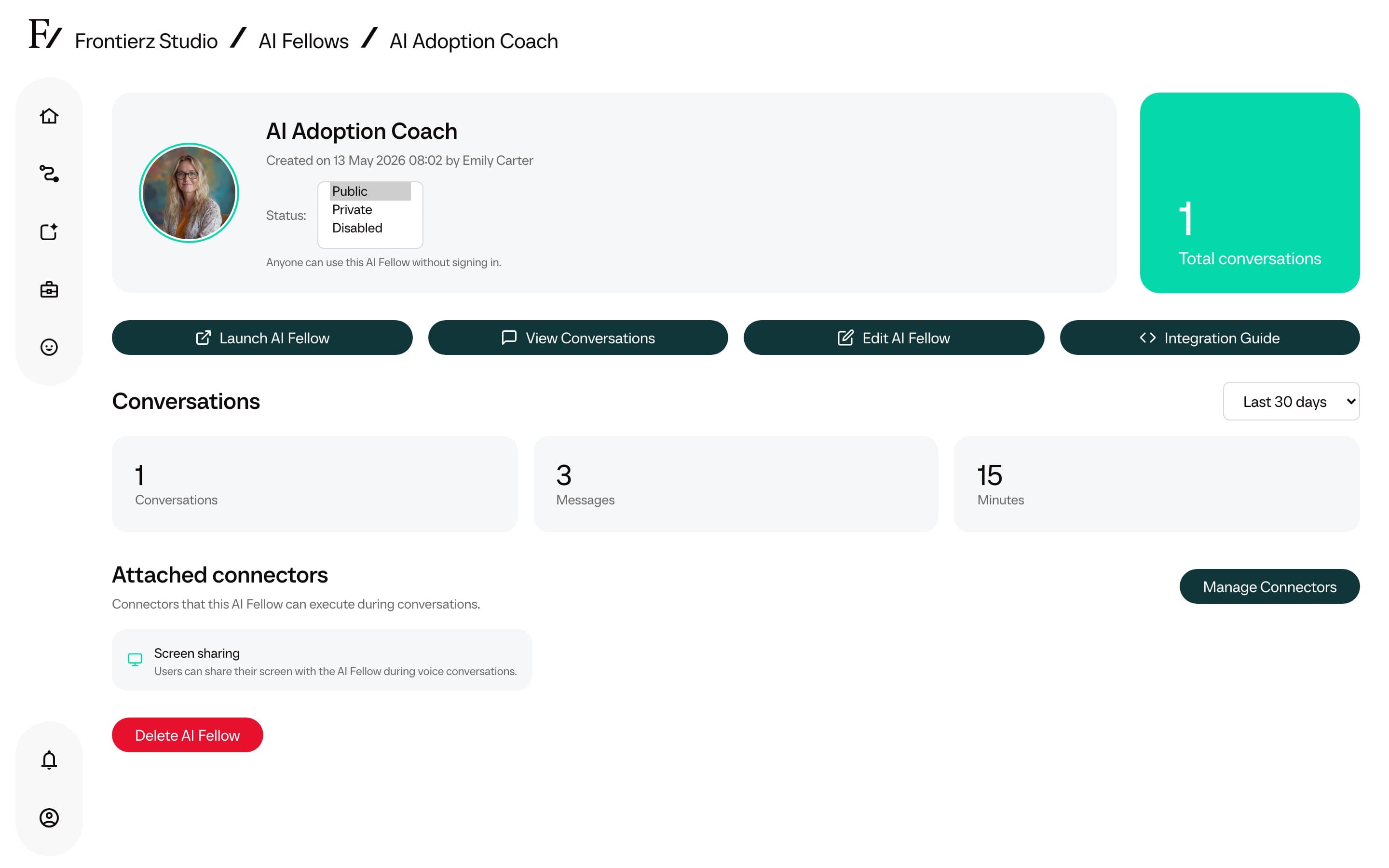
Change an AI Fellow visibility
Click the visibility dropdown next to the AI Fellow name in the hero section.
Select Public, Private, or Disabled. The change takes effect immediately.
After a visibility change
- Switching Public to Private keeps the AI Fellow URL the same but now requires login. Users without access see the access-denied page until they are added in Manage Users or Access Management.
- Switching Private to Public opens the AI Fellow to anyone with the link. The access list built up while it was Private is preserved in case the AI Fellow is switched back.
- Switching to Disabled stops new conversations immediately. Existing conversation history remains available in Studio.
- Conversation transcripts already on file are not changed by a visibility change. Anonymous transcripts remain anonymous, attributed transcripts remain attributed.
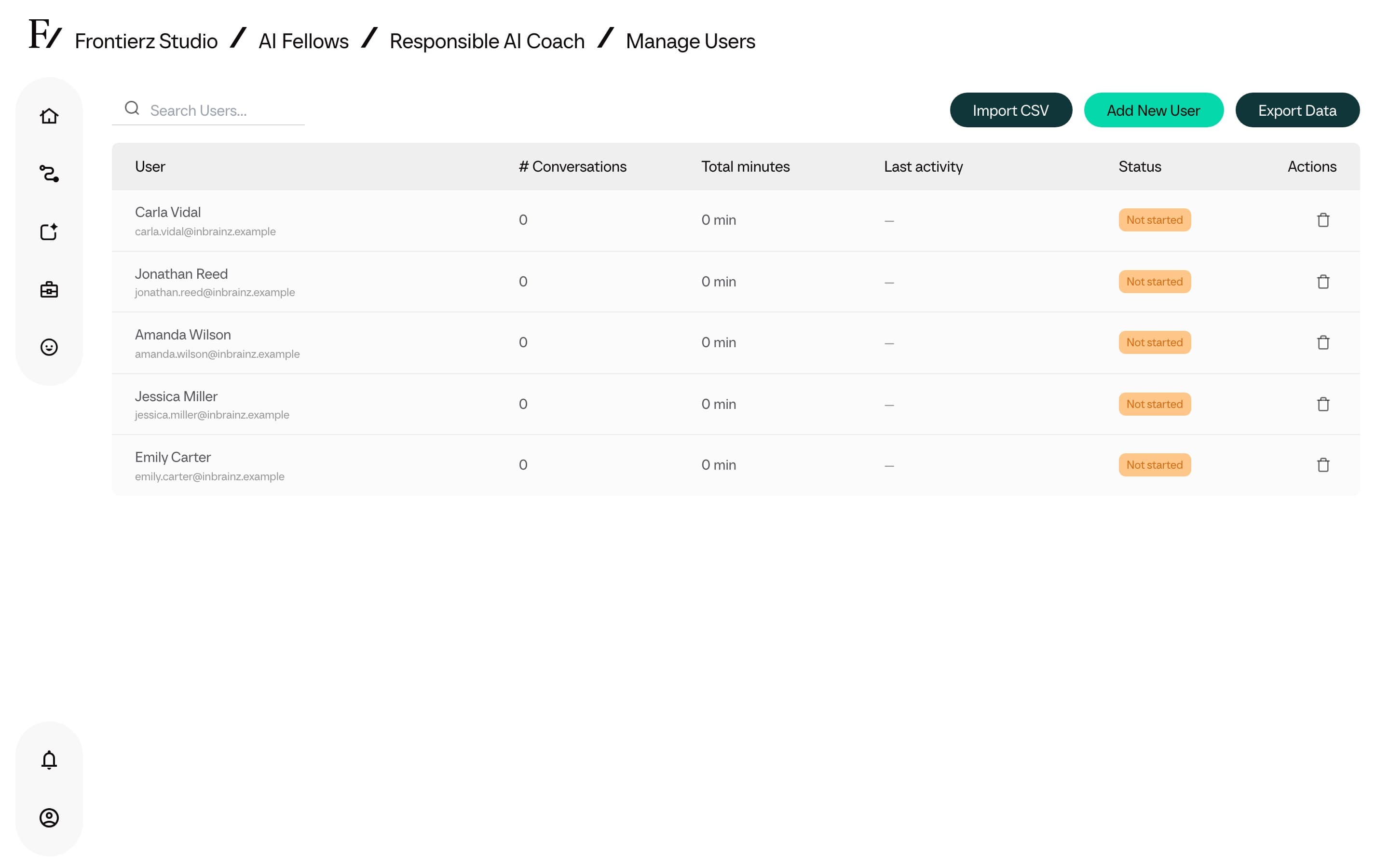
Once an AI Fellow is Private, the monitor page shows the access list and the Manage Users action.
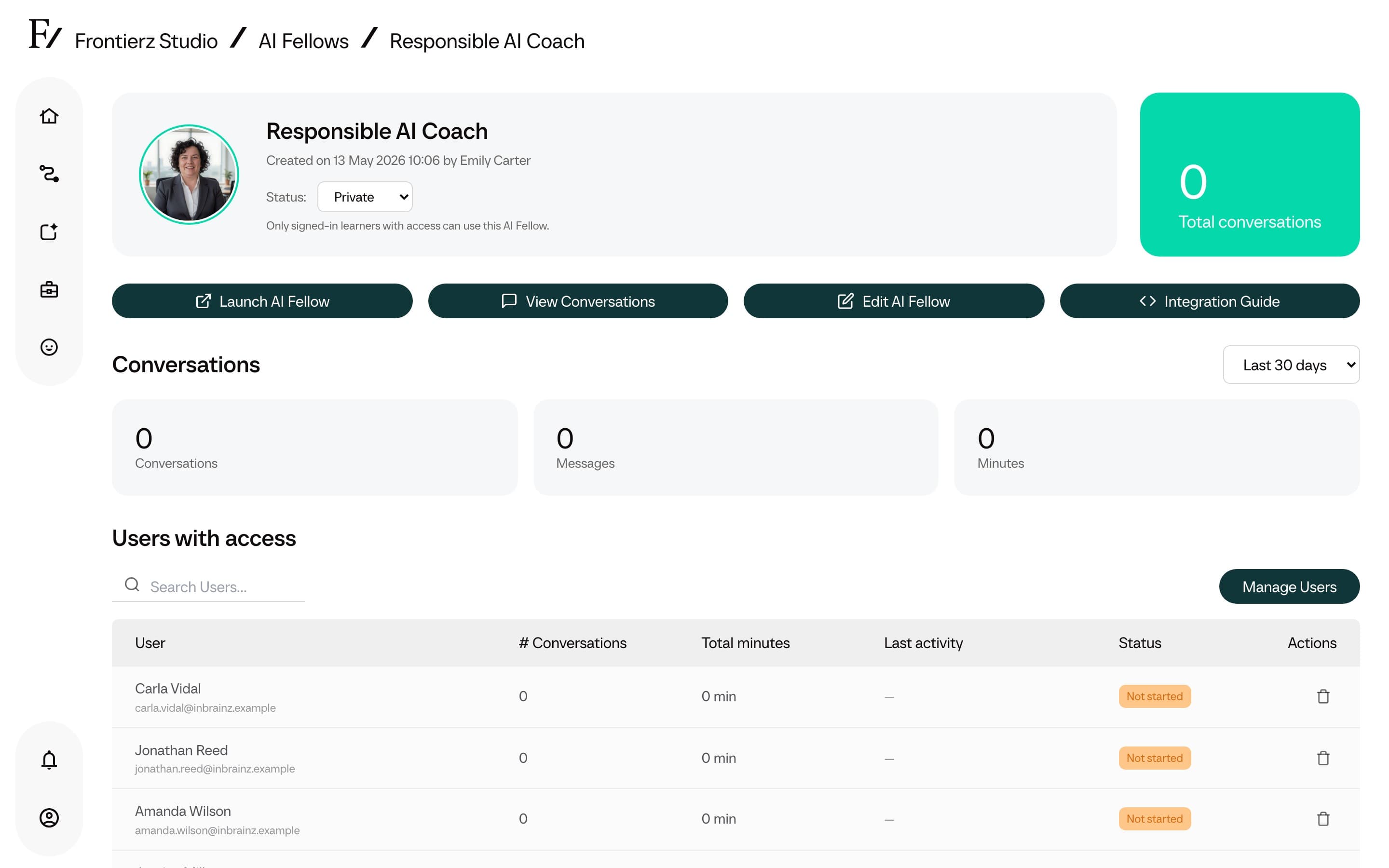
The Manage Users page is where Admin users review who can open that Private AI Fellow.
A fourth state, Training, is set automatically while the AI Fellow processes newly uploaded Knowledge Base files. Training cannot be selected manually. When processing finishes, Frontierz returns the AI Fellow to Public (the Active status). It does not restore the previous visibility.