

Sessions and objectives
A Learning Path is a list of sessions. Users complete them in sequence: session 3 cannot be opened until session 2 is complete. Each session holds a set of objectives, defined as the observable actions a user must demonstrate before the AI Fellow marks the session as complete.
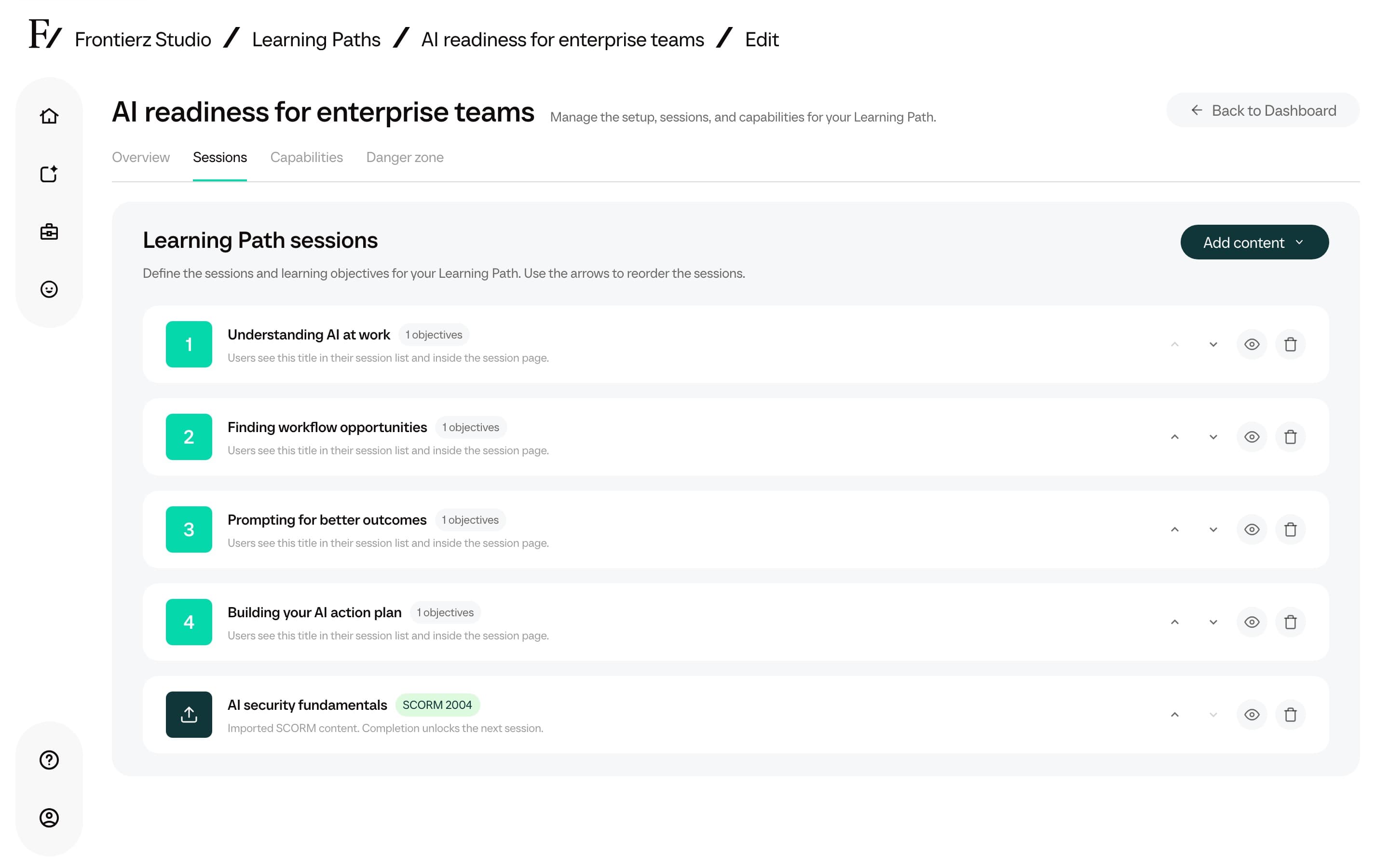
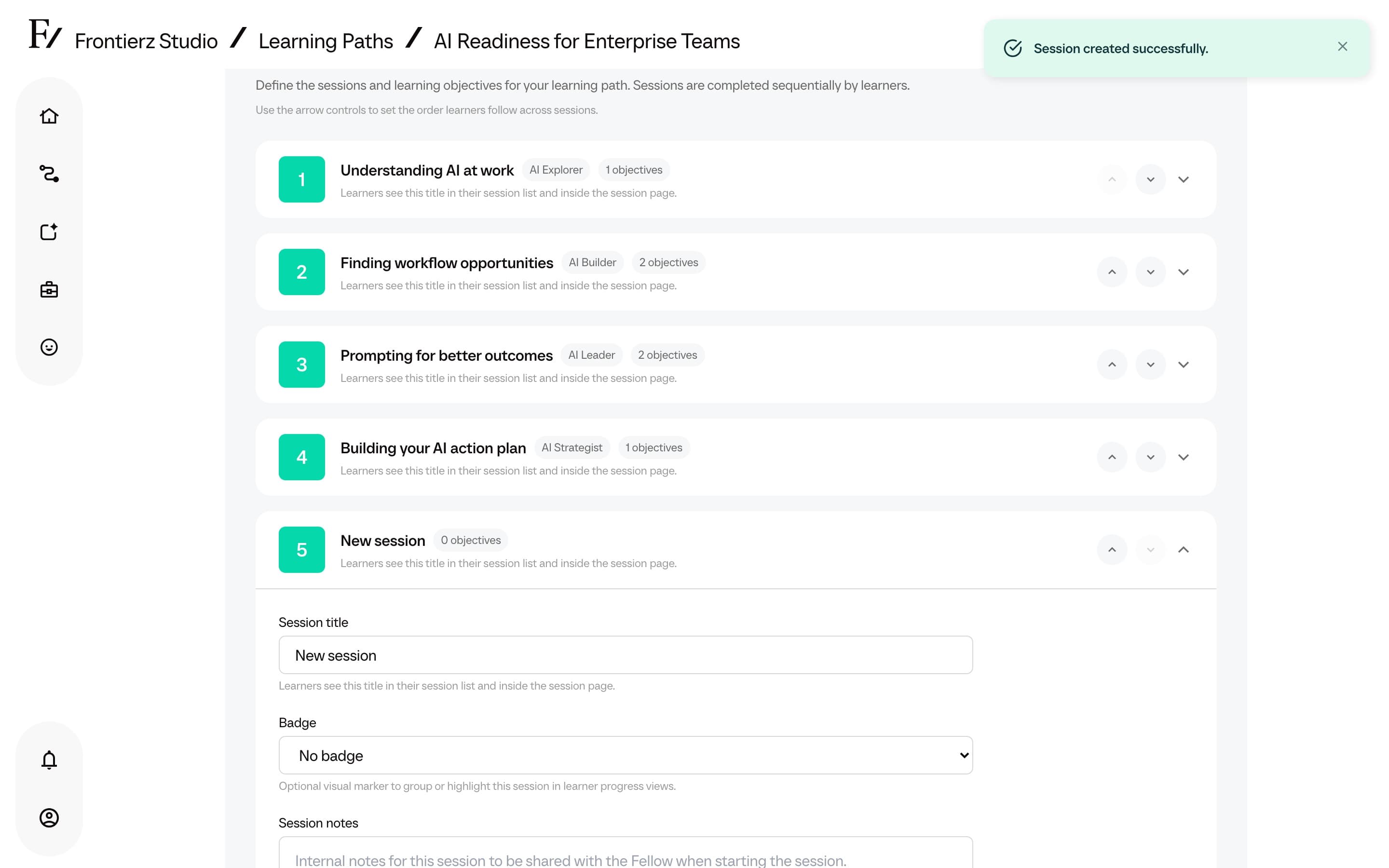
Add a session
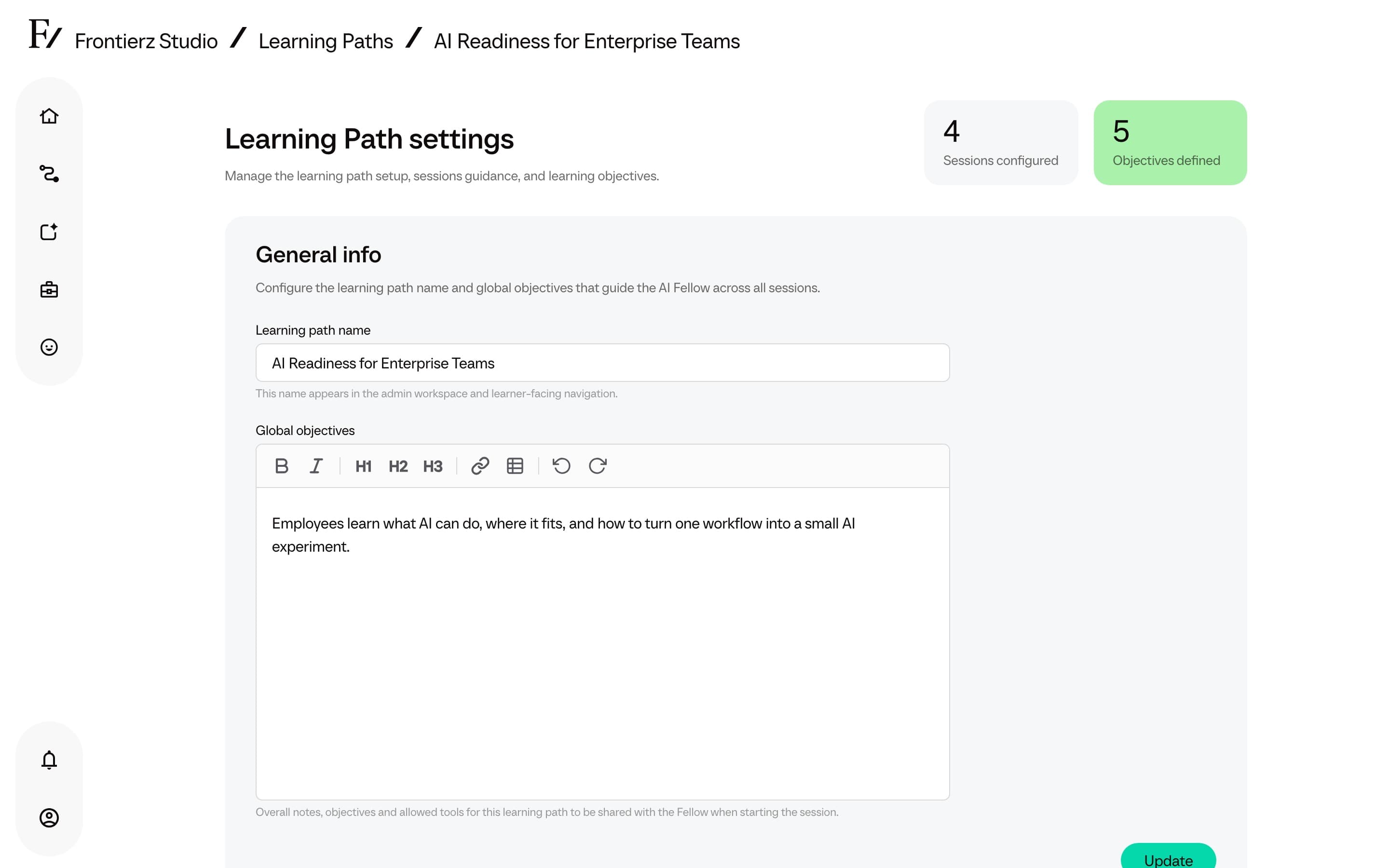
Click Add Session.
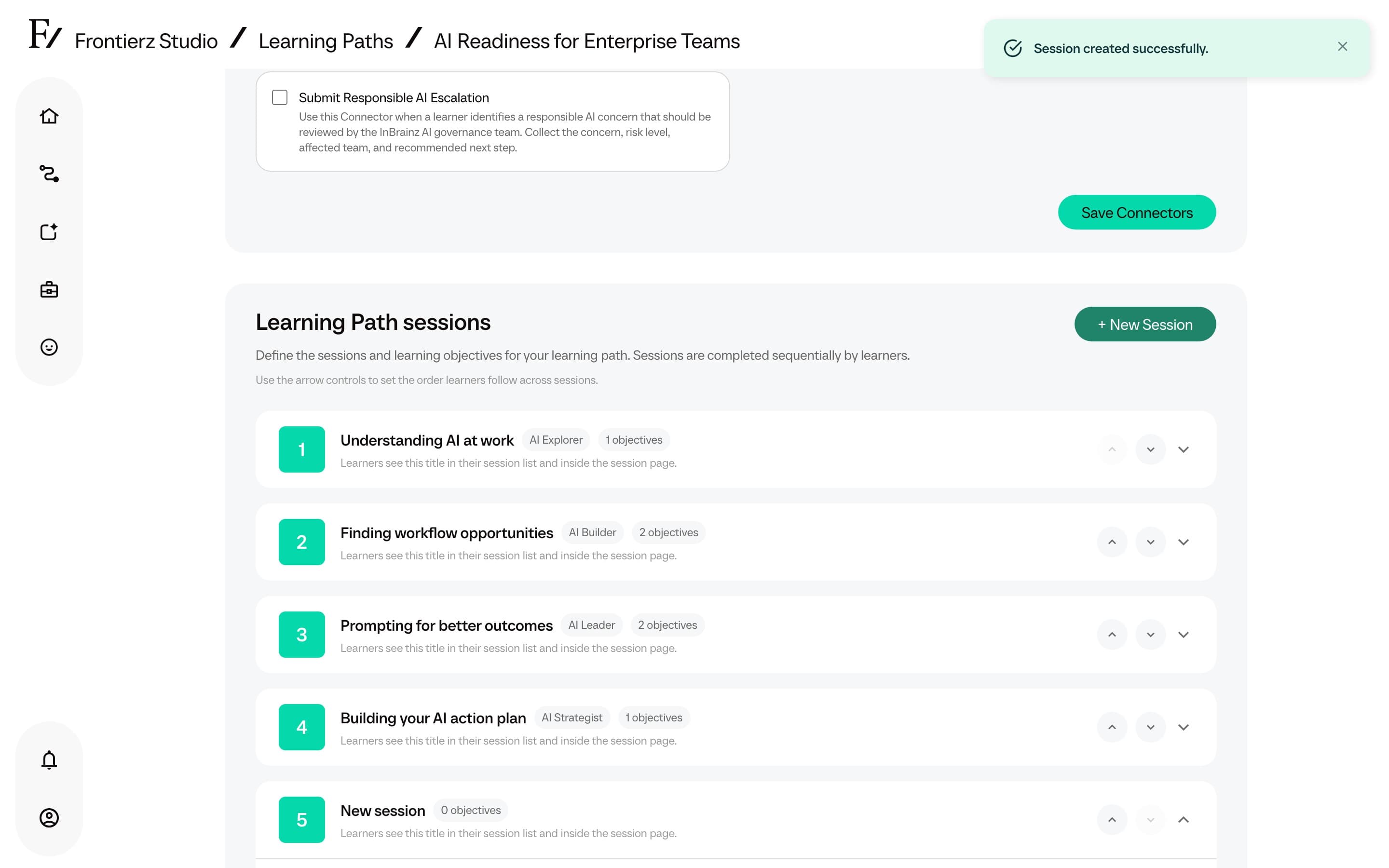
Optionally add admin notes. Only Admin users see them; users never do. They define how the AI Fellow runs the session in the background.
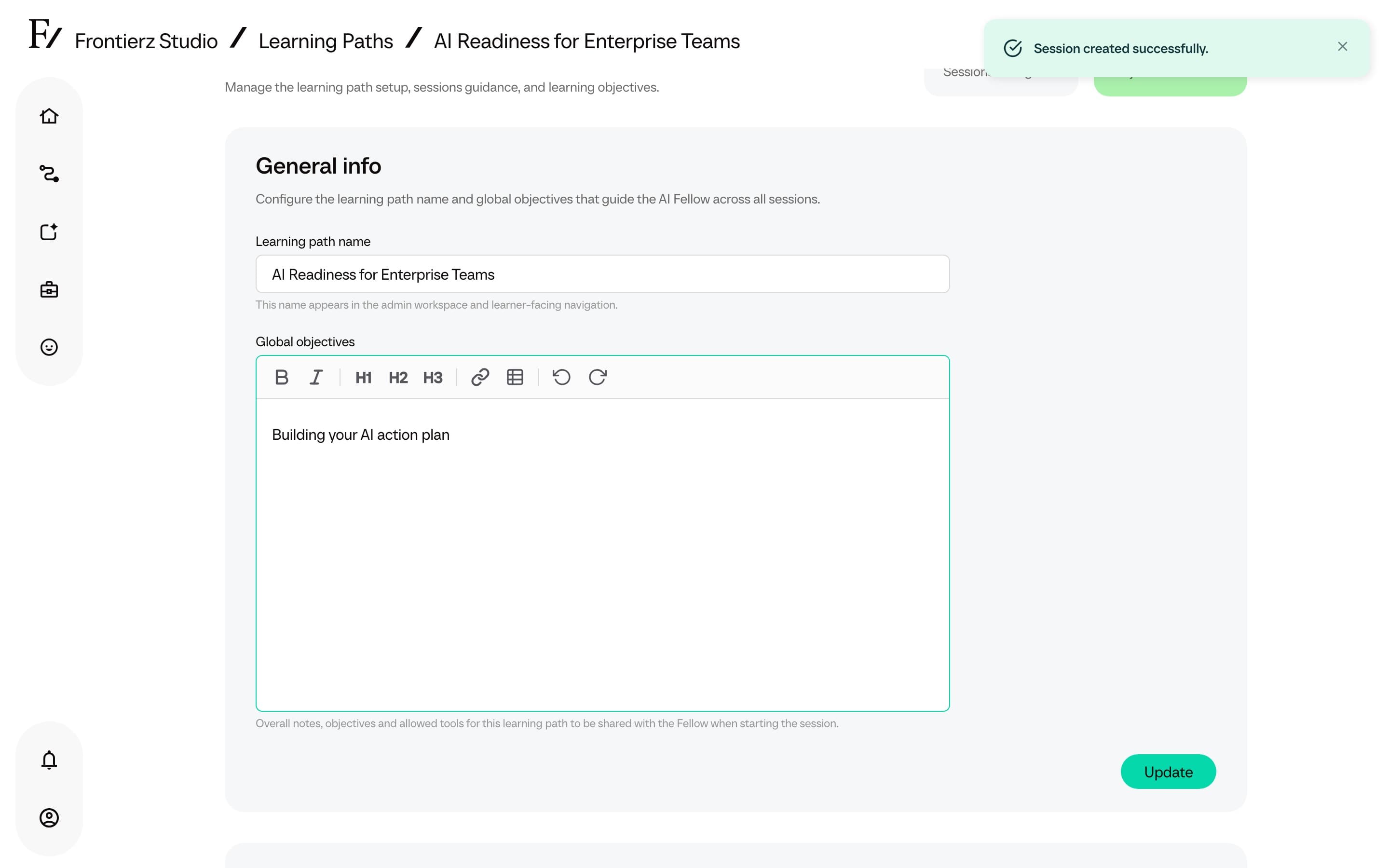
Define the session objectives (next).
Configure a session badge
A session can have an optional Frontierz session badge. It is a reward shown on the learner's Journey card after the session is configured with an icon.
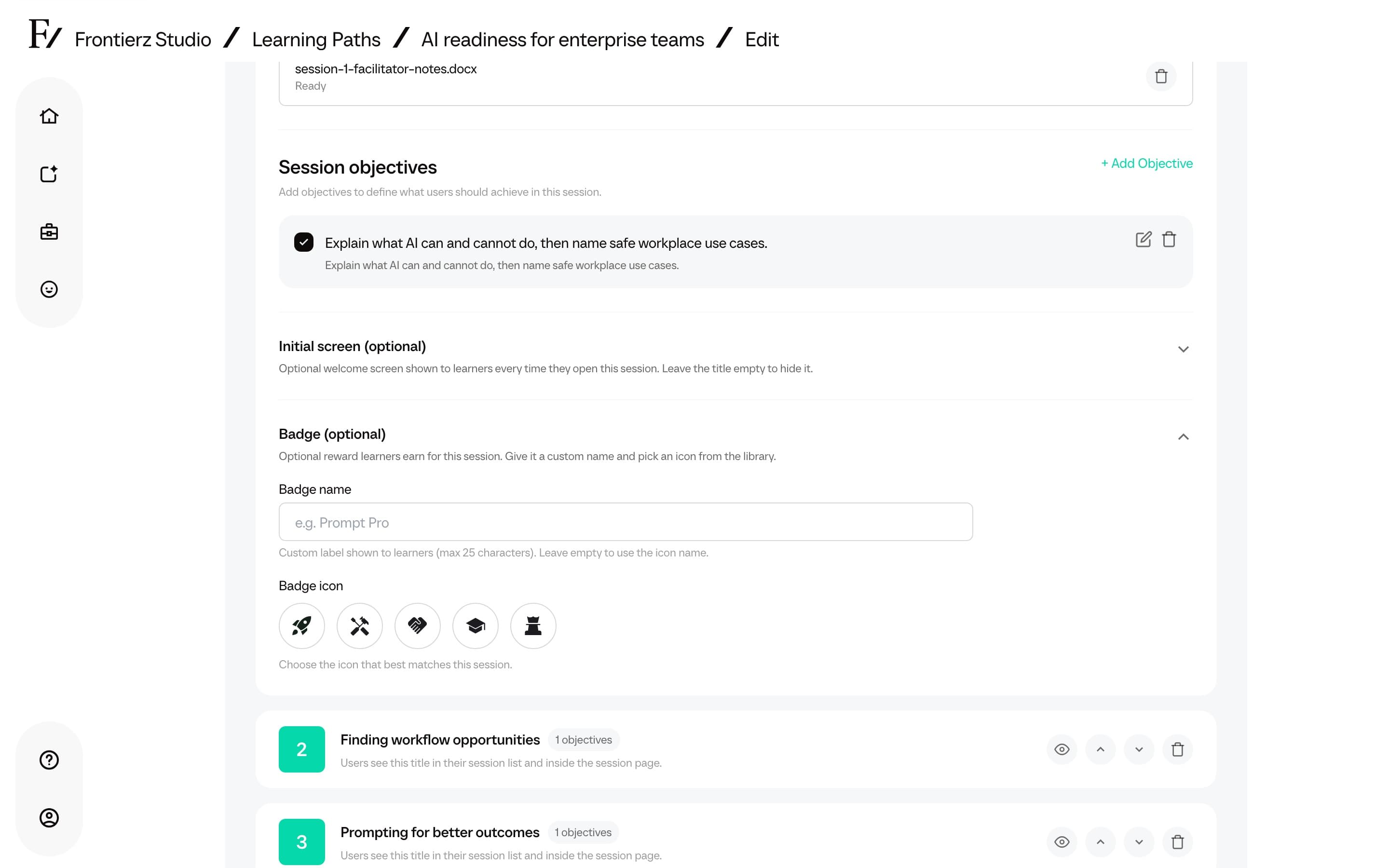
Learners see the configured icon and name on the session card in Your Journey. The analytics dashboard also groups completed session badges under Enrolled Users.
Session badges are Frontierz progression markers. They are separate from Microsoft badges, which are external credentials shown on the certificate page.
Preview a session
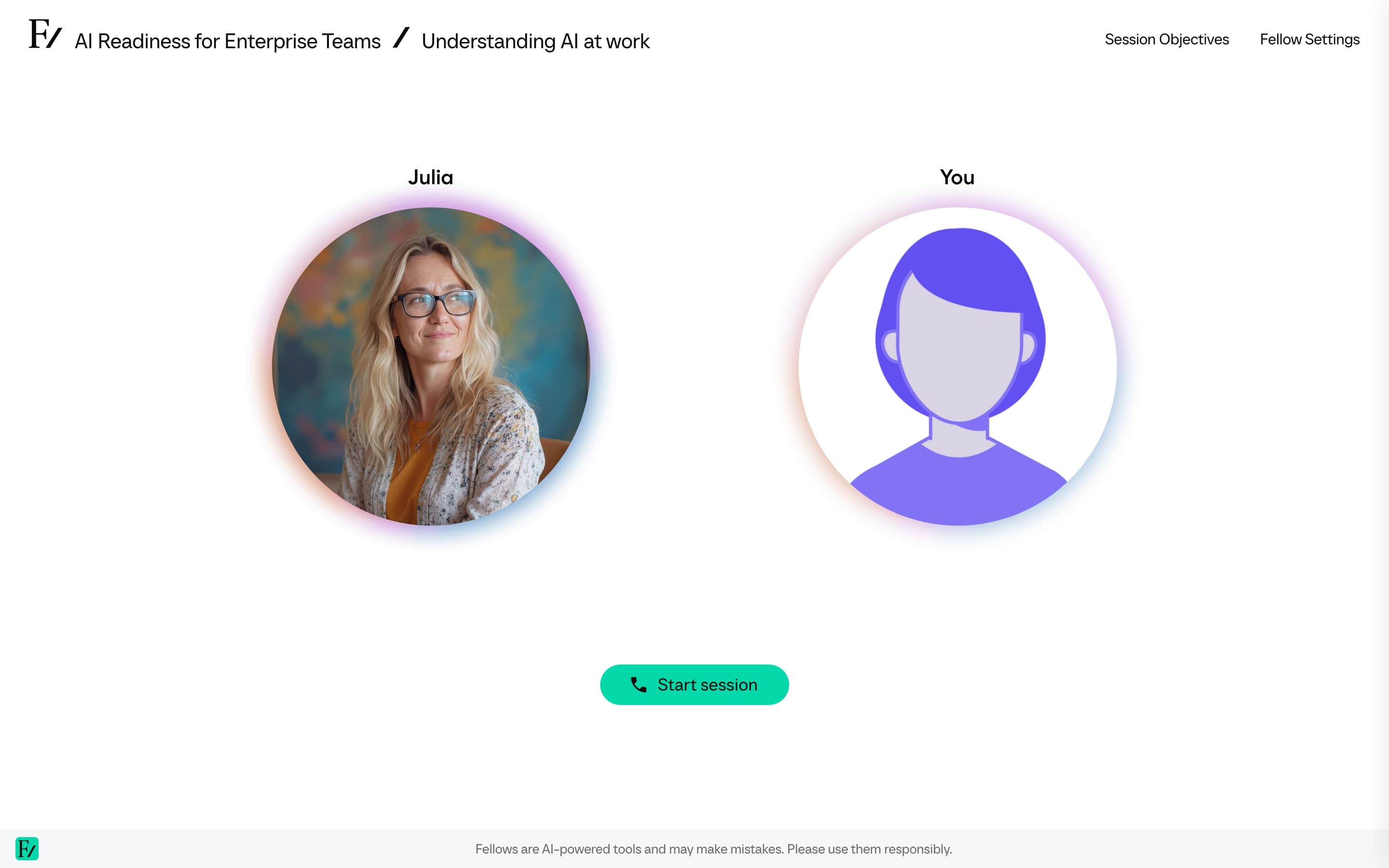
Admins can preview a Learning Path session from the eye icon on the session row.
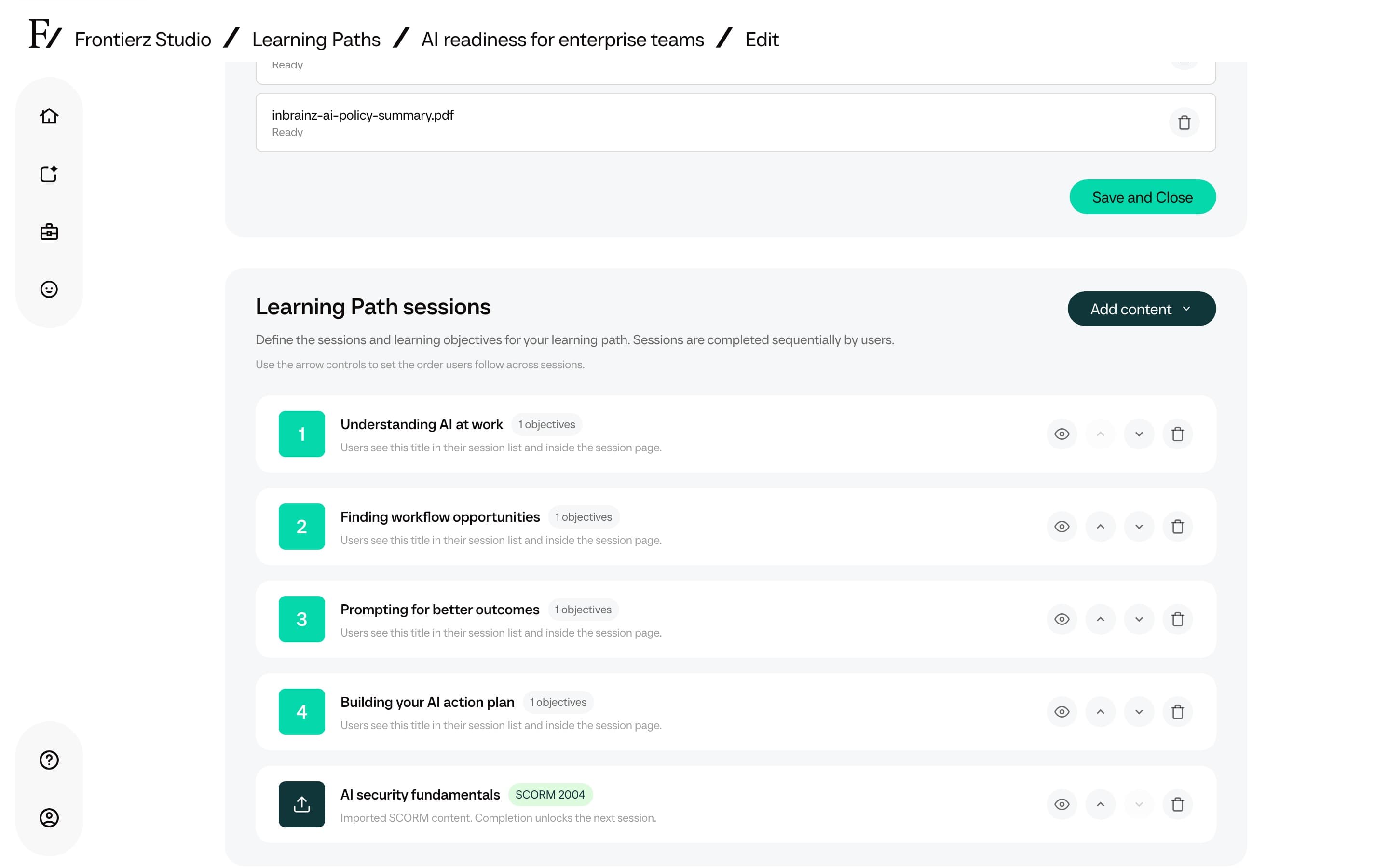
Session preview is an admin view. It does not require learner enrollment and does not enforce sequence locks.
Saving editor changes
Most editor fields use Save or Save and Close. Session title, session notes, Info screen fields, and badge fields save when you leave the field. Objective changes use Save. Capability changes use Save Capabilities.
Session reordering and deletion are saved immediately. Reordering writes the new order, and deleting a session removes it and reindexes the remaining sessions. These actions do not require a separate Save.
Define objectives
The AI Fellow validates objectives in real time during the conversation, based on what the user states or demonstrates on the shared screen. Each objective is recorded as either met or pending.
Write the objective in clear, specific language. For example, "The user names at least three customer pain points the product addresses."
Repeat for every objective the session requires. The number of objectives per session is not capped.
Make objectives observable. "Understands the product" is hard for an AI Fellow to confirm. "Explains the three main features without checking the docs" is clear: either it happens in the conversation or it does not.
Create objectives with AI
When a session has no objectives, the empty state offers Add Objective and Create objectives with AI.
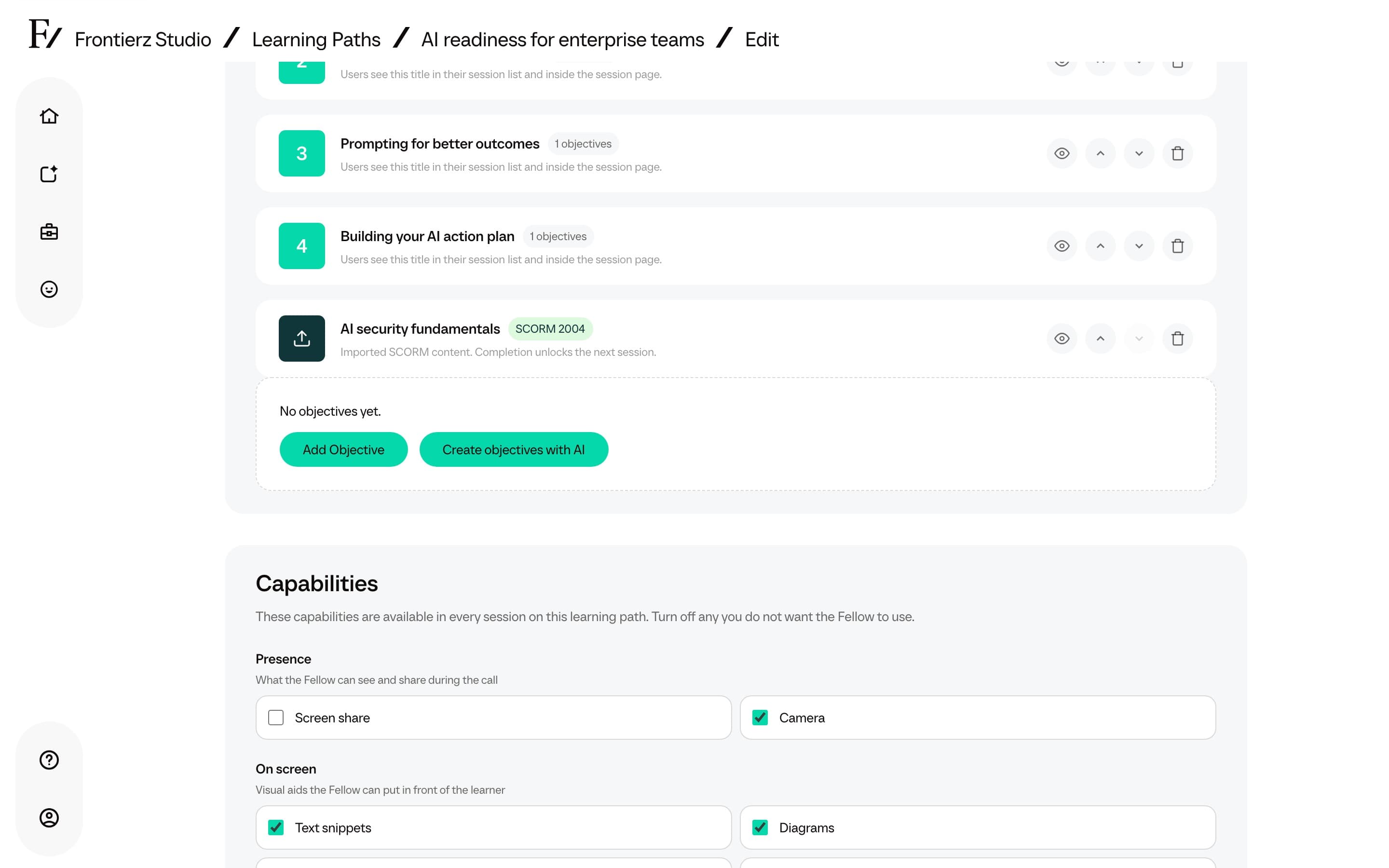
AI-generated objectives are a starting point. Check that each one describes an observable outcome for the learner.
Info screen
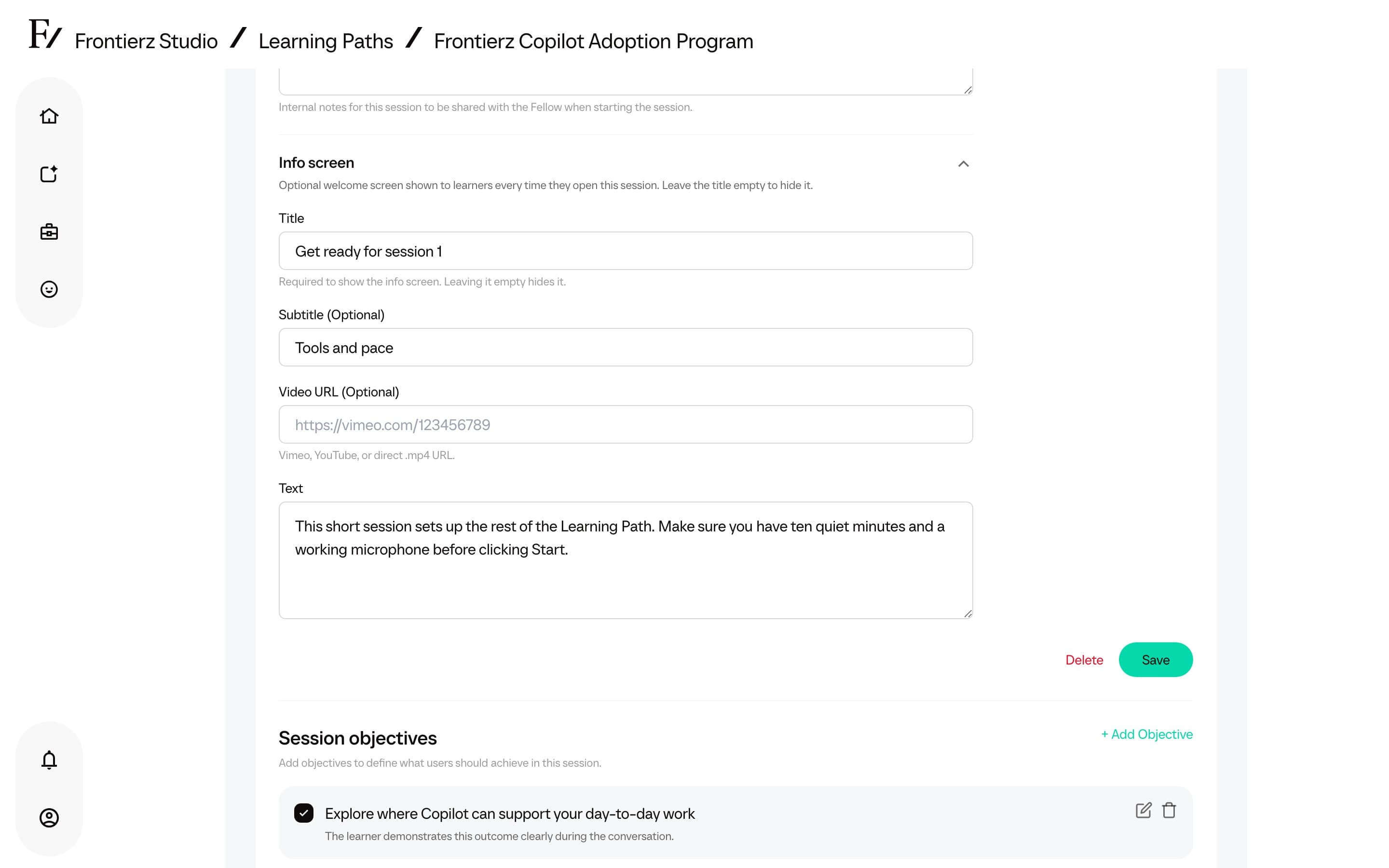
Each session can show an optional welcome modal before the user starts the conversation. Use it to provide context, share a short briefing video, or frame the session.
The session info screen has the same fields as the
AI Fellow Info screen: title, optional
subtitle, optional video URL (Vimeo, YouTube, or a direct .mp4 link),
and optional body text. Leave the title empty to hide the modal. The
modal opens whenever the user enters that session, not only on the first
visit.
Edit these fields from the session panel in the Learning Path editor, alongside the session name and Session notes. Session notes are Fellow guidance for that session. The Info screen is the learner-facing welcome modal.
Session knowledge
Each session can carry up to two reference files that the AI Fellow can read only while the user is in that session. Upload them from the session's Session knowledge base. For material that should apply to every session in the path, use Global knowledge base instead. See Learning Path knowledge.
Add an AI Simulation between sessions
An existing AI Simulation can be placed into a Learning Path as a step between sessions. It joins the same ordered sequence: it unlocks when the previous session is complete, and the user starting a conversation with it unlocks the next session.
In the Sessions area, click Add AI Simulation next to Add New Session.
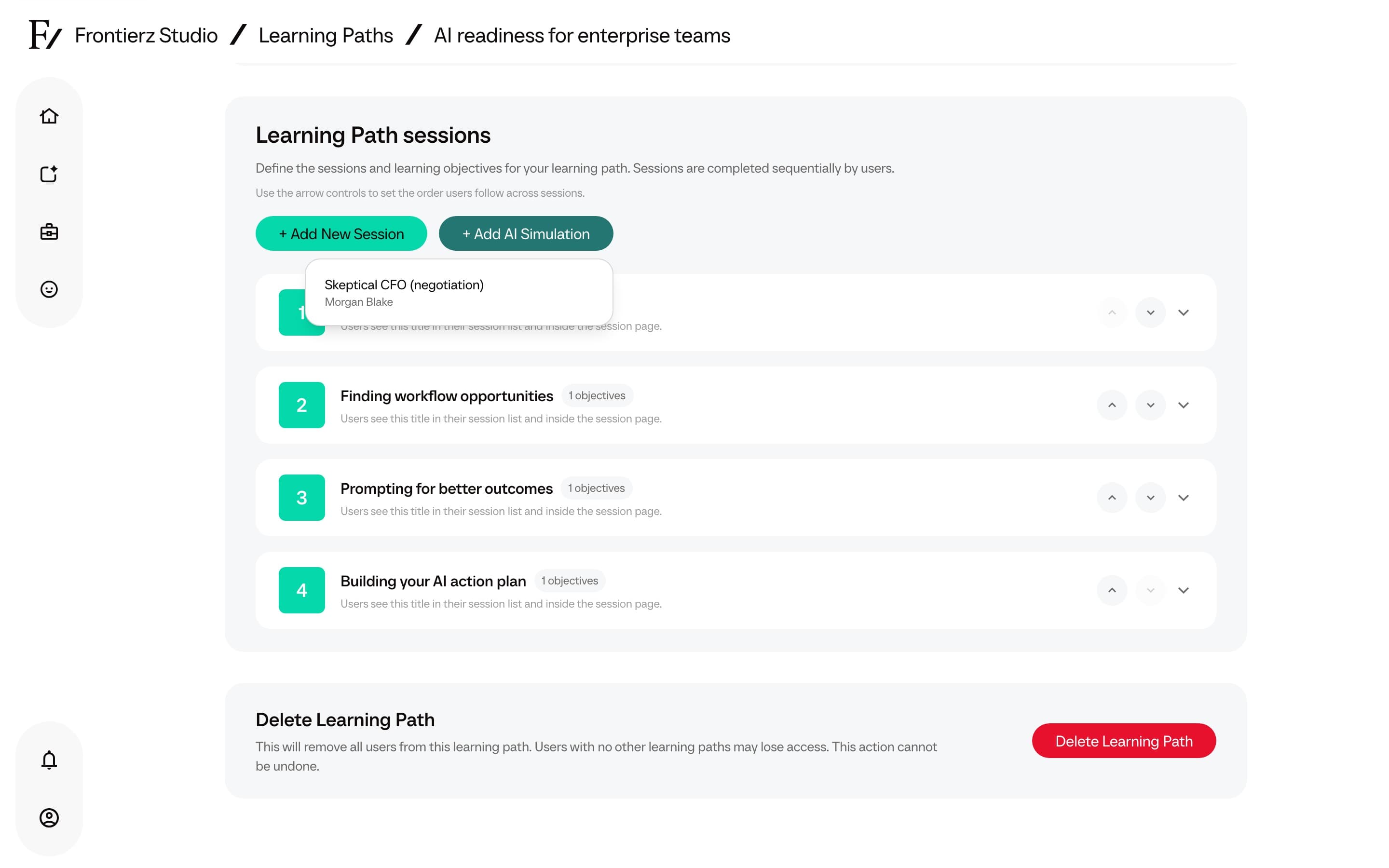
Pick a simulation from the list. Only Active AI Simulations in the workspace are selectable. When none exist, the button stays disabled and the list reads No active AI Simulations available in this workspace.
The simulation is added as a step and can be moved into position with the arrow controls, the same way as a session. Adding and reordering steps are saved immediately. No separate Save is required.
A simulation step carries an AI Simulation tag on the user's Journey and opens the role-play conversation directly. It has no session objectives of its own. Completing the role-play (not only starting it) unlocks the next step. After the session, Frontierz prepares coaching feedback. On Settings you can keep that feedback visible to learners and admins, or admins only. To change the rubric, edit the simulation itself from AI Simulations.
A simulation has to exist and be set to Active before it can be added. Build one from Frontierz Studio → AI Fellows → New AI Fellow → AI Simulation. See AI Simulations.
Add a SCORM lesson
The Sessions area also has an Import SCORM button. Use it to add an existing SCORM package (for example, an e-learning module exported from an authoring tool) as a step in the sequence. It unlocks when the previous step is complete and gates the next step until the package reports completion. See Import a SCORM package.
Why sessions are sequential
Sessions open in order because each one assumes the competencies built in the previous ones. For a non-sequential library of content where the user selects what to read, a Learning Path is not the right format. A single AI Fellow with a broad Knowledge Base would fit better.