

Privacy and data
Frontierz isolates company data by organization. Users, AI Fellows, Learning Paths, conversations, analytics, uploaded knowledge, and configurations are all scoped to the company account.
This page documents how that isolation is implemented in practice.
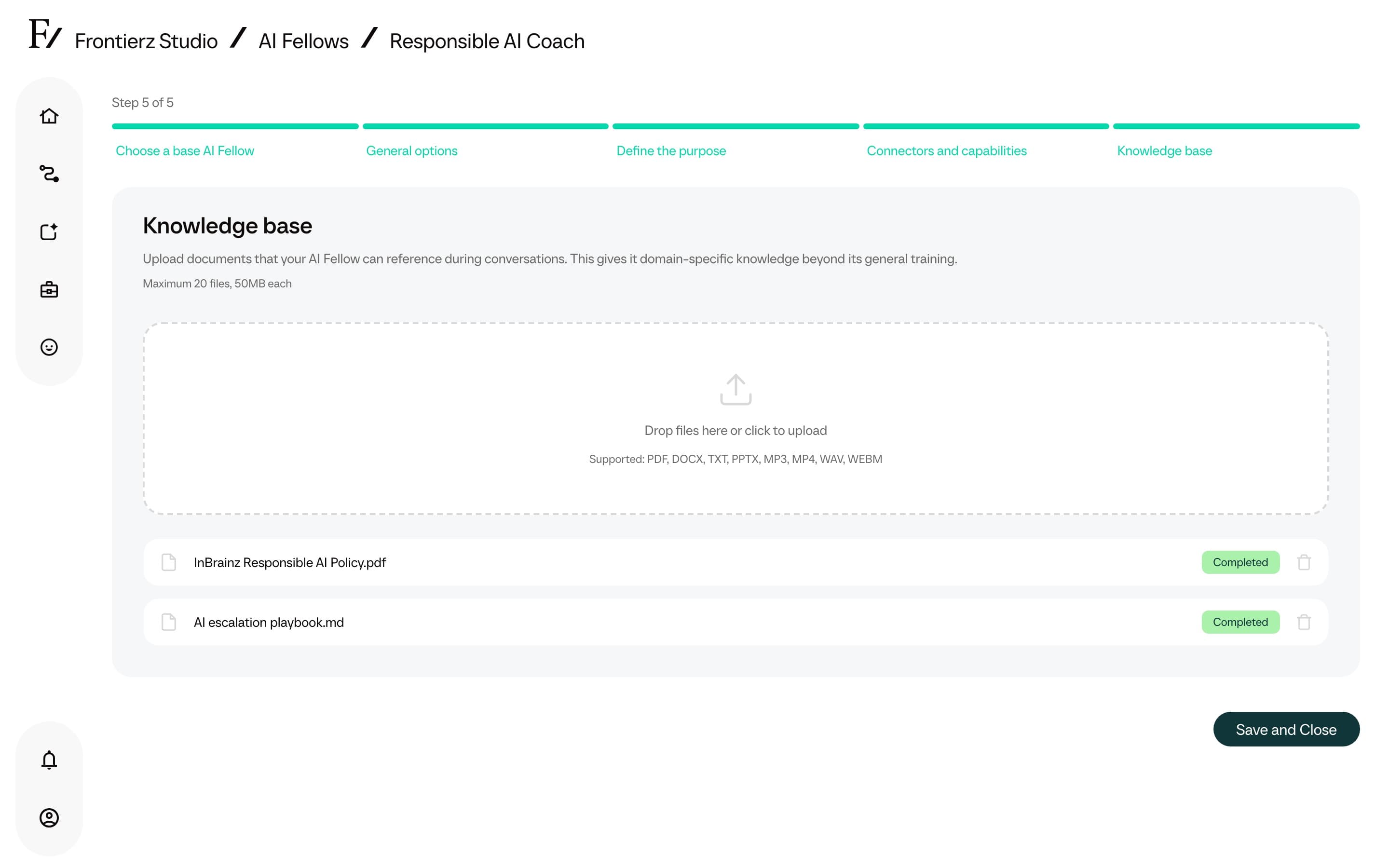
Uploaded knowledge
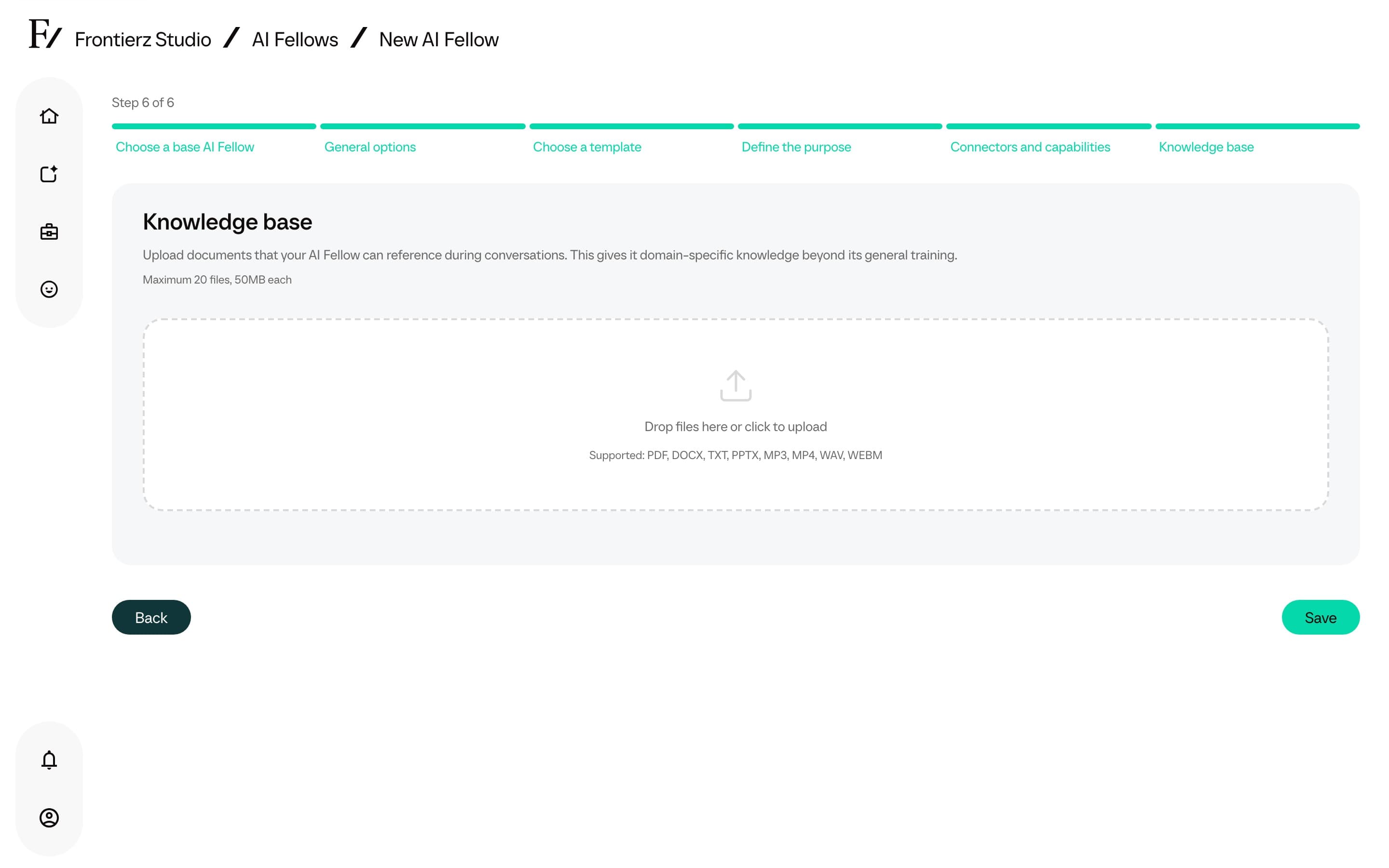
Knowledge Base files (PDFs, Word, PowerPoint, TXT, Markdown, audio, and video) are stored, processed, and used as reference material for the AI Fellow they were uploaded to.
- Full Admins, and Managers with access to that AI Fellow, can add, remove, or reprocess the files.
- During a conversation, the AI Fellow can search the processed knowledge and consult the relevant document for detailed answers. The search stays within that AI Fellow's Knowledge Base.
- A knowledge file can be deleted at any time. The AI Fellow updates its Knowledge Base after the change is processed.
Files sent during sessions
Users can send a file during an active AI Fellow session. The AI Fellow uses it as context for that conversation only. This does not add the file to the AI Fellow's Knowledge Base and does not change future sessions.
Supported files include images, PDFs, Word documents, PowerPoint decks, and text-like files. The transcript records that the user sent a file, using the file name.
For admin guidance, see Files sent during sessions.
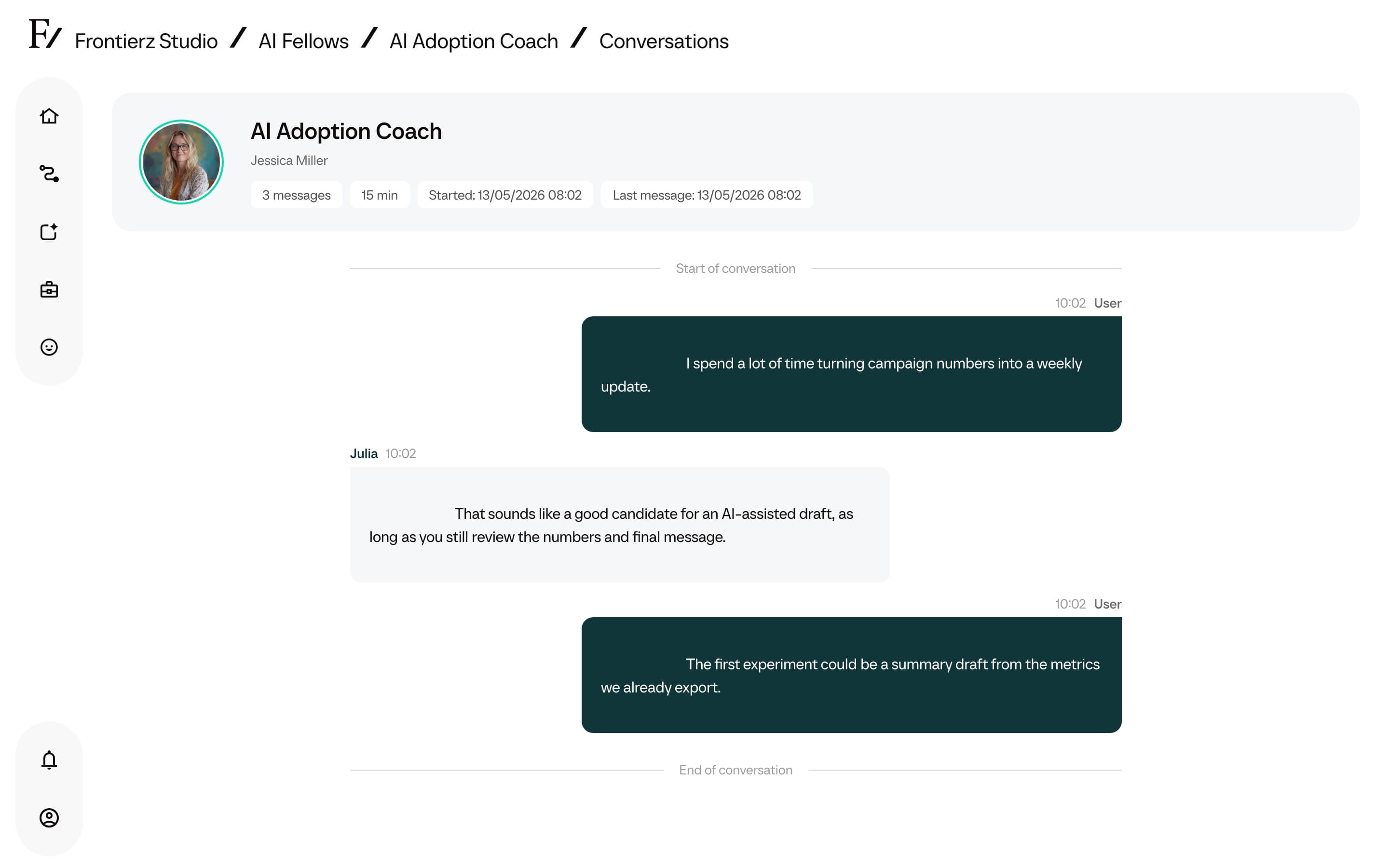
Conversations and transcripts
Live sessions are transcribed and summarized automatically.
- Admin users can review conversation history according to their role and the resources they have access to.
- Conversations on a Public AI Fellow are anonymous by default. The transcripts are visible to authorized Admin users, but they are not attributed to a specific person unless the embed or link passes an external user ID.
- Conversations on a Private AI Fellow require login, so transcripts are attributed to the user who held them.
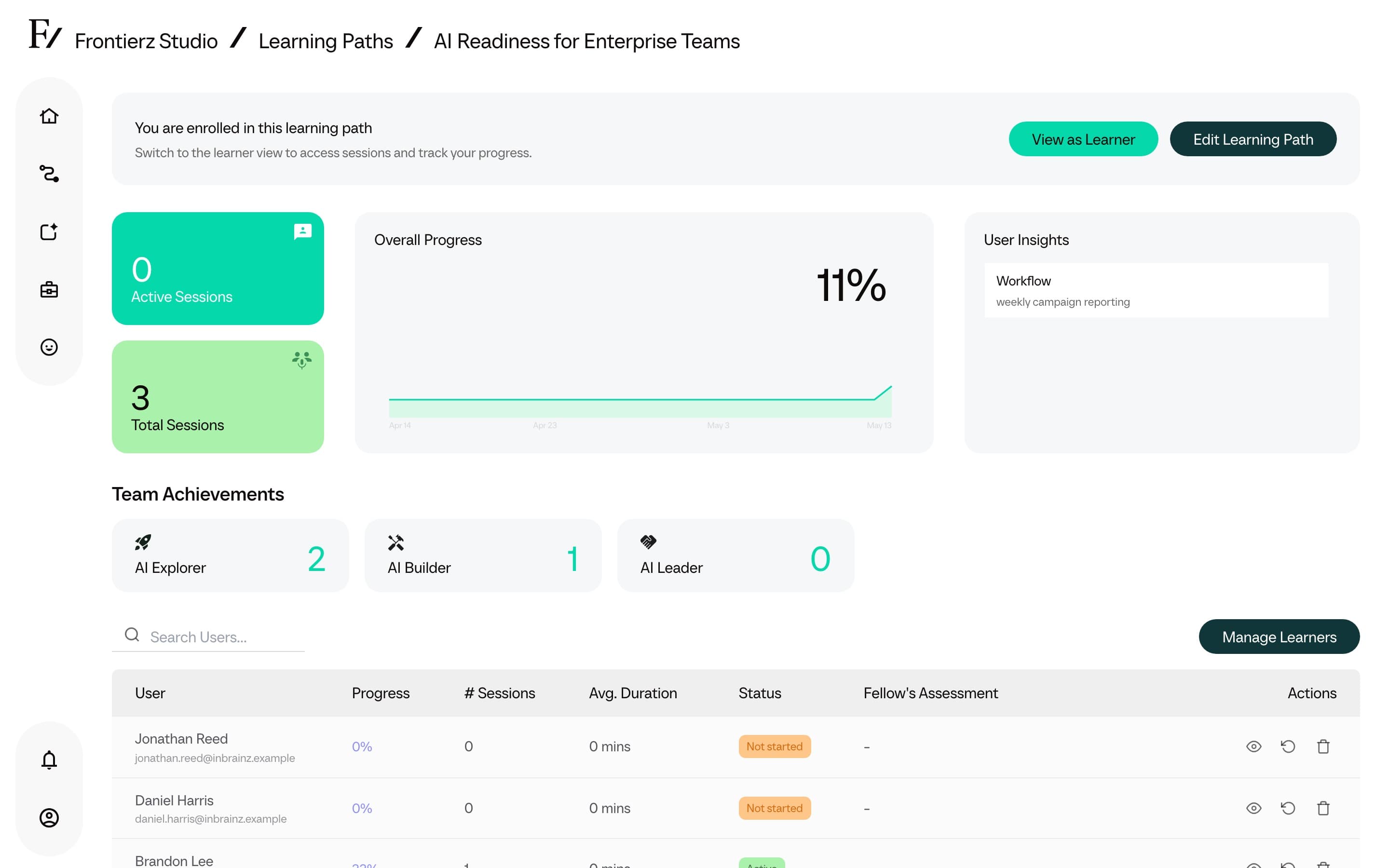
- Conversations inside a Learning Path are tied to the enrolled user for progress purposes; authorized Admin users can see who completed which session and when.
Camera sharing
Camera sharing is disabled by default. The user must explicitly enable the camera and can disable it at any time during a session. When enabled, the AI Fellow receives camera snapshots at conversationally relevant moments rather than a continuous video stream. Camera data is not retained beyond the active session.
See AI Fellows for the live-session details.
Screen sharing
Screen sharing is disabled by default. The user selects the screen, window, or tab to share through the browser native dialog and can stop sharing at any time. The AI Fellow only sees what was explicitly shared. Screens are not recorded or stored beyond the session. Only the most recent frames stay in working memory while the conversation is live.
Connector data
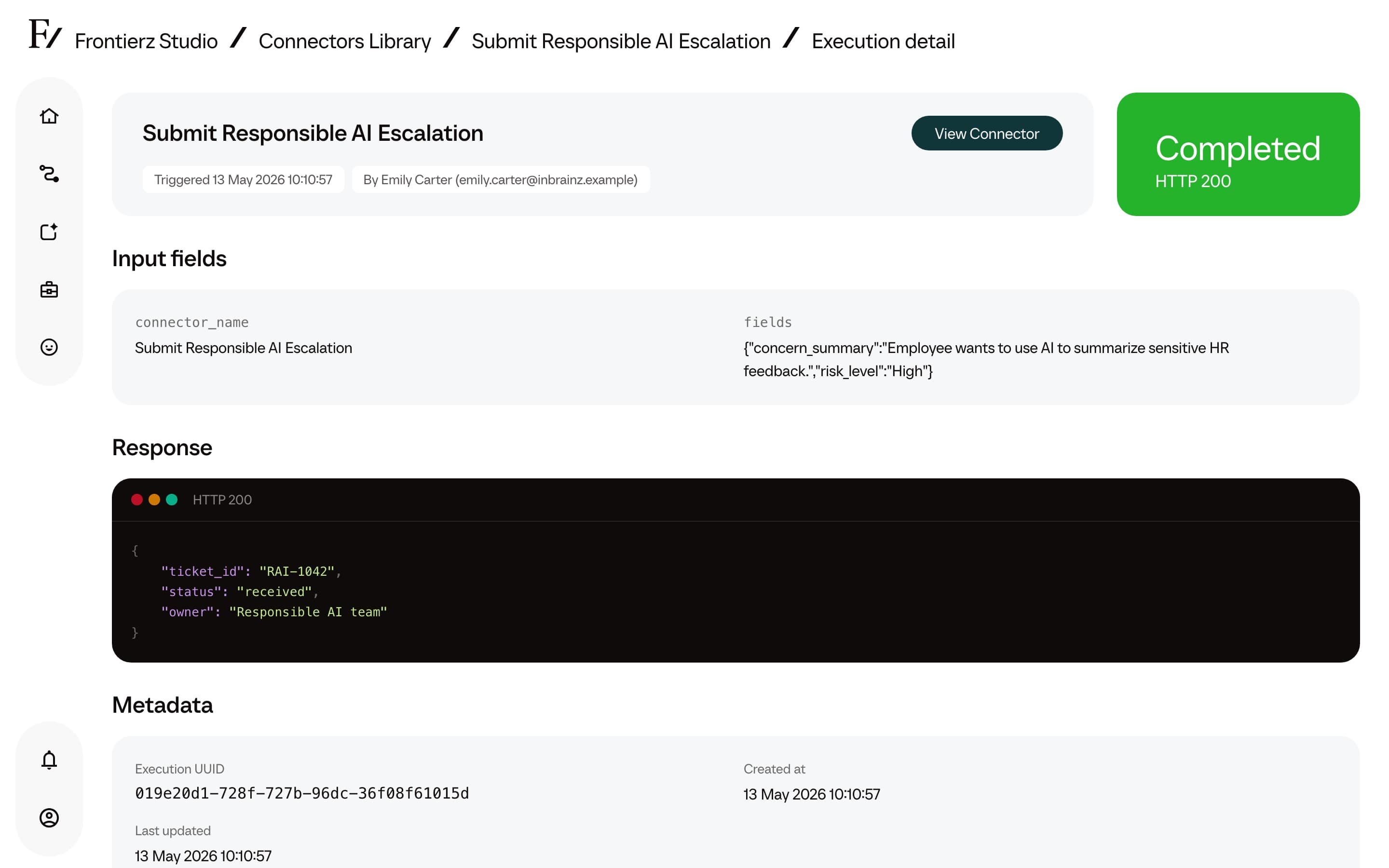
When a Connector is invoked, the data the AI Fellow gathered from the user is sent to the system the Connector points to (such as a CRM, LMS, HR system, or any other system configured by the customer's IT team). Frontierz logs the request and the response on its side for audit purposes. What the receiving system does with the data depends on that system's own retention and processing rules.
Company isolation
Each Frontierz customer operates inside its own logical company account. Data from one company is not visible to other customers. The platform enforces access controls on the server side, so security does not depend on hiding menu items.
Items to confirm with the Frontierz account team
The answers below depend on the customer agreement, the region, and the specific configuration in scope. Confirm them with the Frontierz account team before any internal or external commitment, since the answer depends on the customer's account.
- Data residency options (where data is physically hosted).
- Encryption details (algorithms, key management).
- Retention policies (how long transcripts and analytics are kept).
- Deletion policies (what happens when data is deleted, and how long it takes to fully purge).
- Subprocessor list (third parties that touch customer data).
- Audit log access and retention.
- SSO and identity provider support.