

Files sent during sessions
Users can drag one file into an active AI Fellow session. The AI Fellow uses that file as context for the current conversation.
This is different from the Knowledge Base. A Knowledge Base file is uploaded by an admin and becomes part of the AI Fellow's reference material for future conversations. A file sent during a session is provided by the user for that conversation.
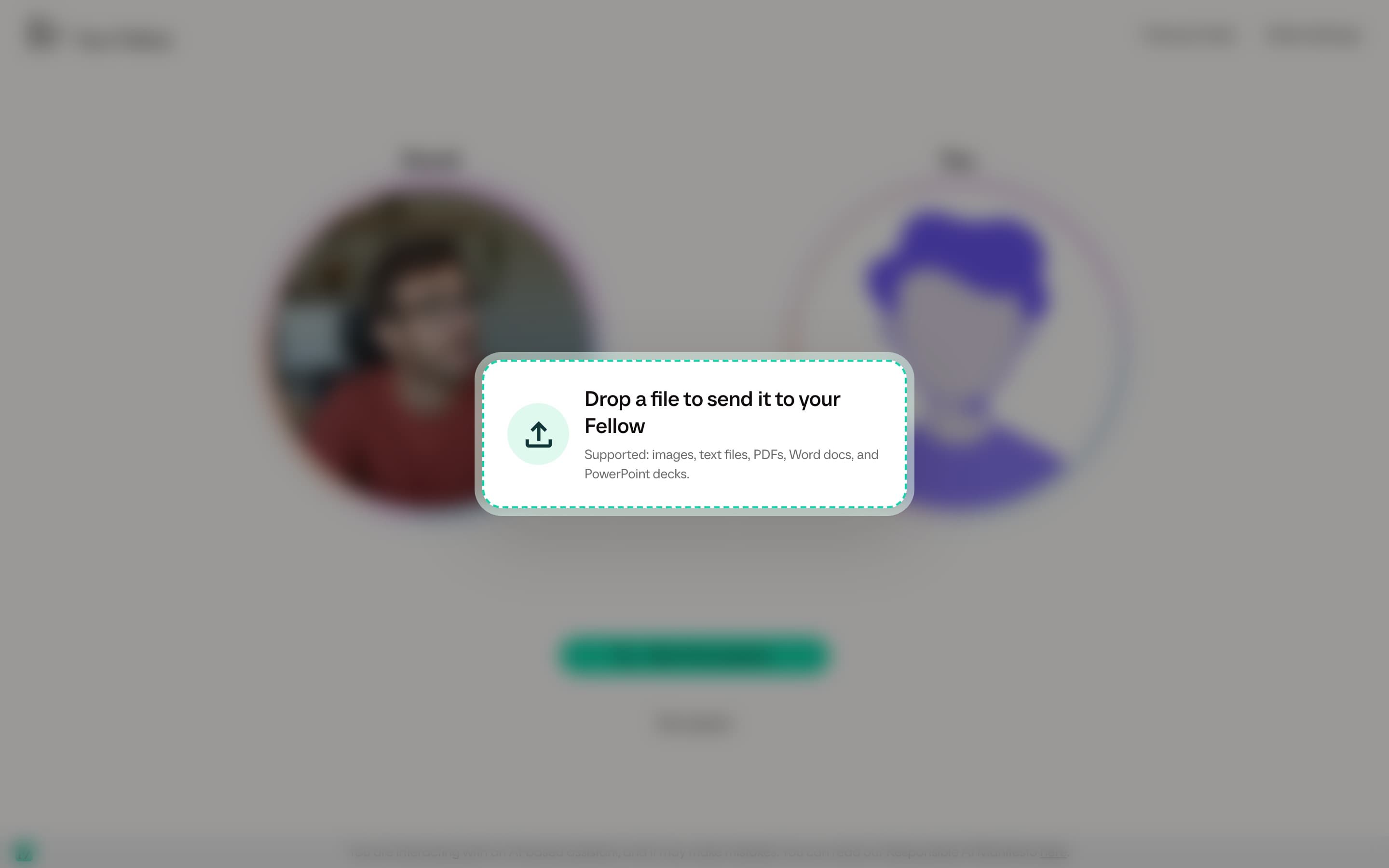
Supported files
Users can send one file at a time. Supported files include:
- Images
- Word documents (
.docx,.doc) - PowerPoint decks (
.pptx,.ppt) - Excel workbooks (
.xlsx) - Plain text and text-like files (
.txt,.md,.csv,.json,.yaml,.log)
File-drop limits
Users can send one file at a time.
- Direct files, including images and text-like files, are limited to 10 MB.
- Documents processed asynchronously are limited to 50 MB.
- Text content is limited to 15,000 characters. Longer text is truncated before the AI Fellow receives it.
Large or unsupported files are rejected before they reach the AI Fellow. Documents may take a short time to process before the AI Fellow can use them.
What admins should know
The transcript records that the user sent a file, using the file name. The file does not become a reusable Knowledge Base document, and it does not change the AI Fellow's configuration.
If a document should be available to every user and every future conversation, upload it to the Knowledge Base instead.
Privacy and review
User-sent files should follow the same company rules as spoken or typed conversation content. If users may handle confidential documents, tell them which file types and data categories are appropriate to send before launching the AI Fellow.
For the broader data model, see Privacy and data.