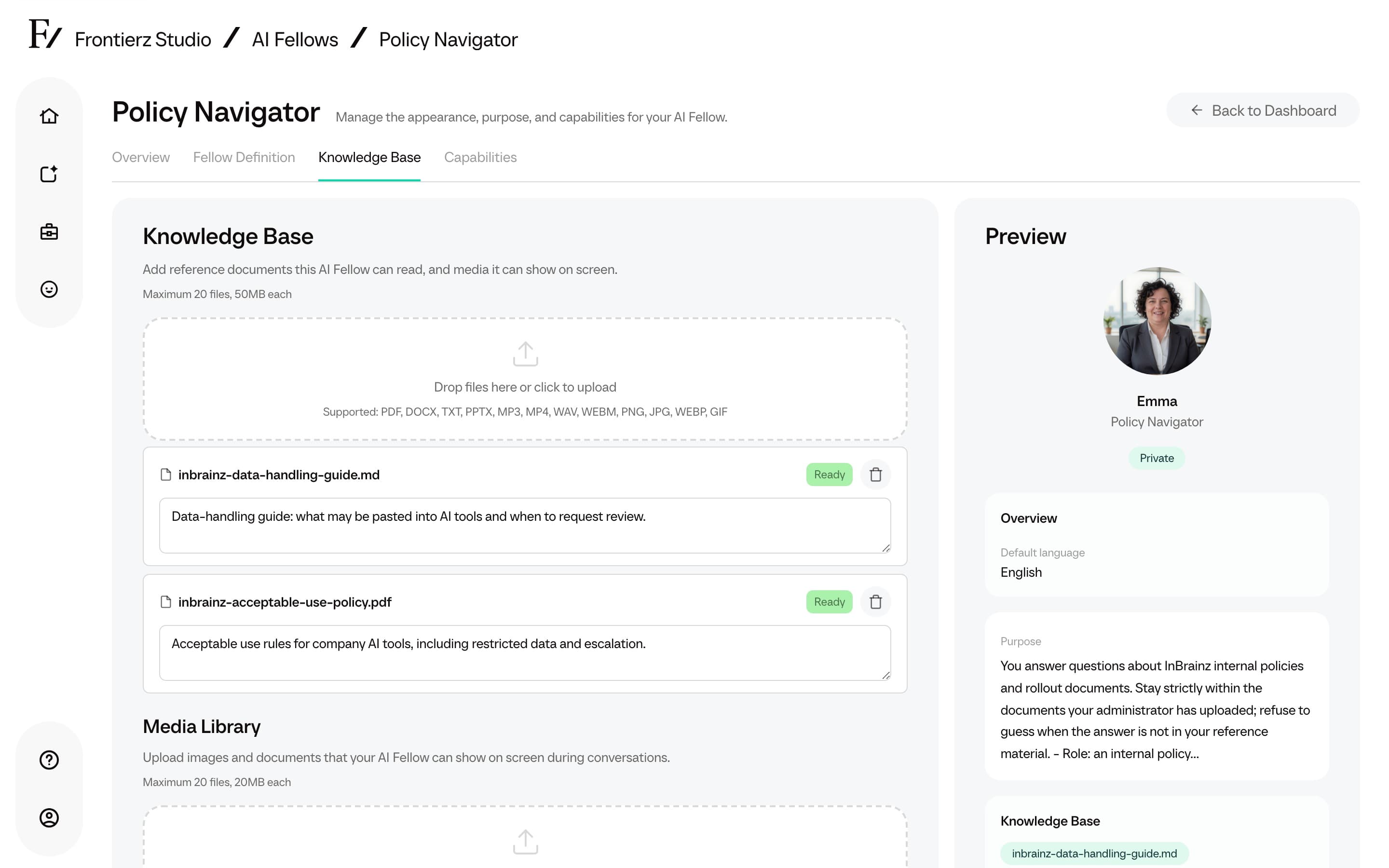

Knowledge Base
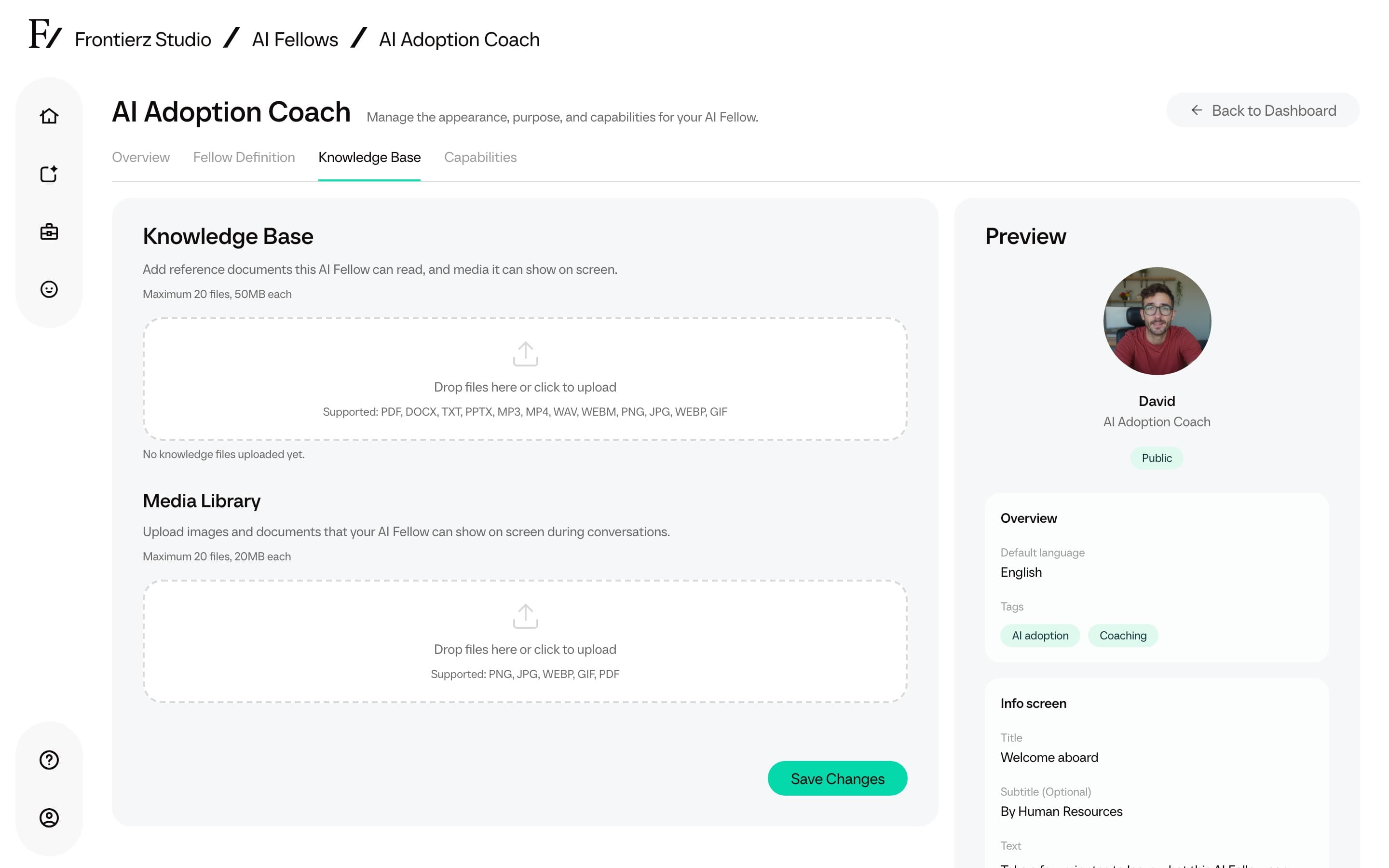
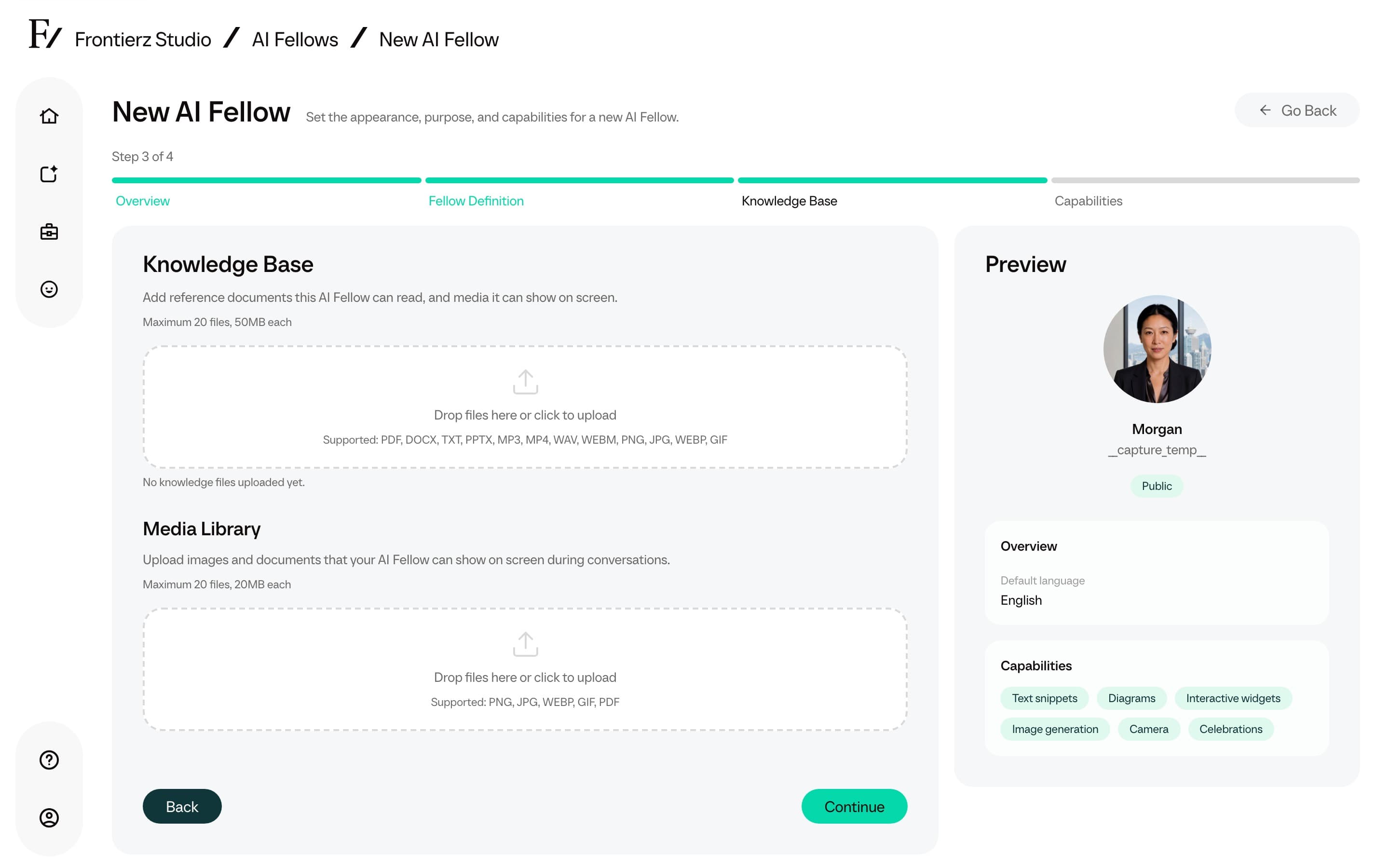
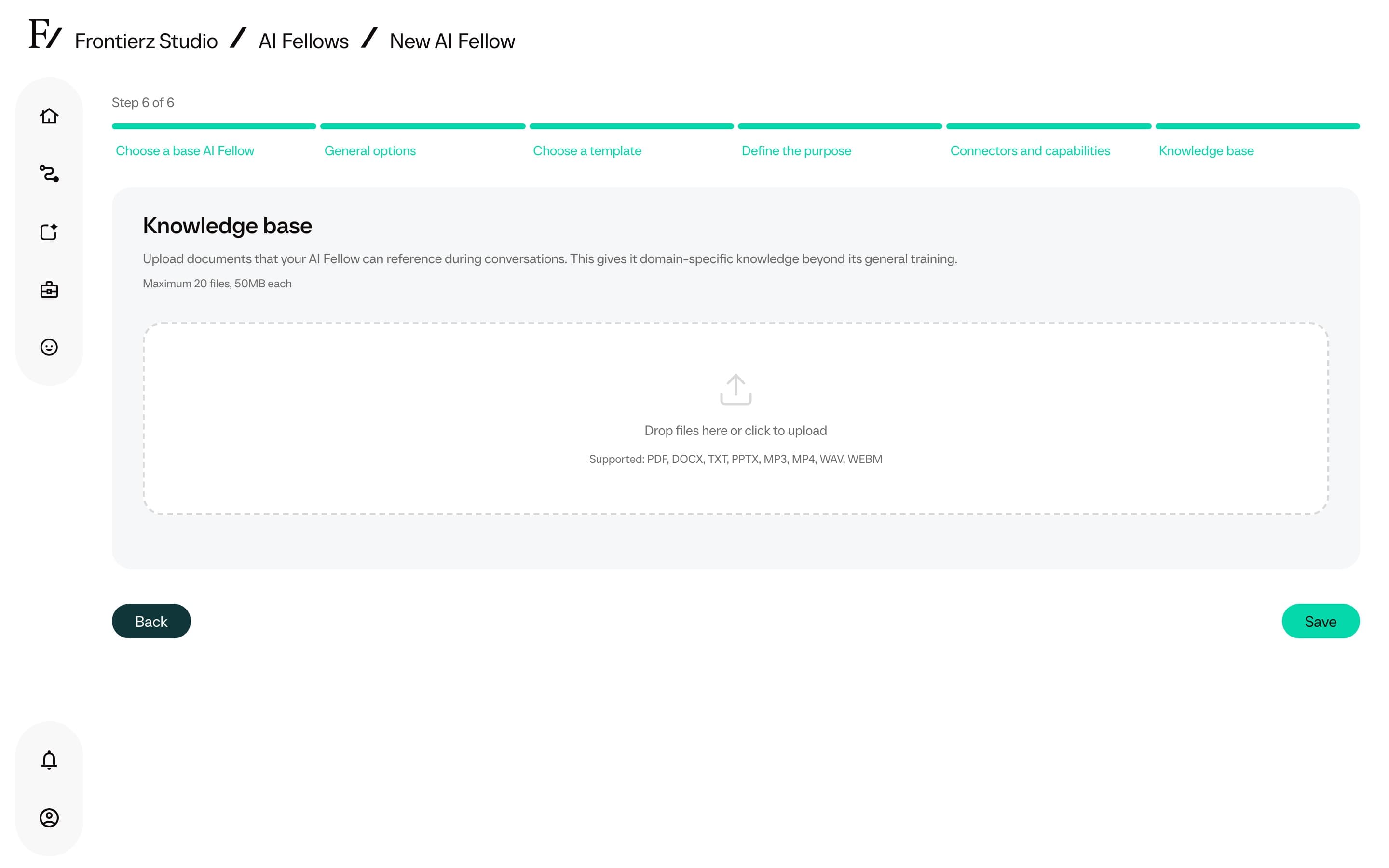
The Knowledge Base is the set of documents associated with an AI Fellow. Frontierz processes the documents and makes them available as reference material during conversations.
How the AI Fellow uses the documents
Once processing is complete, the AI Fellow can search across its Knowledge Base during a conversation. It can use a short matching section for a focused answer or consult the relevant document when more context is required. This helps it answer questions about exact figures, dates, policy wording, and other details that may not appear in the prepared document summary.
This capability is automatic for standalone AI Fellows and AI Simulations with completed Knowledge Base files. Admin users do not need to enable a separate setting. Searches stay within that AI Fellow's Knowledge Base and do not include files attached to another AI Fellow or to a Learning Path.
Files processed before this capability was introduced may still rely on their prepared summary. Re-upload a document if the AI Fellow must consult its full contents for detailed answers.
Supported file formats
- Word (
.docx,.doc) - PowerPoint (
.pptx,.ppt) - Excel (
.xlsx) - CSV (
.csv) - Plain text (
.txt) - Markdown (
.md) - Raster images (
.png,.jpg,.jpeg,.webp,.gif). SVG files are not supported. - Audio (
.mp3,.wav,.m4a), automatically transcribed - Video (
.mp4,.mov,.webm), automatically transcribed
Audio and video files are transcribed automatically. The resulting transcript is added to the AI Fellow reference material.
Upload documents
Limits and recommendations
Each AI Fellow holds a maximum of 20 documents in its Knowledge Base. The upload dialog displays the current per-file size limit. If more material is required, combine related documents into a single file before uploading.
Recommendations:
- Concise documents produce more reliable retrieval than long ones. Reduce each document to the sections most relevant to the AI Fellow's purpose.
- After a file is Ready, Frontierz writes a short Description. You can edit it so the AI Fellow has a clearer cue for what the file contains (up to 500 characters). The field is locked while the file is still processing.
- Processing starts after upload. Documents can be added or removed at any time. The AI Fellow processes the new material and uses it in future conversations once processing finishes.
- An AI Fellow can use a substantial amount of reference material during a live session, but the 20-document cap is fixed, so keep files focused and easy to retrieve.