

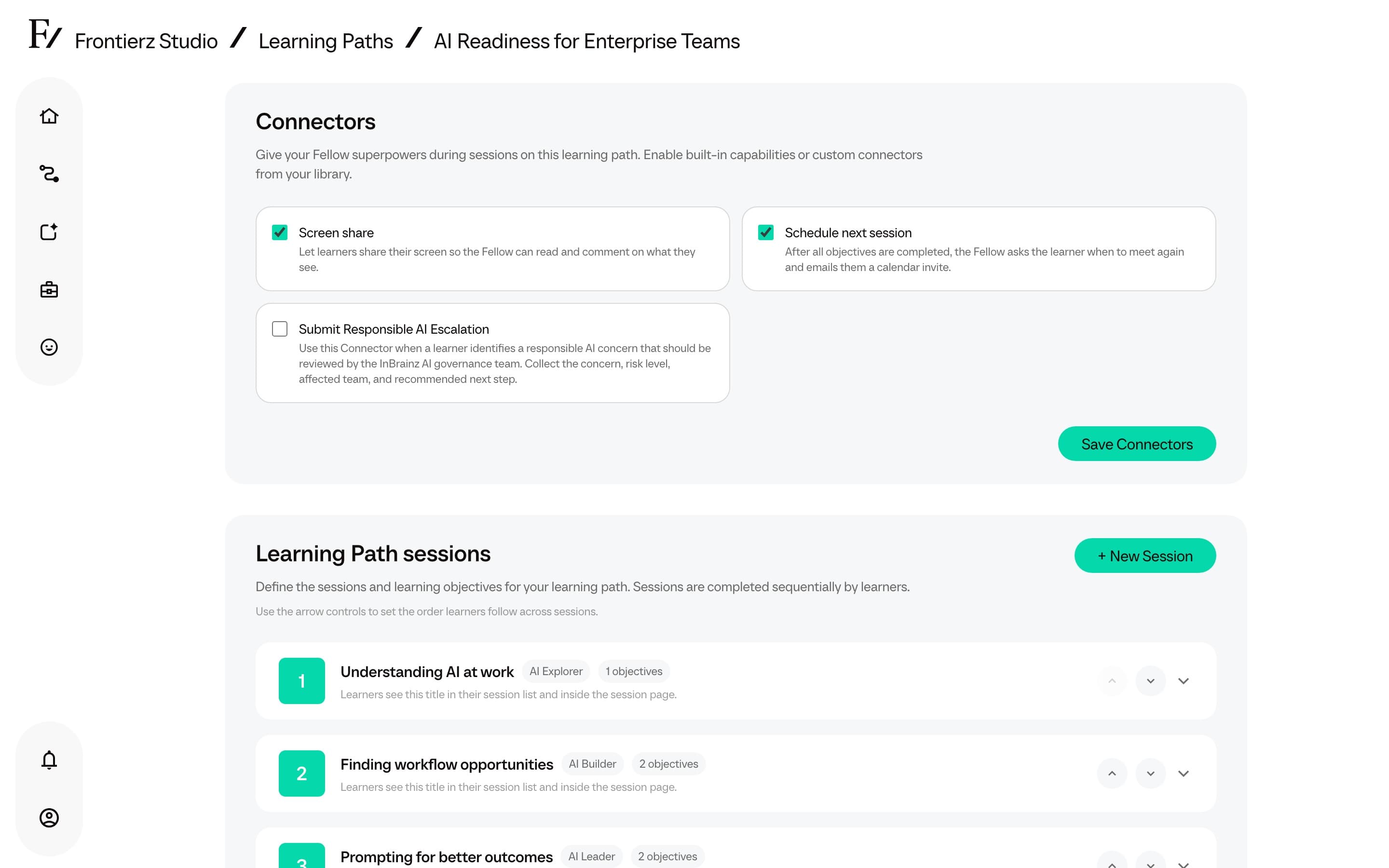
Connectors
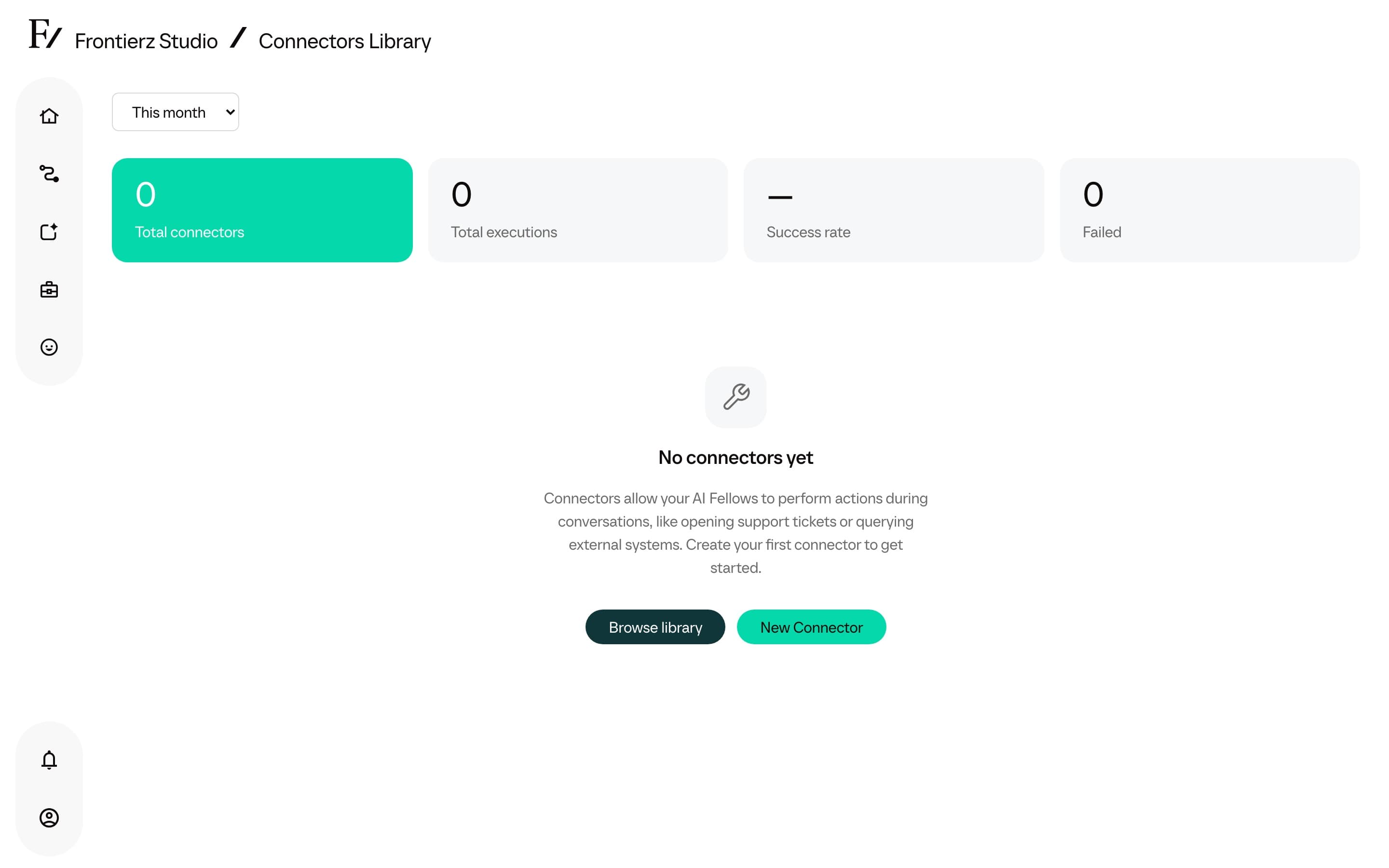
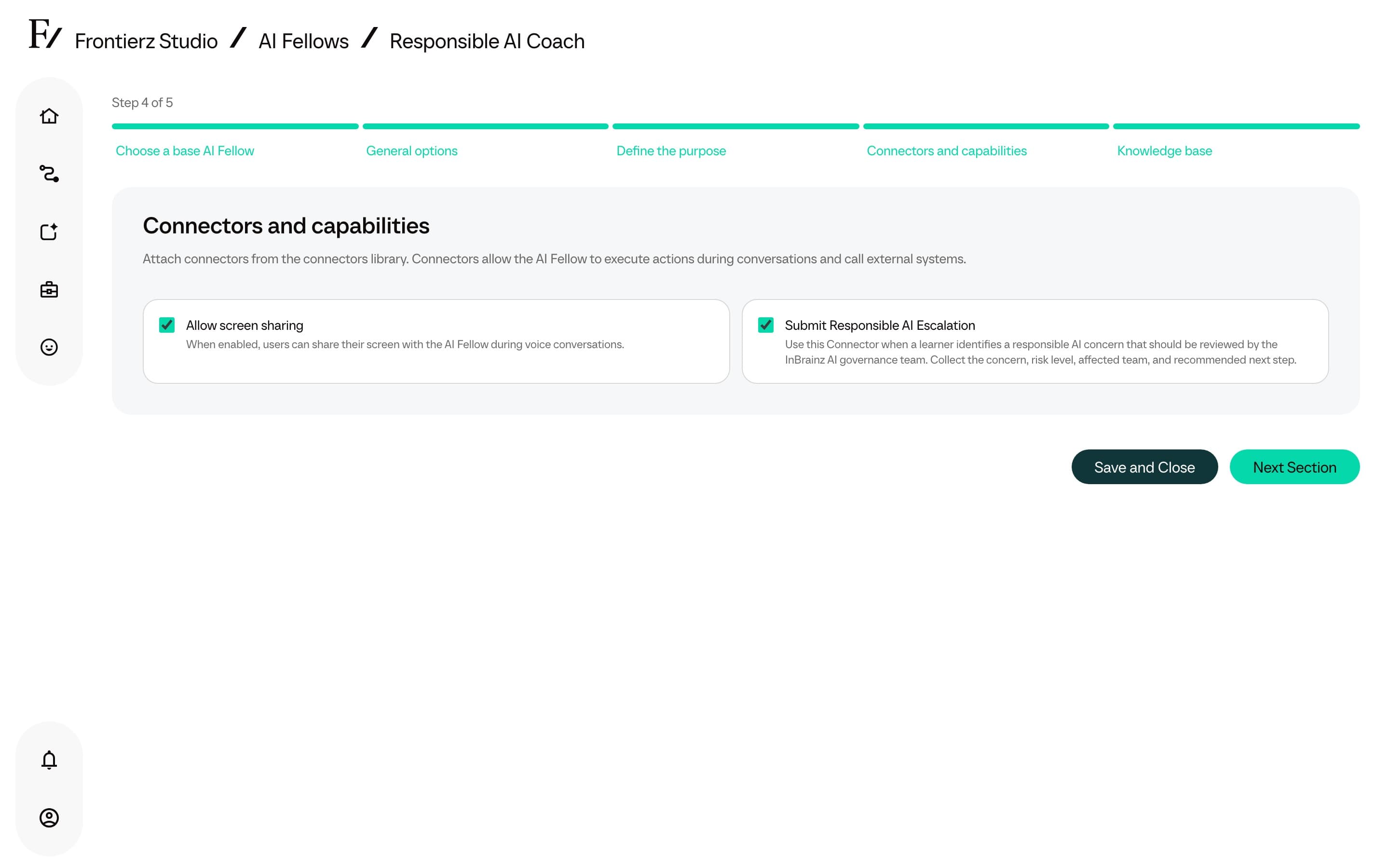
A Connector grants an AI Fellow a capability beyond conversation. Connectors can be built-in (such as screen sharing) or custom integrations with the customer's own systems. The Connectors Library is the central interface for creating and managing all Connectors used in the organization.
The Connectors Library is available to Full Admins, Owners, and Creators. Managers can use built-in capabilities on their assigned Learning Paths and AI Fellows, and can see custom Connectors a Full Admin has already attached, but they cannot open the library or change custom Connector attachments. Creators can create and edit custom Connectors. They cannot open Connector usage stats or execution dashboards.
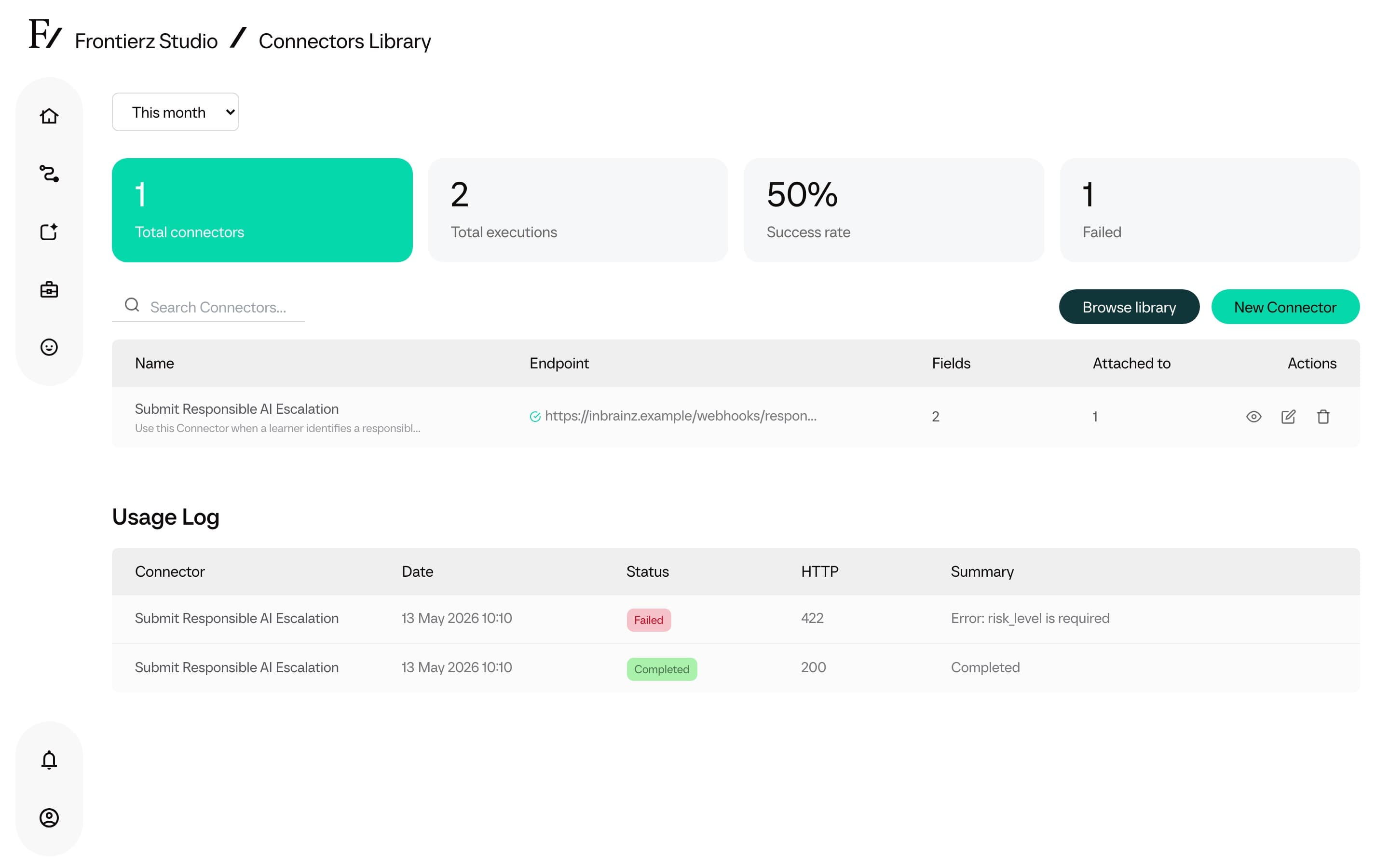
There are two kinds:
- Built-in capabilities. Session options configured on each AI Fellow or Learning Path under Capabilities (Presence, On screen, Session flow). Managers can toggle them on assigned assets.
- Custom Connectors. Integrations built by the customer, either as a direct HTTP call to one of the customer's systems or as an MCP (Model Context Protocol) connection to an AI-aware data source.
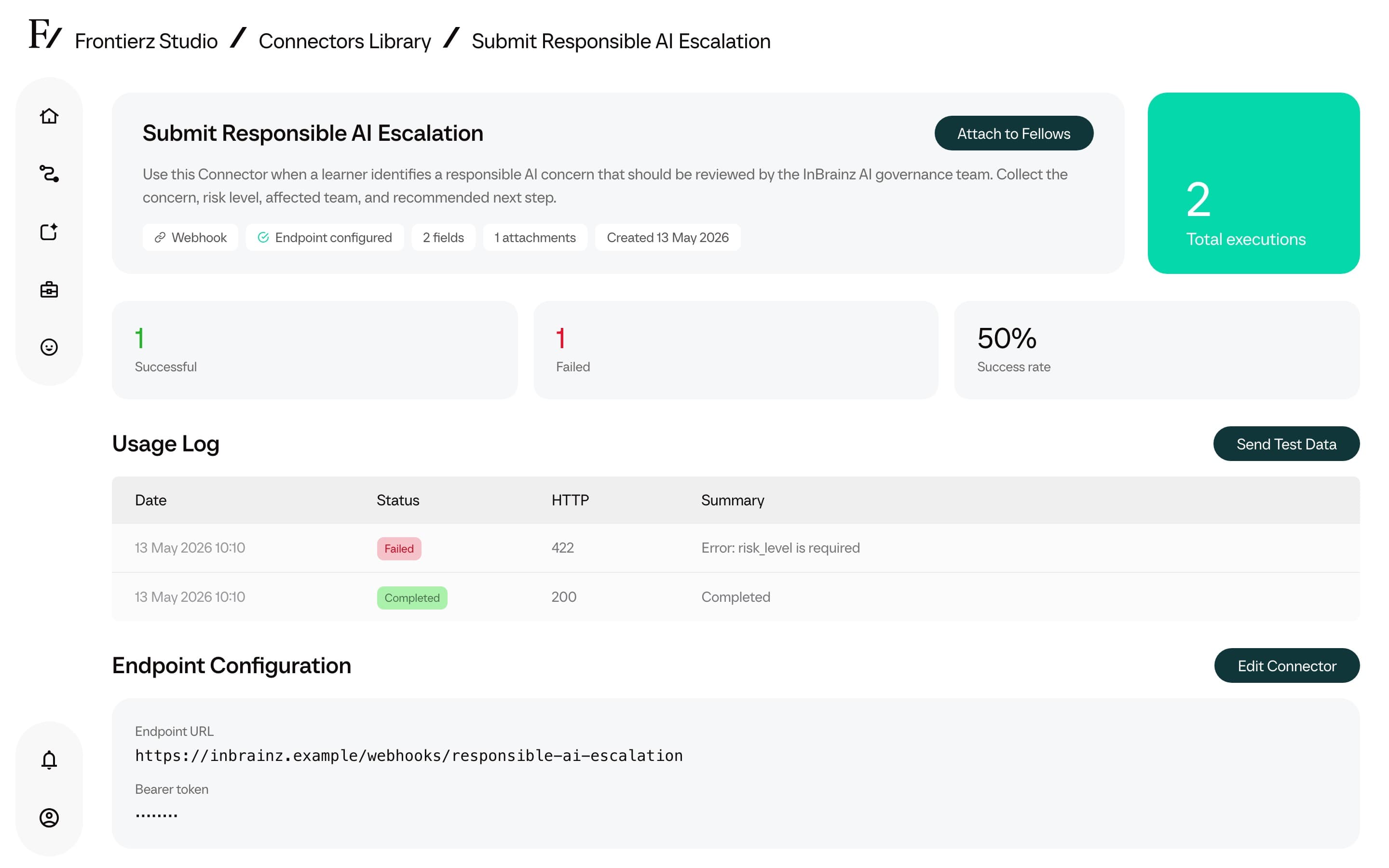
Once a Connector is in the library, it can be attached to as many AI Fellows or Learning Paths as required. Every time an AI Fellow uses a Connector during a conversation, the call is logged.
Connector guides
Create a Connector
Set up a new HTTP or MCP integration.
Executions
Inspect when a Connector ran, what it sent, and what came back.
HTTP and MCP
Custom Connectors can use either HTTP or MCP.
- HTTP. Used for CRMs, LMSs, HR systems, internal databases behind an API layer, and any custom service with a REST endpoint.
- MCP. Used when the IT team needs the AI Fellow to talk to an MCP-aware data source instead of going through a custom HTTP wrapper.
Both options are functionally equivalent. The choice depends on the customer's preferred protocol and existing infrastructure. The experience for the AI Fellow and the user is identical.
Custom Connector capabilities
A Custom Connector handles actions that would otherwise force the user to leave the conversation. Example use cases:
- "I need next Friday off." The AI Fellow gathers the dates and submits the request to the HR system.
- "Pull up the open tickets for account 4827." The AI Fellow queries the CRM and reads back the result.
- "Submit my training assessment with these notes." The AI Fellow wraps up the session and writes the assessment to the LMS, with the AI's reasoning included.
Connector limitations
A Connector does not replace human review for high-stakes operations. Connectors that write to HR systems, CRMs, or other systems of record must be treated as any business-critical automation: validate field mappings, audit the execution log, and document the AI Fellow authorized actions.