

Info screen
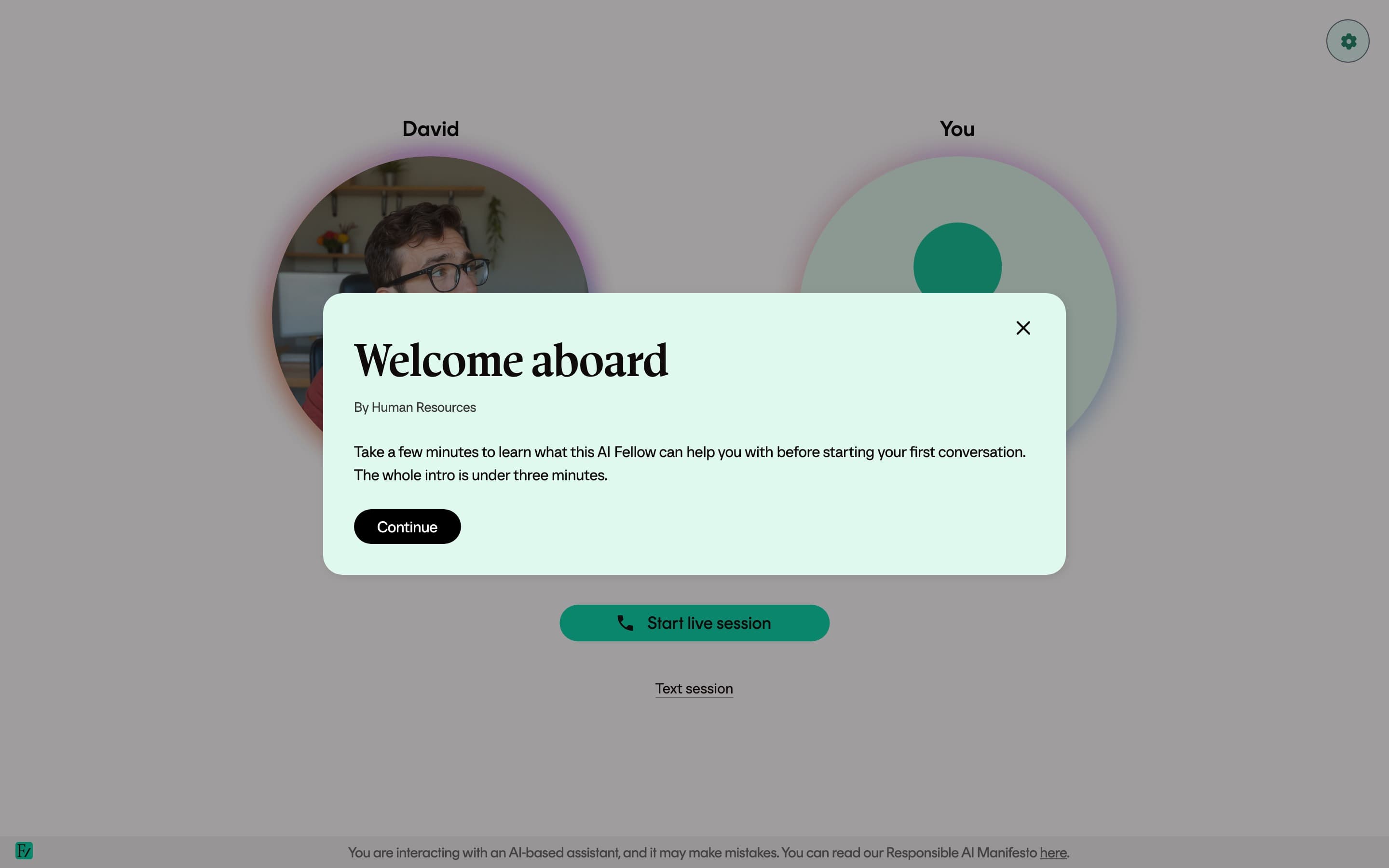
The Info screen is an optional welcome modal shown whenever a user opens an AI Fellow page. Use it to brief the user before the conversation starts, with a short message, a video, or a primer the AI Fellow should not need to repeat at the start of every call.
What you can configure
| Field | Required | Notes |
|---|---|---|
| Title | Yes, to show the modal | Leave it empty to hide the modal. |
| Subtitle | No | Short line under the title, such as "By Human Resources". |
| Video URL | No | Vimeo URL, YouTube URL, or a direct .mp4 link. |
| Text | No | Short body text, displayed under the video if there is one. |
The modal appears on every visit, not only the first one. The user closes it before talking to the AI Fellow.
Turn it on
Open Frontierz Studio → AI Fellows and edit the AI Fellow.
Go to Step 2: General options and open the Info screen subsection.
Fill in the title. Optionally add a subtitle, a video URL, and body text.
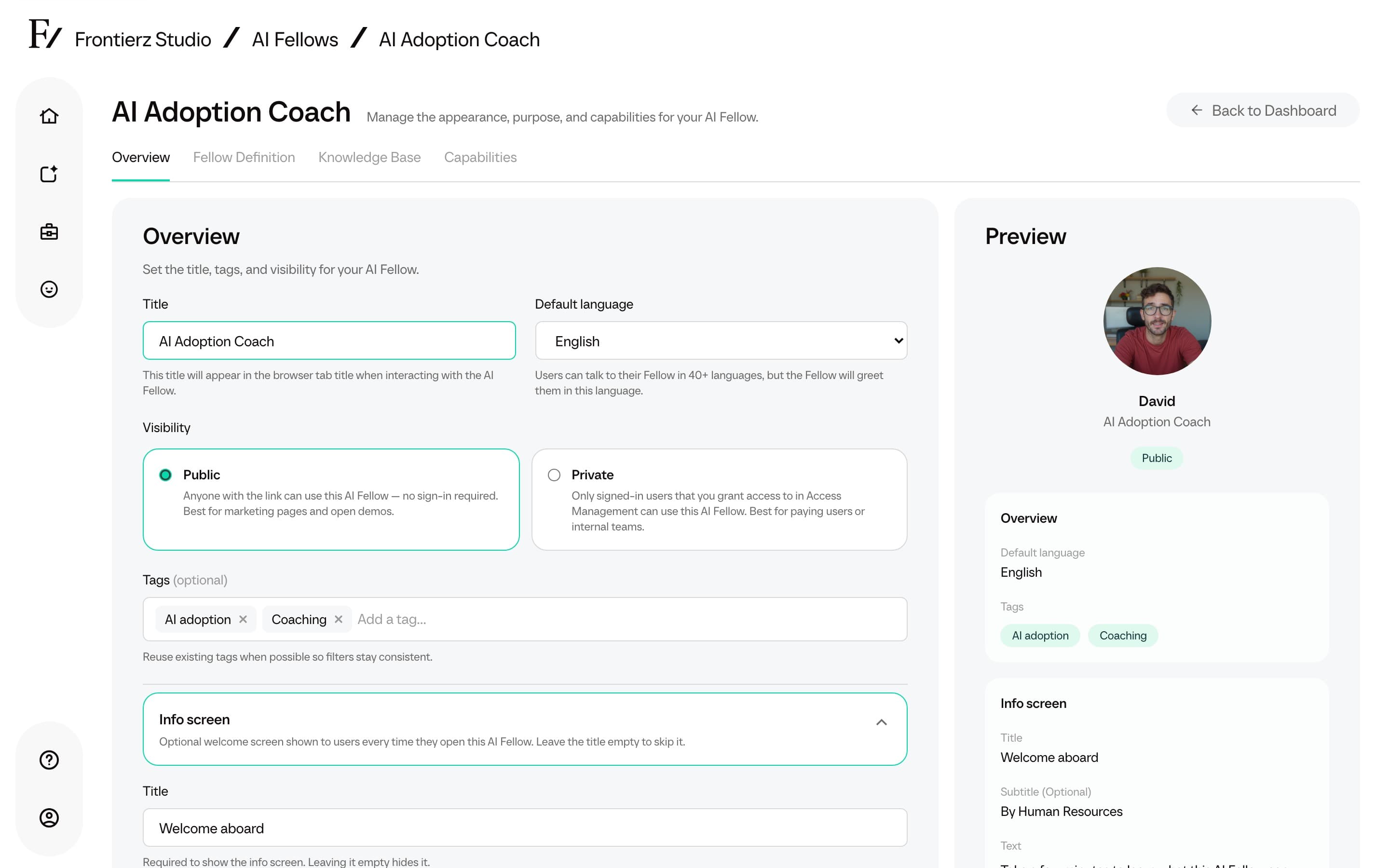
Save the AI Fellow. The modal appears the next time a user opens it.
Use it on a Learning Path session too
The same modal exists per session inside a Learning Path. Open the Learning Path editor, open a session, and fill in the Info screen fields. See Sessions and objectives for that flow.
Keep the text short. Users are about to start a live conversation, so the Info screen works best as a brief primer.