

Connectors
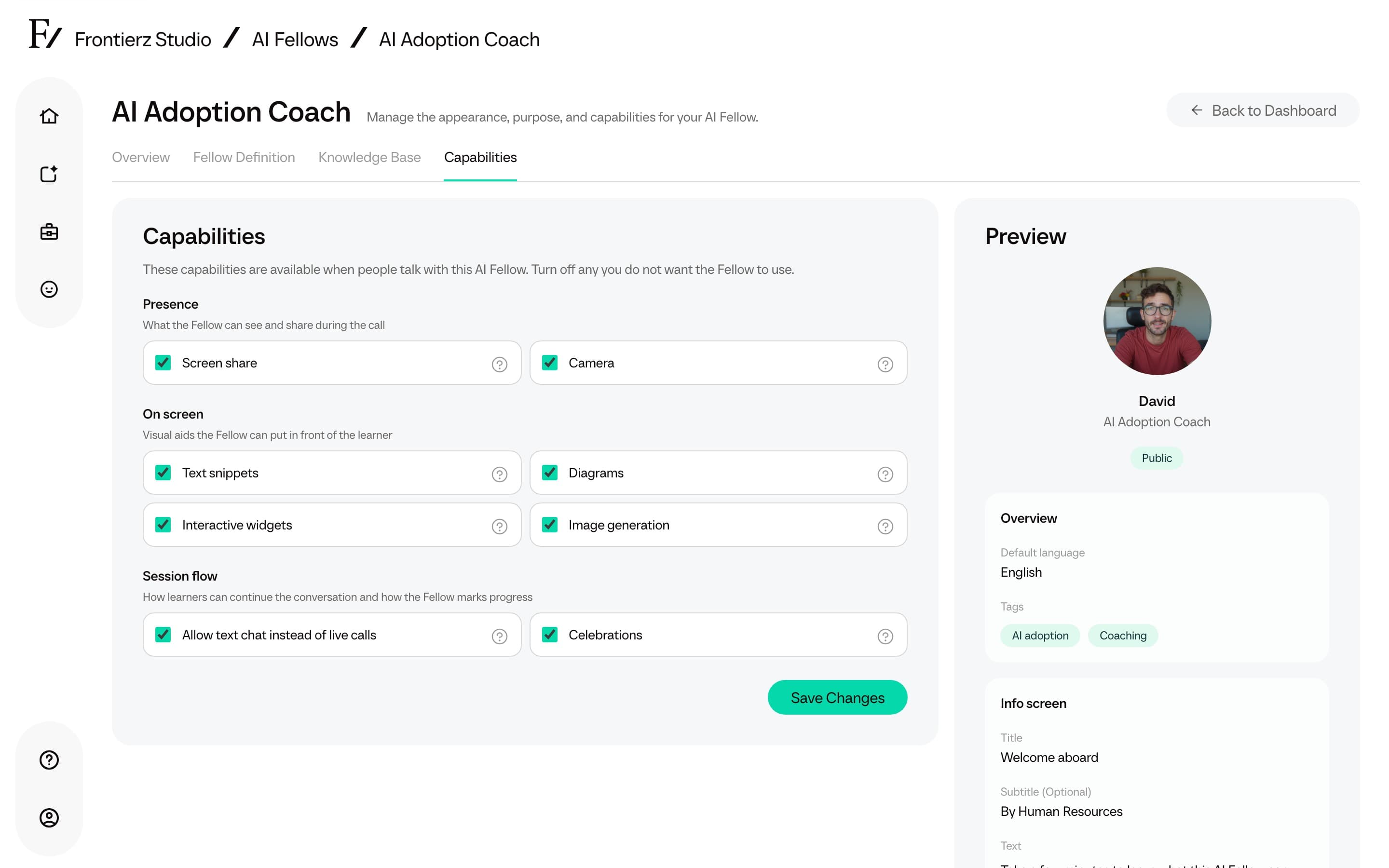
Built-in Capabilities control what an AI Fellow can do during a live session (screen share, camera, side-panel tools, celebrations, and related options). Custom Connectors are integrations created in the Connectors Library and allow the AI Fellow to read from or write to external systems.
Add Connectors to an AI Fellow
Open Capabilities.
Capabilities and Connectors
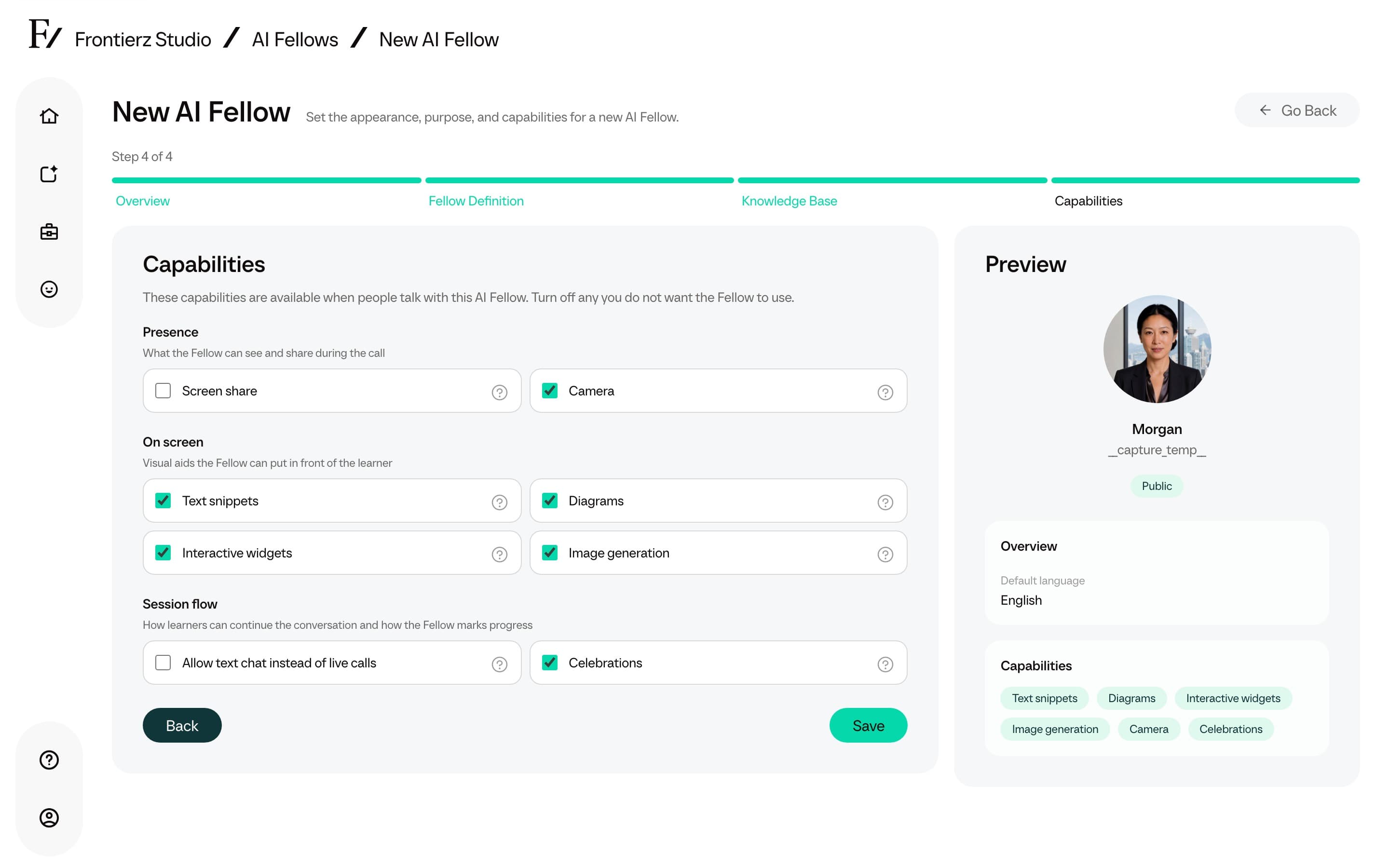
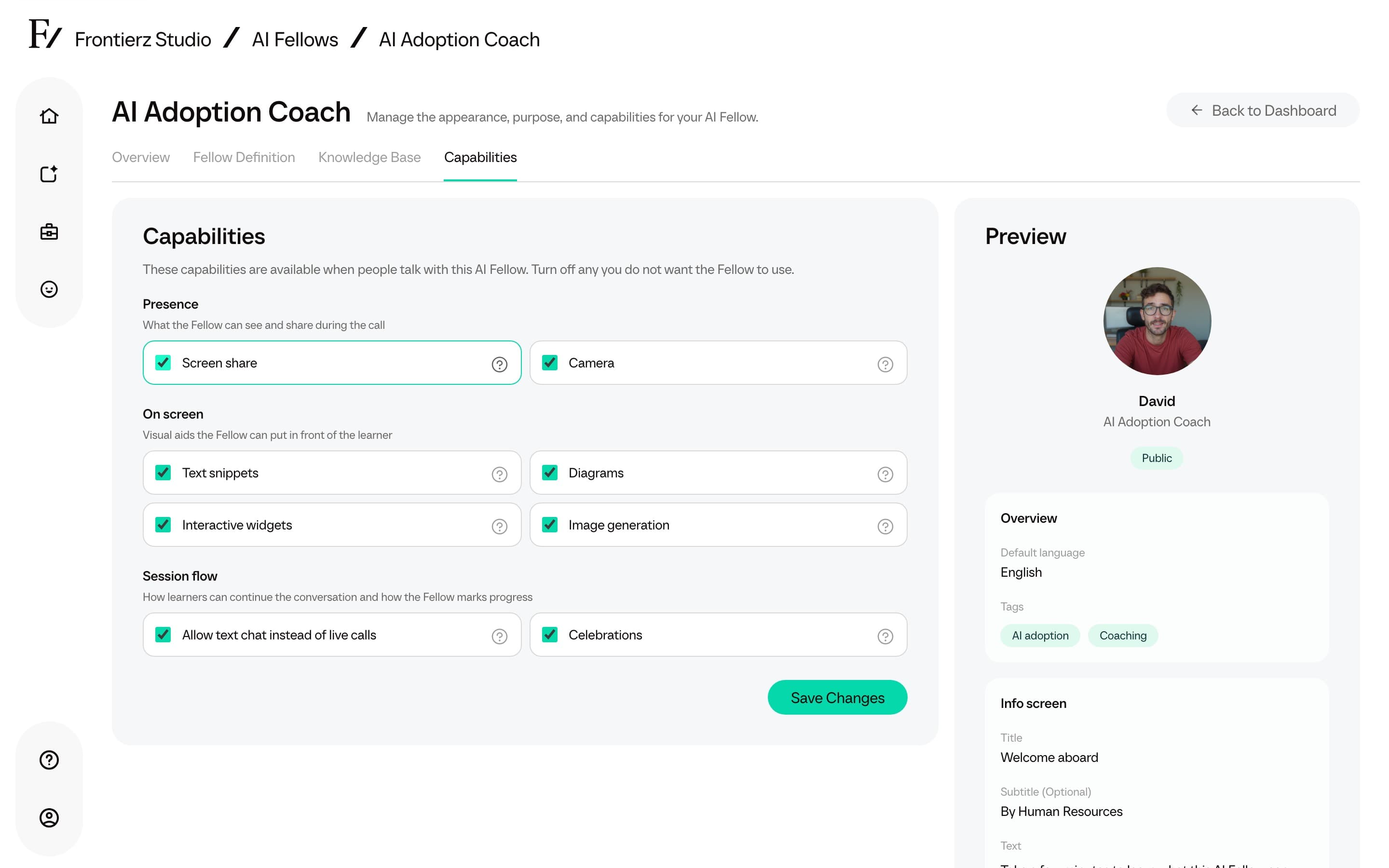
The AI Fellow editor separates built-in capabilities from Custom Connectors. Each capability row includes a short ? tip that explains what learners see when the option is on.
| Group | Capability | What it allows |
|---|---|---|
| Presence | Screen share | The user can share a screen, window, or tab so the Fellow can comment on it. |
| Presence | Camera | With browser permission, the Fellow can see camera snapshots provided by the user. |
| On screen | Text snippets | The Fellow can place short text, links, code, or spellings on screen. |
| On screen | Diagrams | The Fellow can draw flowcharts, mind maps, and other diagrams. |
| On screen | Interactive widgets | The Fellow can create small calculators, comparisons, quizzes, and what-if tools. |
| On screen | Image generation | The Fellow can create illustrative images during a conversation. |
| Session flow | Celebrations | The Fellow can show an on-screen celebration when the user reaches a milestone. |
| Session flow | Schedule next session | Available on Learning Paths when a later Fellow Session exists. It does not apply to a standalone AI Fellow. |
Custom Connectors
Full Admins can attach anything built in the Connectors Library, HTTP or MCP, to an AI Fellow the same way. The AI Fellow decides when to use each Connector based on the description written when the Connector was created.
Managers can enable or disable built-in capability toggles for assigned AI Fellows. Custom Connectors already attached by a Full Admin appear as active but read-only for Managers.
For standard AI Fellows, Allow text chat remains a separate setting. See Text chat mode.