

Edit a Learning Path
Learning Paths can be edited at any time. Most fields use Save or Save and Close. Session reorder and delete actions are saved immediately and reindex the remaining sessions.
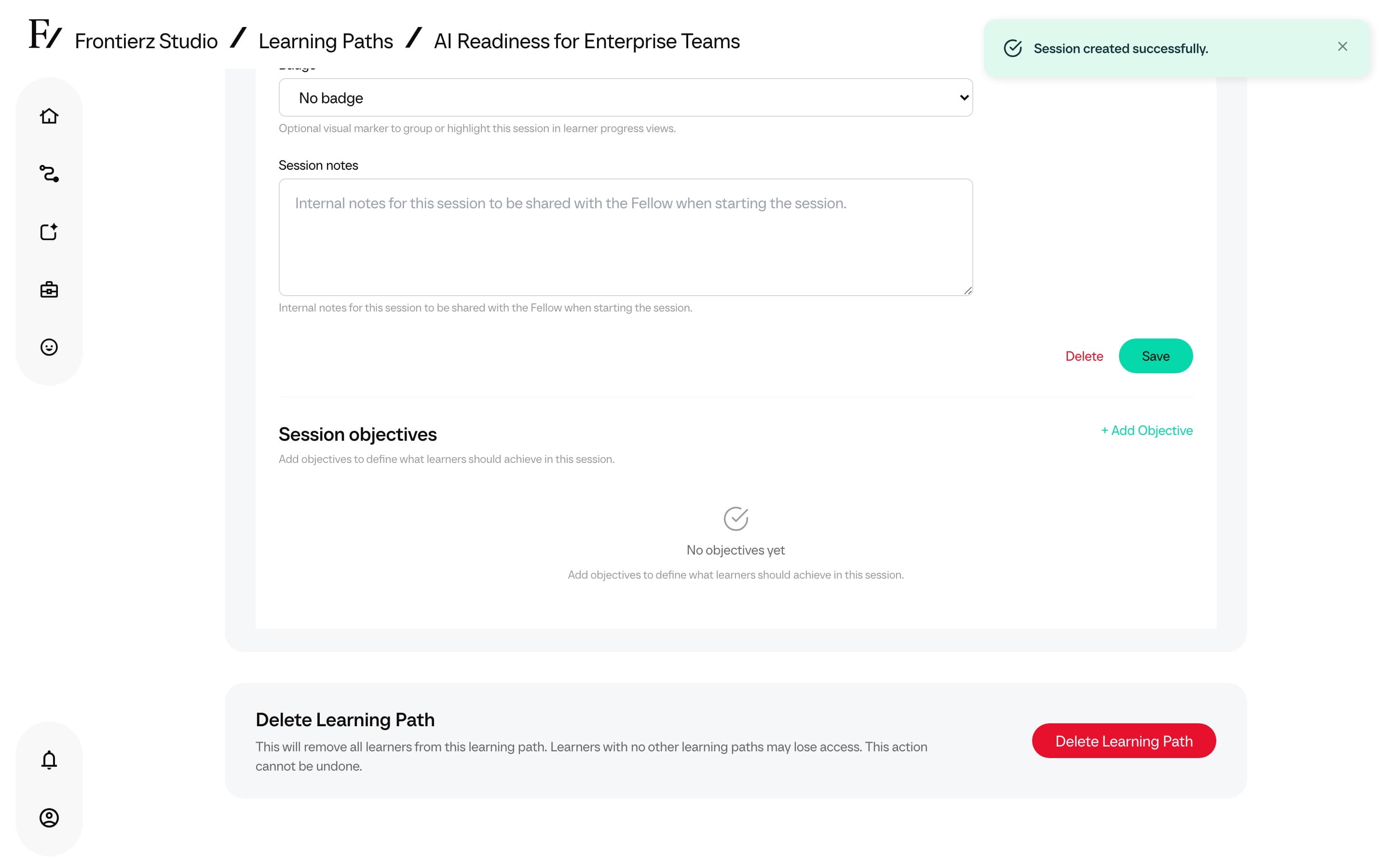
Save the changes when the field or section provides a Save action. Use Save and Close to save pending changes and return to the Learning Path dashboard.
The editor opens on Overview, so that the Title, optional Tags, global objectives, and path knowledge can be confirmed before changing sessions or capabilities. Title and Tags share the first row. The heading is the Learning Path name. Use Back to Dashboard to return to the dashboard.
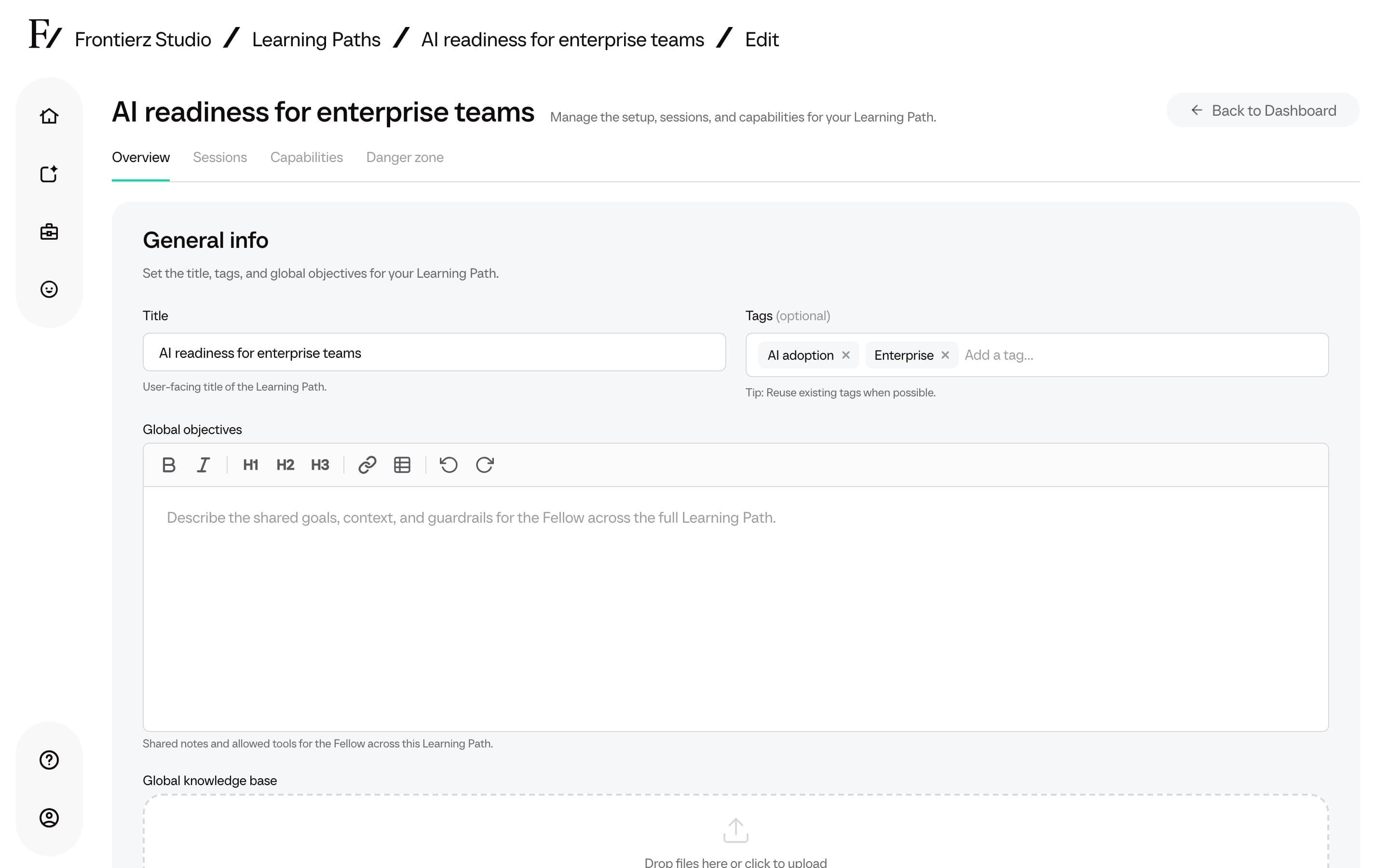
Tags
Tags are optional shared labels for Learning Paths and AI Fellows in Studio. Use them to group related assets and filter the Studio lists.
- Up to 20 tags per Learning Path or AI Fellow.
- Type in Add a tag…, then choose an existing tag or Create a new one. Prefer reusing existing tags so filters stay consistent.
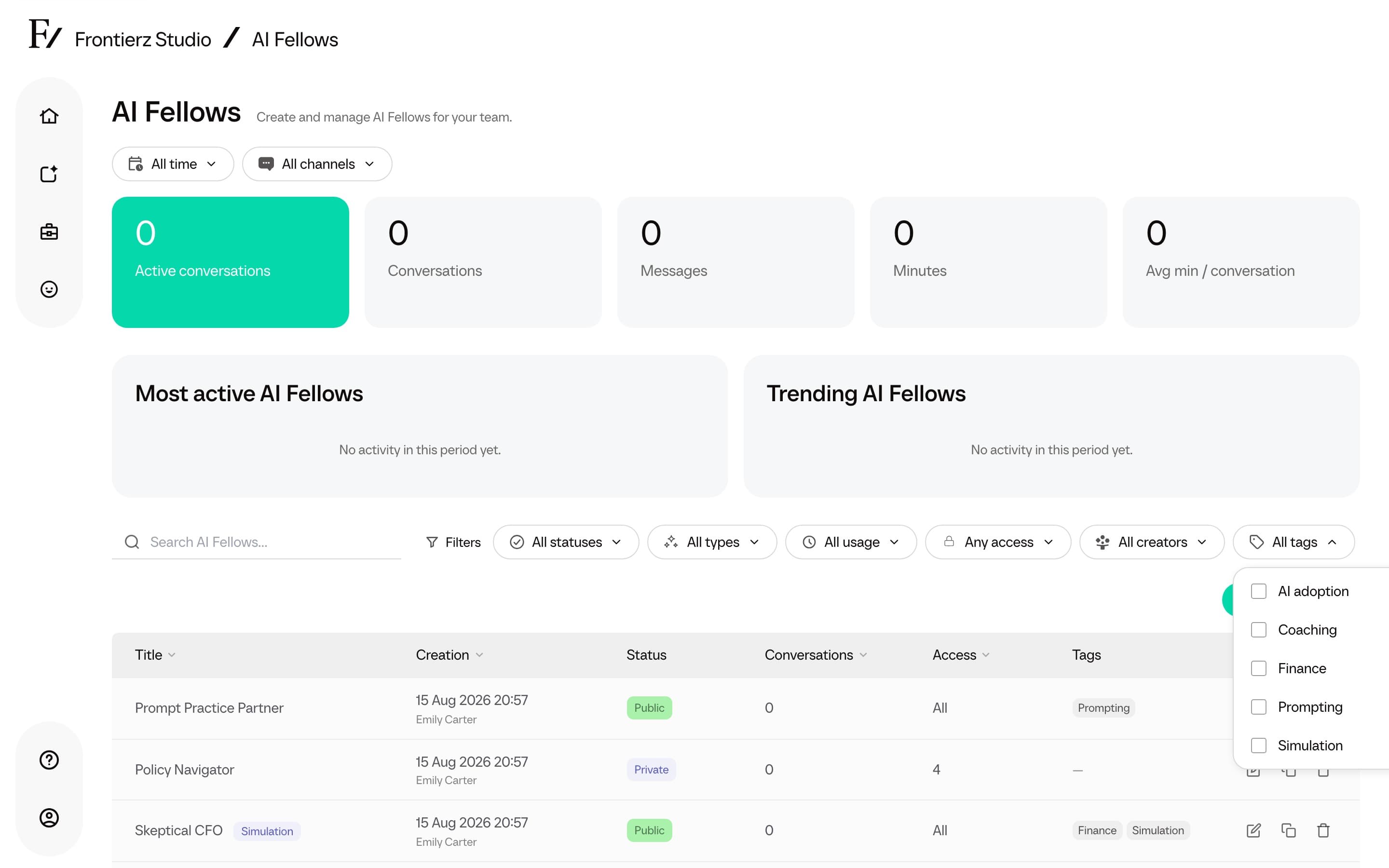
- The Learning Paths and AI Fellows lists include a Tags filter (All tags, selected count, Clear tags).
Tags are Studio organization only. Learners do not see them.
Sessions are configured on the Sessions tab. Open a session to adjust the user-facing title, description, or admin notes. The same tab has Add content to create a session, import an AI Simulation, or import SCORM. See Add an AI Simulation between sessions.
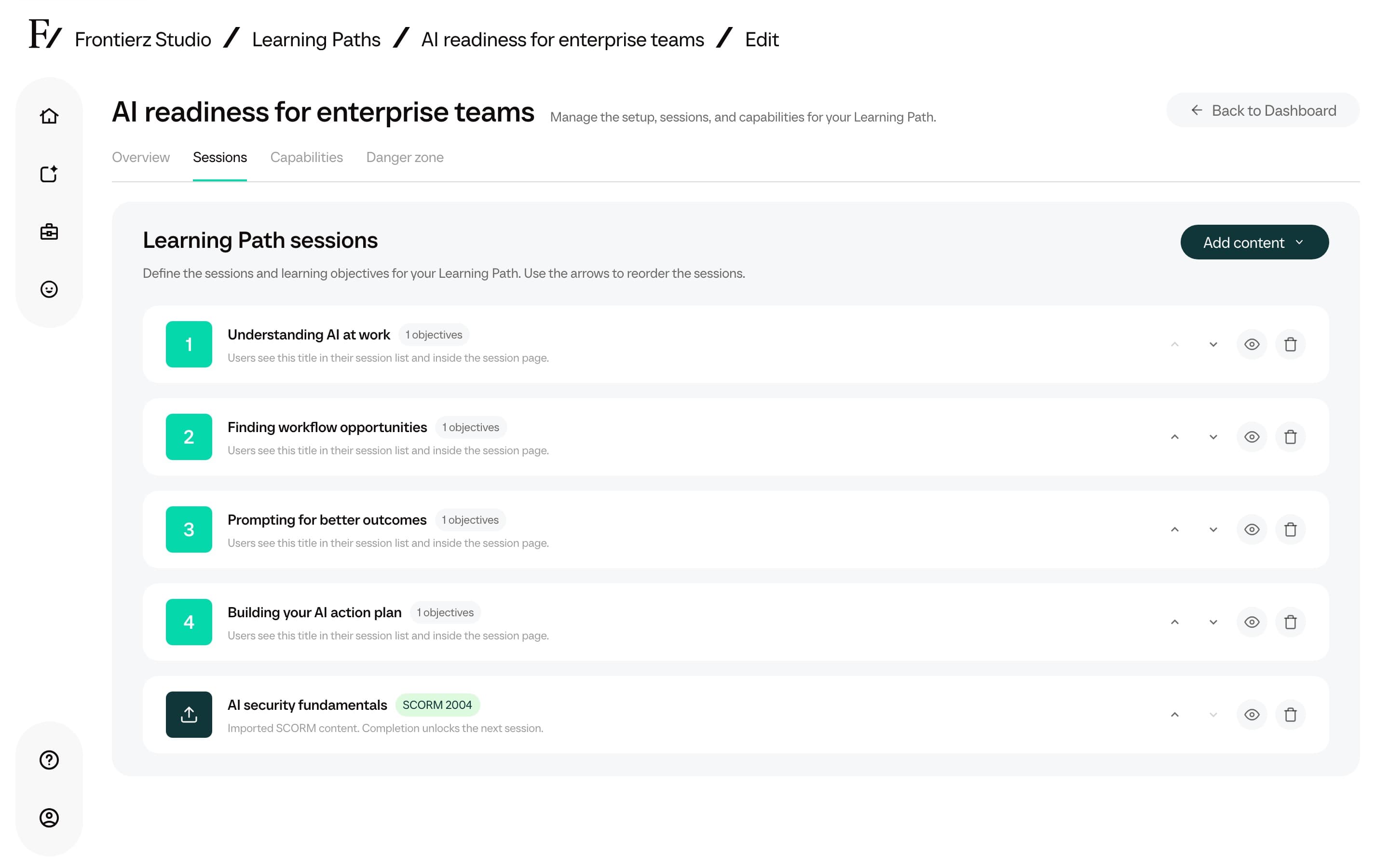
The session panel contains the configuration that guides the AI Fellow during the corresponding session.
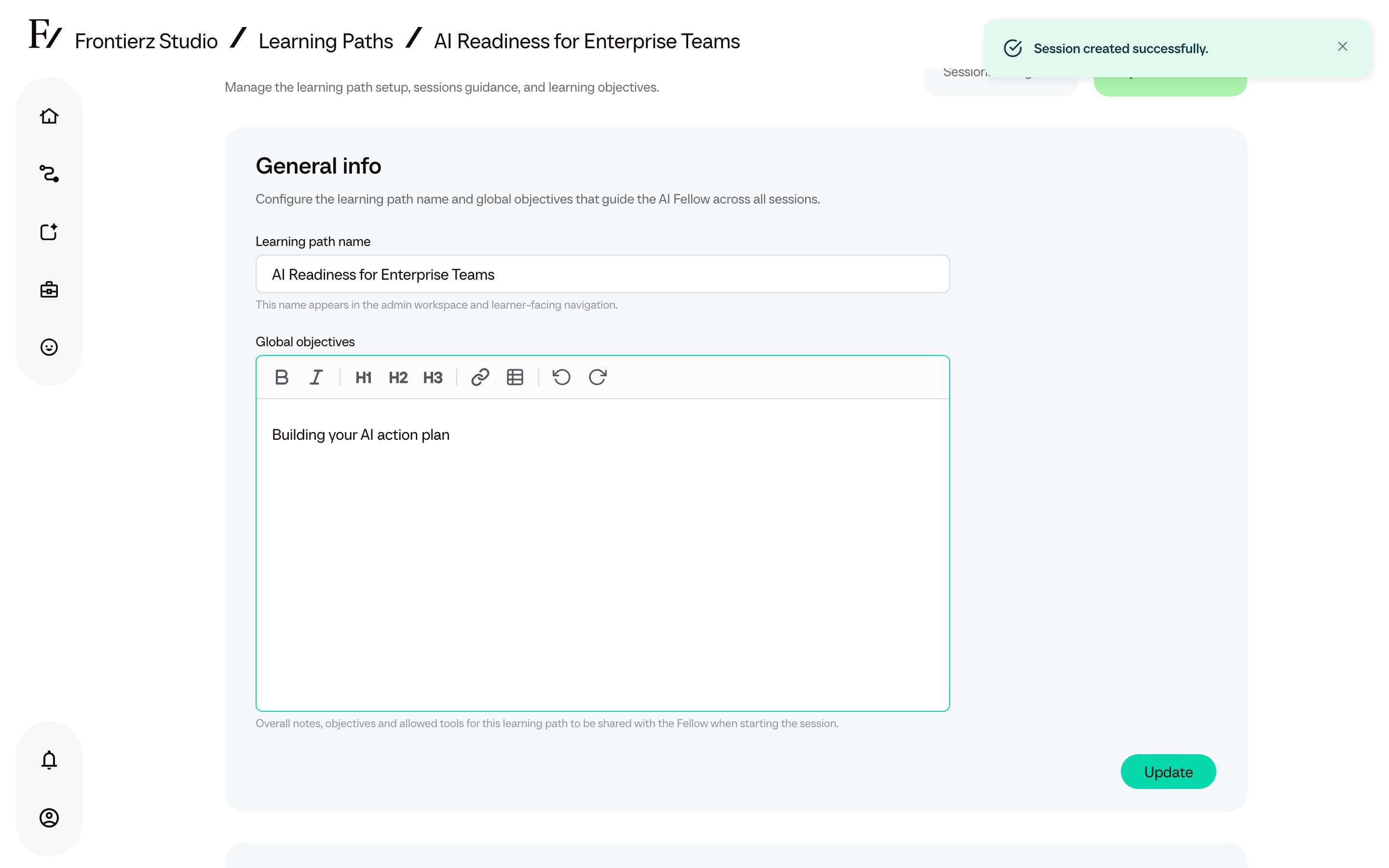
The editor also has a knowledge area for uploading reference material the AI Fellow can read during the sessions, both for the whole path and per session. Files are listed to the Fellow as a catalog. The Fellow reads a file when it needs the contents. See Learning Path knowledge.
Actions on a Learning Path
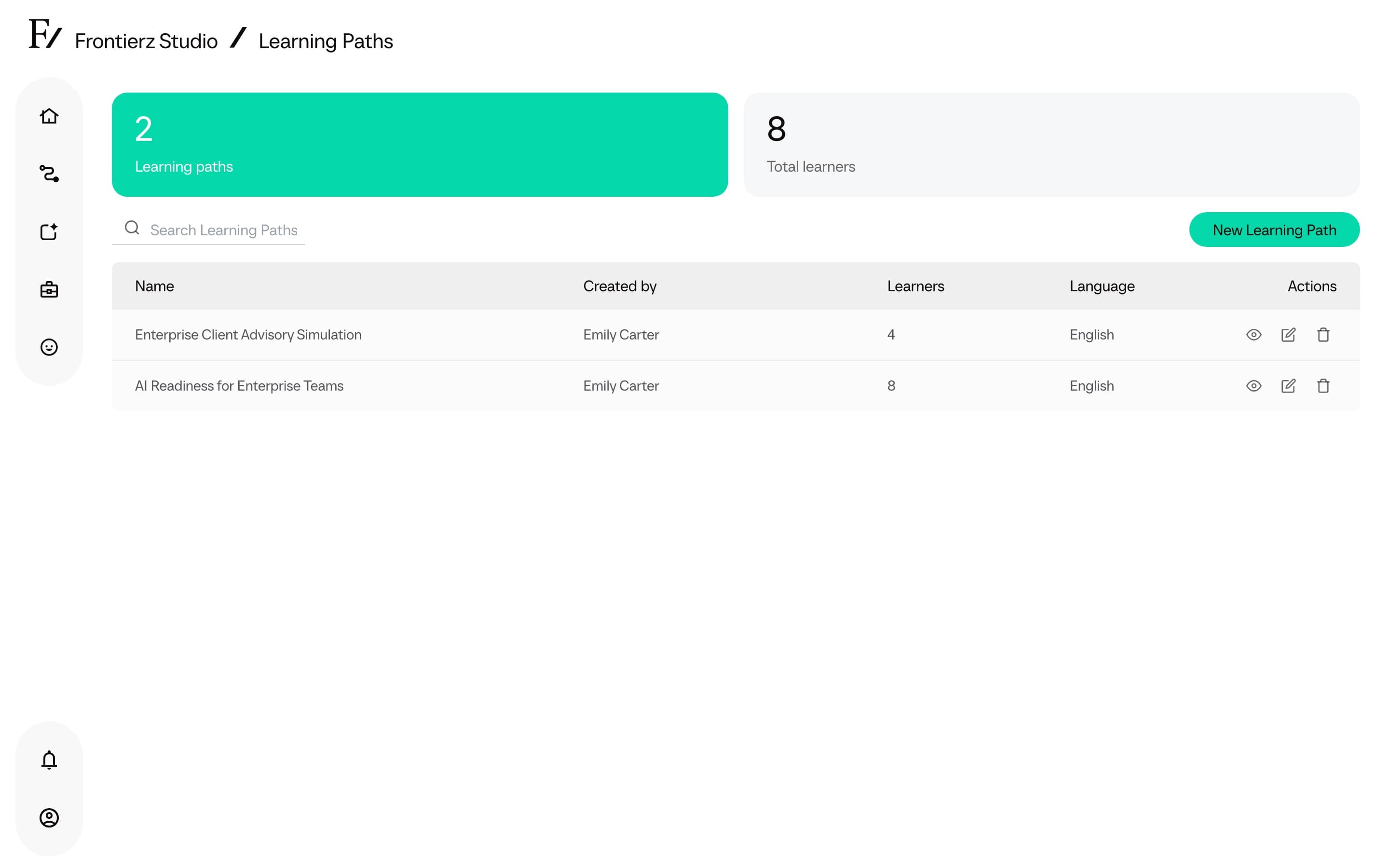
From the list view, every Learning Path provides these actions:
| Action | What it does |
|---|---|
| Global progress | Opens the live analytics dashboard for the Learning Path: enrolled and active users, per-session progress, voice minutes, and full transcripts. |
| Manage Users | The user table. Used to enroll users, import a CSV, export progress, clear progress, remove access, or join the Learning Path as a user to test it. |
| Edit | Opens the editor for sessions, objectives, Connectors, and general info. |
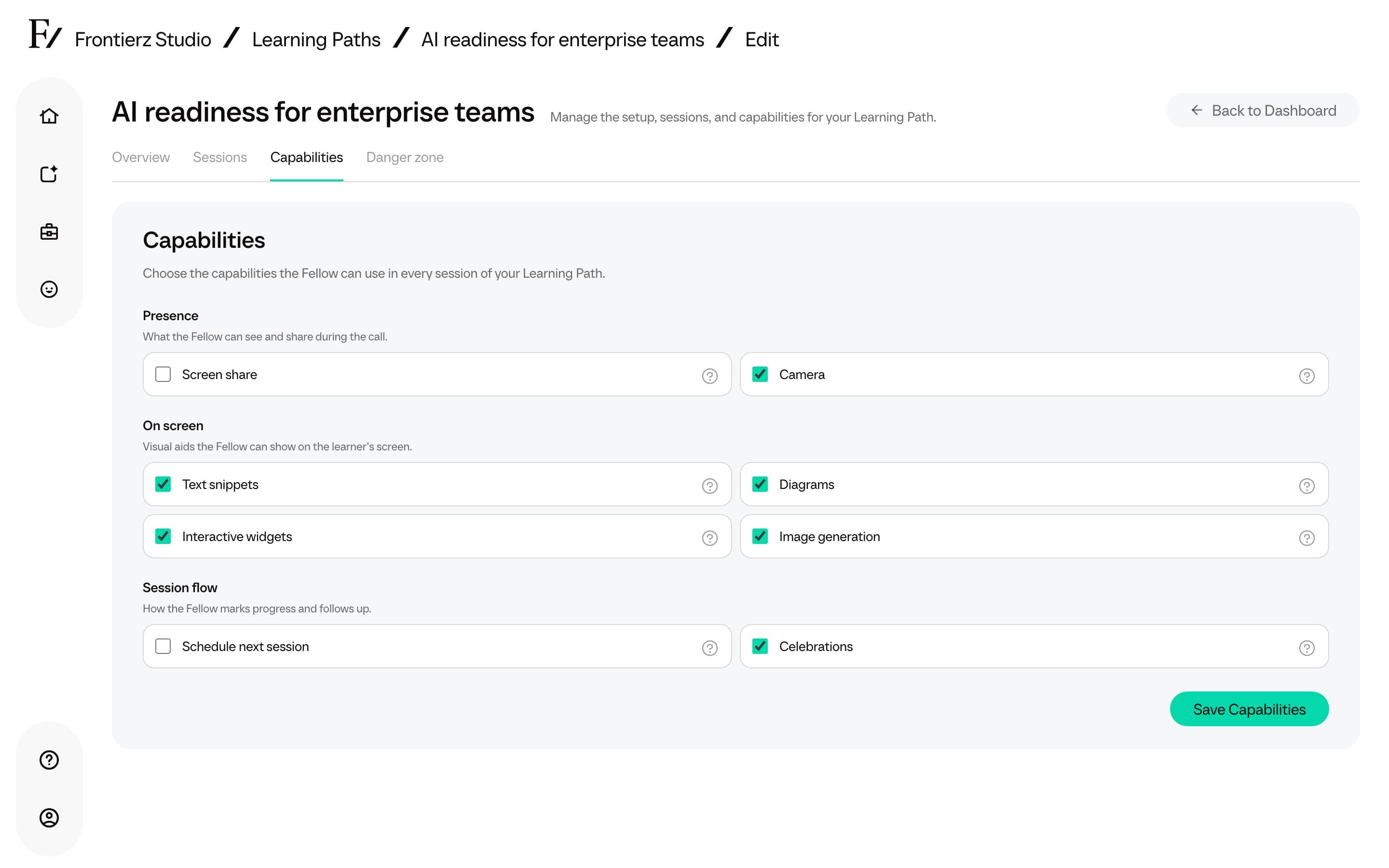
| Clone | Creates a copy without enrolled users. Owners with more than one workspace can choose a destination workspace; other Admin users clone into the current workspace. |
| Export | On the Learning Path dashboard Actions menu, downloads a Frontierz Learning Path file. Learner progress is a separate Export Data action on Manage Users. |
| Delete | Remove the Learning Path and all of its content. There is no undo. |
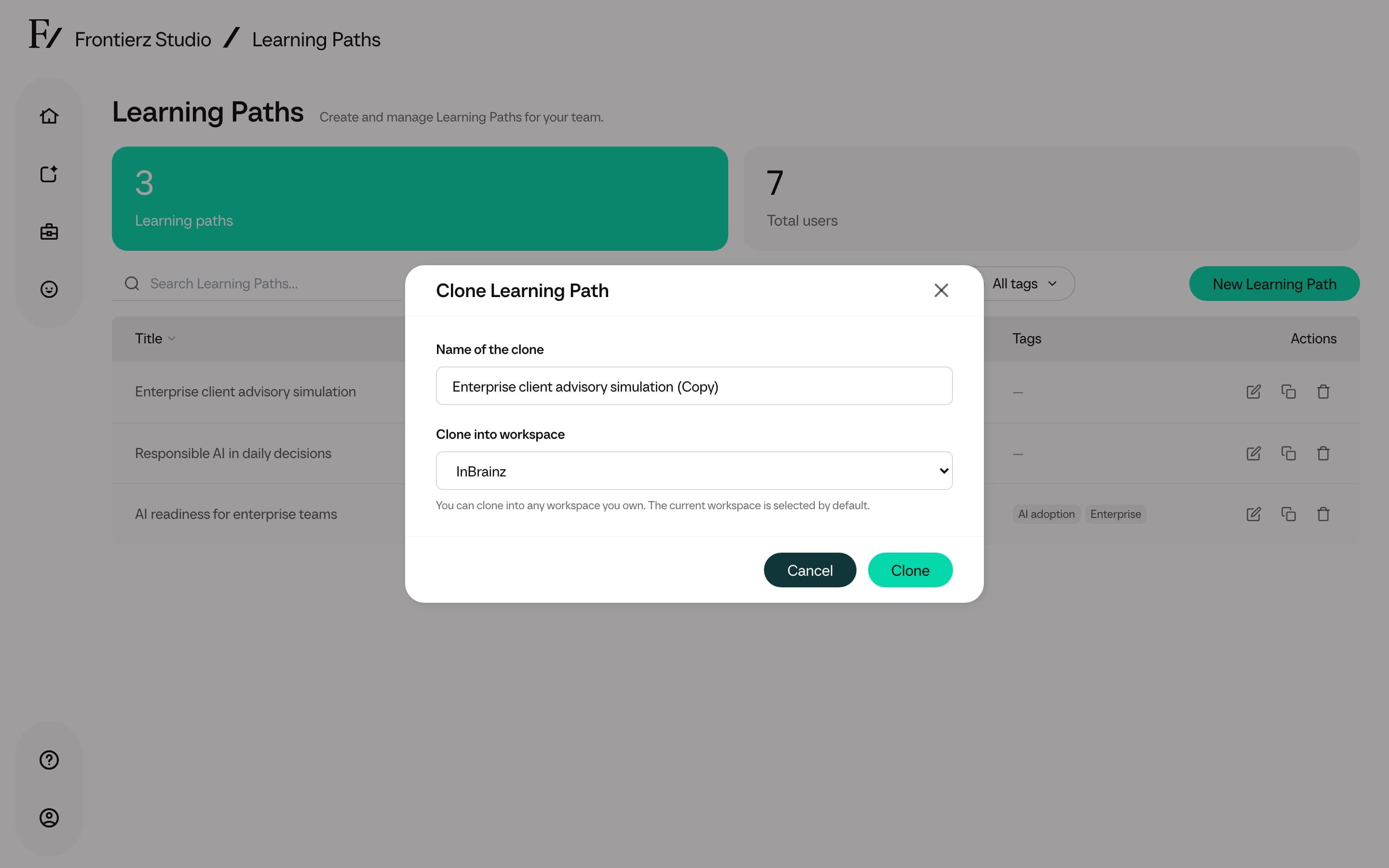
Connectors and built-in capabilities are edited on the Capabilities tab. Settings holds Learning Path communications, who can see simulation feedback, Move to Tenant when that action is available, and Delete.
Simulation feedback visibility
Settings also has a Simulation feedback choice:
- Learners and admins (default): learners see the practice feedback after the session.
- Admins only: the session still completes and authorized admins and managers can open the report. Learners see a confirmation without scores.
Clone and Frontierz Learning Path files keep this setting.
Learning Path communications
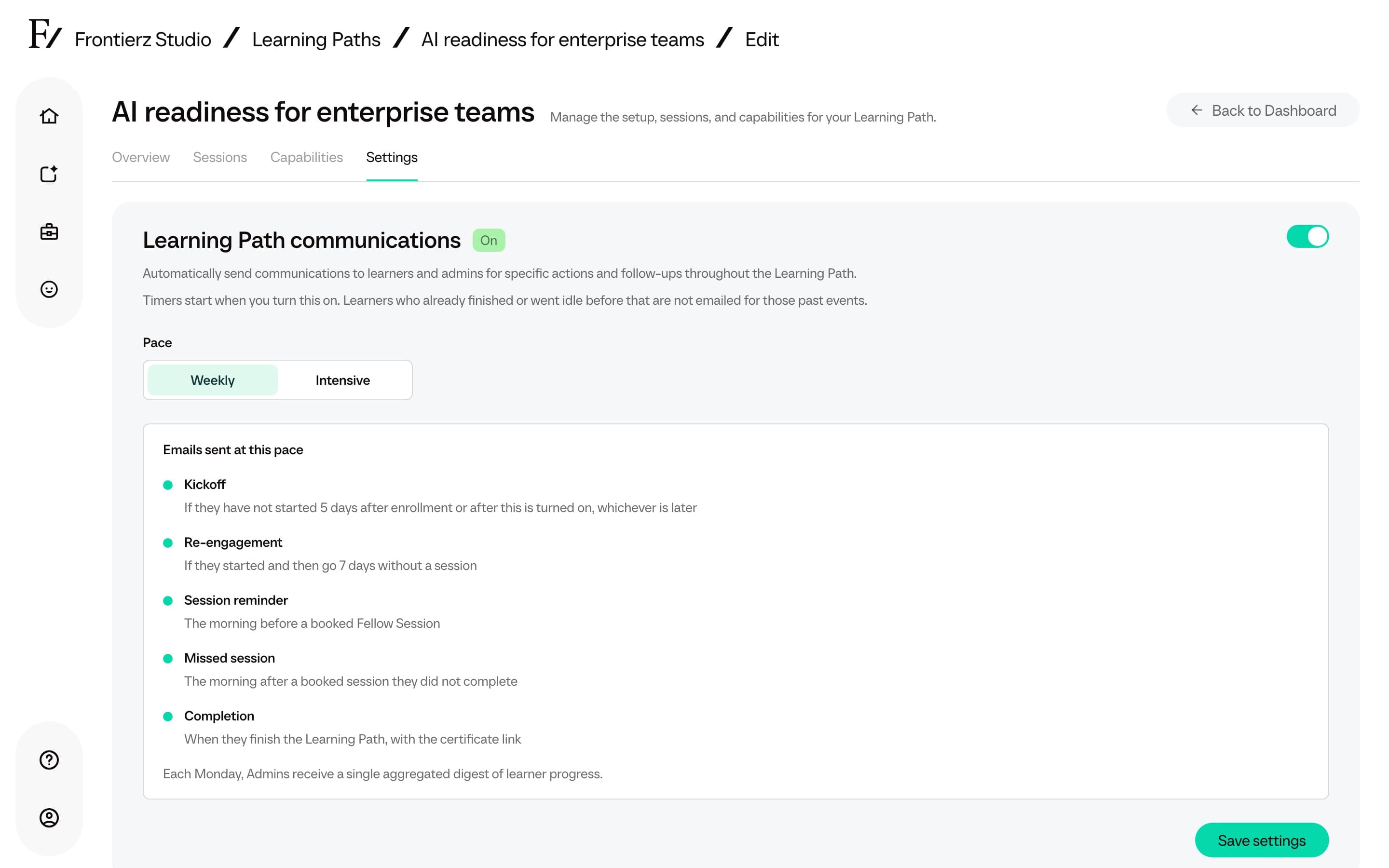
Settings opens with a Learning Path communications block. The switch turns emails On or Off. Pace is Weekly or Intensive. When emails are off, Pace shows None and the timeline is covered.
New Learning Paths have emails on. Paths that already existed when this shipped stay off until you turn them on. Turning them on starts the timers from that moment, so people who already finished or went idle earlier are not emailed for those past events. Clone copies the source path's on/off setting and starts a new clock when the copy is on. A Frontierz Learning Path file carries on/off and pace, then stamps a new clock on import.
Welcome emails and calendar invitations from Schedule Next Session are not controlled here.
The timeline heading is Emails sent at this pace. Both paces send the same five learner emails. Weekly waits longer. Intensive marks the shorter waits as 2 days.
| When it sends | |
|---|---|
| Kickoff | The learner has not started. Weekly: 5 days after enrollment or after you turn emails on, whichever is later. Intensive: 2 days. |
| Re-engagement | The learner started, then had no session. Weekly: 7 days. Intensive: 2 days. |
| Session reminder | The morning before a booked Fellow Session. |
| Missed session | The morning after a booked session they did not complete. |
| Completion | When they finish the Learning Path, with the certificate link. |
Each Monday, Admins receive a single aggregated digest of learner progress. It has counts, not names, and a link to Global Progress. Creators do not receive it. Assigned Managers who can monitor the path do.
Click Save settings after you change the switch or the pace.
Deleting a Learning Path also deletes the progress data of every enrolled user. If anyone is still actively using the Learning Path, export the data first.