
Frontierz Studio
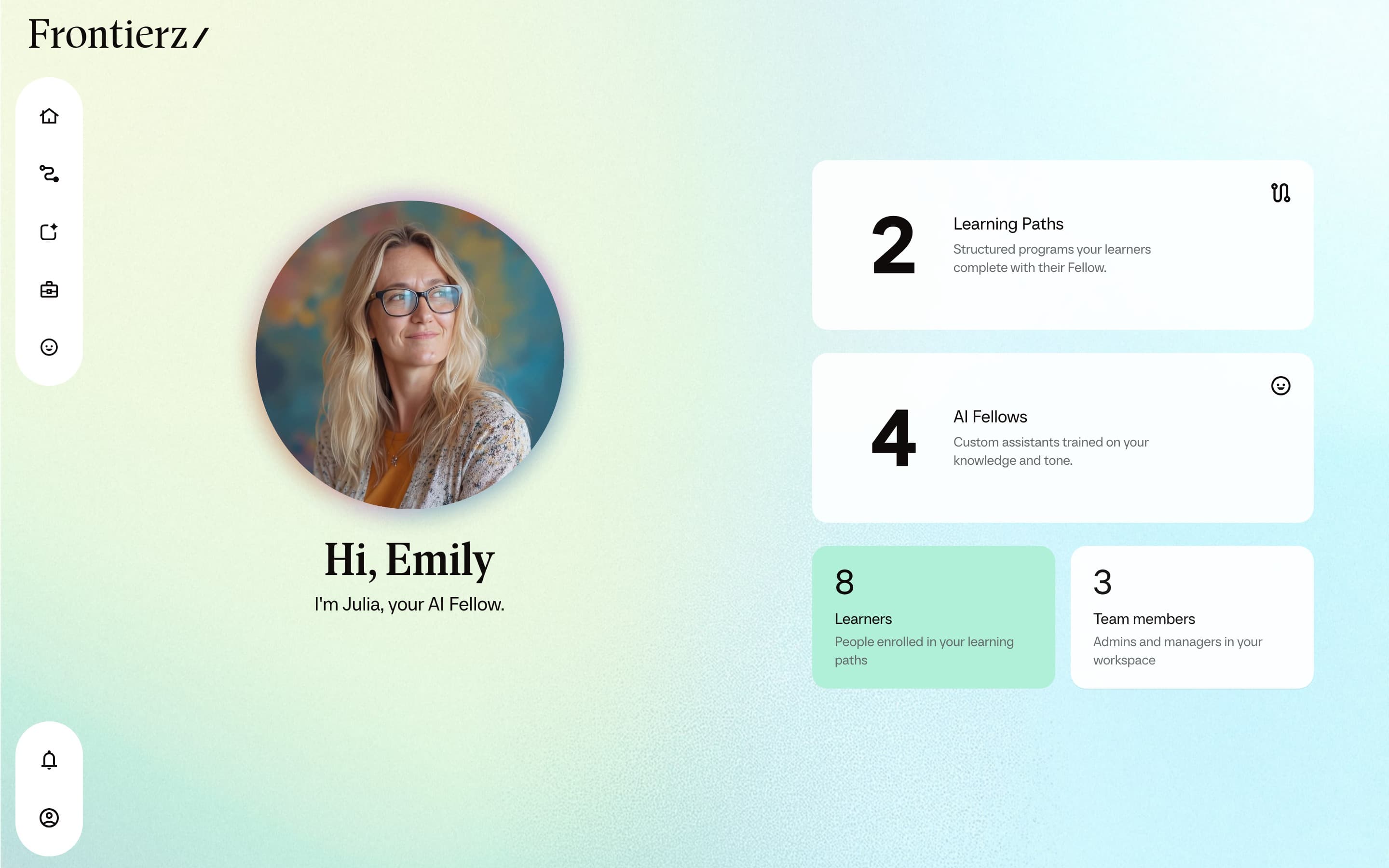
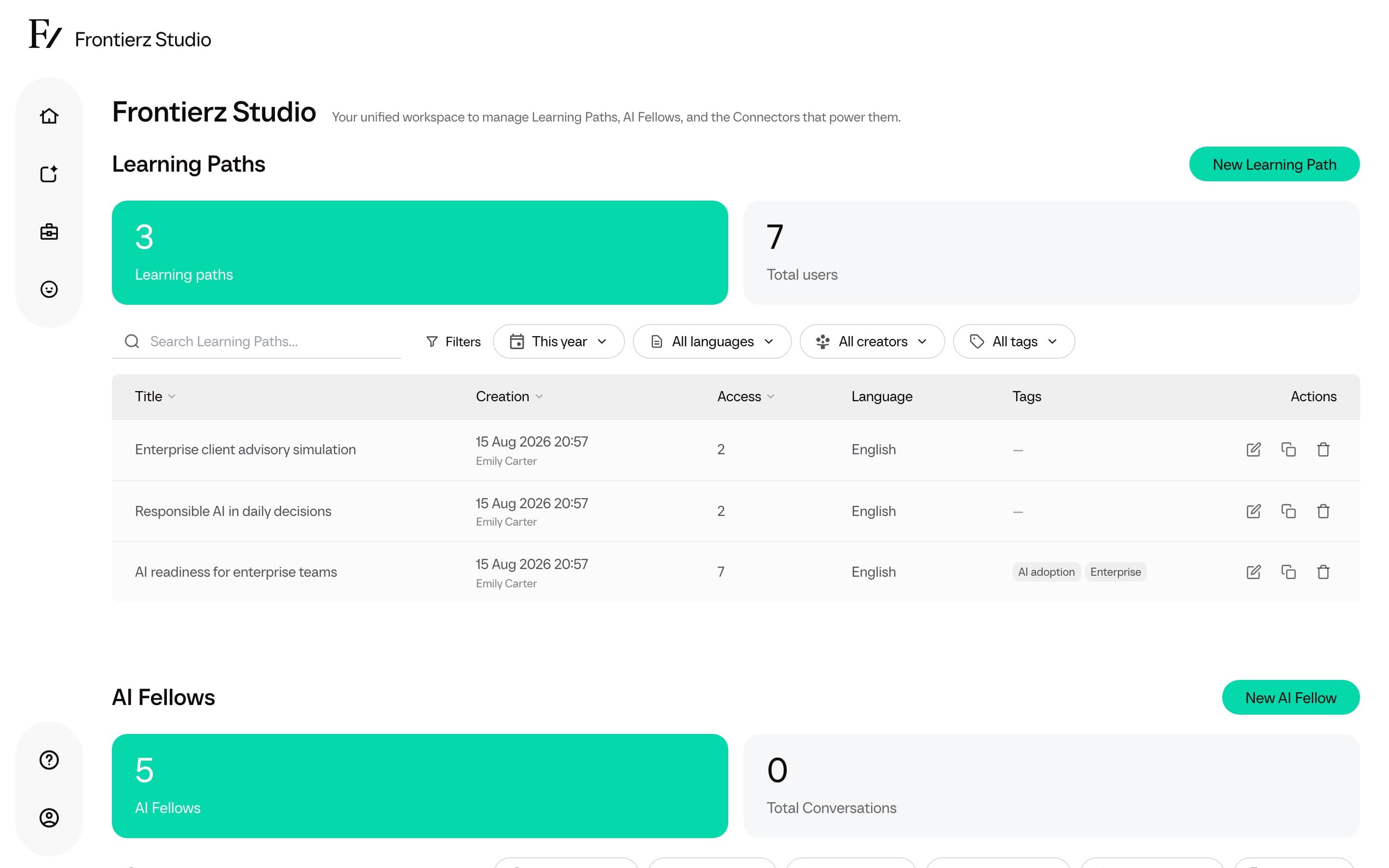
Frontierz Studio is the administration hub. All configuration for Learning Paths, AI Fellows, and Connectors is performed from Studio.
Open Studio
In the left sidebar, open the Frontierz Studio dropdown.
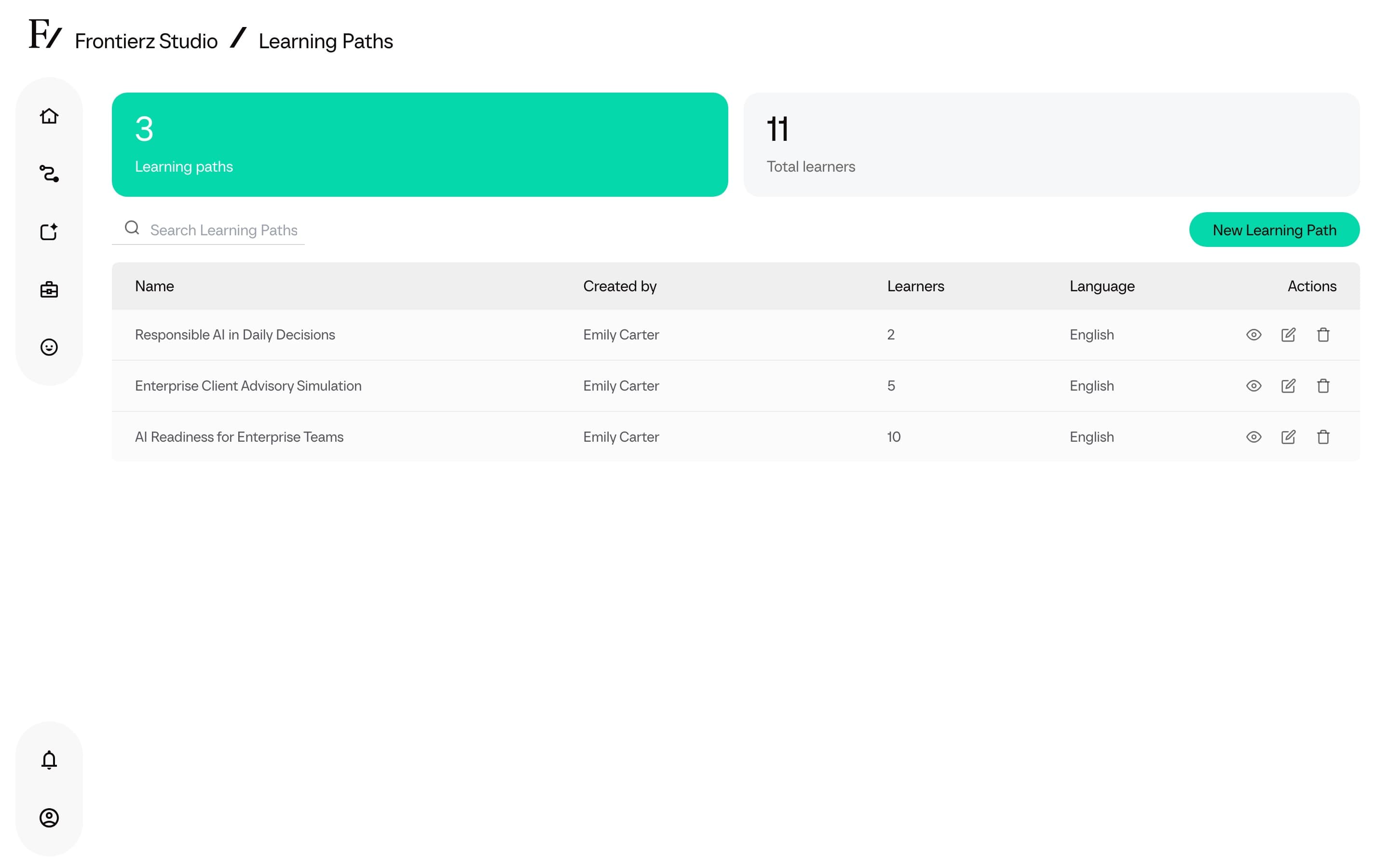
Select the area to work in: Learning Paths, AI Fellows, or (Full Admins, Owners, and Creators) Connectors Library.
The Studio hub page is also reachable directly from the Frontierz Studio entry. It provides an overview of all three areas.
Studio structure
Studio is organized into three configuration areas. Each area has its own workflow.
Learning Paths
Programs of sequential sessions with objectives. Used for guided onboarding, AI adoption, or any topic that benefits from individual coaching.
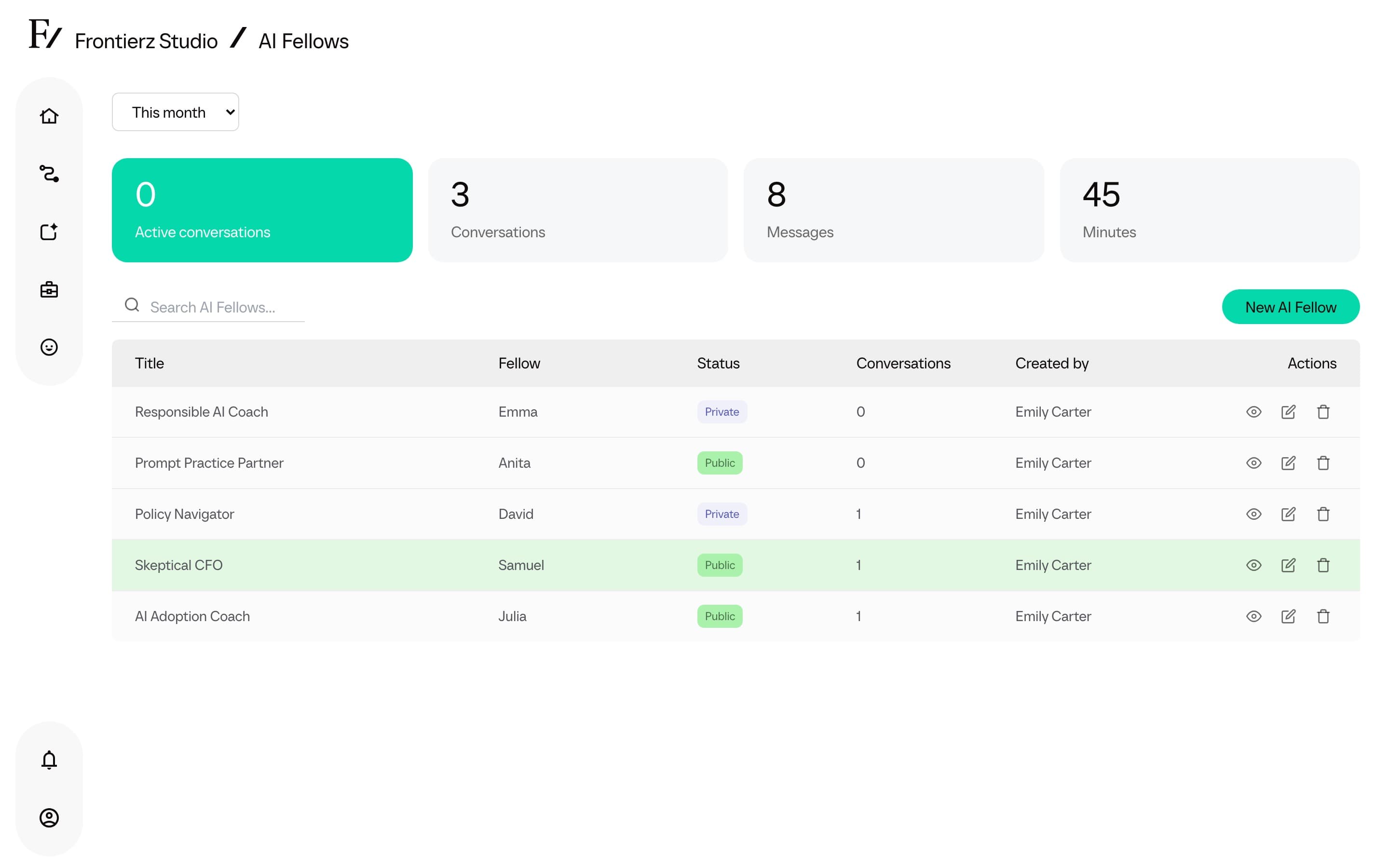
AI Fellows
Voice-first conversational AI. Each AI Fellow has its own persona, knowledge, and Connectors. Conversations behave like a video call.
Connectors
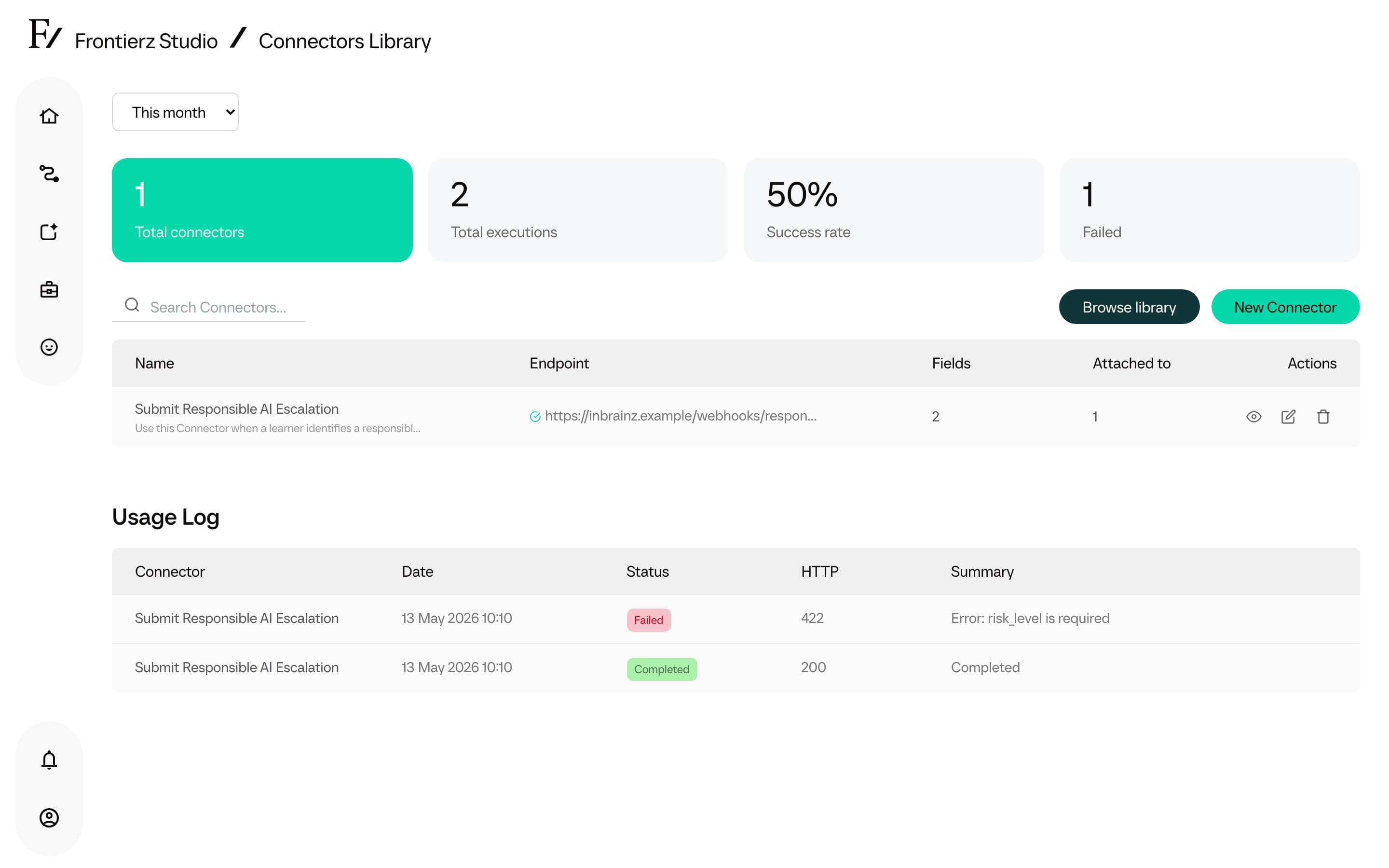
Integrations that grant AI Fellows additional capabilities. Examples include screen sharing, scheduling a follow-up, or connecting to existing systems over HTTP or MCP.
Learning Paths and AI Fellows are visible to Full Admins, Owners, Creators, and assigned Managers. The Connectors Library is available to Full Admins, Owners, and Creators. See Roles and permissions for the full role boundaries. Users do not see the Frontierz Studio dropdown at all. They only access their own Learning Paths and AI Fellows.