

Build with AI
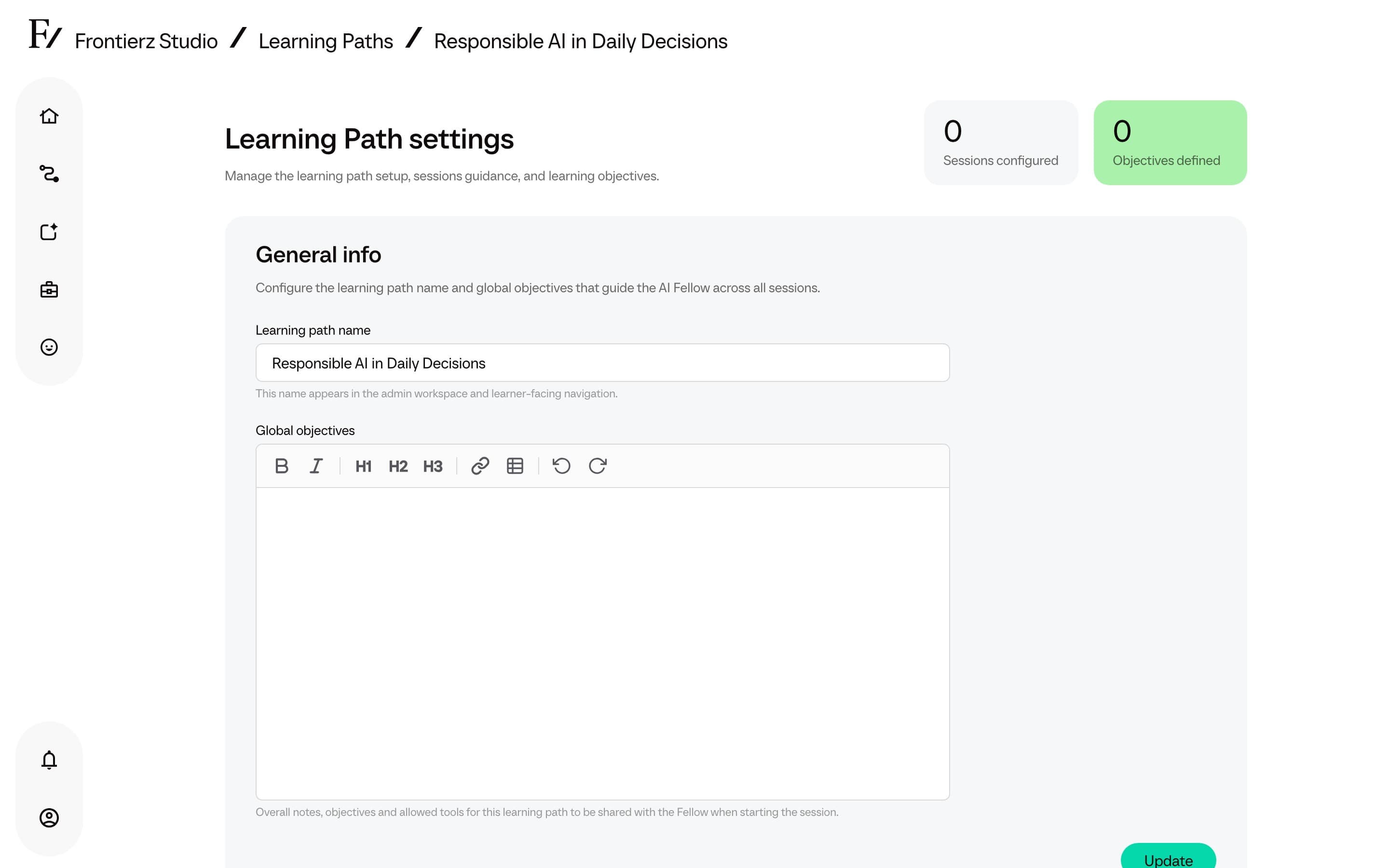
Manual session creation is not required. Frontierz can generate a complete Learning Path draft from a brief that describes the program, which is then available for review and editing. The brief can be a couple of lines or a longer, formatted document: the editor supports headings, lists, and tables, so an existing outline or program description can be pasted in and used as the draft's structure.
Start a draft
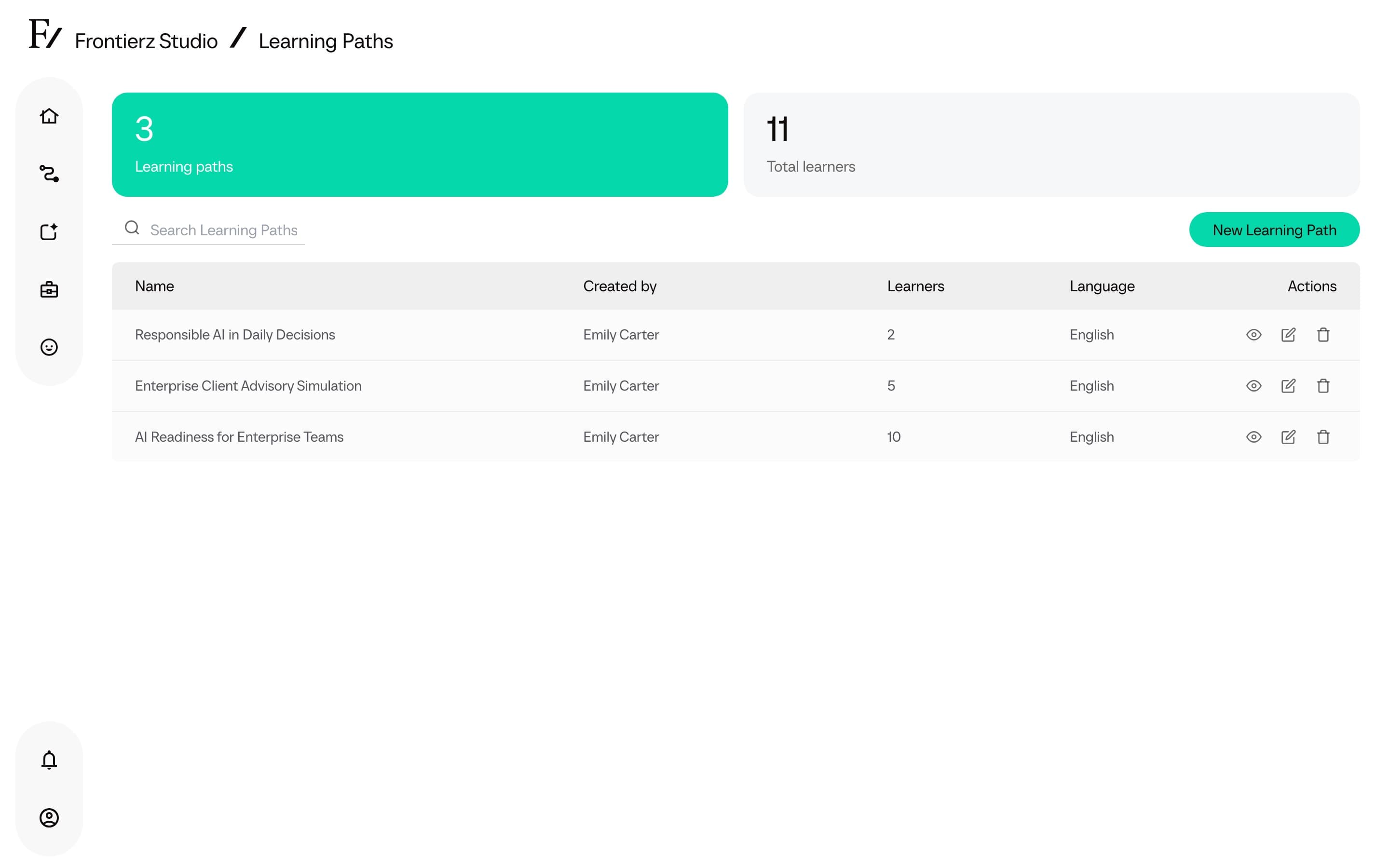
Click New Learning Path, then choose Build with AI.
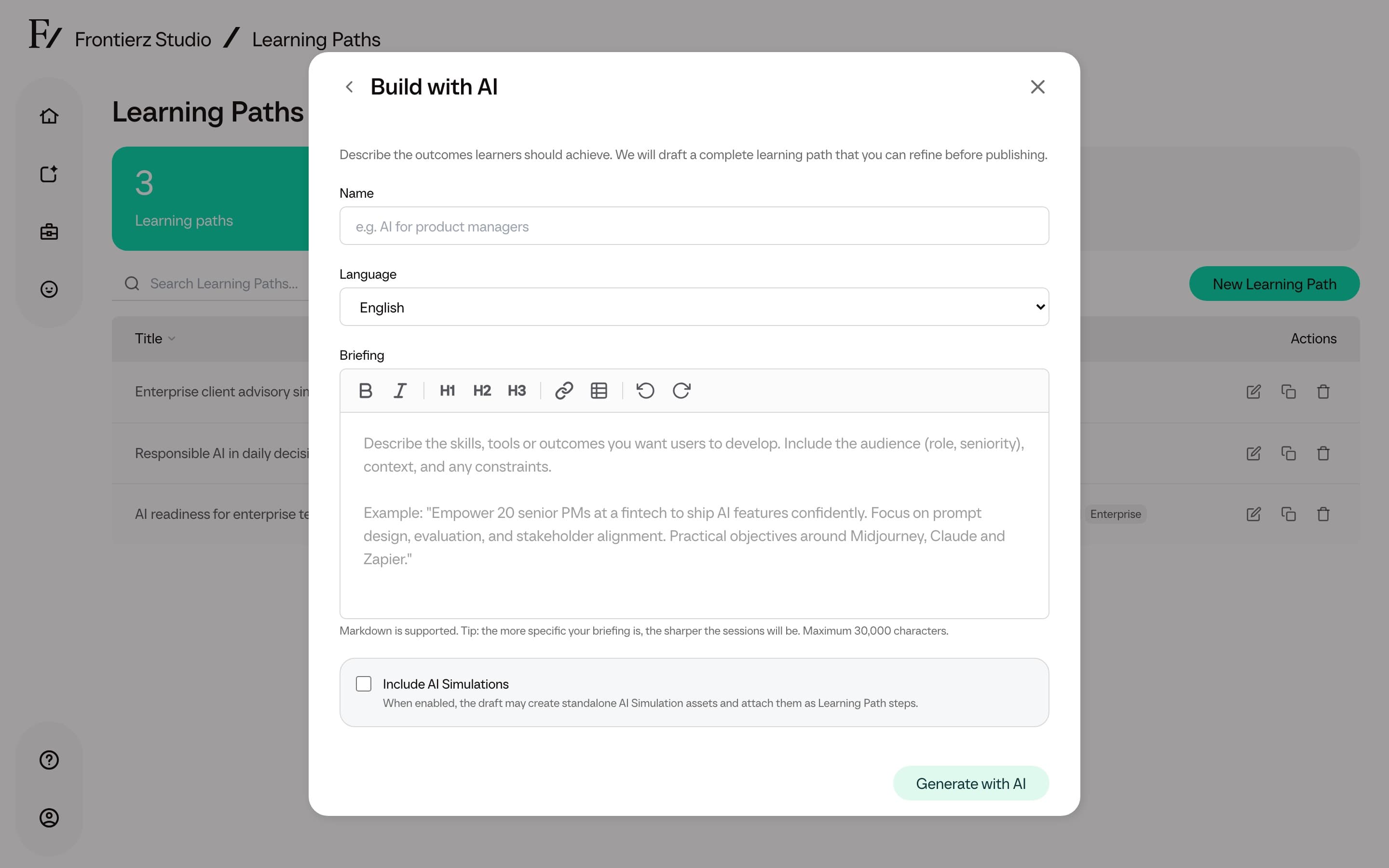
Fill in the brief: the Learning Path name, the default language, and the briefing. The briefing field accepts formatted text up to 30,000 characters, so a detailed outline, existing curriculum, or set of constraints can be included in full.
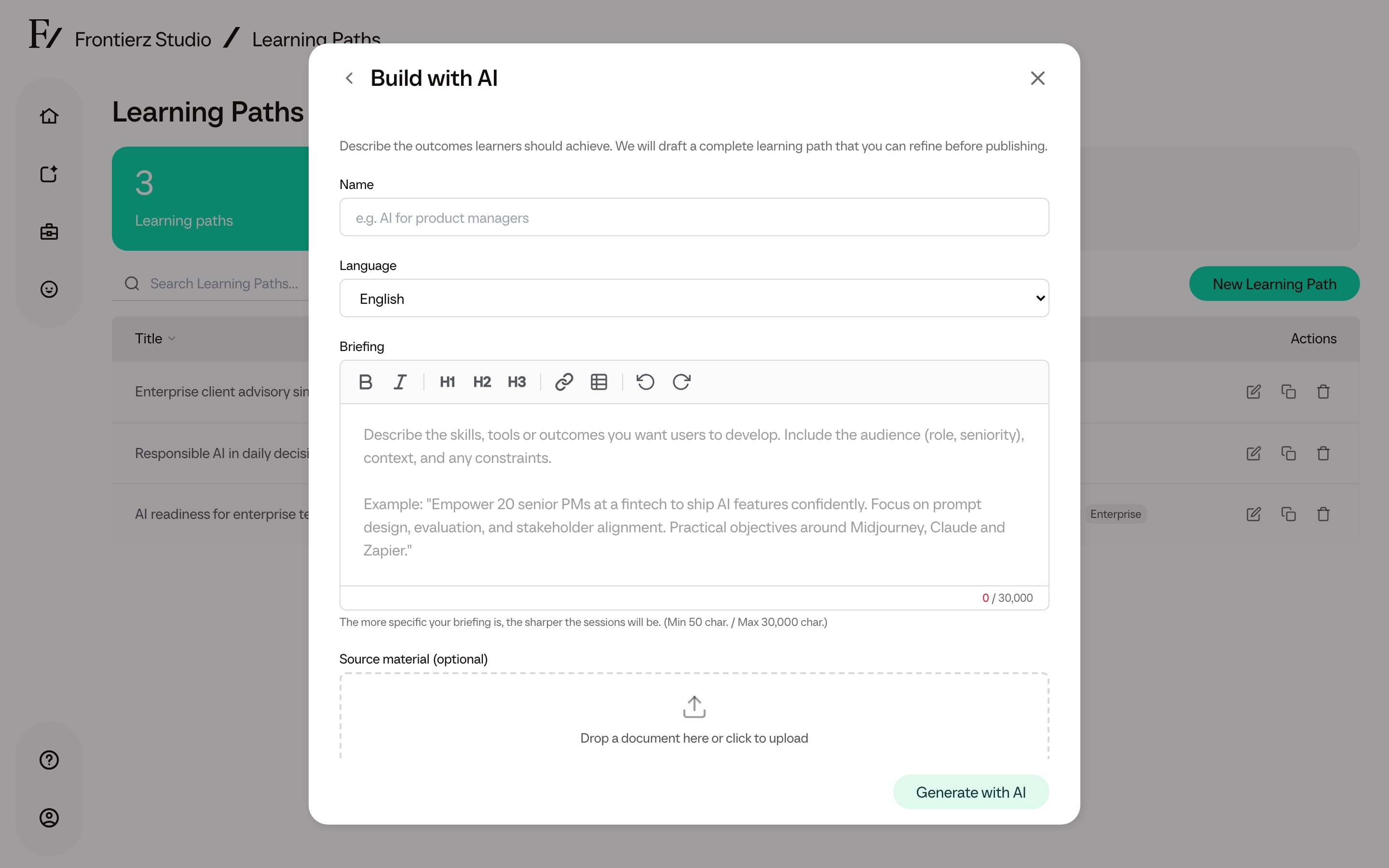
Optionally attach Source material. Drop one document or click to
upload. Supported files are the same as Learning Path knowledge:
PDF, Word (.docx, .doc), PowerPoint (.pptx, .ppt), Excel
(.xlsx), CSV, text, and Markdown. Maximum size is 50 MB. Frontierz
uses the file only to generate this draft, then discards it.
Source material
Source material (optional) sits under the briefing. Use it when an existing playbook, outline, or policy document should shape the draft.
The upload accepts one file. If Frontierz cannot read the file, or processing takes too long, the form shows an error and you can try a different file. The uploaded file is not added to the Learning Path knowledge catalog.
Include AI Simulations
The Build with AI form includes an Include AI Simulations toggle. It is off by default.
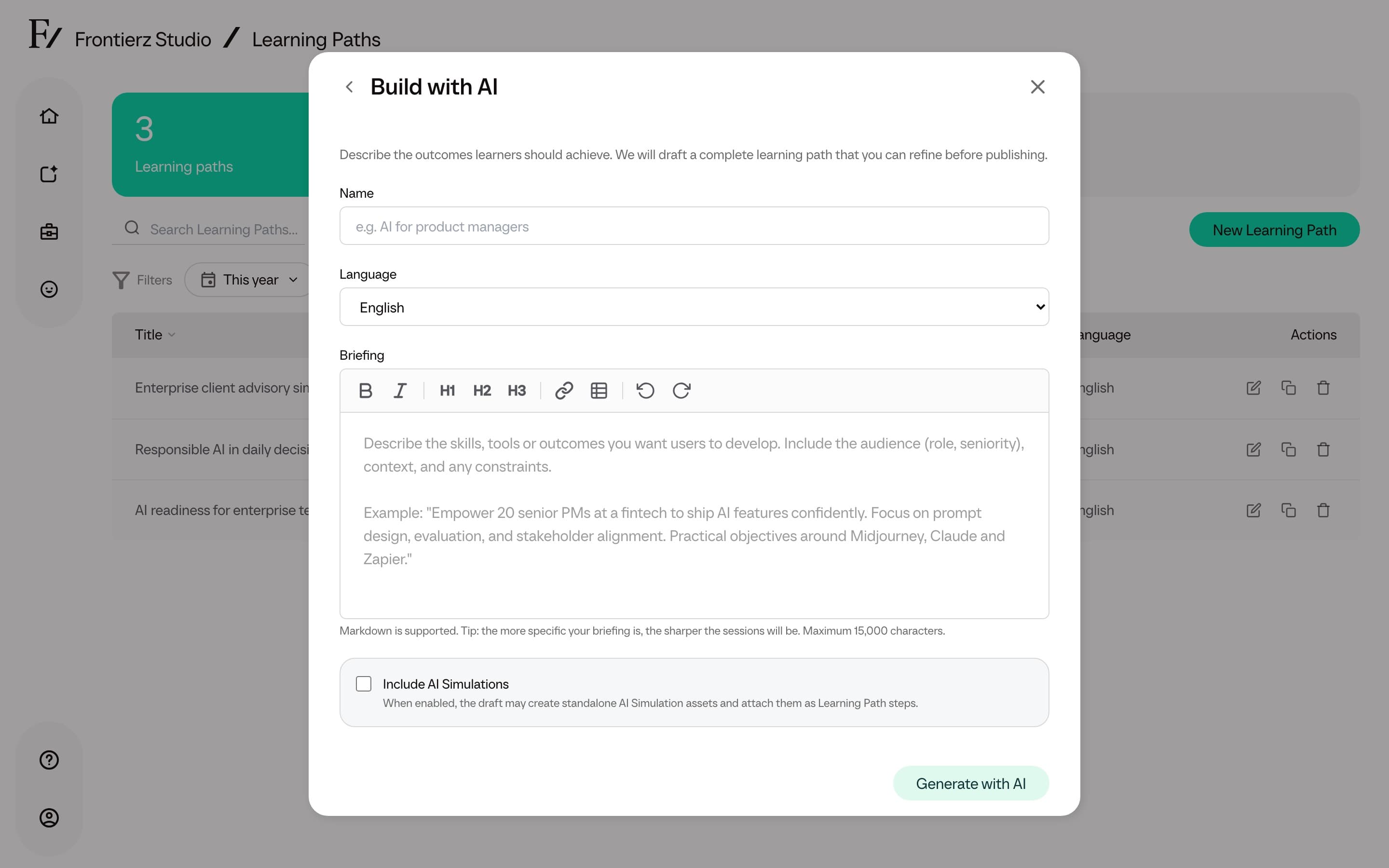
When enabled, the draft may create standalone AI Simulation assets and attach them as Learning Path steps. The draft can still contain regular Fellow Sessions.
Review and accept
When the draft is ready, the status changes to Ready to review.
Read through the suggested sessions and objectives. Each session is generated with a name, a description, and a starter set of observable objectives.
If the draft contains a Simulation step, review it with the other suggestions. When you accept the draft, Frontierz creates the standalone AI Simulation asset and attaches it as a step in the new Learning Path.
Drafts are intended as a starting point. Review the suggested sessions and objectives, edit them to match the team's terminology, and remove or add content as required.
If a draft is not useful, it can be deleted from the Learning Paths list. Deleting a draft never affects accepted Learning Paths.