

Company Settings
Company Settings provides Full Admins with organization-level configuration: company identity, branding assets, the AI Manifesto link, company context for AI Fellows, LMS connections, access management, and AI Fellow Identities when that feature is enabled for the workspace.
Open Company Settings
In the left sidebar, open the Company Settings dropdown.
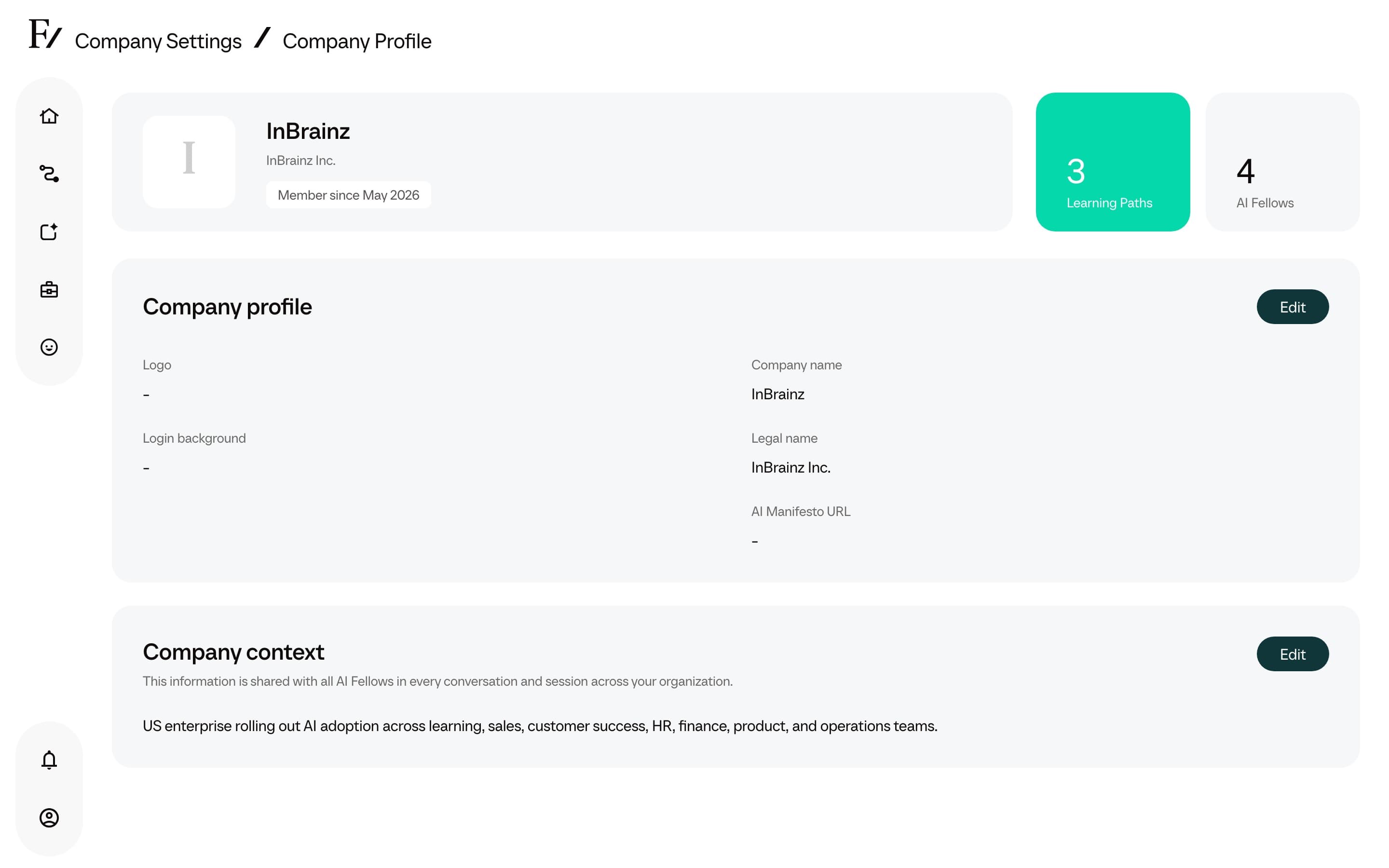
Select Company Profile to edit company identity, branding, the AI Manifesto link, and company context, LMS to connect an LTI 1.3 platform, or Access Management to manage Admin users and Users. If AI Fellow Identities appears, use it to generate and deploy a company-owned Fellow appearance.
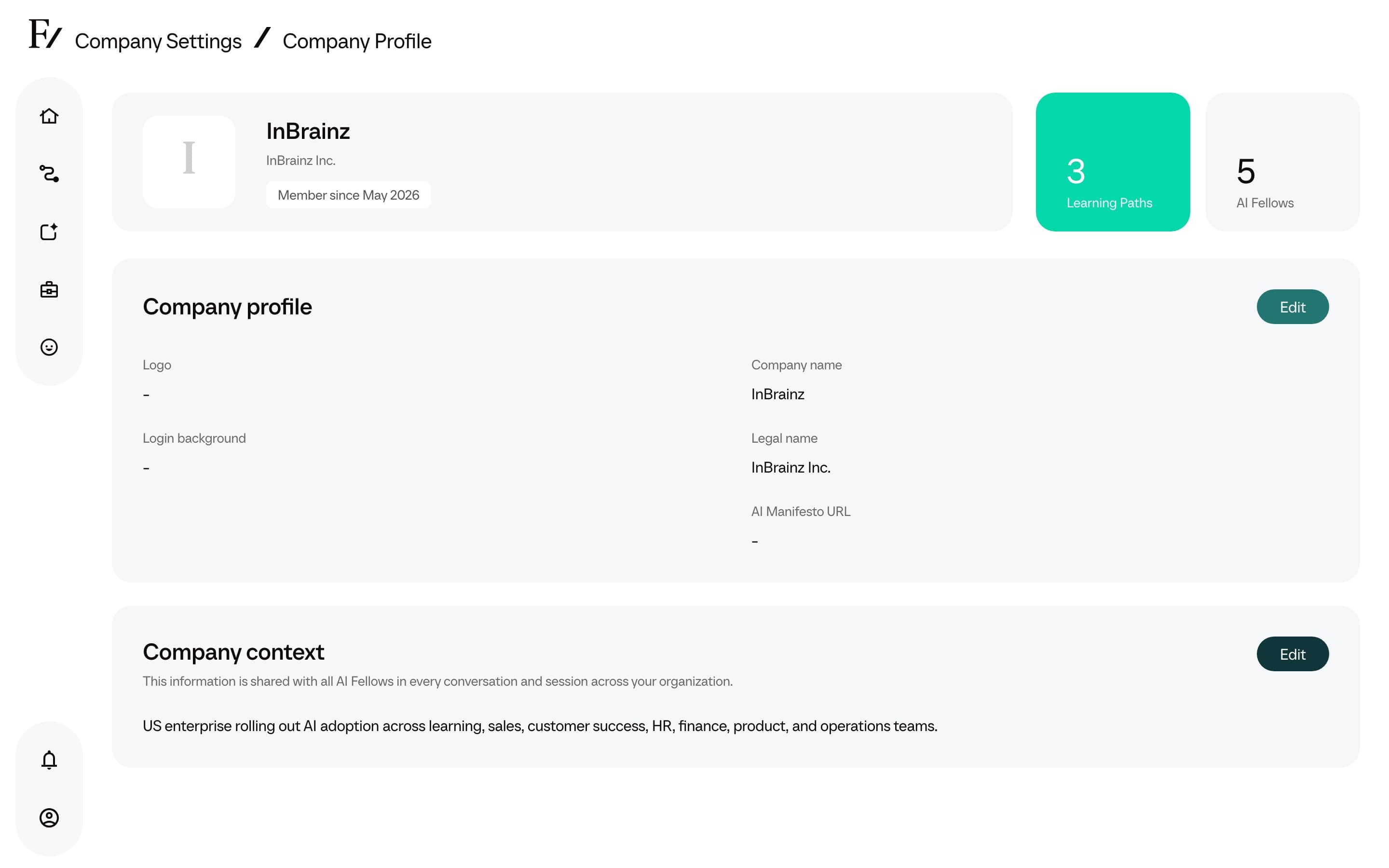
Edit the required fields and save.
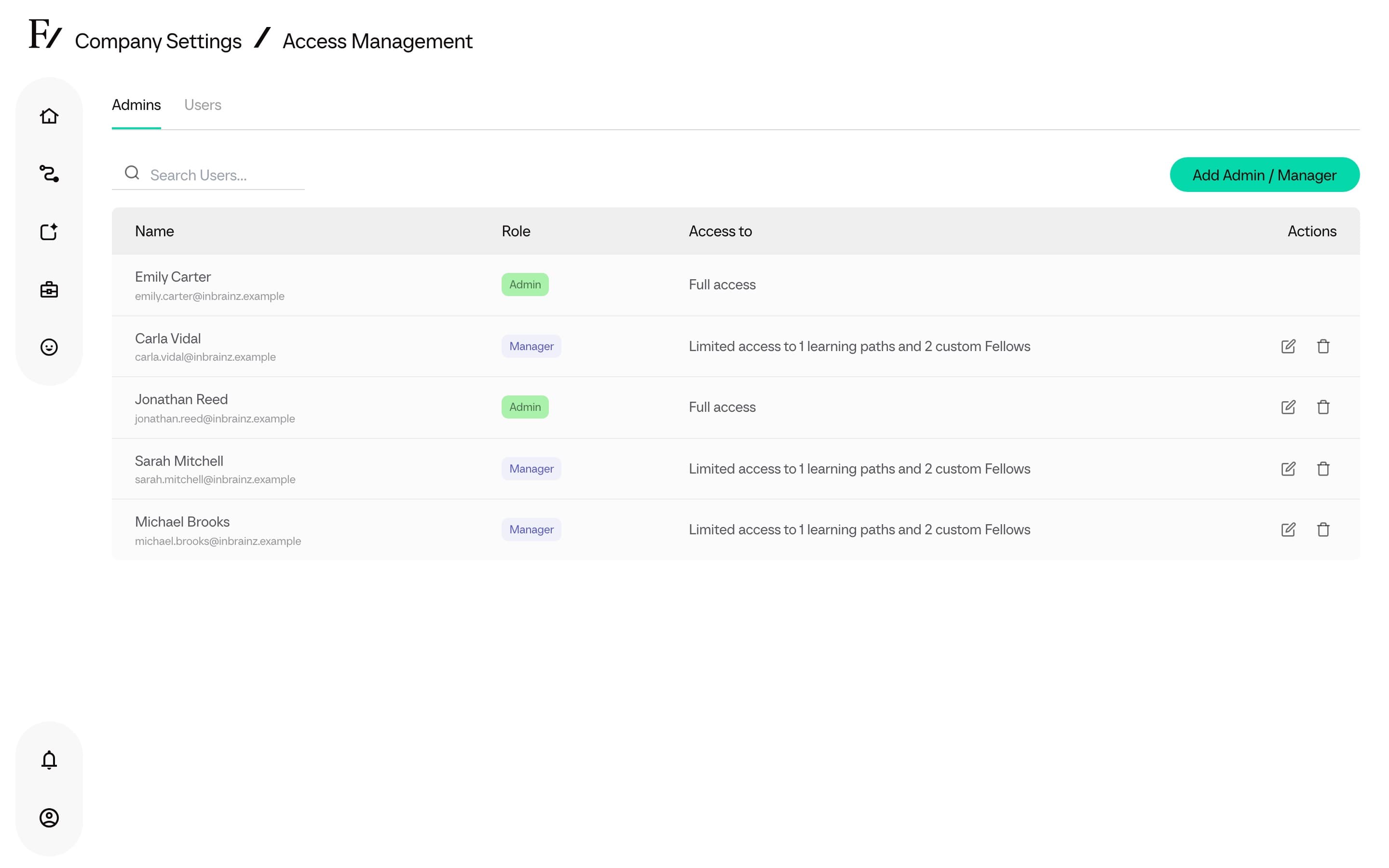
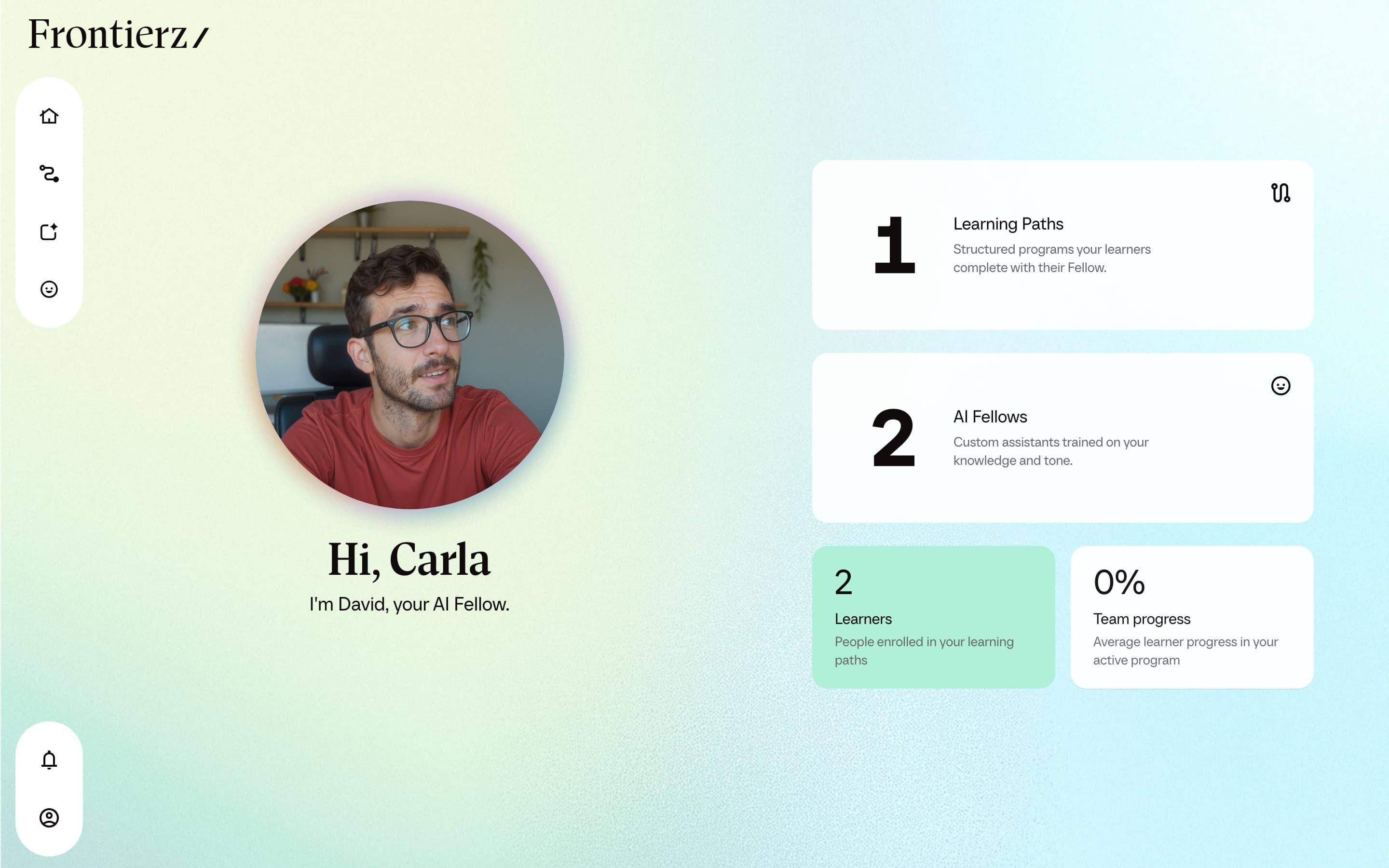
Only Full Admins and Owners can open Company Settings. The dropdown is not shown in the Creator or Manager sidebar.
Bulk-import users
For large onboarding cohorts, the CSV import in Access Management is more efficient than individual enrollment. See Import users from CSV.