

Conversations and analytics
Every conversation an AI Fellow holds is transcribed and saved automatically. From the AI Fellow detail page, Admin users can review how the AI Fellow is being used and read what users are asking.
Information shown
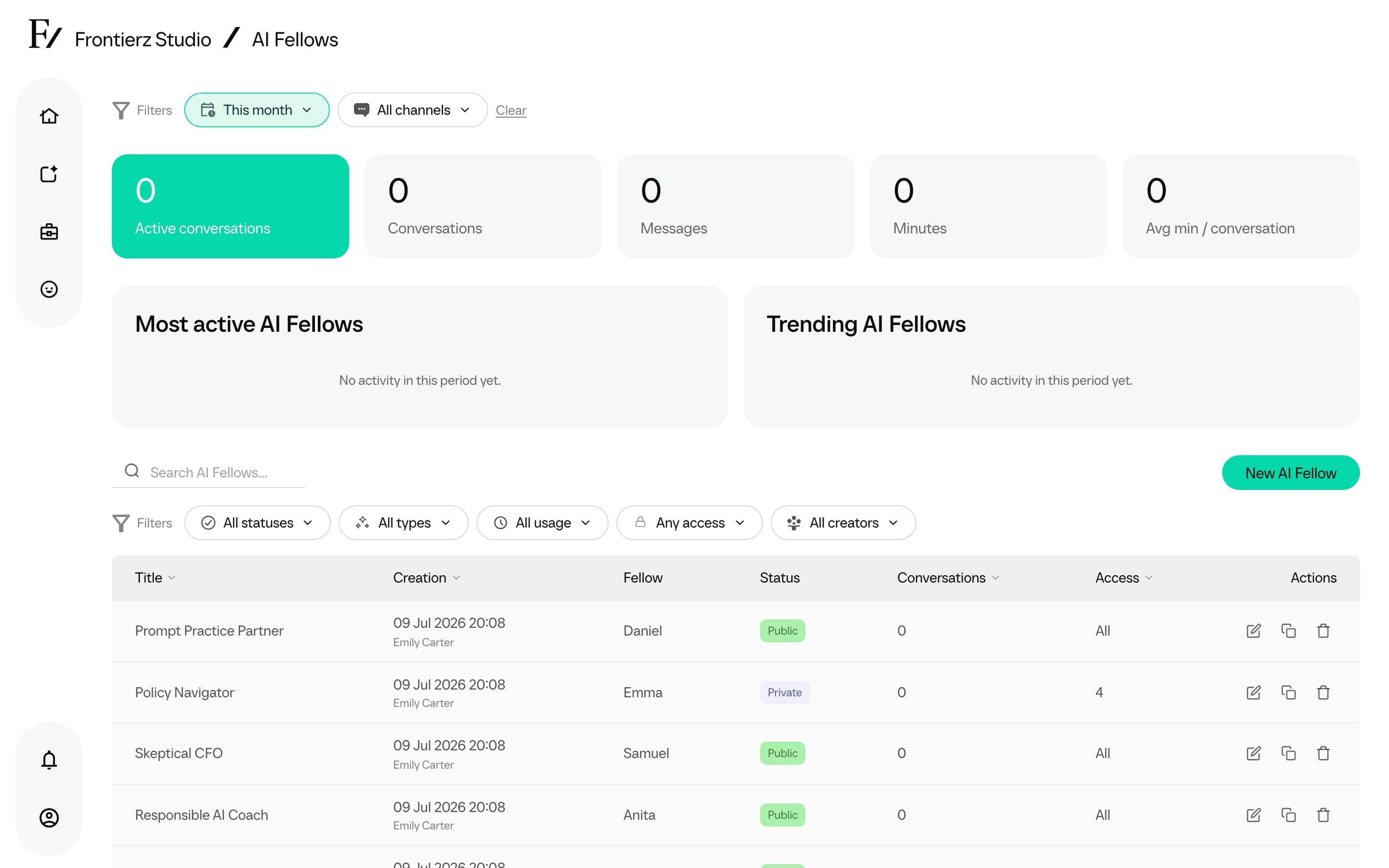
- Usage by period and channel. The AI Fellows dashboard shows active conversations, total conversations, messages, minutes, and average minutes per conversation. Use Period to choose This year, Today, Yesterday, This month, Last month, or All time. Use Channel to compare All channels, Real-time call, or Text chat.
- Most active and Trending. These lists show the AI Fellows with the most conversations and the largest increase for the selected period and channel. Period comparison chips appear when a previous period is available.
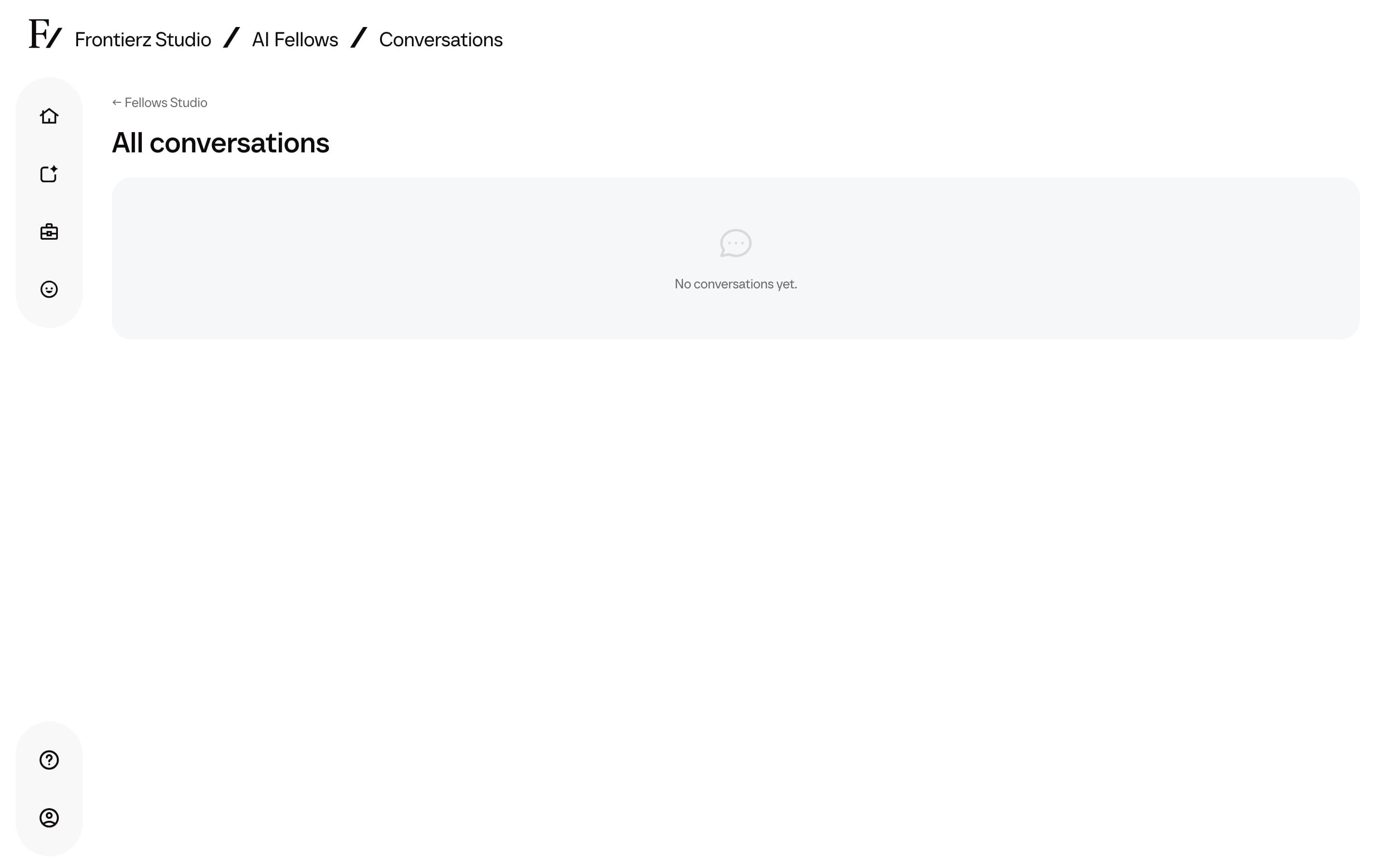
- Transcripts. Full text of each conversation.
- Conversation management. Authorized Admin users can open a conversation and, when needed, delete its message contents while keeping the activity record for reporting.
When a user continues a past conversation, the AI Fellow has a larger portion of the prior transcript available as context. This helps the AI Fellow preserve more context from a long previous call when resuming it.
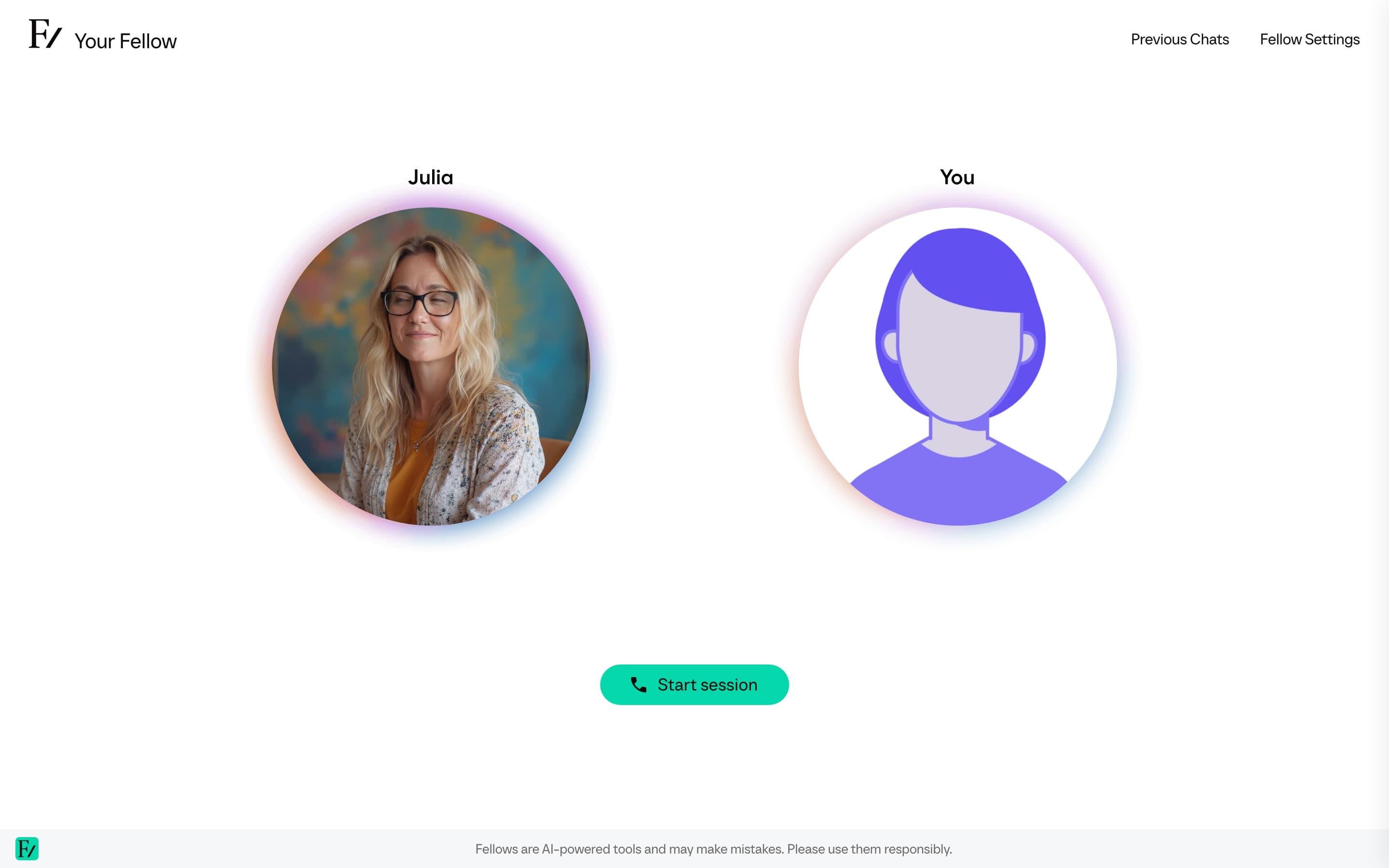
Export all conversations
Click Export all to download a ZIP containing the conversations available in the current scope.
The ZIP contains:
conversations.csv, a global metadata file with the Conversation UUID, AI Fellow, Channel, Messages, Total minutes, Started at, and Last message at.- One message CSV for each conversation that has transcript messages. The filename is the conversation UUID.
Each message CSV contains the Role, Content, and Time columns. User identity columns, including user name, email, and External User, are omitted.
Transcript content is exported as stored. It is not scrubbed. Check your workspace policy before sharing the ZIP.
The export ignores the Search conversations field. It includes all conversations available to your role and the current page scope.
AI Fellow report
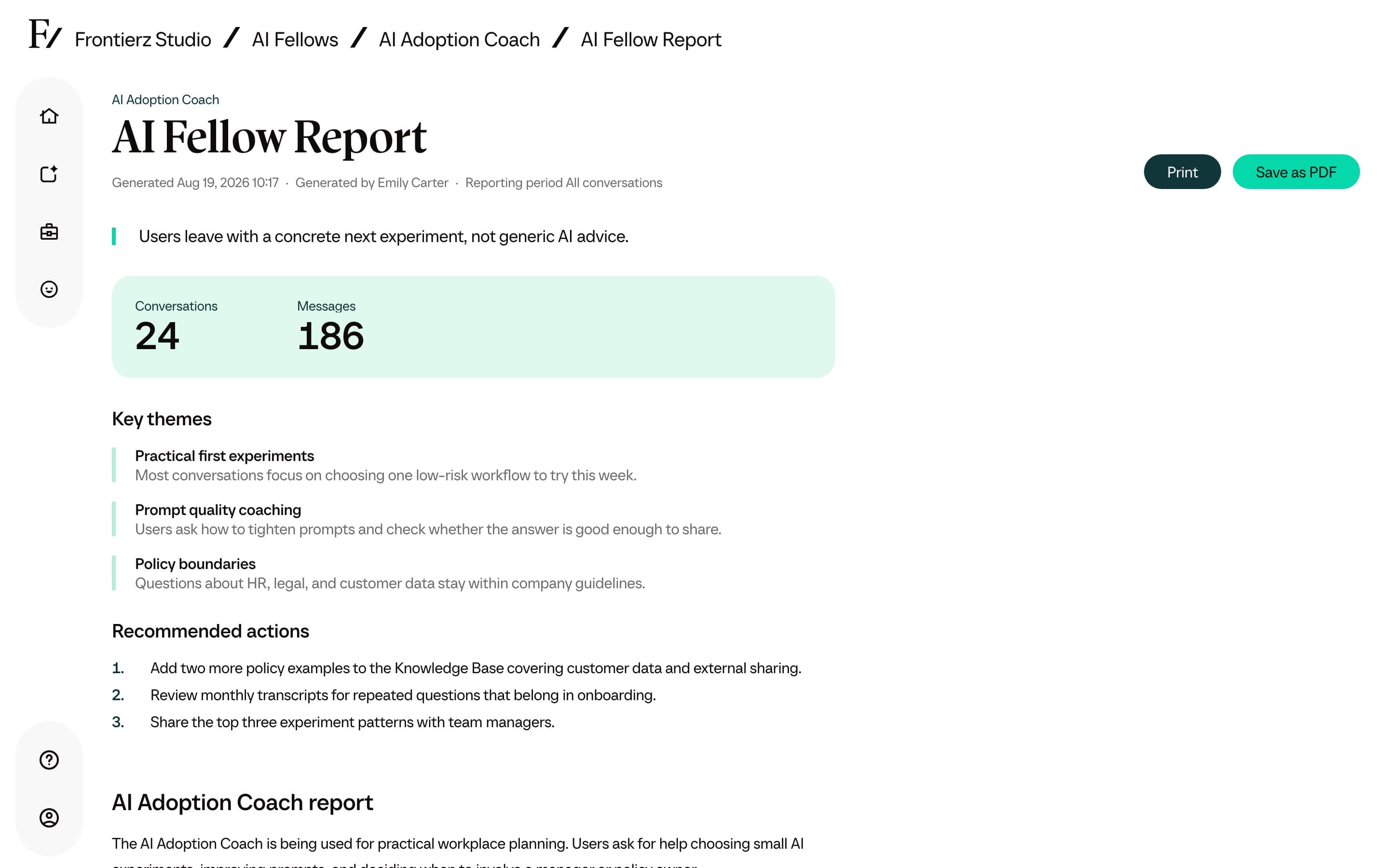
The AI Fellow monitor page can generate a written report about a single AI Fellow, based on the conversations people have had with it. The report covers what users come to the AI Fellow for, where it clearly helps, and where it can improve. It is the AI Fellow equivalent of the Learning Path report.
Keep the browser tab open while the report is generated. The card shows the status and then links to the finished report.
Open the report, then use Print or Save as PDF. The report page shows when it was generated and who generated it, plus Key themes, Recommended actions, and a metrics summary above the narrative.
Generating again creates an updated report. The most recent completed report stays linked from the same card. A report needs some conversation history to draw on, so generate it once the AI Fellow has been used.
Privacy considerations
Transcript attribution depends on the AI Fellow visibility:
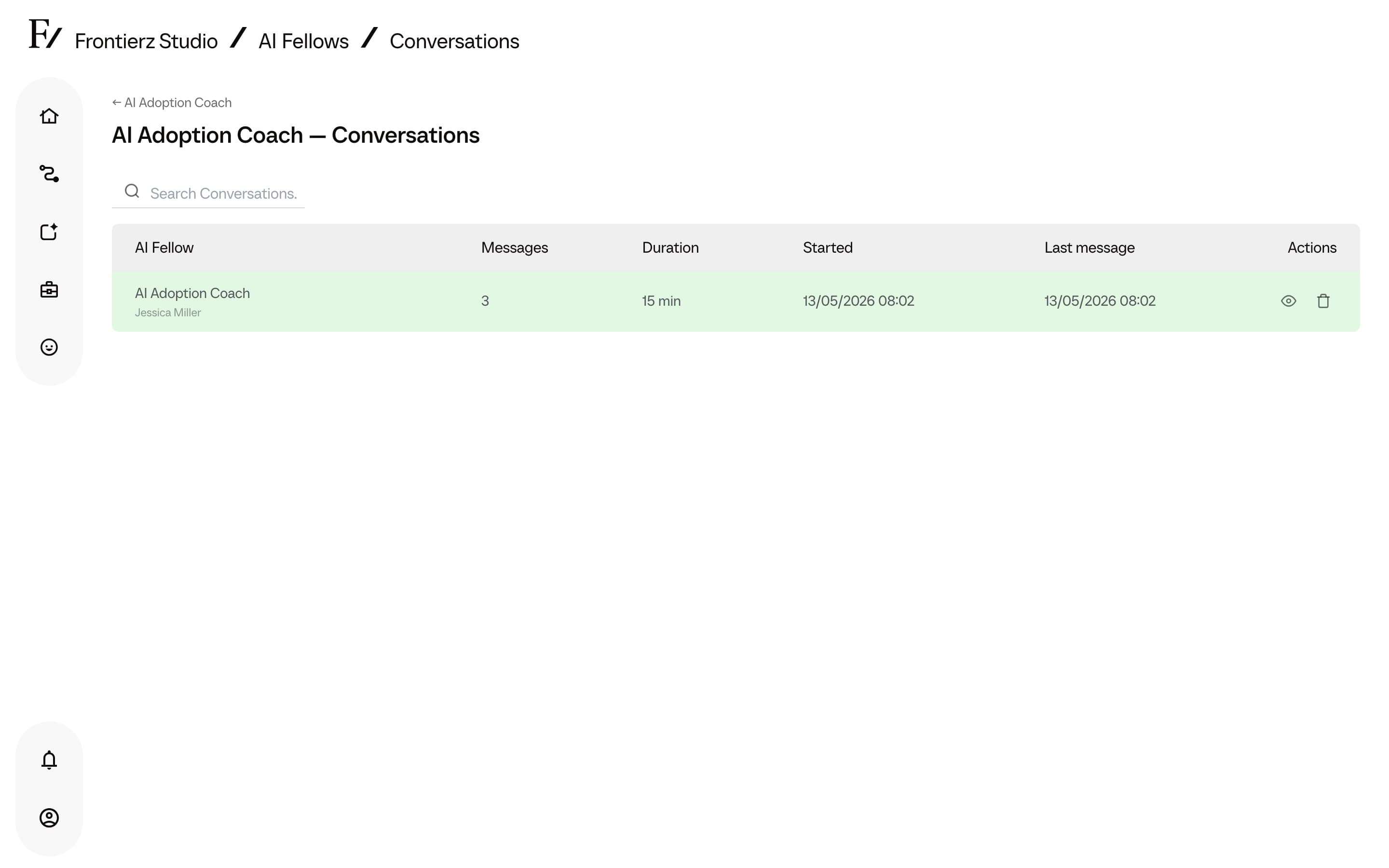
- Public AI Fellows. Conversations are anonymous by default. Authorized Admin users can read the transcript from Studio, but the transcripts cannot be filtered by user unless the embed or link passes an external user ID.
- Private AI Fellows. The user must be signed in, so the conversation is tied to their identity. Transcripts can be searched by user.
- Inside a Learning Path. The user is identified for progress tracking, so per-user progress against the Learning Path sessions and objectives is visible to authorized Admin users. The transcript itself follows the same rules as a Private AI Fellow.
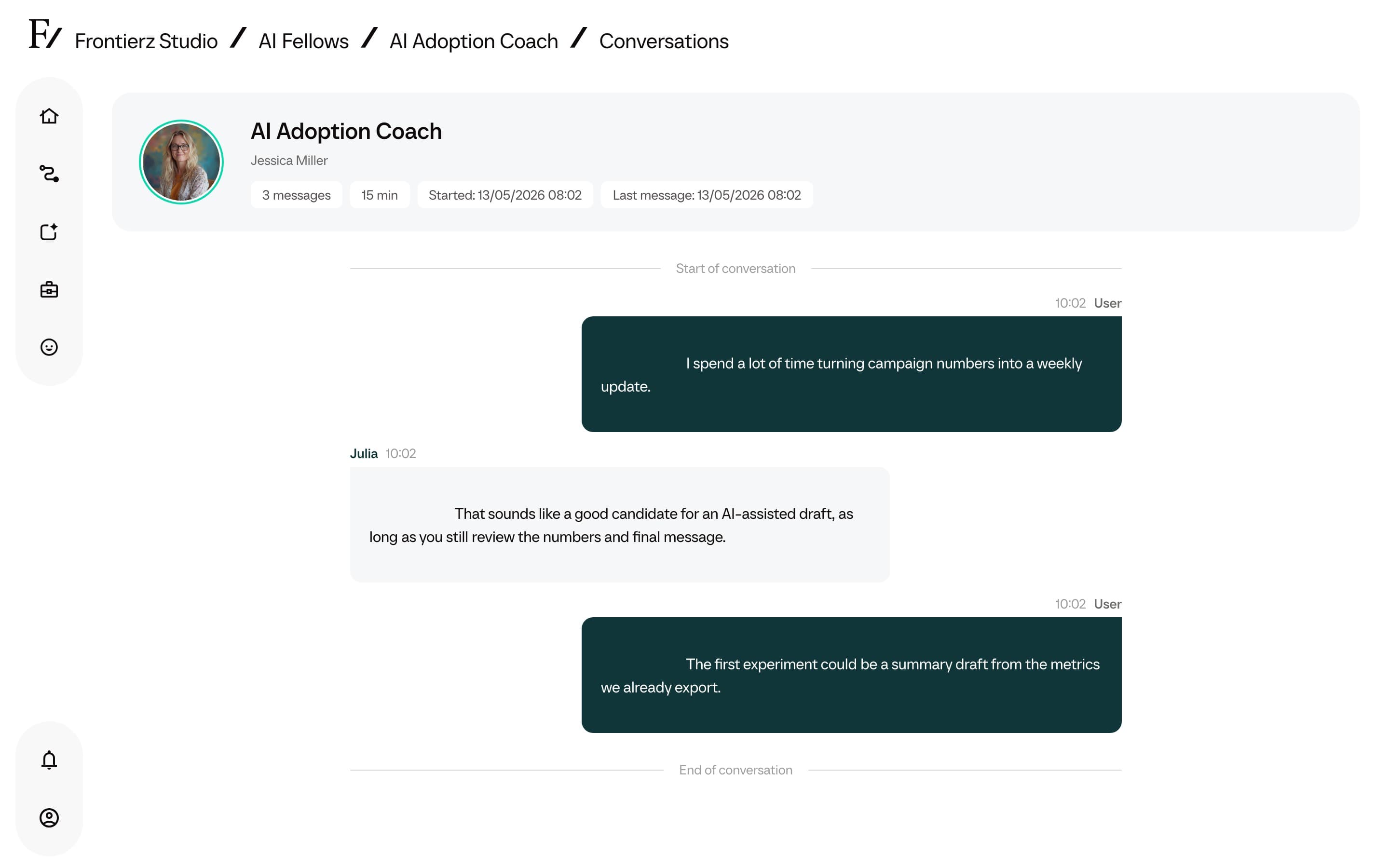
To enable attributed progress tracking on a standalone AI Fellow, set its visibility to Private, pass an external user ID through the embed, or assign the AI Fellow to a Learning Path.