

LMS
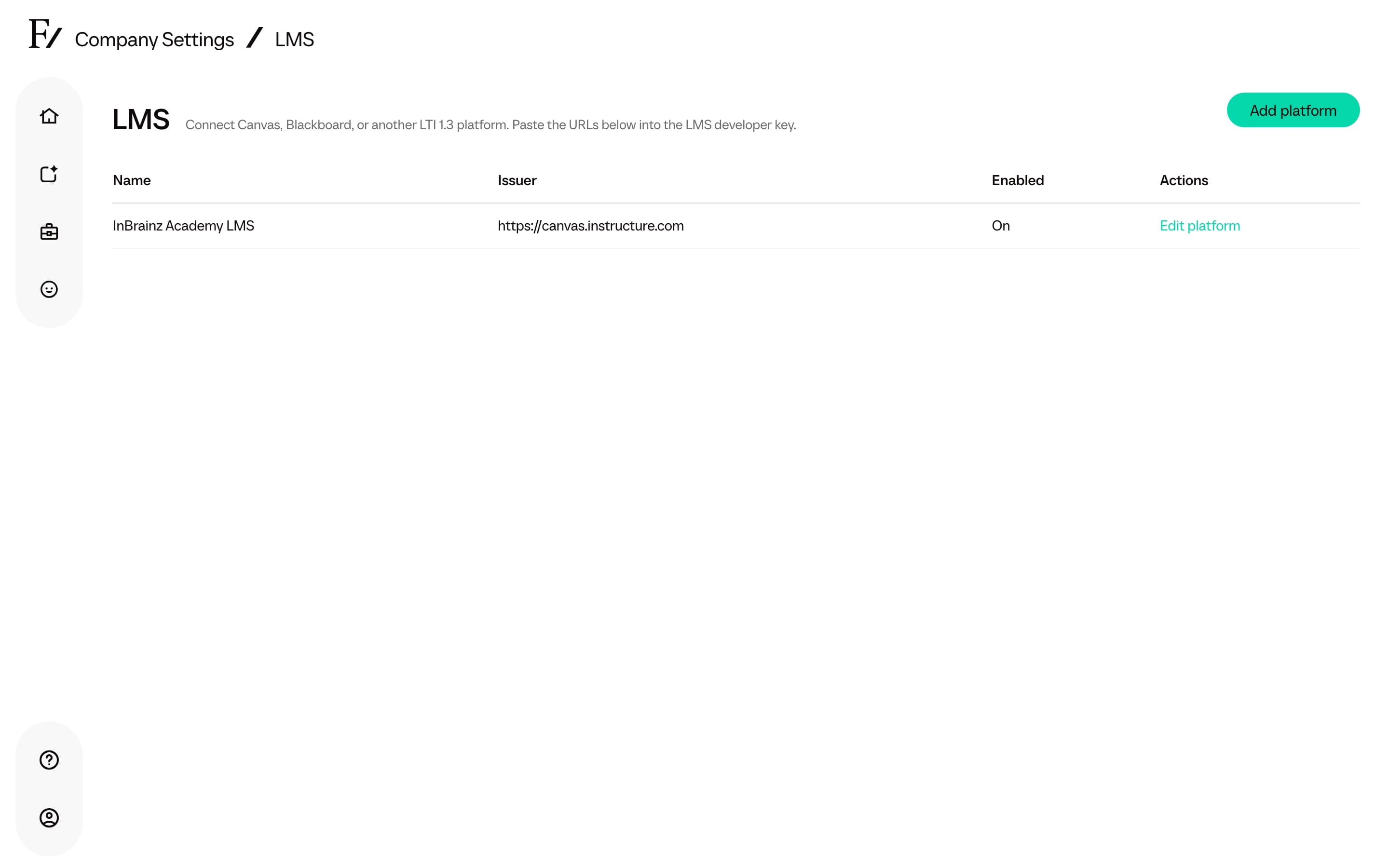
The LMS page is reserved for Full Admins and Owners. Use it to connect Canvas, Blackboard, or another LTI 1.3 platform so instructors can place a Learning Path, session, or AI Fellow in the LMS, and learners can open it from there.
This is a launch connection, not a replacement for Frontierz Studio. Managers cannot open the page.
What you register
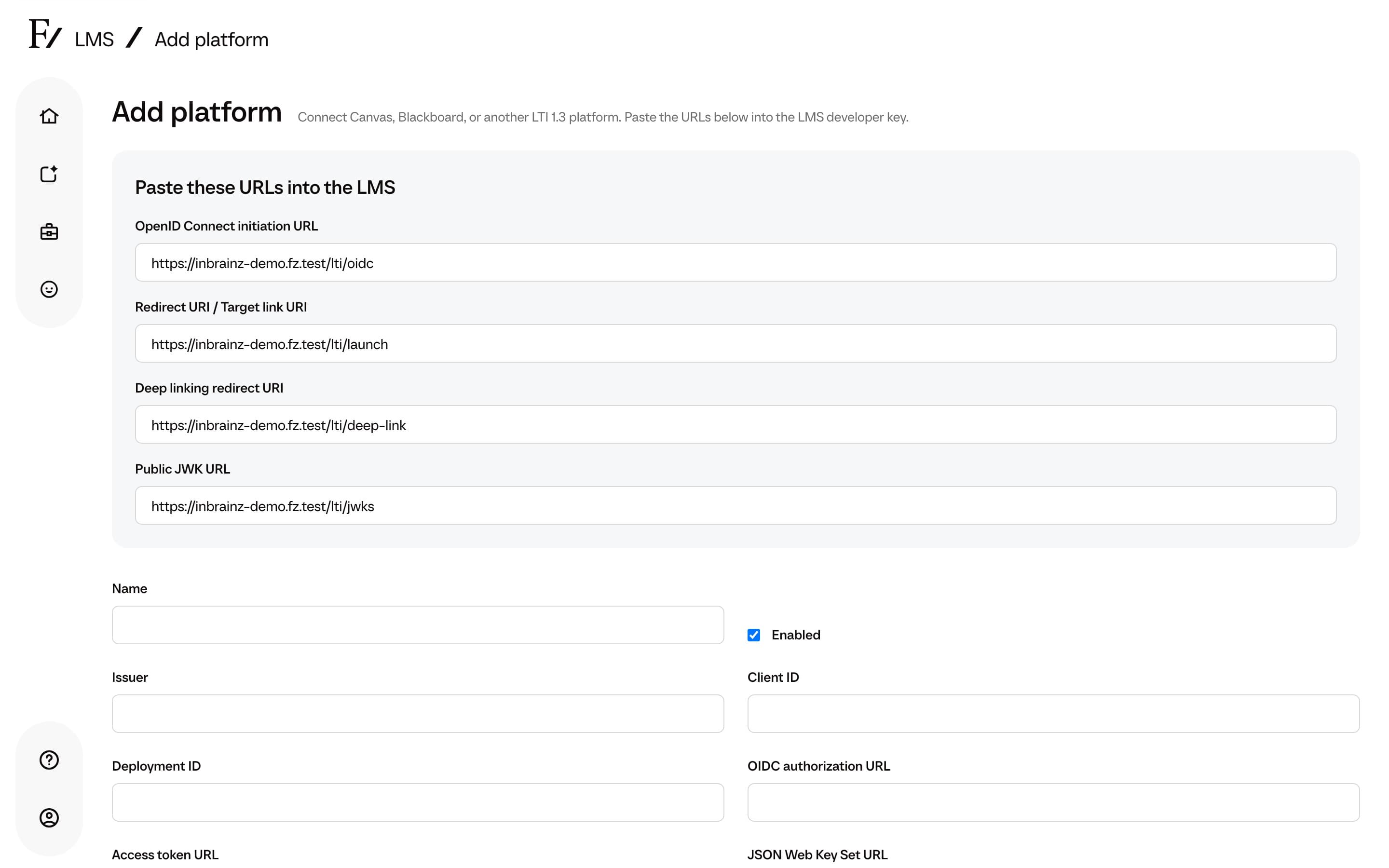
Click Add platform and paste the values from the LMS developer key. The page also lists Frontierz URLs to paste back into the LMS:
| Frontierz field | What it is |
|---|---|
| OpenID Connect initiation URL | Where the LMS starts the LTI login |
| Redirect URI / Target link URI | Resource Link launch |
| Deep linking redirect URI | Instructor picker |
| Public JWK URL | Frontierz public keys |
Then fill in the LMS identifiers: Name, Issuer, Client ID, Deployment ID, OIDC authorization URL, Access token URL, and JSON Web Key Set URL. Leave Enabled on when the connection should accept launches.
Launch options
| Setting | Choices |
|---|---|
| Unknown users | Reject: require an existing Frontierz account. Create: provision a learner on first launch. This setting is per platform. It is not the Company Profile SSO unknown-email policy. |
| Grade passback | Completed: pass 100% when the Learning Path is finished. Percentage: share of completed Fellow Sessions. |
| Launch presentation | Iframe: stay inside the LMS. New window: open Frontierz in a separate tab. |
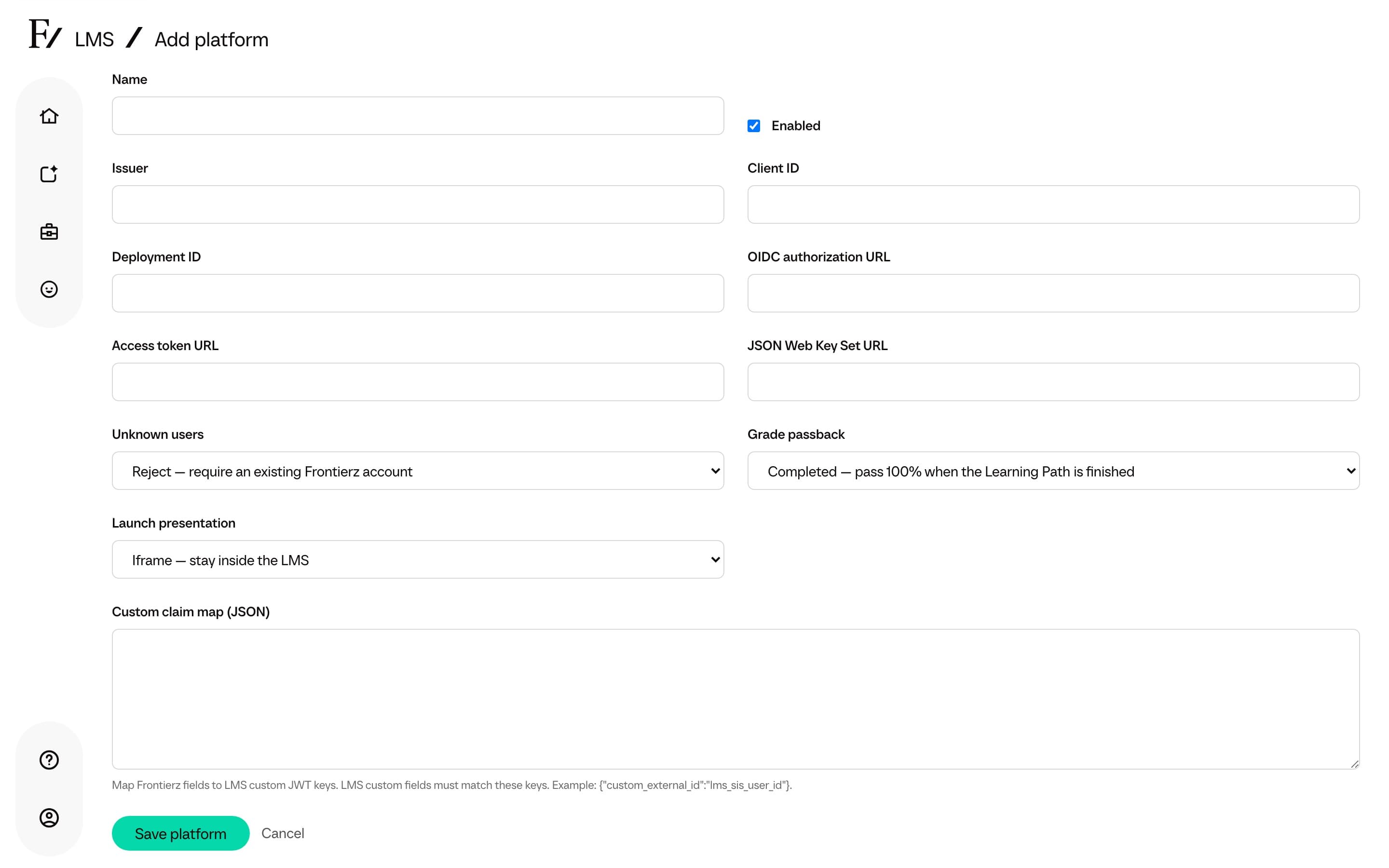
Custom claim map is optional JSON that maps Frontierz fields to LMS
custom JWT keys. The default example maps custom_external_id to
lms_sis_user_id.
Add a platform
Copy the Frontierz URLs into the LMS developer key, then enter the LMS issuer, client, deployment, and endpoint URLs.
After you save, an LMS instructor can Deep Link a Learning Path, session, or AI Fellow. Learners who launch that link land on the matching Frontierz item. If the platform is set to Reject, add the person in Access Management first.
Removing a platform stops existing launches. Confirm with the LMS owner before you click Remove platform.