User experience
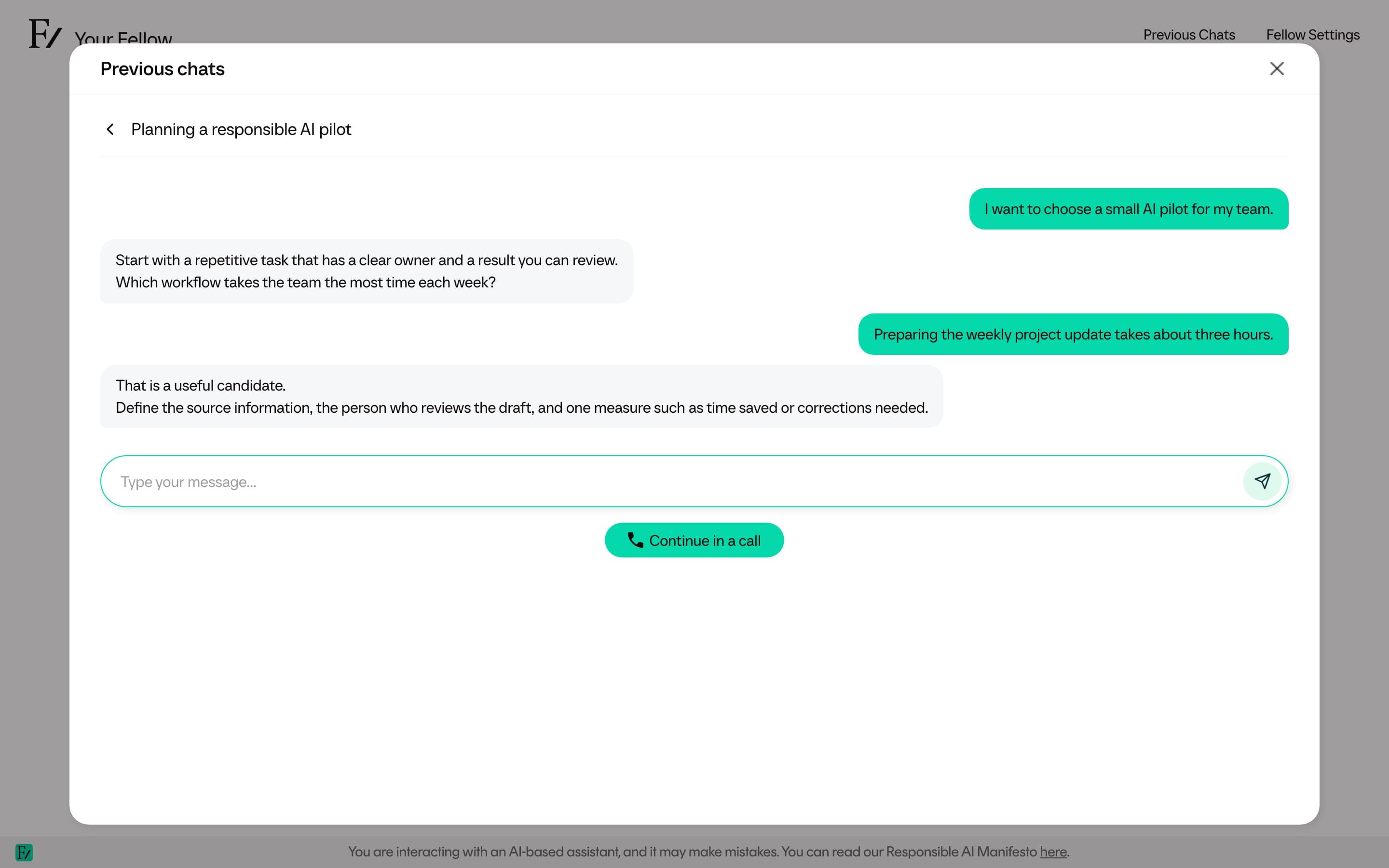
Users access a streamlined view of Frontierz. They do not see Studio, Company Settings, the Connectors Library, or any administration tables. The user workspace is limited to starting conversations, completing sessions, and reviewing personal progress.
User areas
| Area | What users do there |
|---|---|
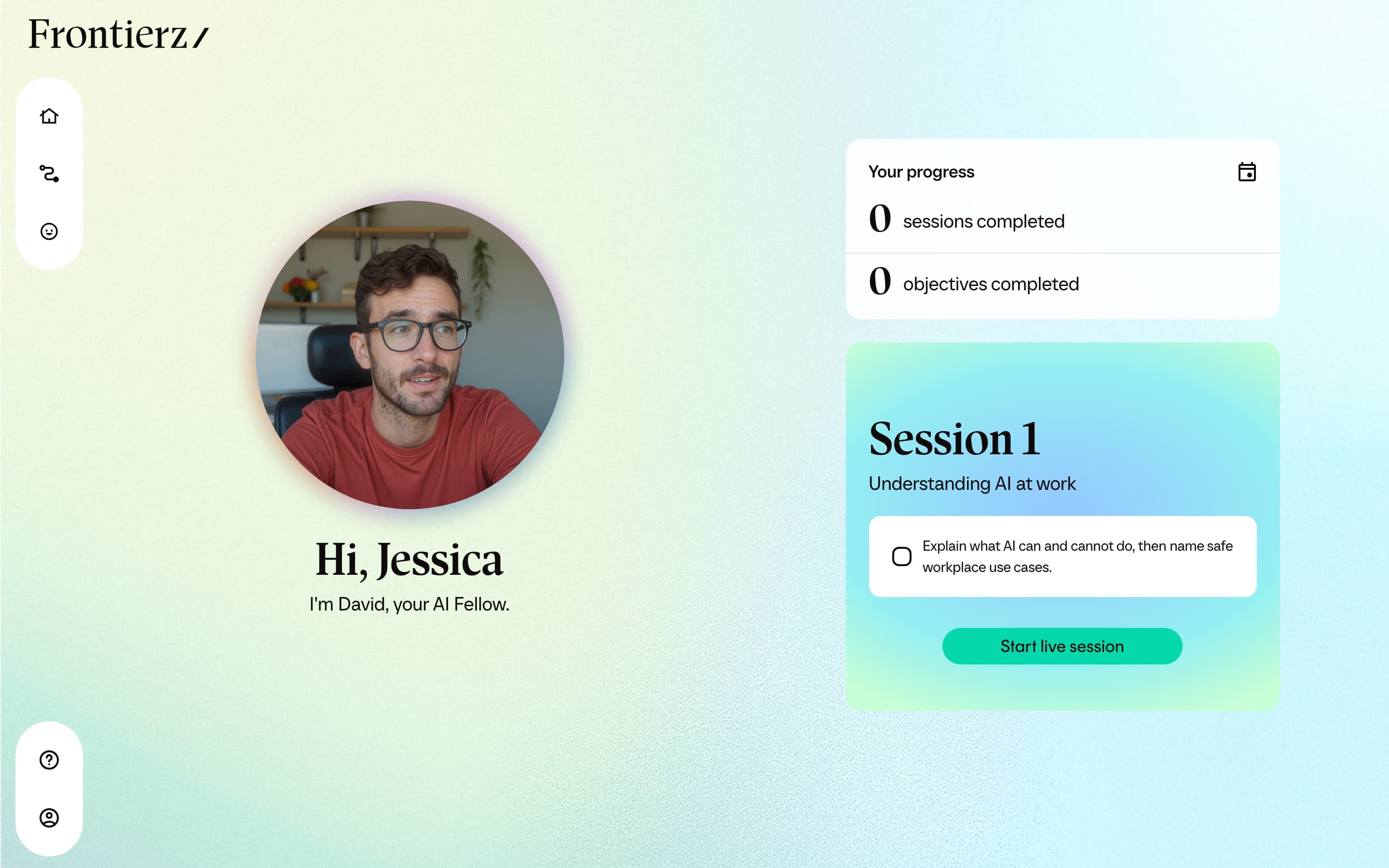
| Home | View a greeting, a progress summary, and the next session or accessible AI Fellows. |
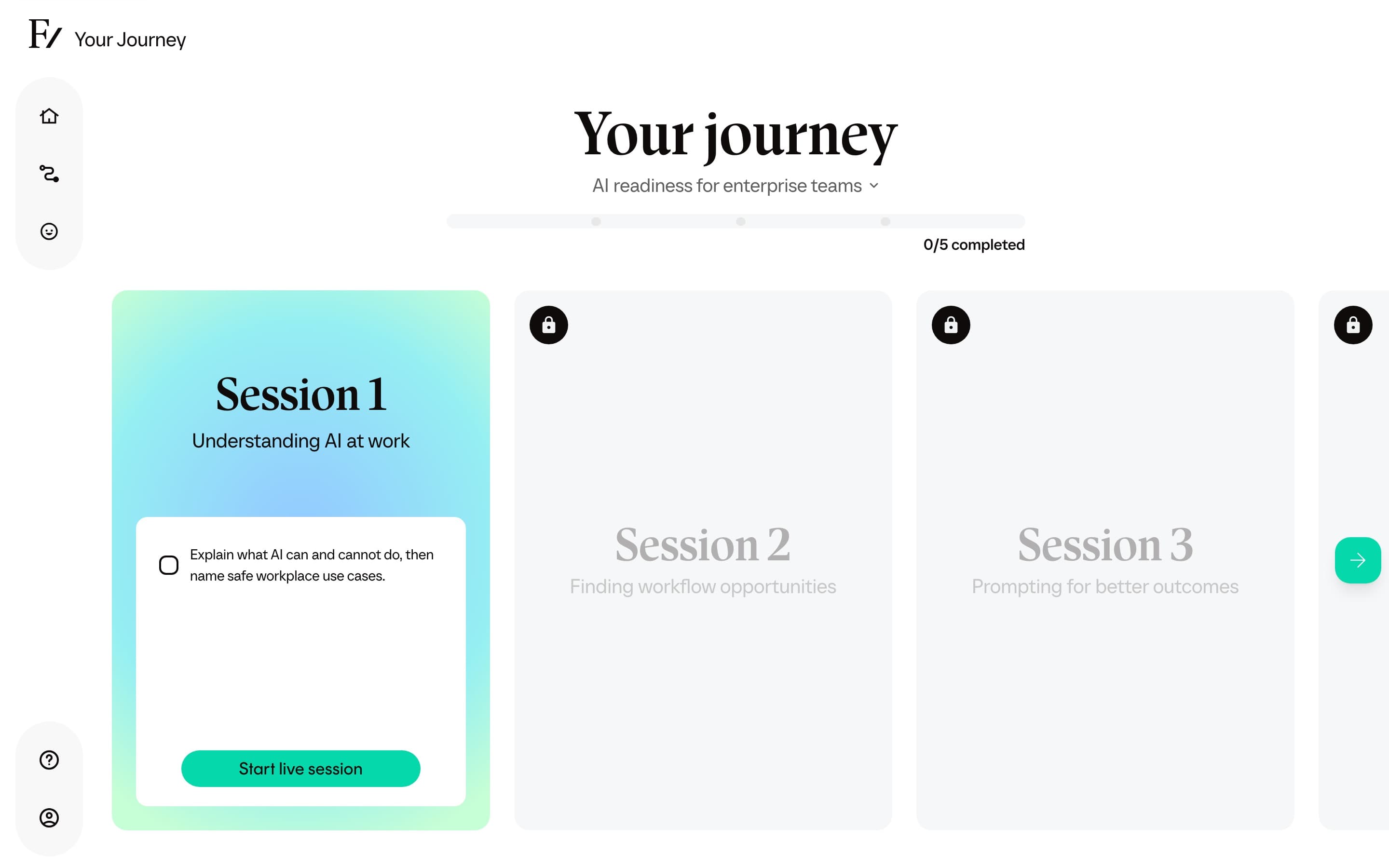
| Your Journey | Hover for Continue your Learning Path (browse the active path and open the next session) or View your Progress Reports (every assigned path, badges, certificates, and saved practice feedback). |
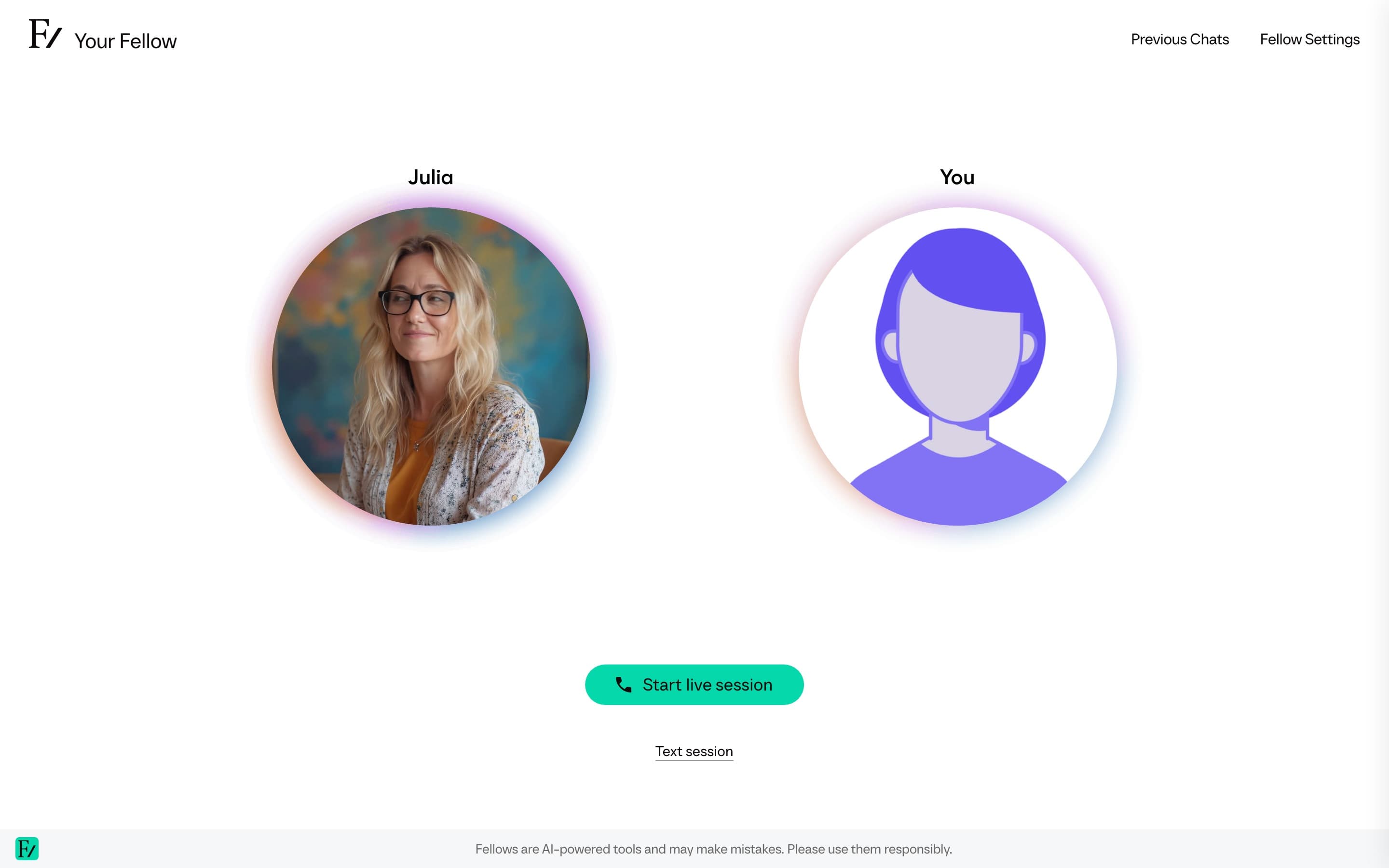
| Your Fellow | Start a general conversation with the assigned AI Fellow outside a specific session. Your Fellow can also help the user open a Learning Path or granted AI Fellow they already have access to. |
| Session | Complete objectives in a structured Learning Path conversation. |
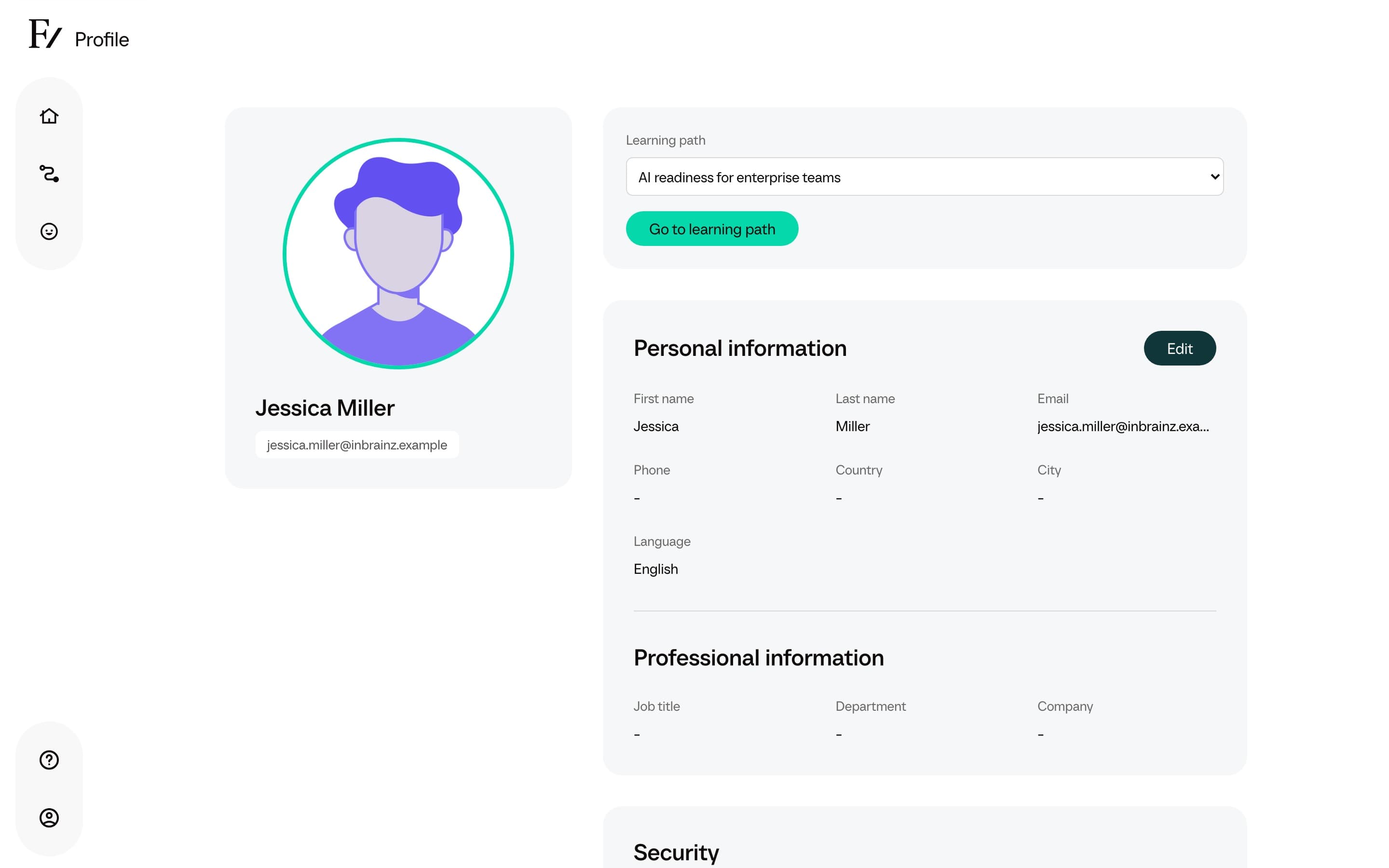
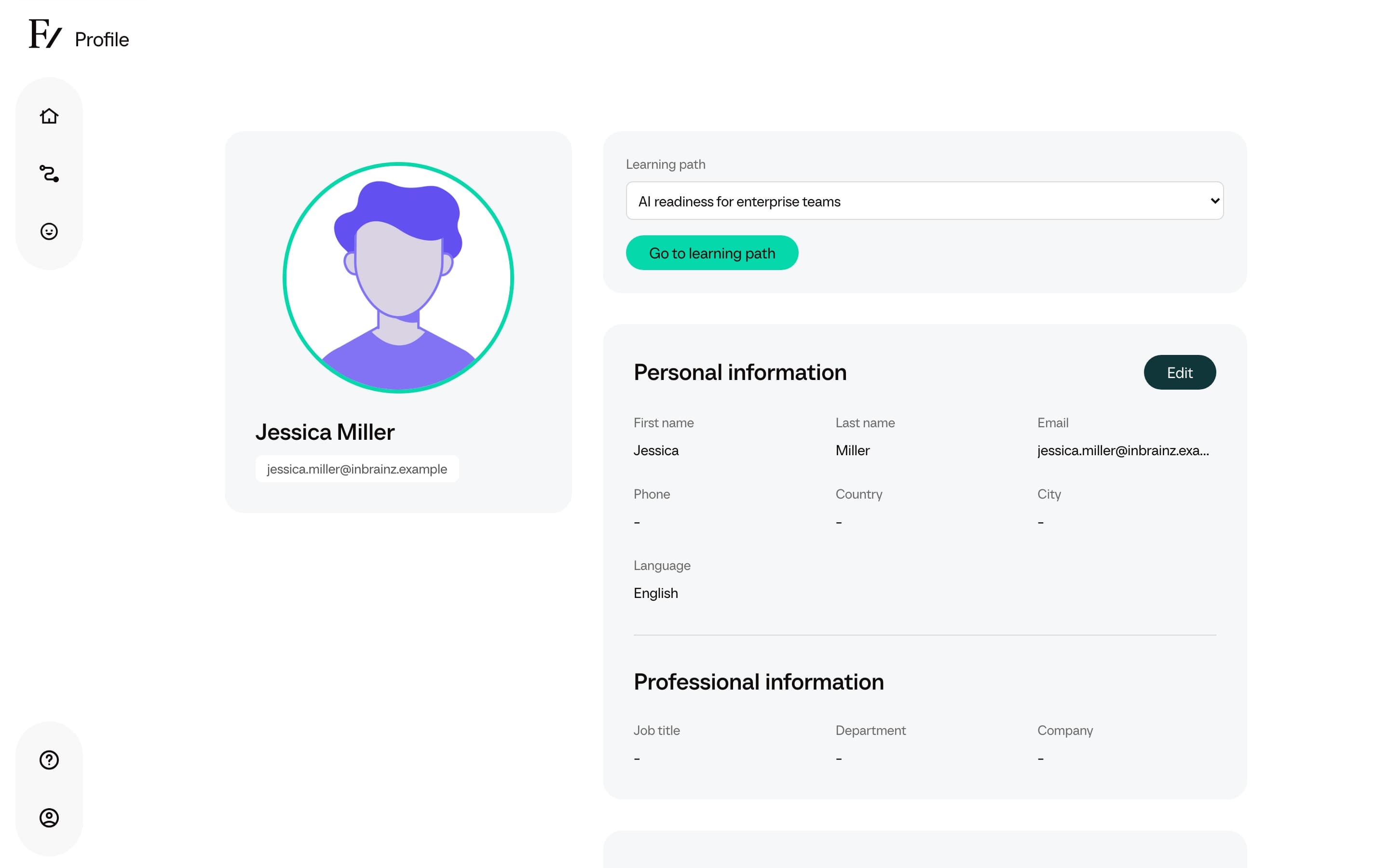
| Profile | Update personal information, manage sign-in methods, and switch the active Learning Path when several are available. |
The AI Journey view shows the active Learning Path, ordered sessions, and progress in a single screen.
The profile page is where users update personal details, manage sign-in methods under Security, and switch between active Learning Paths when more than one is assigned.
During a live session
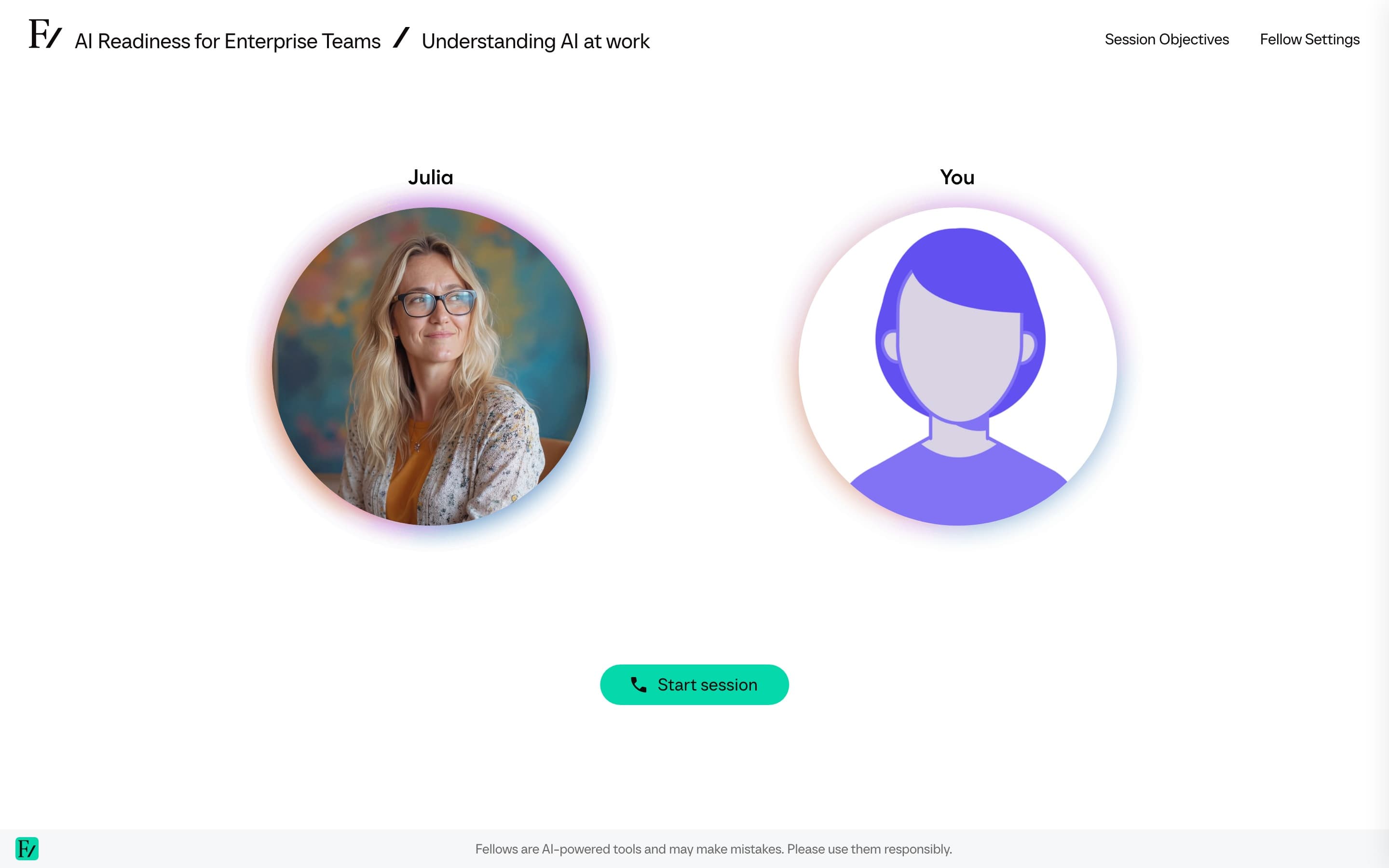
Users can speak to the AI Fellow, interrupt it, mute themselves, open the transcript, review previous chats, and use camera, screen sharing, or text sharing when those options are enabled. Depending on the capabilities configured for the AI Fellow or Learning Path, the AI Fellow may also show a text snippet, draw a diagram, display an interactive widget, create an illustrative image, or trigger a brief celebration. Camera and screen sharing also require the user's permission.
In a Learning Path session, the objectives panel shows what the user is working toward. The AI Fellow marks objectives complete during the conversation when the user demonstrates them.
Previous chats
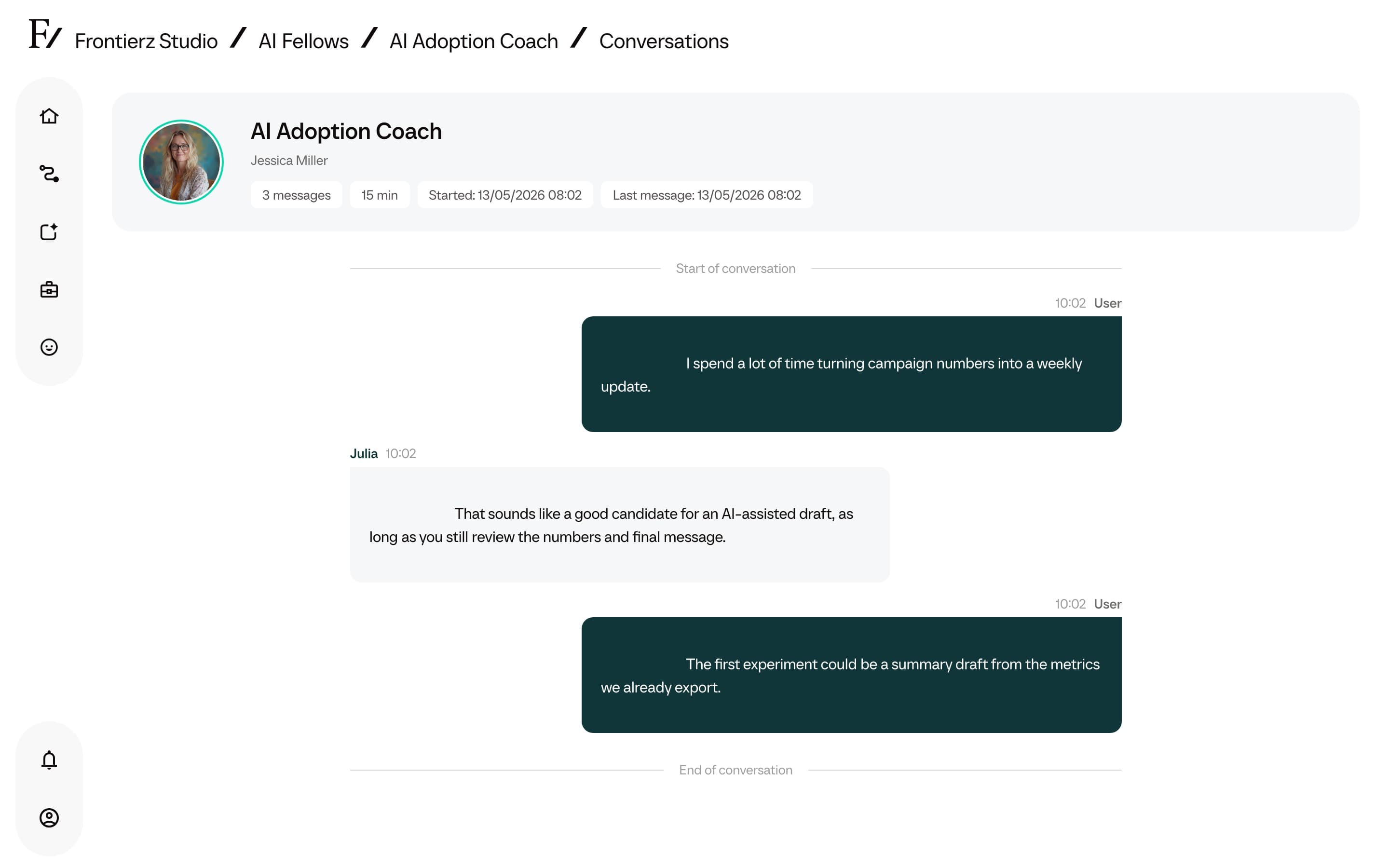
Users can open a previous conversation as a text thread, send a follow-up message, or select Continue in a call to resume it by voice. Starting a fresh call does not automatically continue a specific previous conversation.
Voice recovery
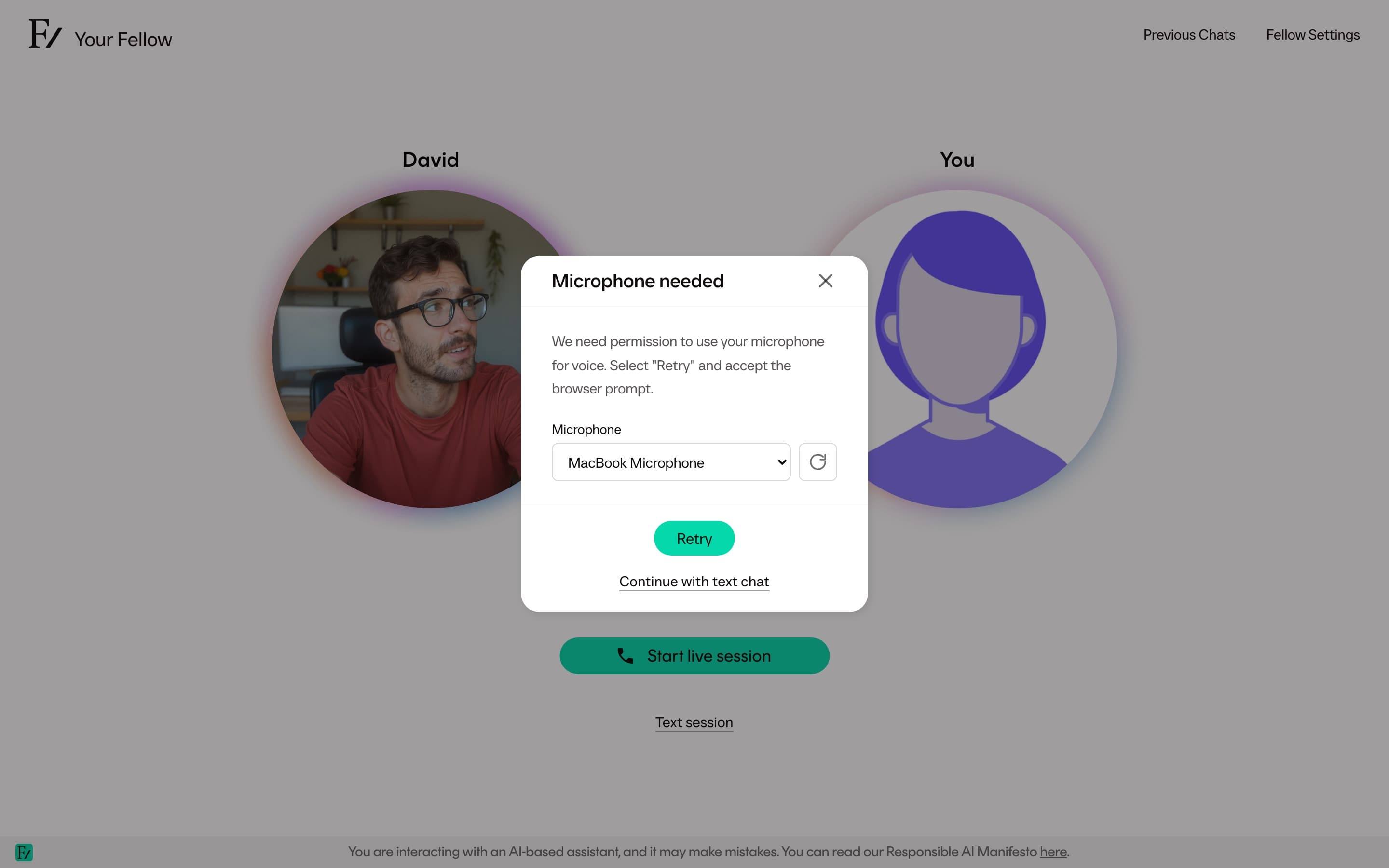
When Frontierz cannot access the microphone, users see Microphone needed with Retry, Refresh devices, and, where text chat is available, Continue with text chat.
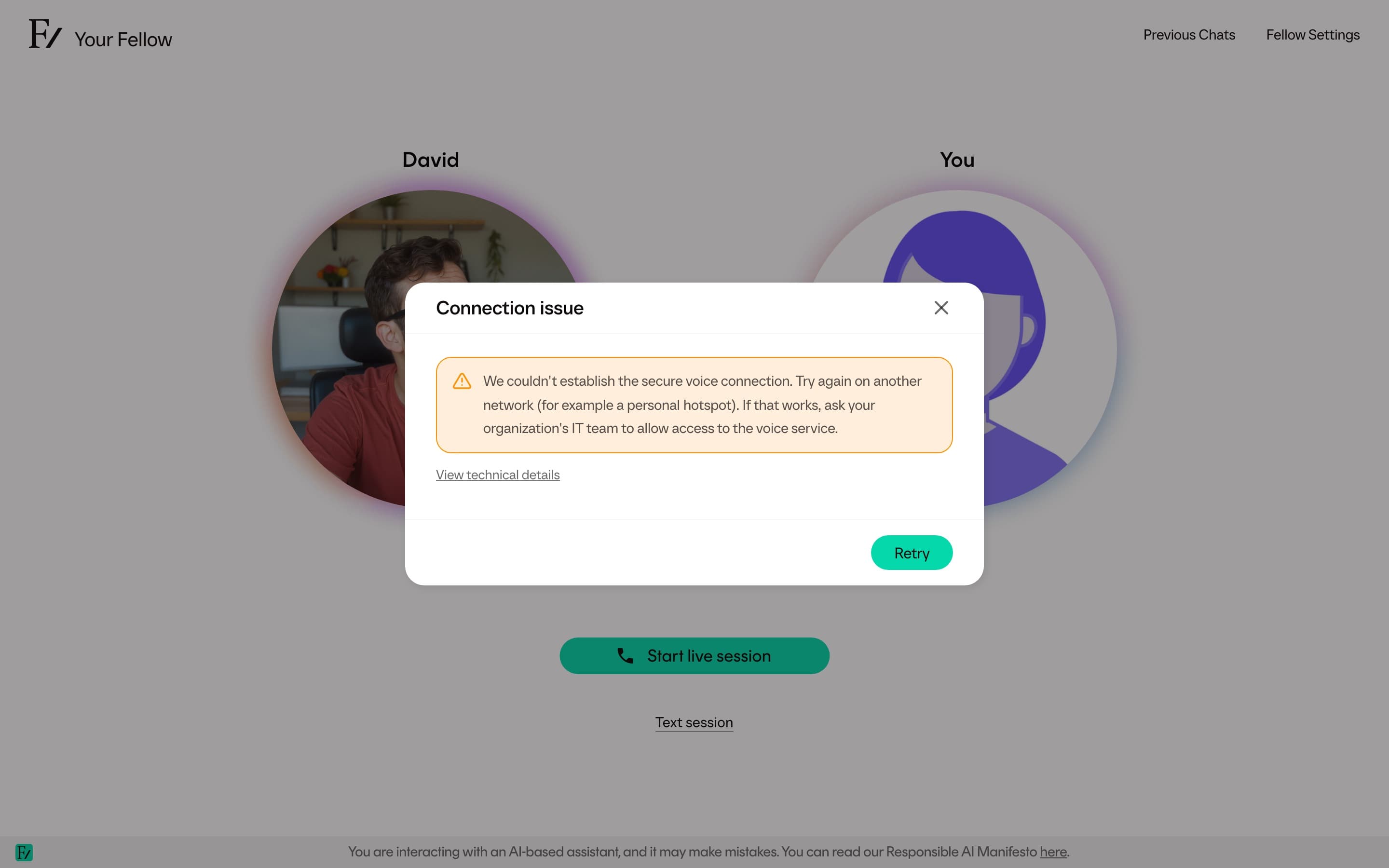
Connection failures show Connection issue. The dialog offers Retry or Reload page based on the problem. When a corporate firewall, VPN, or security gateway may be blocking voice, the user can select View technical details and send that information to their IT team.