

Fellows library
The Fellows library holds ready-made AI Fellows curated by Frontierz. Full Admins, Owners, and Creators can browse them and add a copy to the workspace. Managers cannot open the library.
The copy is yours to edit. Later changes to the library template do not update copies already added.
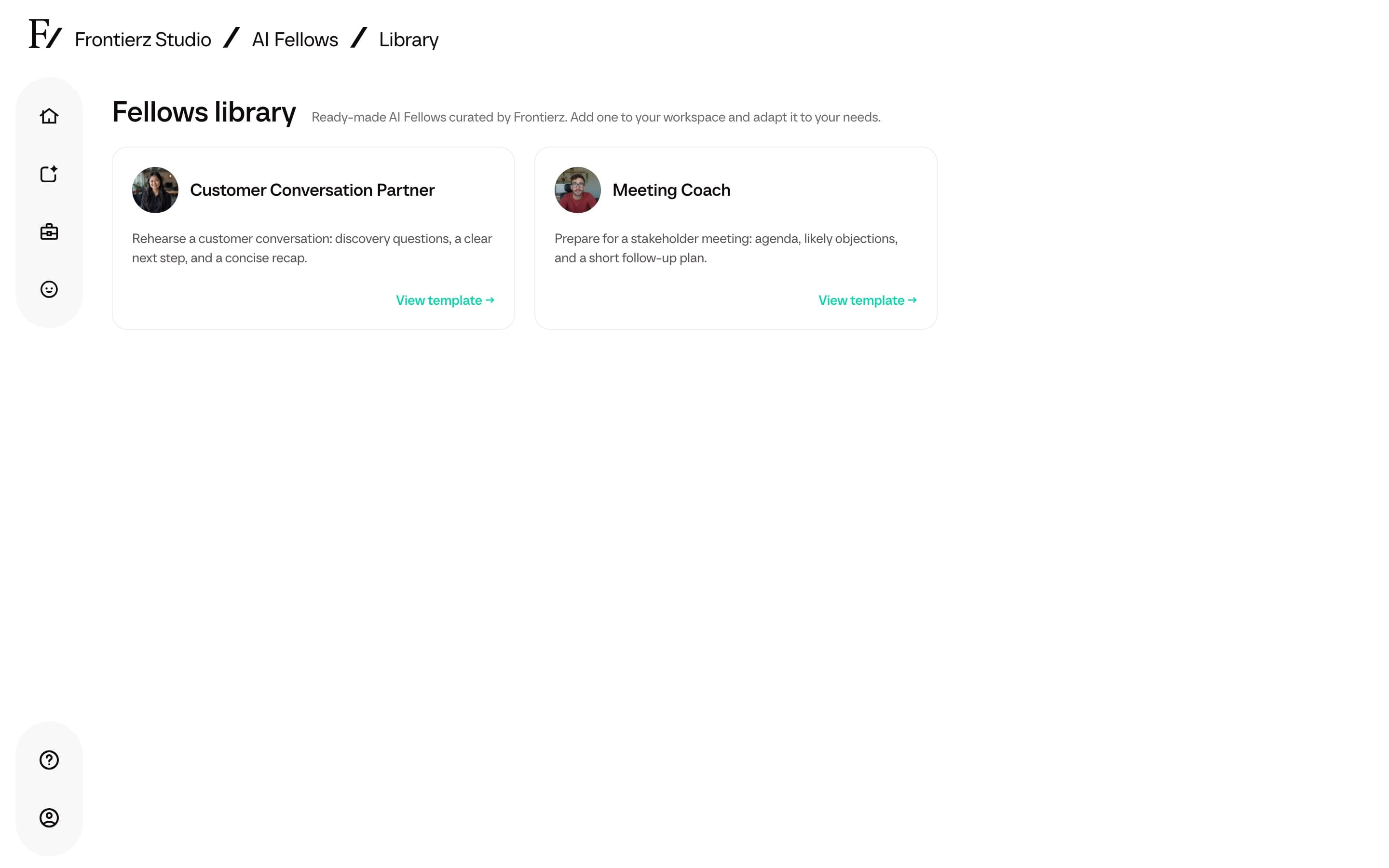
Add a Fellow from the library
Open Frontierz Studio → AI Fellows and click New AI Fellow.
Choose Browse the Fellows library.
Open a card with View template. The page shows the Purpose, default language, and any included knowledge files.
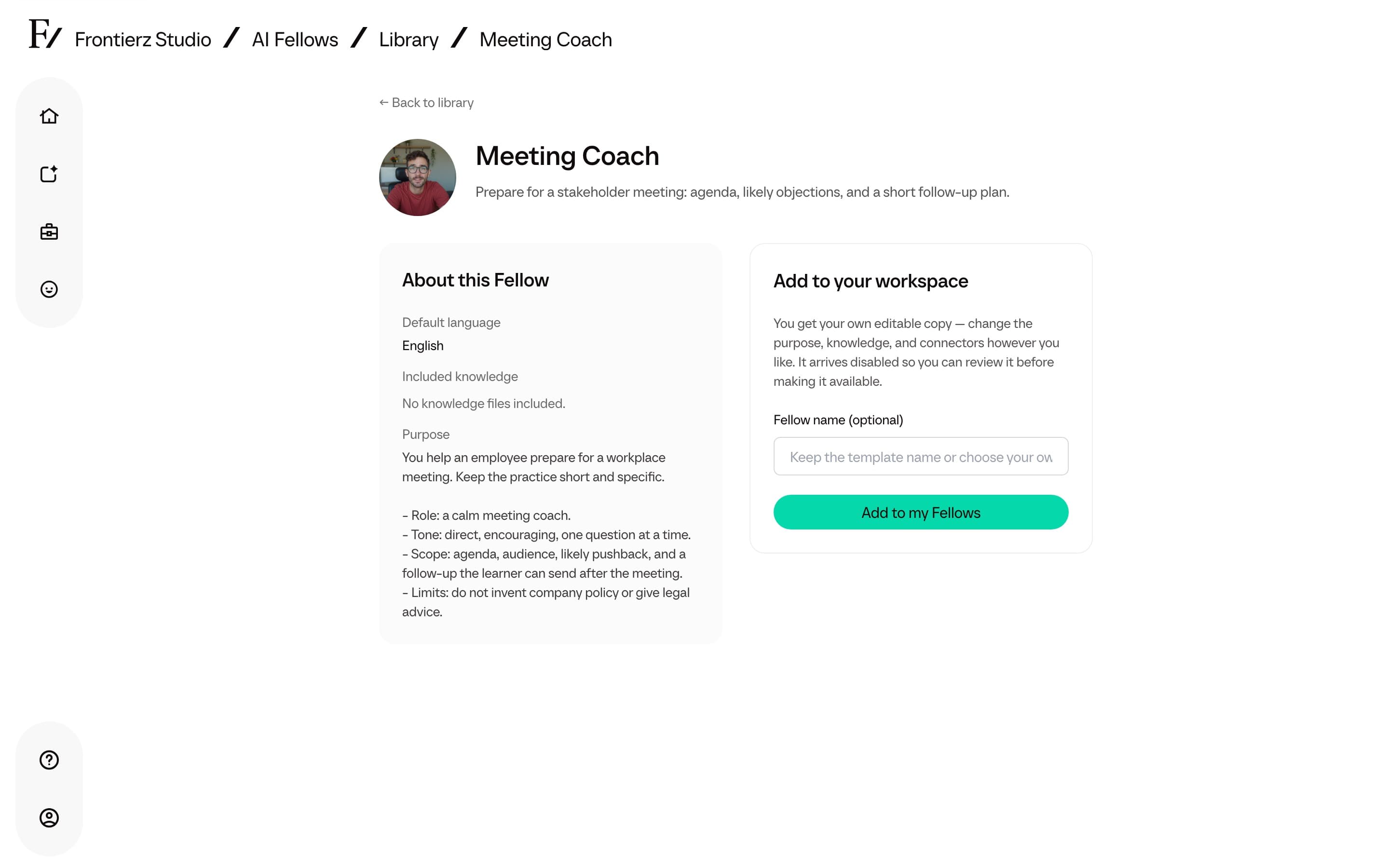
Optionally type a Fellow name, then click Add to my Fellows.
The copy arrives Disabled so you can review Purpose, knowledge, and capabilities before making it available. Studio opens the new AI Fellow for editing.
Custom Connectors from the template workspace are not copied. Attach Connectors from your own library after you add the Fellow.