Glossary
Plain-language definitions of the terms you see as a learner. Internal product terms used by administrators are not covered here.
| Term | Definition |
|---|---|
| Frontierz | The platform you are using. It hosts AI Fellows and Learning Paths for your organization. |
| AI Fellow | An AI teammate you can talk to over voice. Each AI Fellow has its own name, voice, and area of focus. |
| AI Simulation | A role-play AI Fellow used for practice, such as a customer conversation, interview, or feedback discussion. It may appear as a step in Your Journey or as an AI Fellow card you can open. After the session you can receive practice feedback. |
| Learning Path | An ordered set of sessions you complete one at a time. Each session is a live conversation with an AI Fellow. |
| LMS | Your organization's learning platform, such as Canvas or Blackboard. Some organizations open Frontierz from a link there. See Open Frontierz from your LMS. |
| Session | One step of a Learning Path. A live, voice-led conversation with a small set of objectives to complete. |
| Objective | A specific thing you have to say, demonstrate, or work through during a session. The AI Fellow checks off objectives as you talk through them. |
| Live session | The voice call with an AI Fellow. It ends automatically at the service limit, which depends on the workspace setup and where the AI Fellow was opened. |
| Text session | The text-only version of a conversation with an AI Fellow. Available when the AI Fellow has been set up for it. You type and the AI Fellow replies in text. See Type instead of talk. |
| File sent during a session | A file you drag into an active AI Fellow session so the AI Fellow can use it as context in that conversation. See Send files during a session. |
| Chat mode | The administrator setting that makes the Text session button appear on an AI Fellow. |
| Welcome screen | A short modal some AI Fellows or sessions show before the conversation starts. It is read-only. Click Continue to dismiss it. See Welcome screen. |
| Transcript | The text of a conversation. Available during the call, and from previous chats after the call ends. |
| Previous chats | Past conversations you can read or, when continuity is enabled, continue from. |
| Previous Feedback | A top-bar control on a standalone AI Simulation. It lists earlier practice reports for that AI Fellow. See After an AI Simulation. |
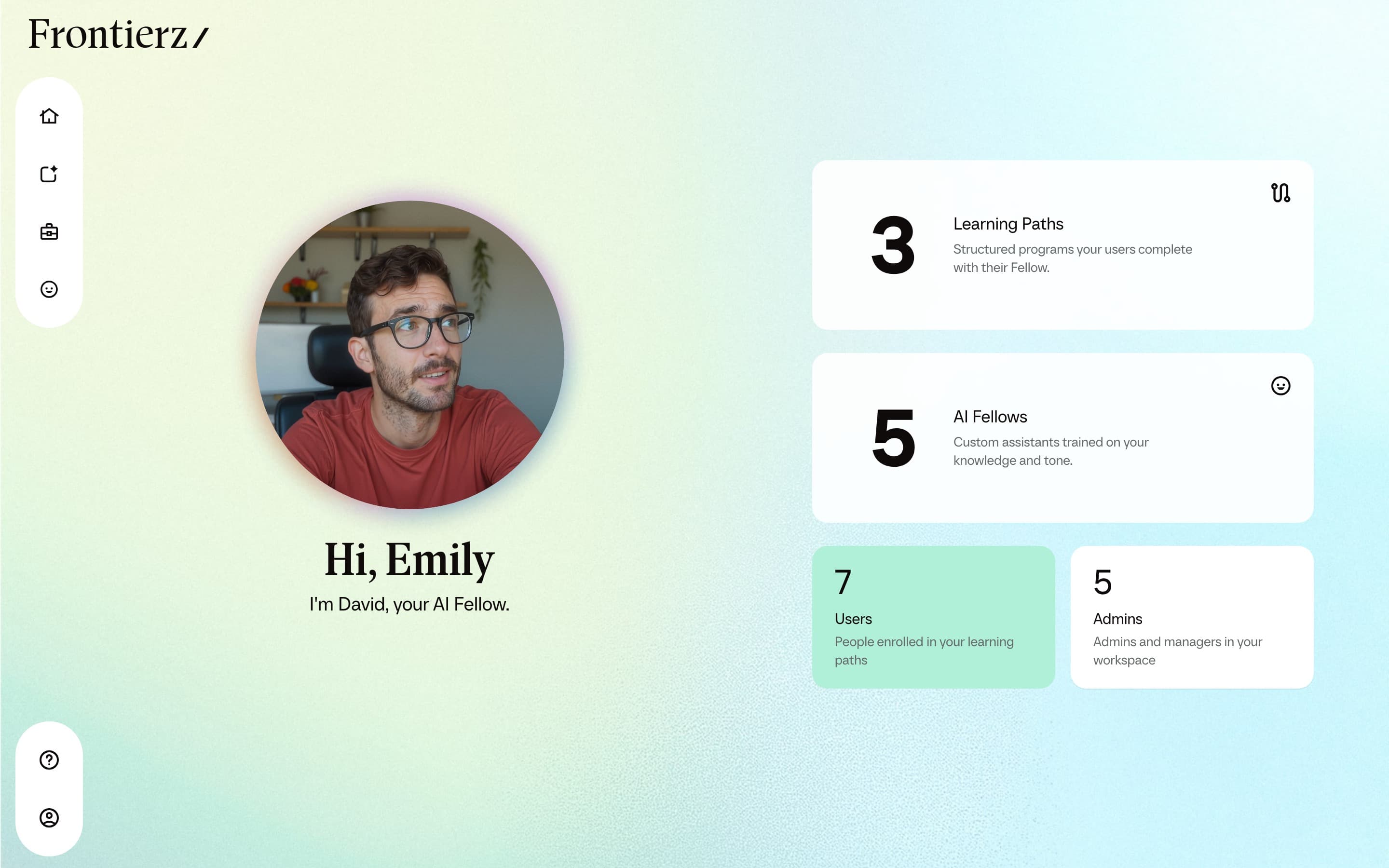
| Home | The starting screen after sign-in. Surfaces the next session, your AI Fellow, and recent activity. |
| Your Journey | Hover to continue the active Learning Path or open View your Progress Reports. The continue screen shows the active Learning Path with its sessions in order. |
| Progress Reports | Your Learning Paths (complete or in progress), badges with the Learning Path and date you earned them, certificates, and saved practice feedback. Open from Your Journey → View your Progress Reports. See Progress Reports. |
| Your Fellow | A sidebar entry that opens a voice call with the AI Fellow assigned to you, outside any specific session. That AI Fellow can also share a link to a Learning Path or granted AI Fellow you already have access to. |
| Profile | Your personal information, language preference, sign-in settings, and active Learning Path selector. |
| Security | The Profile section where you manage password, two-factor authentication, and passkeys when those options are available. |
| Passkey | A sign-in method that uses your fingerprint, face, or device PIN instead of a password. It works on the Frontierz address where you created it. |
| Two-factor authentication | An extra sign-in step that asks for a code from an authenticator app. Backup codes are shown once after you turn it on. |
| Public AI Fellow | An AI Fellow accessible by link without a Frontierz account. Conversations are anonymous by default. |
| Private AI Fellow | An AI Fellow that requires a Frontierz account and explicit access. Conversations are tied to your account. |
| Active Learning Path | The Learning Path currently shown on Home and Your Journey when you are enrolled in more than one. Set on Profile. |
| Schedule Next Session | A feature that, on Learning Paths where it is enabled and a later Fellow Session still exists, books the next session and emails you a calendar invitation when you finish the current one. |
| Learning Path emails | Optional follow-up emails from the AI Fellow on a path: start, continue, attend a booked session, or open your certificate. See Emails about your Learning Path. |
| Certificate | A completion certificate issued once you finish every step in a Learning Path. You can export it to LinkedIn or download it as a PDF, and it can include a Microsoft badge when the path awards one. See Your certificate. |