

Troubleshooting
A short list of issues you might hit and what to do about them. If something is not on this page, ask whoever manages Frontierz at your organization.
My microphone is not working
The AI Fellow needs microphone access to hear you. If the call opens but no one hears you speak, it is almost always a microphone permission issue.
If your computer has more than one microphone (a built-in one and a headset, for example), check the operating system's audio settings to make sure the right one is selected as the default input device.
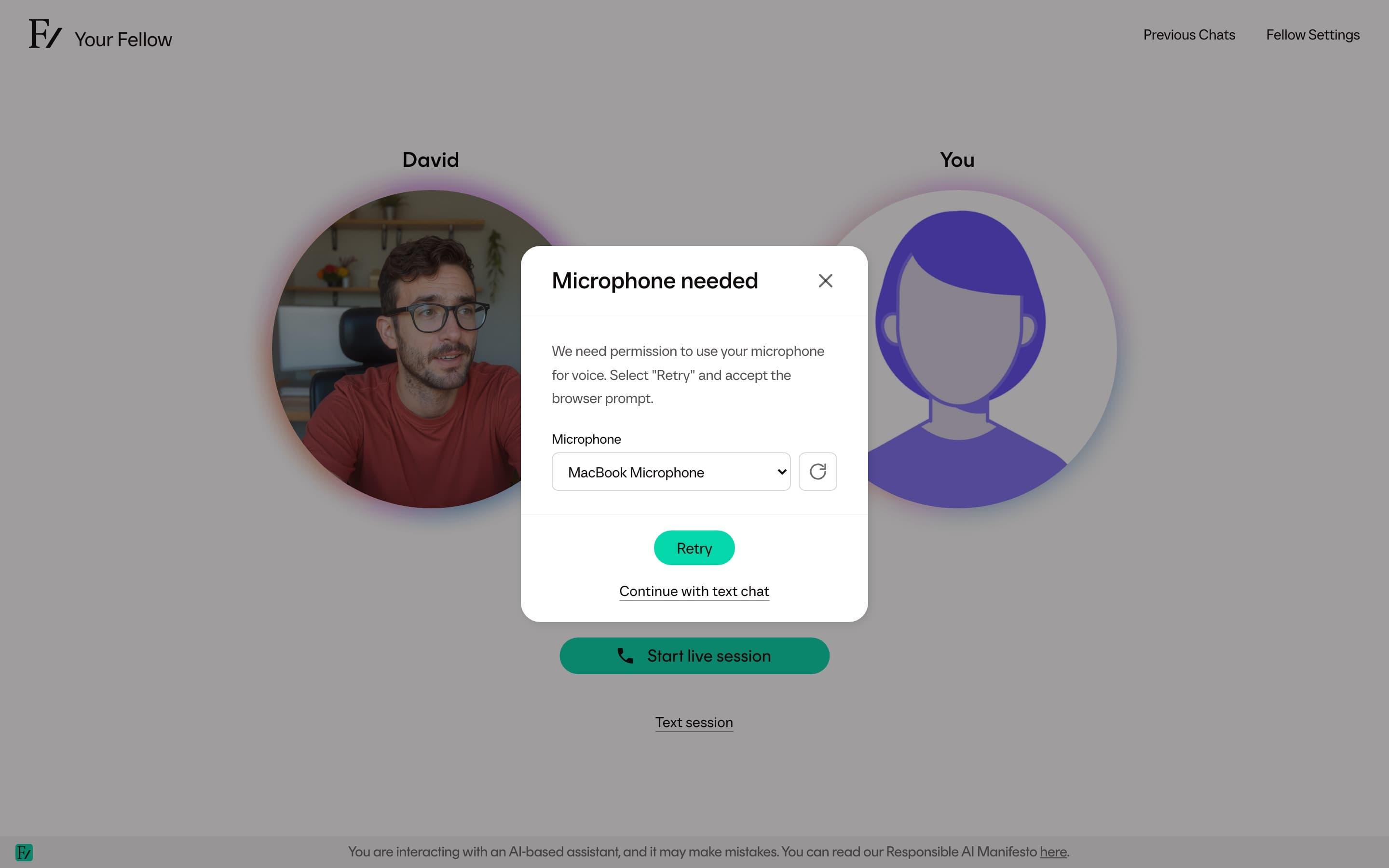
When Frontierz cannot use the selected microphone, it opens Microphone needed. Choose a microphone, use Refresh devices after connecting a new one, and click Retry. If Continue with text chat appears, you can use it to continue without voice.
I see a Connection issue message
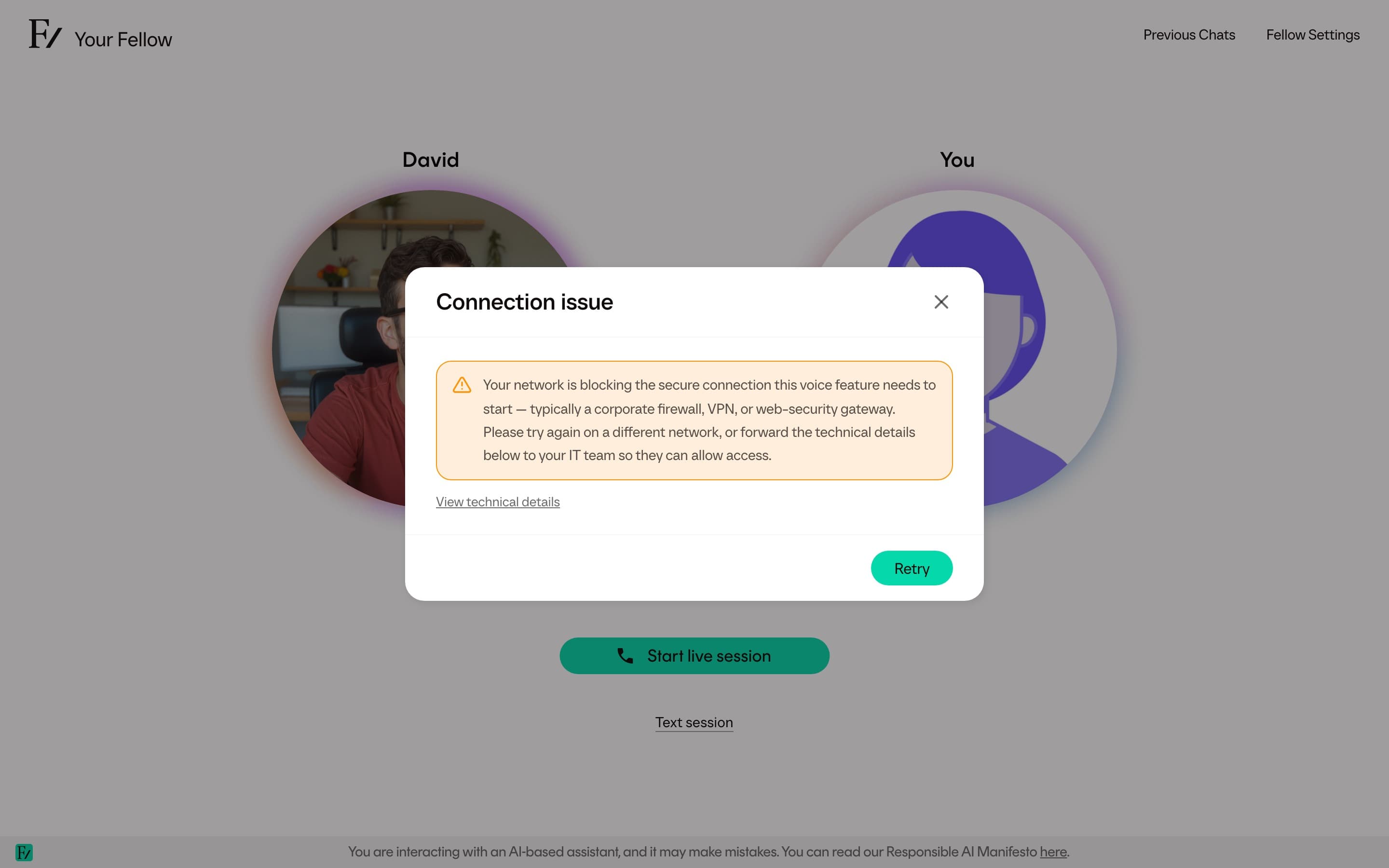
The Connection issue dialog appears when Frontierz cannot start or restore the live voice connection.
- Click Retry for a temporary connection problem.
- Click Reload page when Frontierz says your sign-in or page session has expired.
- If the message mentions a corporate firewall, VPN, or security gateway, try another network or select View technical details and send the information to your IT team.
Screen sharing does not work
Screen sharing relies on your browser's native sharing dialog. Some browsers and some operating systems require an additional permission the first time:
- macOS: open System Settings, then Privacy & Security, then Screen Recording. Allow your browser. You may need to quit and reopen the browser after granting permission.
- Windows: screen sharing usually works without extra setup. If it does not, check that the browser is up to date.
- Linux: behavior depends on the desktop environment.
If your browser does not support screen sharing at all, switch to a recent version of Chrome, Edge, Firefox, or Safari.
I cannot send a file
You can only send a file after the session has started. If Frontierz says to start a session first, begin the conversation and try again.
If the session is already active, check the file itself:
- Send one file at a time.
- Use a supported format, such as PDF, Word, PowerPoint, text, or image.
- Try a smaller file if the upload is rejected.
If a document keeps failing, convert it to PDF or ask your administrator to add it to the AI Fellow's reference material.
I cannot find a practice report
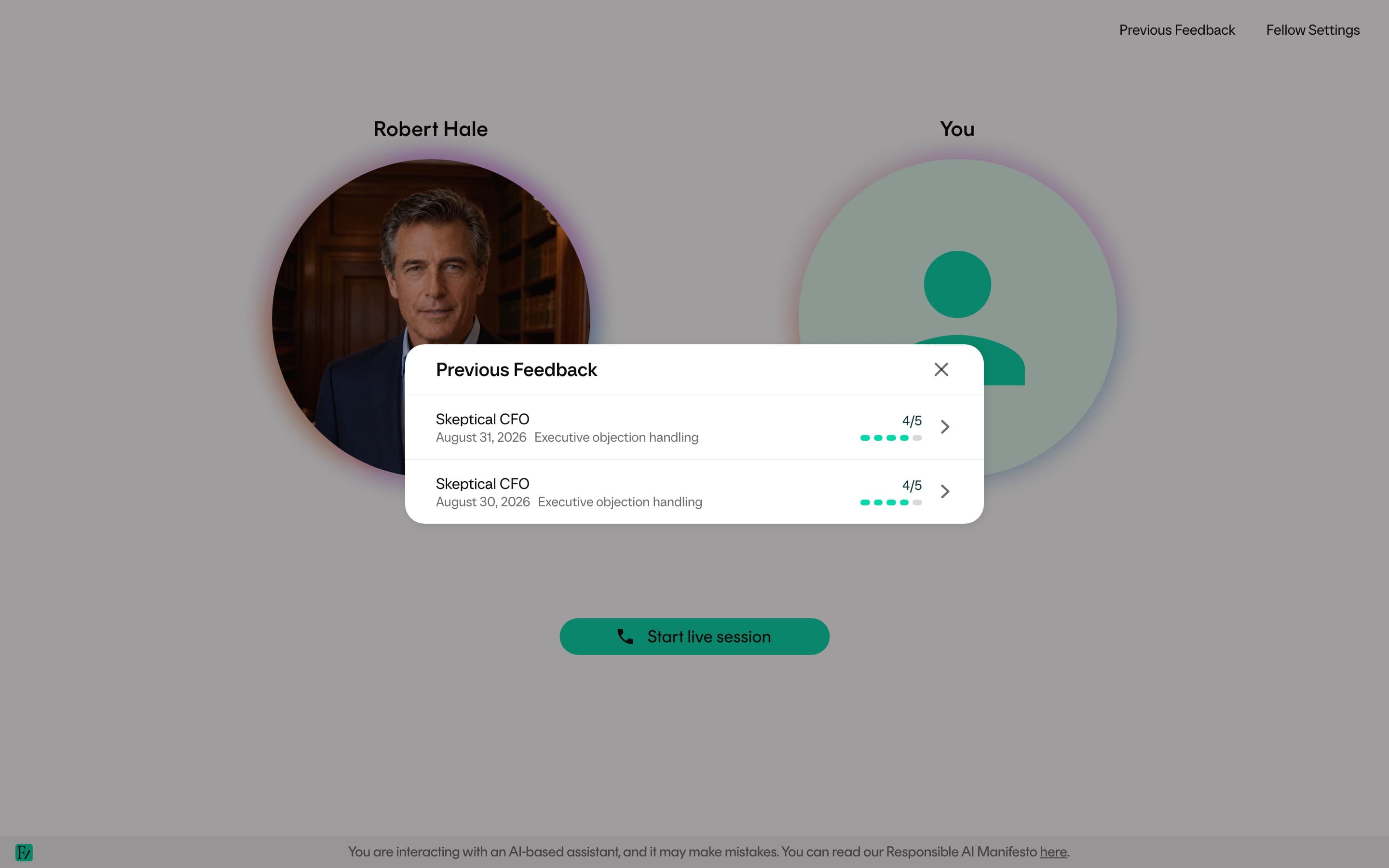
A Learning Path AI Simulation saves the report to Progress Reports when the session finishes. A standalone AI Simulation does not. Use Keep in Progress Reports on the report, or open Previous Feedback on that AI Fellow.
If the page still says Preparing your practice feedback, wait and stay on the page. It updates when the report is ready.
If you only see a session-complete message without scores, your organization has hidden learner feedback. Ask whoever manages Frontierz at your organization.
My sign-in link does not work
Sign-in links are time-limited and single-use. If the link no longer signs you in, request a new one:
If the email is not arriving:
- Check your spam folder.
- Confirm with your administrator that the email address Frontierz has on file is the one you are entering.
- Ask whether your organization's email gateway might be blocking Frontierz emails.
I did not get a Learning Path email
Some Learning Paths send follow-up emails: an invitation to start, continue, attend a booked session, or open your certificate. Welcome and calendar invitations are separate.
If one of those follow-up emails did not arrive:
- Check your spam folder.
- Confirm the email address on your Frontierz profile.
- Ask whoever manages Frontierz at your organization. Emails can be off for that Learning Path.
I see "Access denied" on an AI Fellow
Private AI Fellows require access from an administrator. If you see the access-denied page, you have not been added to that AI Fellow's access list. Ask the person who shared the link, or your organization's administrator. See When access is required.
I opened Frontierz from my LMS and was blocked
The LMS connection may require an existing Frontierz account. Ask your administrator to add you, or to confirm the LMS Unknown users setting. See Open Frontierz from your LMS.
I cannot see my Learning Path
Either you are not enrolled in it, or you are enrolled in more than one and a different one is set as active.
- Open Profile and check the active Learning Path selector. If the selector lists the path you expected, switch to it. See Switching between Learning Paths.
- If the path you expected is not in the list, you are not enrolled. Ask your administrator to enroll you.
The AI Fellow misunderstood me
Restate the point and continue the conversation. The AI Fellow re-evaluates as you speak and can correct an objective that was marked complete too early. If a specific objective keeps tripping the AI Fellow up, name the objective directly and explain how you are demonstrating it. The AI Fellow can usually catch up.
If a response is wrong in a way that matters (a factual error, an inappropriate comment, or a security concern), end the call and tell your administrator. Administrators can review the transcript and follow up.
The page froze or reloaded mid-session
Open the same session again from Your Journey. If the conversation interrupted before any objectives were completed, the session is still your current one. If the AI Fellow had started checking off objectives, those remain checked, and you can resume the conversation from where it left off.
If the issue is repeatable, switch to a different browser or restart the browser entirely. A persistent issue is worth flagging to your administrator with the time it happened, so the platform team can investigate.