

Privacy
This page covers what Frontierz stores when you talk to an AI Fellow, what stays under your control during a session, and how attribution works.
What is stored
| Item | Stored |
|---|---|
| The conversation transcript (text of what was said) | Yes |
| A summary of the conversation | Yes |
| Camera images you shared during the session | No, only used live |
| Screen frames you shared during the session | No, only used live |
| Information the AI Fellow gathered and submitted to one of your organization's systems | Yes, with the request and the response logged |
| Files you send during a session | Used during the active conversation; the transcript records that a file was sent |
| Practice feedback after an AI Simulation | Yes, with the conversation. Learning Path reports are listed on Progress Reports automatically. Standalone reports are listed there after you click Keep in Progress Reports |
| Diagrams and interactive widgets shown in the side panel | No, session-only |
Camera and screen sharing are off by default. You decide whether to turn them on, and you can turn them off at any time. While they are on, the AI Fellow uses what is shared to follow the conversation. After the session ends, the camera images and screen frames are gone. The transcript remains.
Who can read your conversations
Conversation visibility depends on the type of AI Fellow you used:
- Public AI Fellows. Conversations are anonymous by default. Administrators at your organization can read the transcript, but it is not attributed to you unless the link or the page that embeds the AI Fellow passes an identifier.
- Private AI Fellows. You sign in to use a private AI Fellow, so the conversation is tied to your account. Administrators can see who held which conversation.
- Learning Path sessions. The conversation is tied to your account because progress is tracked per user. Administrators can see your progress, your completed objectives, and the transcript of each session.
In every case, conversations stay inside your organization's Frontierz tenant. They are not visible to other organizations.
Camera and screen sharing
Both are user-controlled and off by default. Turning them on requires an explicit click from you and your browser's permission. You select what to share through the browser's native dialog when sharing the screen, and you can stop sharing at any time. See Camera and screen sharing for the details.
Files sent during a session
When you drag a file into a session, the AI Fellow can use its contents in the current conversation. The file is not added to the AI Fellow's permanent reference material. The transcript records that a file was sent, using the file name. See Send files during a session.
Things you can ask your administrator
The specifics below depend on your organization's contract and configuration. If you need a precise answer, your administrator is the right person to ask:
- Where Frontierz data is hosted (the region or country).
- How long transcripts are retained before deletion.
- What happens when you leave the organization.
- Whether your organization has additional controls on top of the defaults described above.
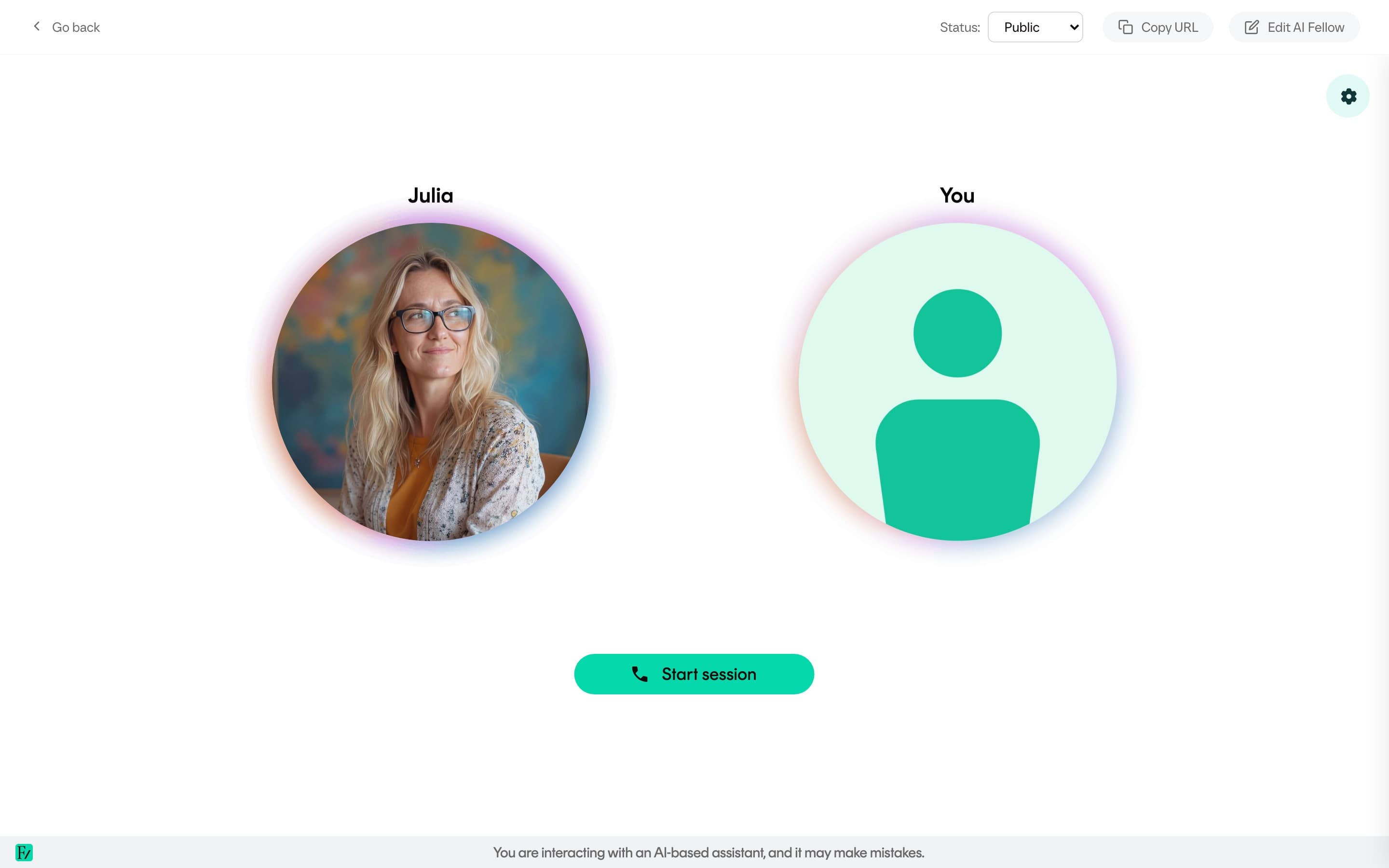
You are always told you are talking to an AI Fellow. Frontierz does not present AI under labels such as concierge or specialist. The AI Fellow is identified as AI on every surface where the conversation happens.