

Live sessions
A live session is a real-time, voice-led conversation with an AI Fellow. It works like a phone or video call: you speak, the AI Fellow responds, and the exchange happens in real time.
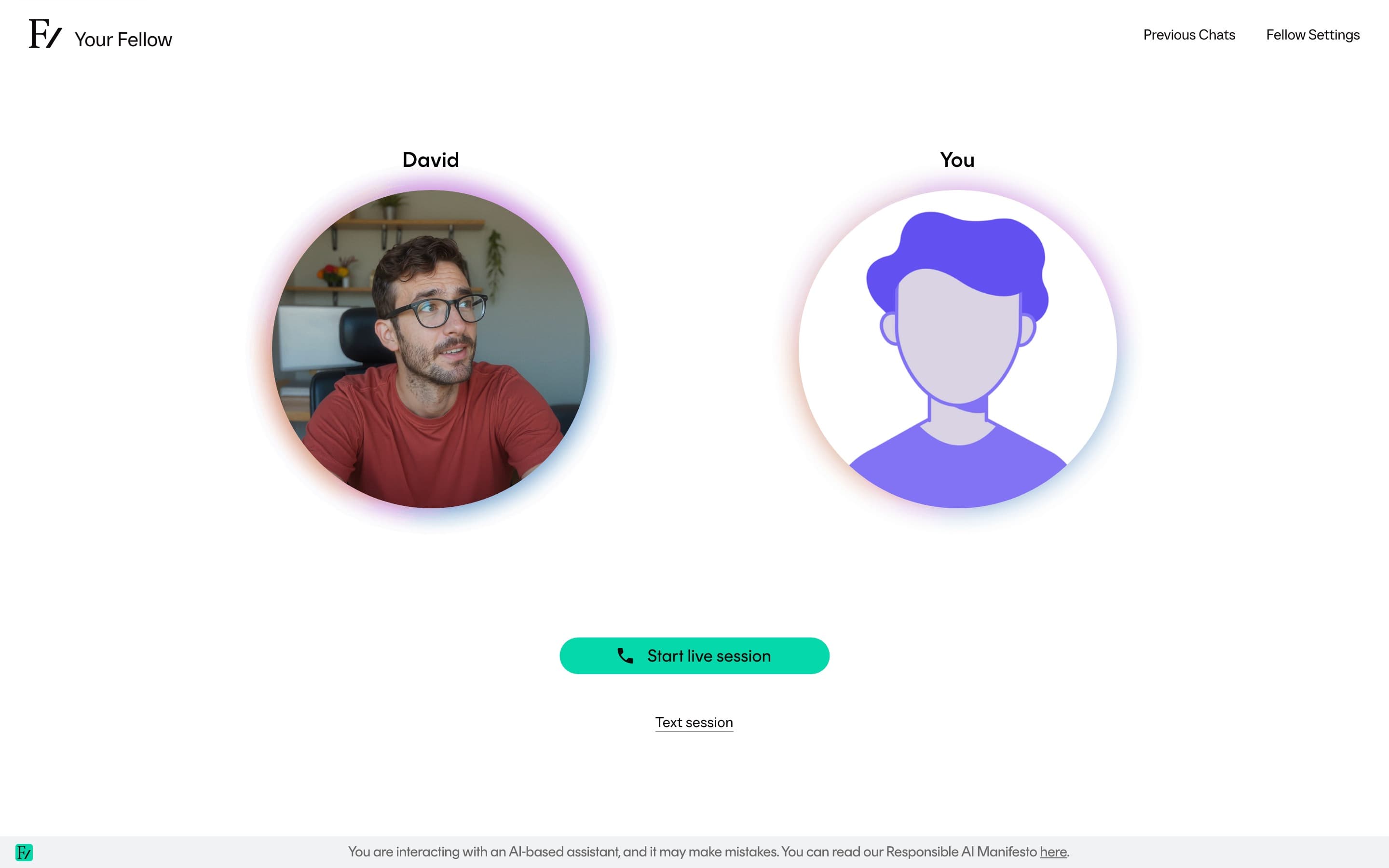
What a session is like
In a voice session, you speak normally. The AI Fellow listens, replies, and moves the conversation forward. You can interrupt the AI Fellow mid-sentence, mute yourself, and end the call when you are done. There is no typing required, although text can appear alongside the call when the AI Fellow shares something useful to read.
The AI Fellow is identified as AI throughout the call. You will not be addressed as if you are talking to a human.
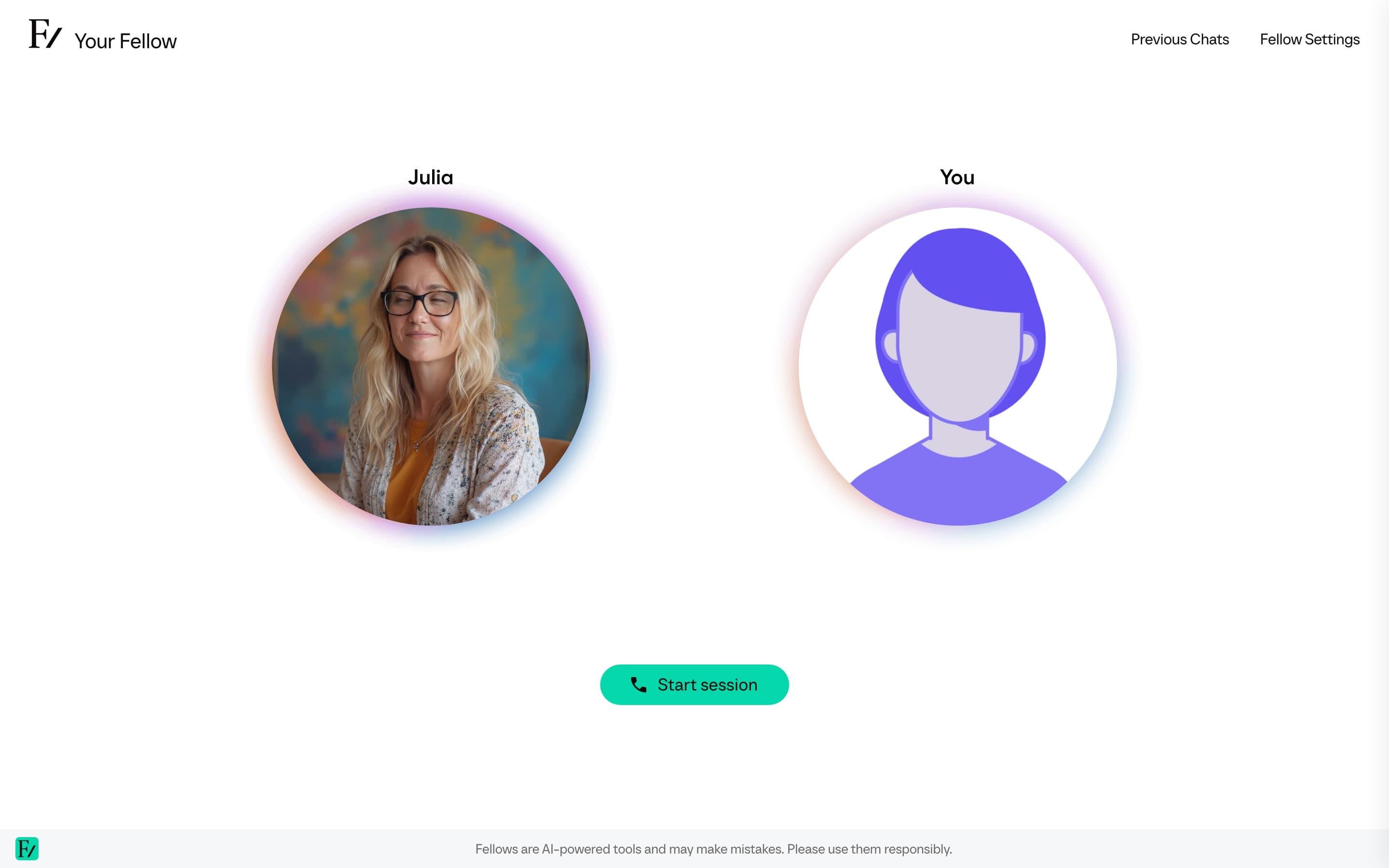
What a session contains
| Surface | What it is for |
|---|---|
| The voice call | The main conversation. Microphone in, the AI Fellow's voice out. |
| Objectives panel | Visible during a Learning Path session. Shows what you are working toward. |
| Side panel | Where the AI Fellow can share text, links, diagrams, interactive widgets, or images when those capabilities are enabled. |
| Camera and screen sharing | Optional. You can show the AI Fellow what is on your screen or your camera when relevant. |
| Files you send | One file at a time, when you want the AI Fellow to analyze it during the current session. |
| Transcript | A live transcript of what is being said. You can open it during the call. |
| Previous chats | Past conversations you can read or continue. |
Length
A session ends automatically when it reaches the service limit. The exact limit depends on your organization's setup and where you opened the AI Fellow. If you need more time, start a new session. Past conversations remain available, and you can pick up from one of them when continuity is enabled for that AI Fellow.
Read more
Session controls
Mute, interrupt, transcript, and end.
Camera and screen sharing
Both are off by default and stay under your control.
Type instead of talk
When the AI Fellow gives you a Text session button next to Start session.
Welcome screen
The short modal some AI Fellows and sessions show before the conversation starts.
Text panel
When the AI Fellow shares content alongside the call.
Send files during a session
Drag a document or image into the session so the AI Fellow can use it as context.
Previous chats
Read past conversations or continue one.