

AI Fellows
An AI Fellow is an AI teammate you usually talk to over voice. Each AI Fellow has its own name, voice, and area of focus, and is configured by your organization for a specific purpose: coaching, simulation, onboarding, customer practice, or answering questions about a topic.
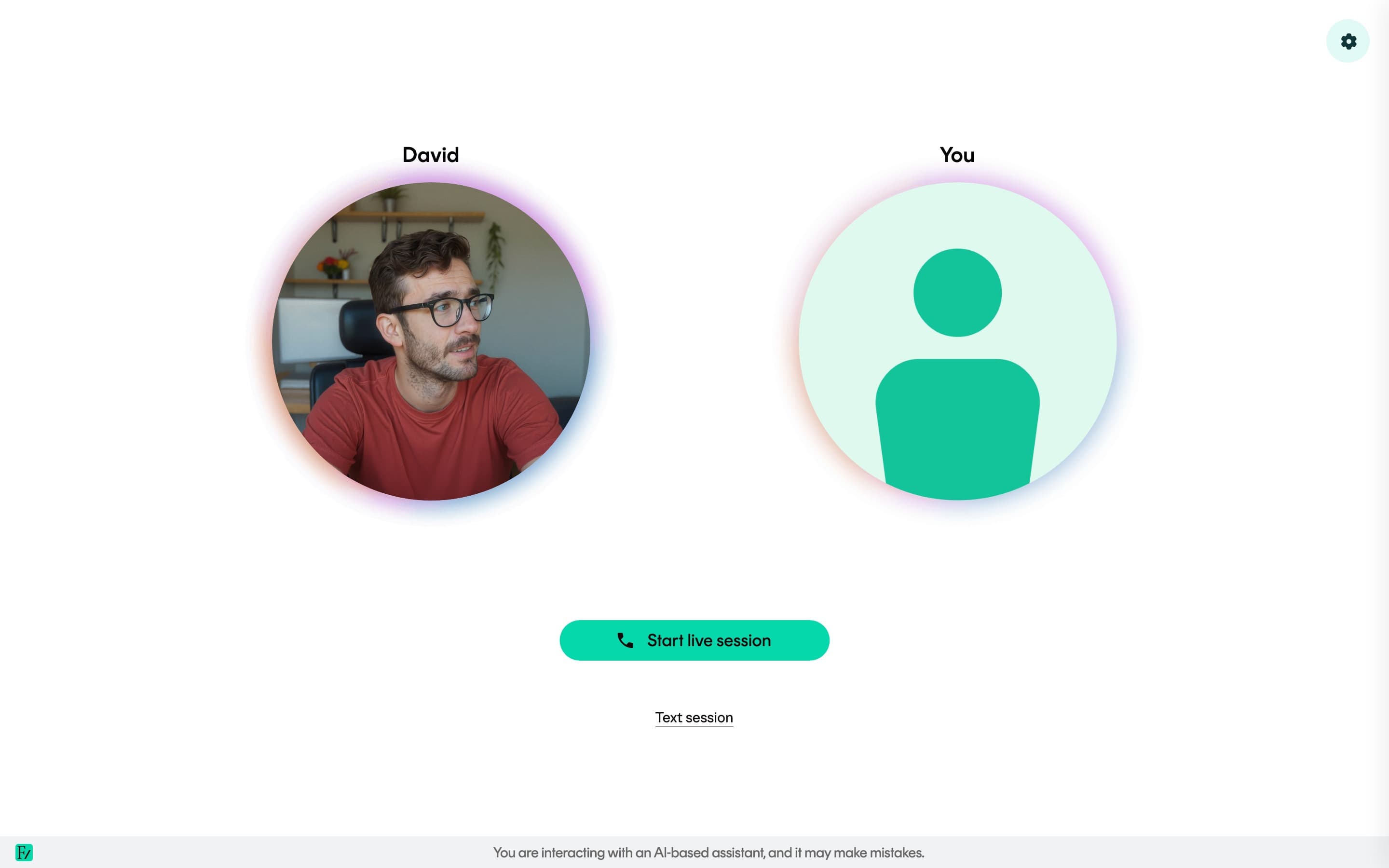
What an AI Fellow can do
During a live conversation, an AI Fellow can:
- Hold a real-time, voice-led conversation.
- Take a typed conversation instead of voice, when the AI Fellow has that option turned on. See Type instead of talk.
- Search the reference material your organization has uploaded and consult the relevant document when your question depends on a specific detail, figure, date, or policy statement.
- Analyze a file you send during the session and keep it in context for that conversation.
- Run a realistic simulation, such as a difficult customer, a skeptical executive, or a regulator asking pointed questions.
- Look at what is on your shared screen and comment on it.
- Send you text alongside the call when something is easier to read than to dictate, when that capability is enabled.
- Draw diagrams, show small interactive widgets, or create an illustrative image in the side panel when those capabilities are enabled and a visual aid is useful.
- Mark a genuine milestone, such as completing an objective or finishing a session, with a brief on-screen celebration when celebrations are enabled.
- Collect information you provide during the call and pass it to one of your organization's systems, when that is part of how the AI Fellow has been set up.
- Open with an optional welcome screen if the team that set it up wants to brief you before the conversation starts.
- On Your Fellow, share a link to a Learning Path or granted AI Fellow you already have access to, when you ask to open one.
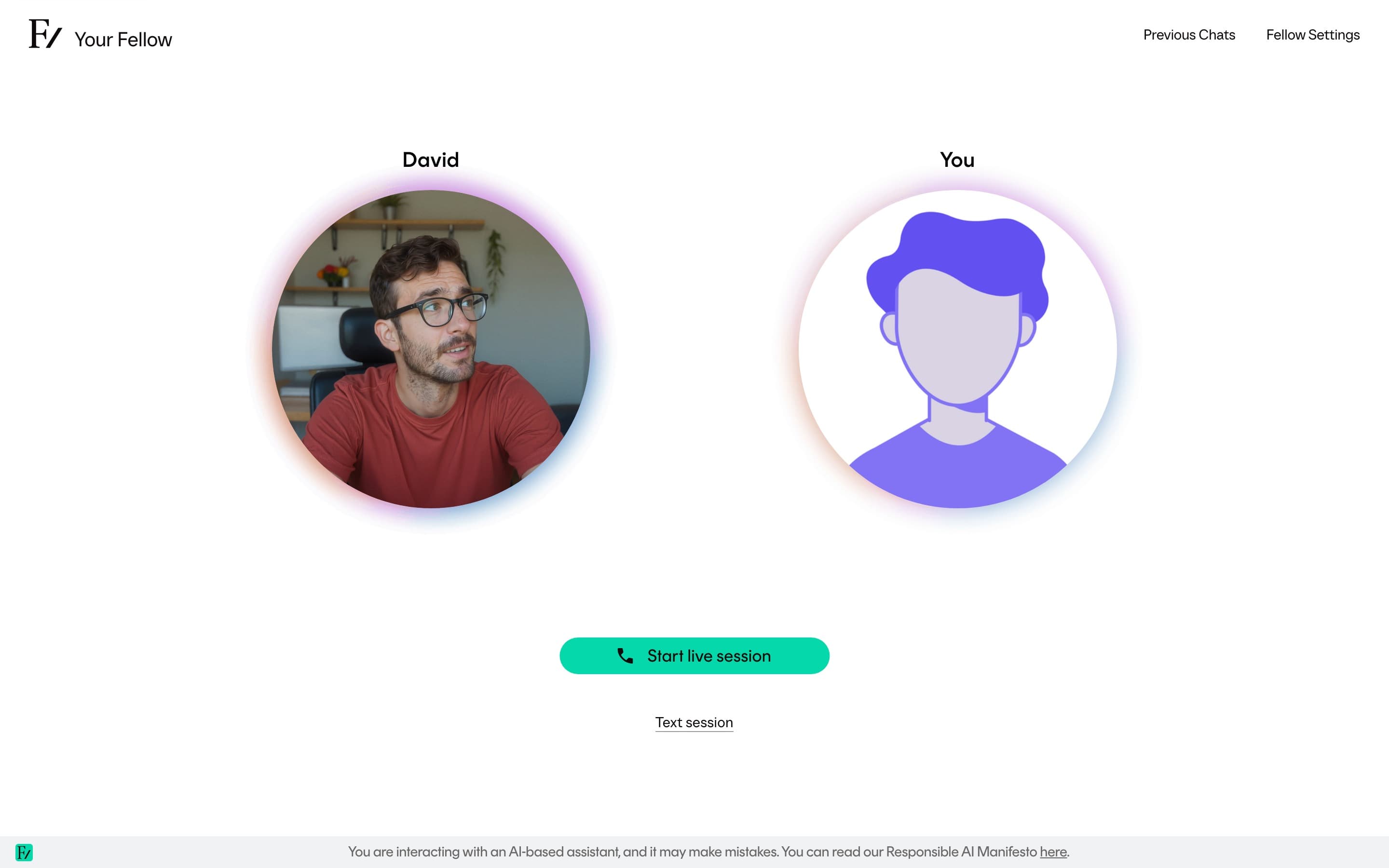
What a specific AI Fellow can actually do depends on how it has been configured. Two AI Fellows in the same organization can have very different scopes.
After an AI Simulation
When the conversation is an AI Simulation, ending it opens a feedback page. While the report is being written, the heading reads Preparing your practice feedback. The page updates when the report is ready. If preparation fails, you can close the page and try the AI Simulation again later.
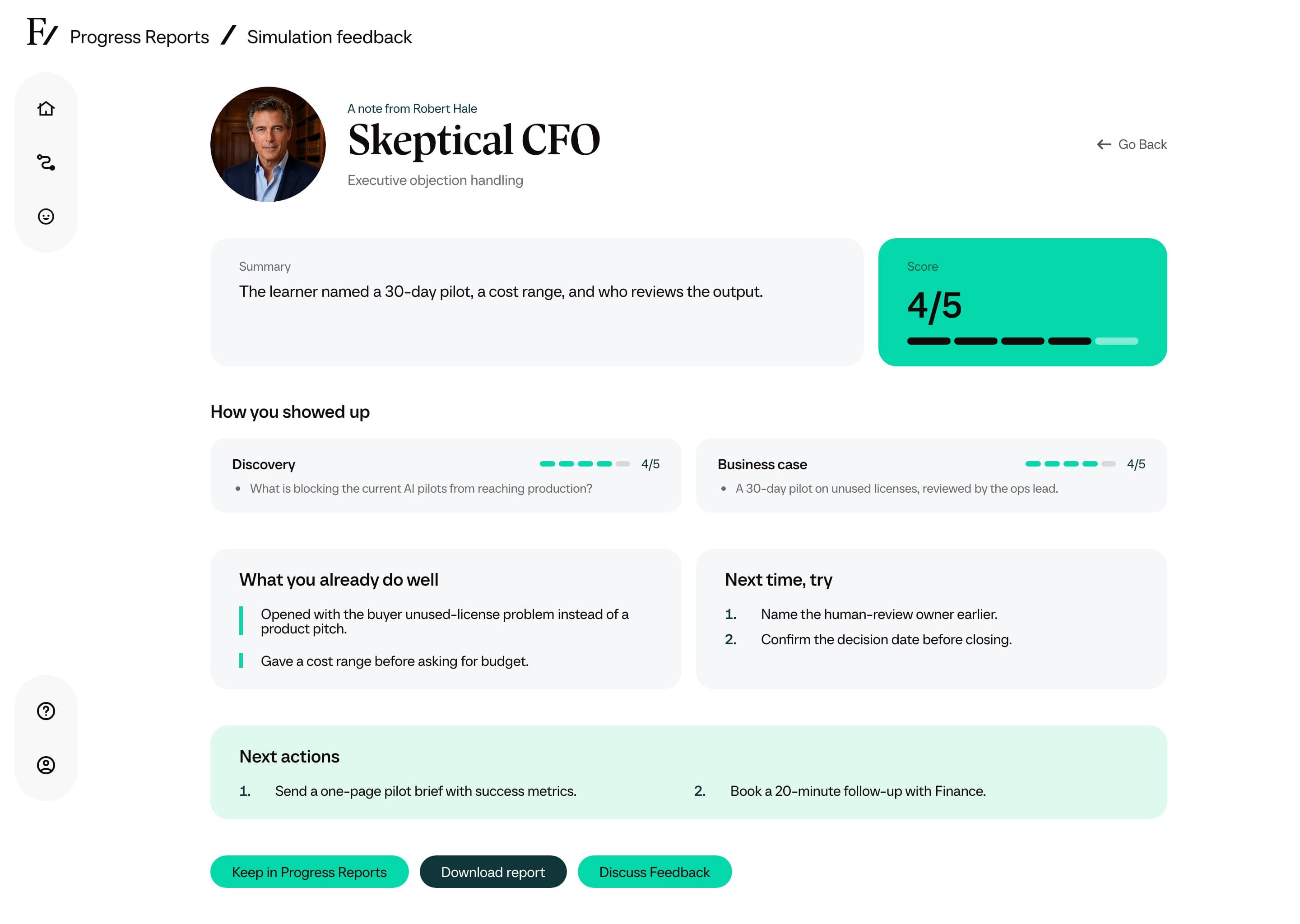
When the report is ready, you can read the summary, what you already do well, what to try next time, how you showed up, and evidence from the conversation. Download report saves a PDF of the same cards. Discuss Feedback opens a separate text chat about that result. The chat cannot change the scores.
On a Learning Path, the report is added to Progress Reports automatically. On a standalone AI Simulation, click Keep in Progress Reports if you want it listed there. The button then reads Added to Progress Reports. Unsaved reports stay available so you can open them again. They are not deleted.
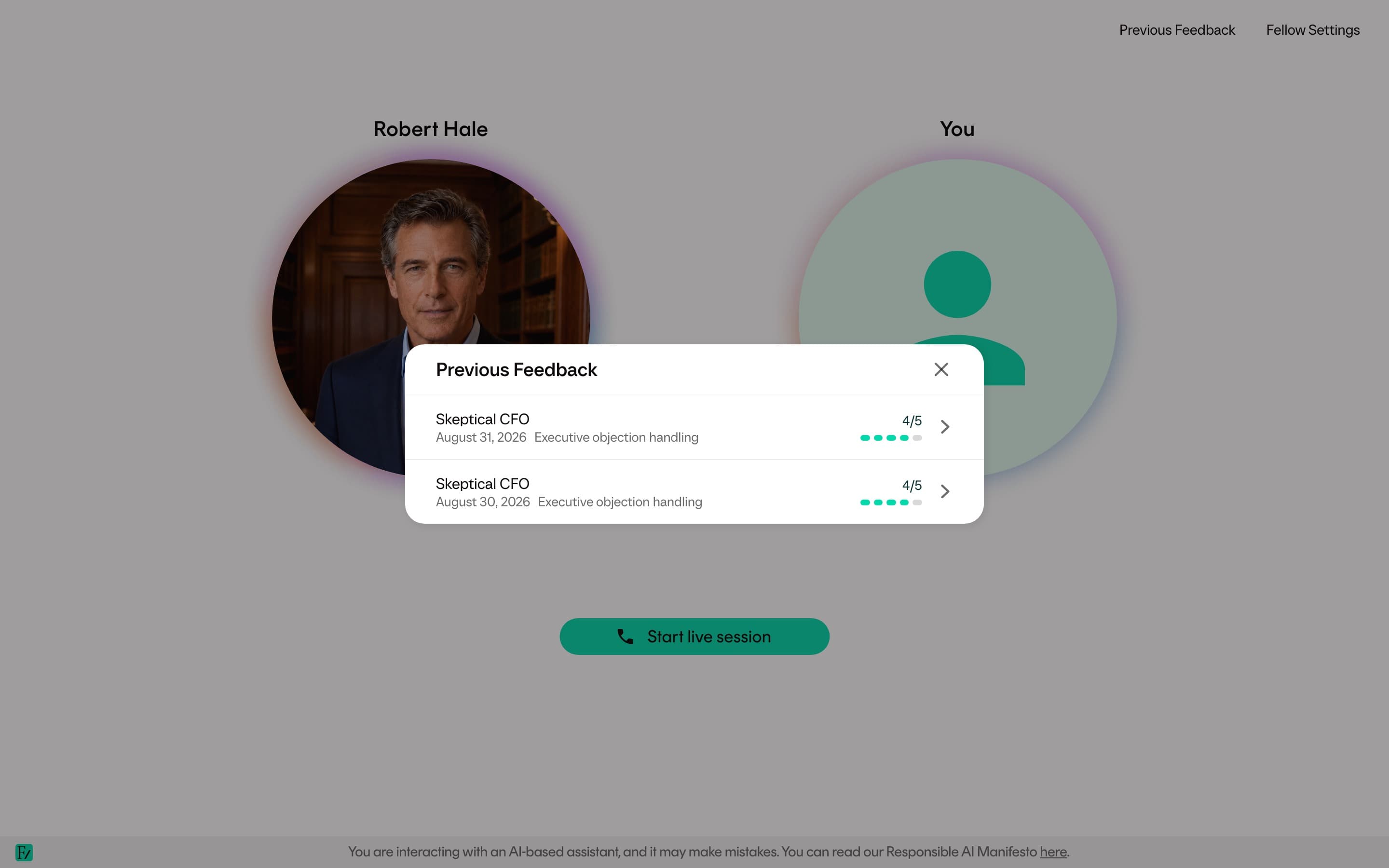
On a standalone AI Simulation page, Previous Feedback in the top bar lists your earlier reports for that AI Fellow. Read More appears only when you are signed in and have more saved Learning Path reports than the list shows. It opens Progress Reports. Guests do not see Read More.
If your organization hides learner feedback, you still see a confirmation that the session finished. You do not see scores. The message says practice feedback is available to your learning team.
What an AI Fellow is not
- It is not a human under a different label.
- It is not a search engine. Long, factual lookups are not its strength.
- It is not authorized to give legal, medical, financial, or compliance advice.
- It is not a substitute for human judgment in decisions that affect someone's employment, status, or rights.
If you have a high-stakes decision to make, treat what the AI Fellow says as input, and route the decision through whoever normally handles it at your organization.
How you reach an AI Fellow
There are two main ways:
| You opened | Account required |
|---|---|
| Your Fellow in the sidebar after signing in | Yes. The AI Fellow is assigned to you by your organization. |
| The AI Fellows entry in the sidebar | Yes. Opens Your AI Fellows & Simulations, the list of AI Fellows your organization has given you access to. Appears when you have access to one or more specific AI Fellows. |
| A public AI Fellow link sent to you outside Frontierz | No. The link opens directly into a conversation. See Public AI Fellow links. |
| A link inside your organization's LMS | Usually yes. The LMS opens the Learning Path, session, or AI Fellow your instructor selected. See Open Frontierz from your LMS. |
Some AI Fellows are private, meaning they need a Frontierz account and explicit access. If you opened a link that requires access and you do not have it, see When access is required.