

Welcome screen
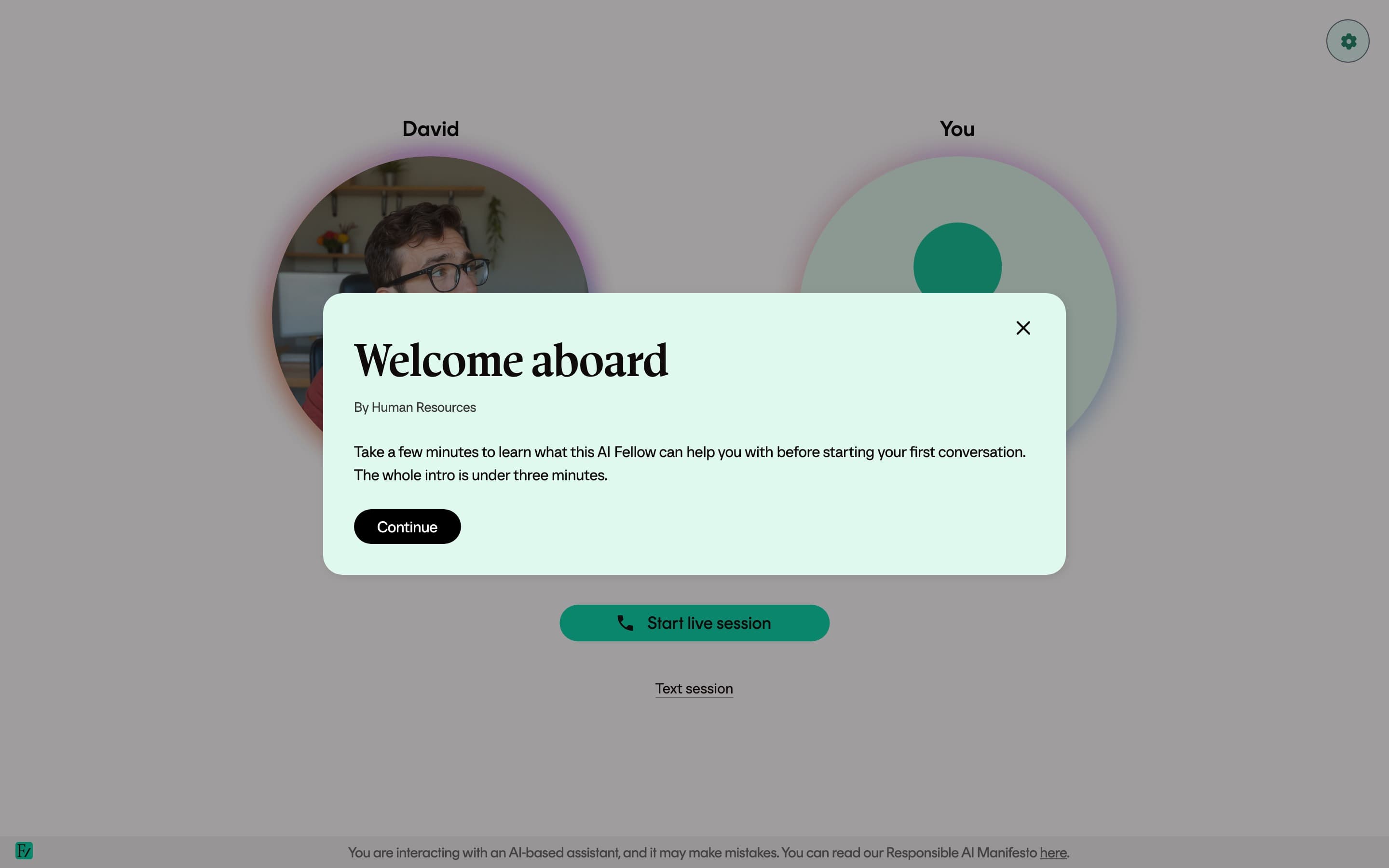
Some AI Fellows and Learning Path sessions show a short welcome screen before the conversation starts. It is a modal with a title, optional video, and short text.
Why it is there
Your organization added it to provide context before the conversation starts. It may explain who the AI Fellow is, what the session is for, what to have ready, or include a short video introduction.
The welcome screen is read-only. You only need to close it before the conversation begins.
When you will see it
- When the AI Fellow has been set up with a welcome screen, every time you open the AI Fellow page.
- When a Learning Path session has a welcome screen, every time you start that session.
If you do not see a welcome screen, none has been configured.
What is inside
The exact content depends on what your organization set up. A welcome screen can include:
- A title and an optional subtitle.
- A short video, such as a Vimeo, YouTube, or
.mp4clip. - A few lines of text, usually context or a short instruction.
Closing it
Click Continue or the close button in the top right to dismiss the modal and start the conversation. The conversation does not start until you close the welcome screen.