

Sign in
Frontierz signs you in with a link sent to your email. There is usually no password to remember. Each time you use that method, Frontierz emails you a link that opens the platform.
Some organizations also allow a password or a passkey. If those options appear on the sign-in screen, use the method your organization gave you. You can manage them later on Profile.
First sign-in
When your organization adds you, you receive an invitation email containing a link to Frontierz.
The invitation link is single-use. Once you have signed in through it, the same link will not sign you in again on a different device. Use the regular sign-in flow from then on.
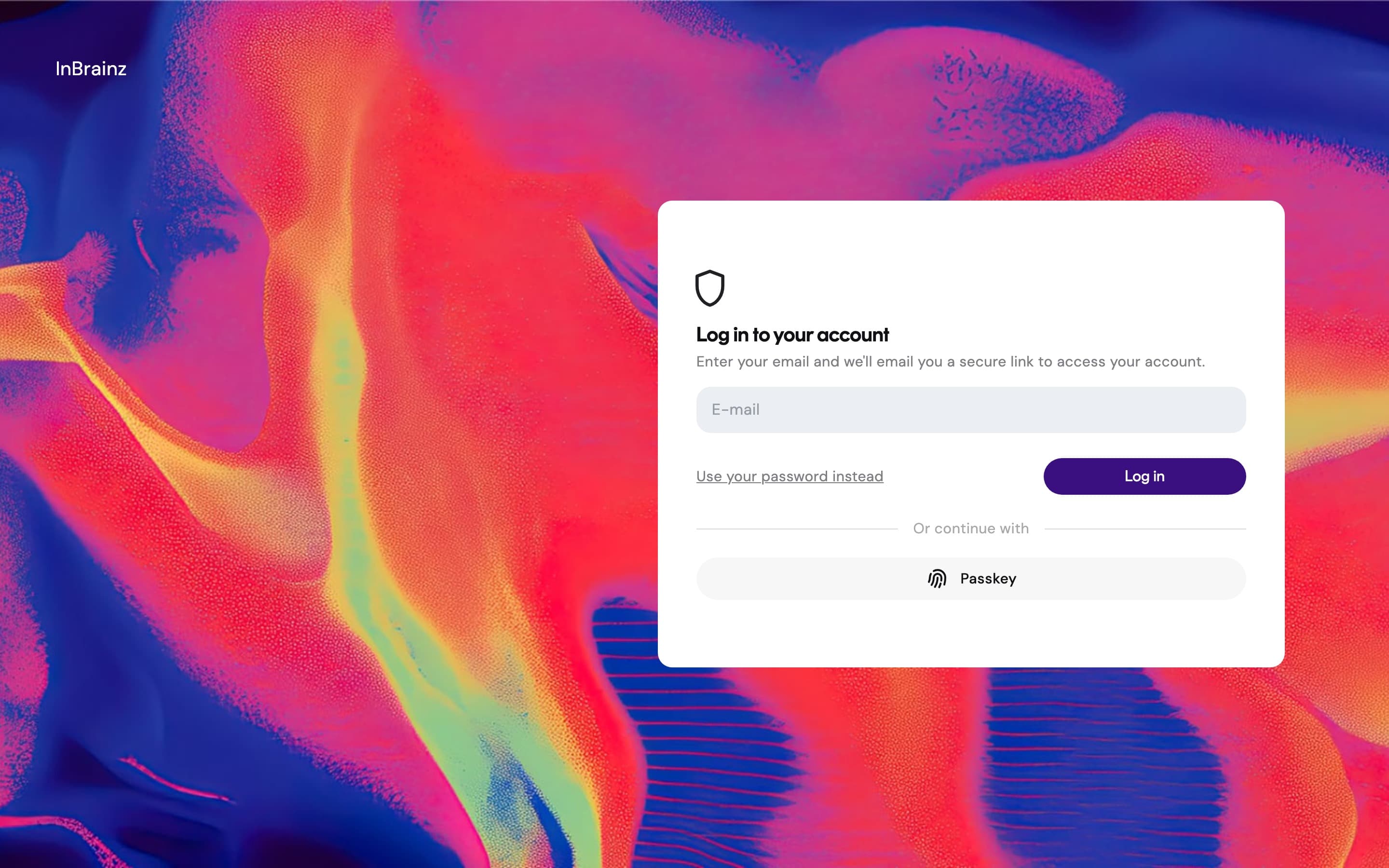
Returning sign-ins
After the first sign-in, you can come back to Frontierz the same way each time:
The sign-in link expires after a short period for security. If the link no longer works, request a new one from the same screen.
If you cannot find the sign-in email, check your spam folder. The sender address is the one your organization configured. Some organizations route Frontierz emails through a custom domain.
Open Frontierz from your LMS
Some organizations place a Learning Path, session, or AI Fellow inside Canvas, Blackboard, or another LMS. In that case you start from the LMS link, not the invitation email. The LMS opens Frontierz at the item your instructor selected.
If the LMS says you do not have a Frontierz account, ask your administrator to add you, or confirm that the LMS connection is set to create an account on first launch.
Sign out
Open the user menu at the bottom of the sidebar and select Log out. Closing the browser tab does not sign you out, so use Log out when you finish on a shared device.