

Your Journey
Your Journey is the screen where you work through your Learning Path. It lists every session in order, shows your progress, and opens the session you are due to take next.
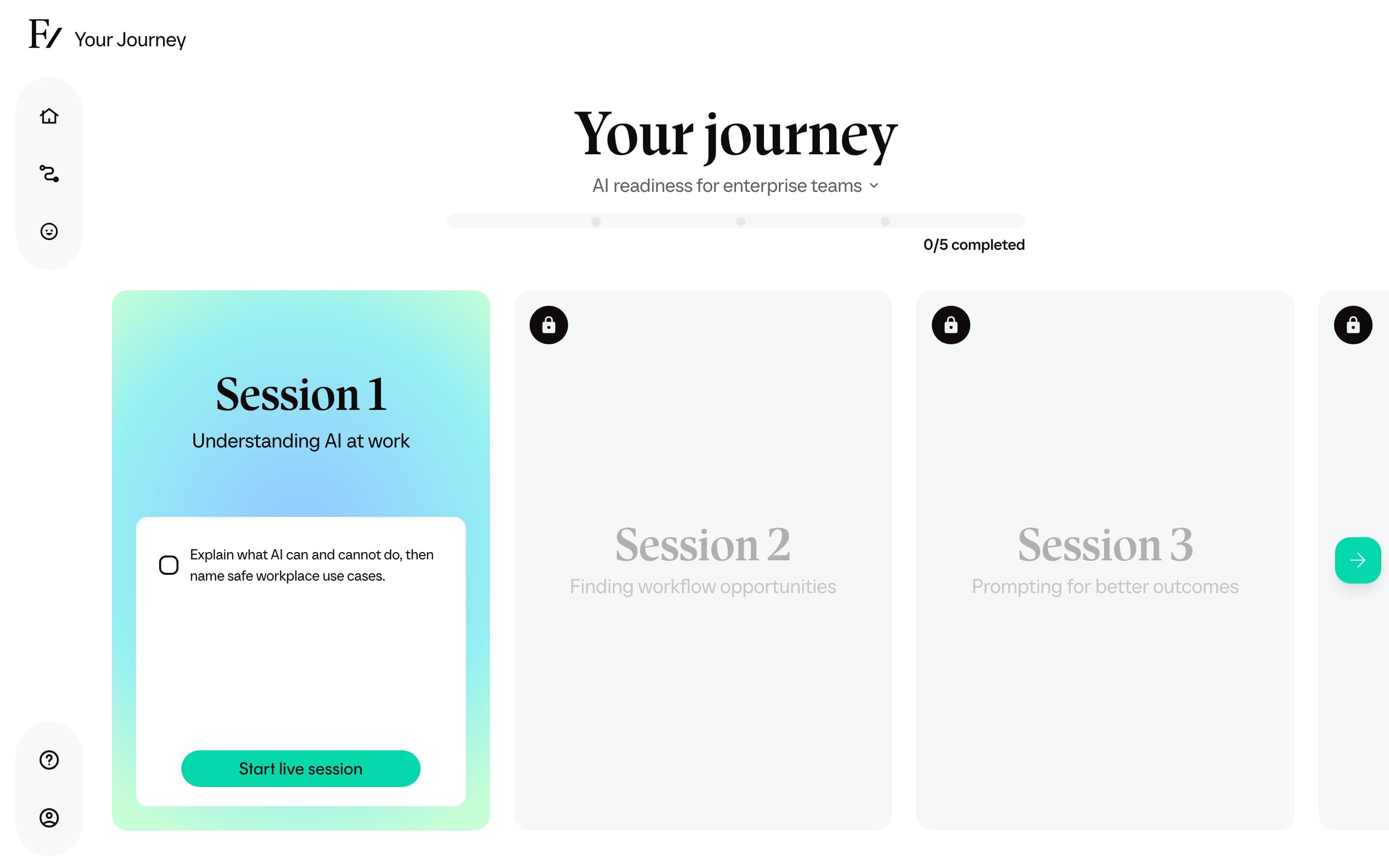
What the screen shows
- The Learning Path's name and a short description.
- The full list of sessions in order.
- The status of each session: complete, current, or locked.
- The next session you can start, highlighted.
- Your overall progress through the Learning Path.
Sessions are sequential. A locked session opens once the previous one is complete.
A step in the list can also be an AI Simulation: a role-play conversation placed between sessions and marked with an AI Simulation tag. It unlocks like any other step. Finishing the role-play (not only starting it) completes the step and opens the next one. After the session, Frontierz prepares feedback with a summary, criteria, and suggested next actions. Learning Path feedback is saved to Progress Reports automatically. If your organization hides learner feedback, you still see a confirmation that the session is complete.
A step can also be a lesson your organization imported, such as an e-learning module. You open it like any other step, work through it, and it marks complete when you reach the end. A Complete lesson button then takes you back to Your Journey and unlocks the next step.
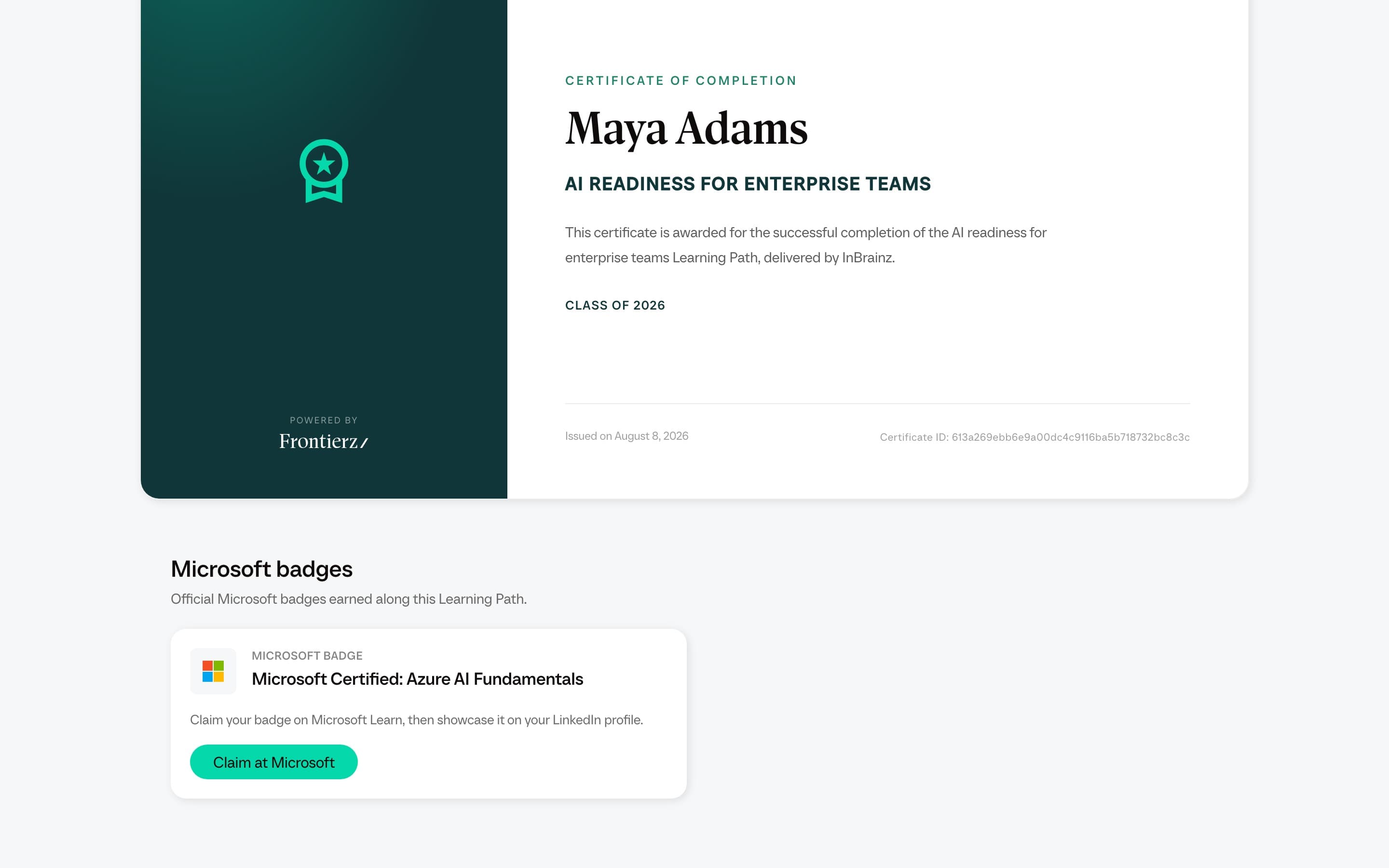
When every step is complete, a Certificate card appears at the end of Your Journey. See Your certificate.
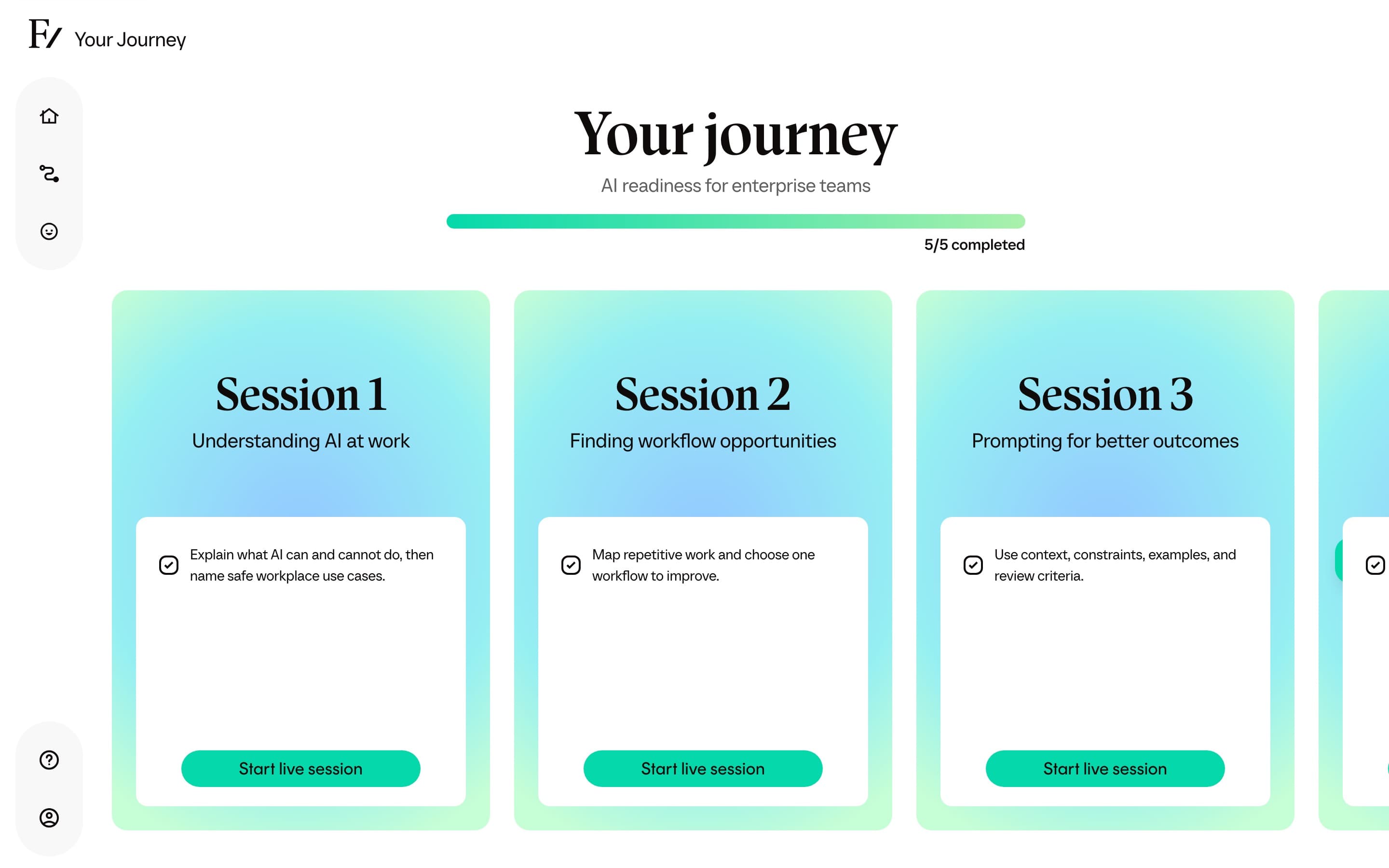
How progress works
Progress is per user. Two people enrolled in the same Learning Path can be at different sessions at the same time. Your progress is not visible to other learners, only to the administrators who run the Learning Path on behalf of your organization.
A session is marked complete when the AI Fellow confirms that every objective in the session has been met during the conversation. Objectives are checked off in real time as you talk through them. See During a session for what that looks like.
Pausing and returning
You do not have to finish a session in one go. If you end a session early, the same session stays as your current one when you return. You can pick up where you left off, or restart the conversation from the beginning.
A live session ends automatically when it reaches the service limit. The exact limit depends on your organization's setup and where you opened the AI Fellow. If the conversation ends at the limit, open a new one from the same session.
The session you are working on is the only one you can open at a time. Locked sessions stay locked until the previous one is complete, even if you can see what is in them.
Emails about your Learning Path
Your organization can send follow-up emails from the AI Fellow on this path. Those emails invite you to start, continue, attend a session you already booked, or open your certificate. They are not performance notes.
A calendar invitation from Schedule Next Session is separate. See During a session.
If you expected an email and it did not arrive, check spam, then ask whoever manages Frontierz at your organization. Emails can be off for that Learning Path.