

During a session
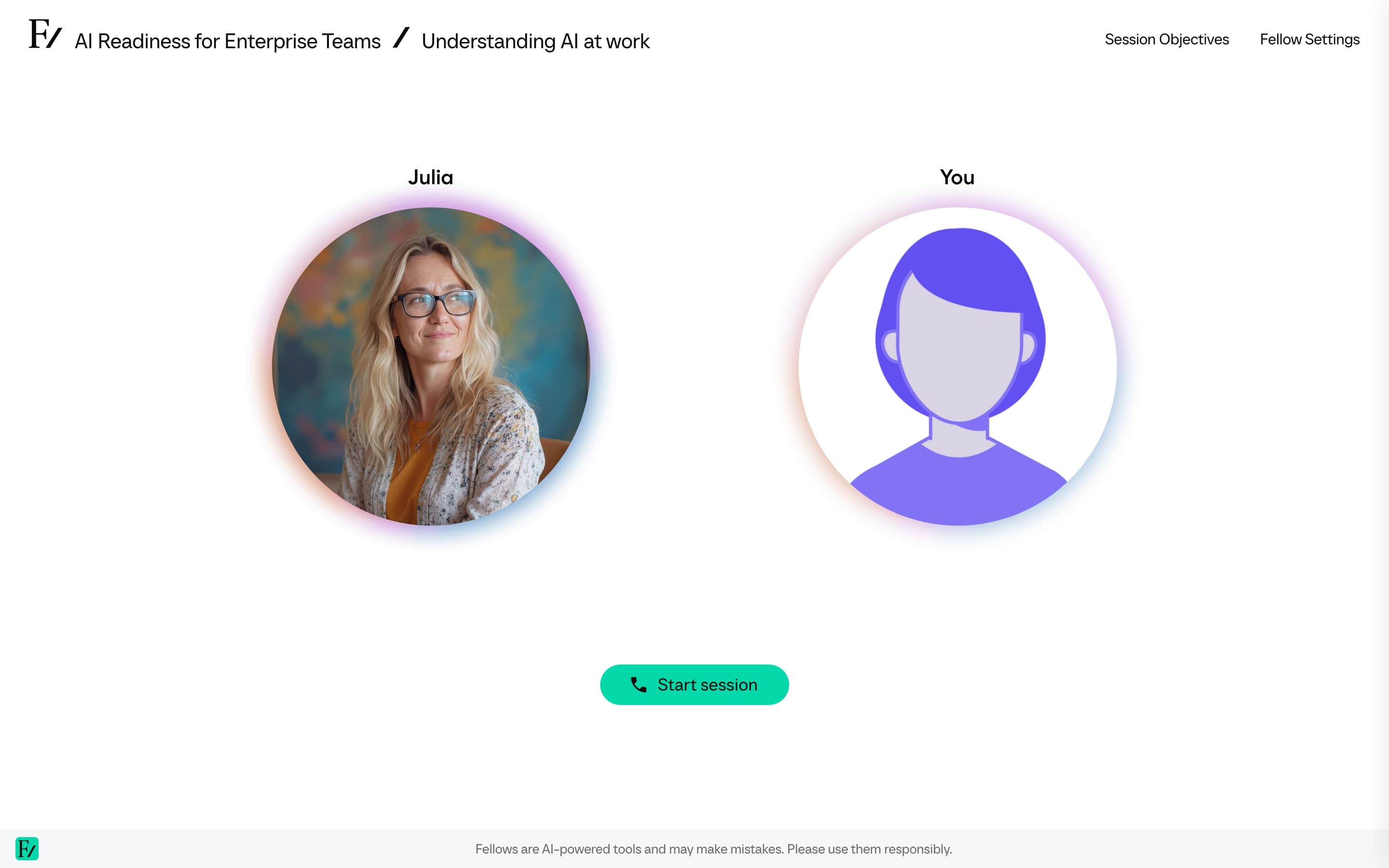
A session is a live, voice-led conversation with an AI Fellow. The AI Fellow guides the session toward a small set of objectives: the specific things you have to say, demonstrate, or work through before the session is considered complete.
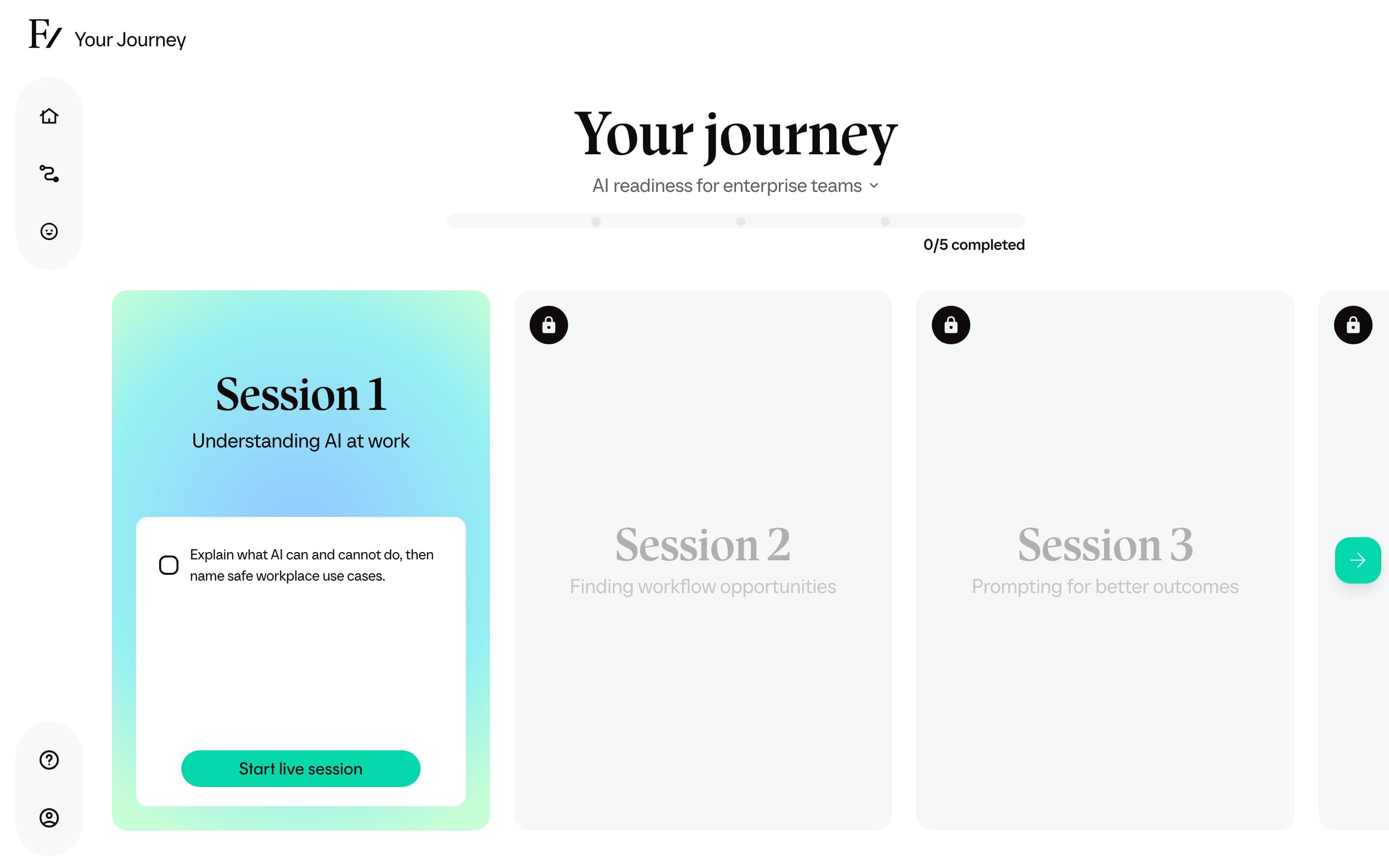
How objectives work
The objectives panel sits next to the conversation. As you and the AI Fellow talk, objectives that the AI Fellow recognizes as met are checked off in real time. Objectives that have not been demonstrated yet stay pending.
You do not need to read the objectives to complete the session. The AI Fellow leads the conversation toward them. The panel is there so you can track your own progress.
If you want to revisit a topic, ask. The AI Fellow is there to coach, not to test you. If you feel an objective was marked complete too early, mention it during the call and continue the conversation. The AI Fellow can re-evaluate based on what you say next.
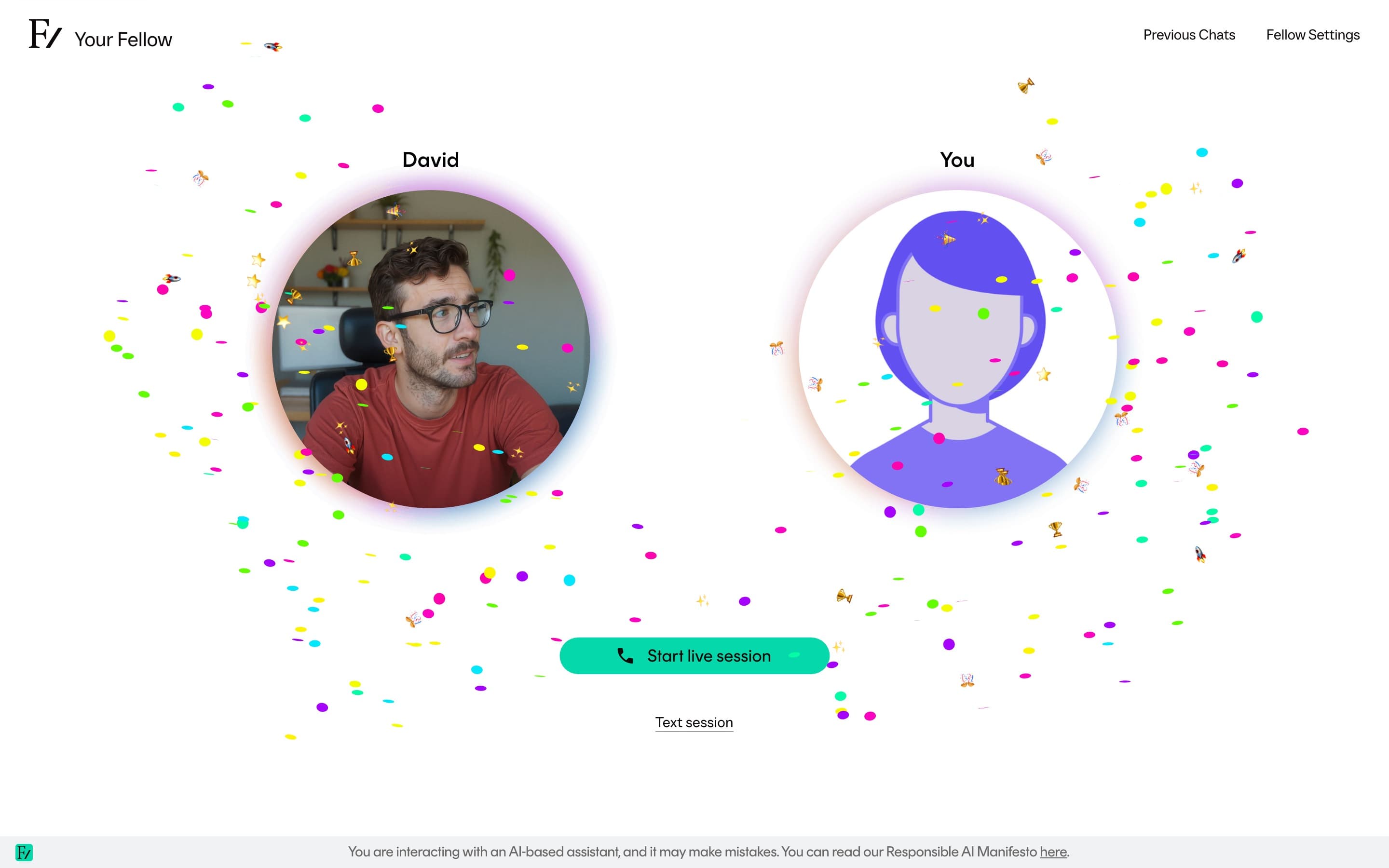
You might see a brief confetti animation when the AI Fellow marks a real milestone, such as completing an objective or finishing the session. It is a visual touch and has no effect on your progress.
Session length
A session ends automatically when it reaches the service limit. The exact limit depends on your organization's setup and where you opened the AI Fellow. If it ends at the limit, start a new conversation from the same session. The session does not have to be completed in one attempt. Ending the conversation early keeps the session as your current one when you return, and you can resume it.
When the session is complete
Once every objective is marked complete, the AI Fellow wraps up the session and the next one unlocks on Your Journey.
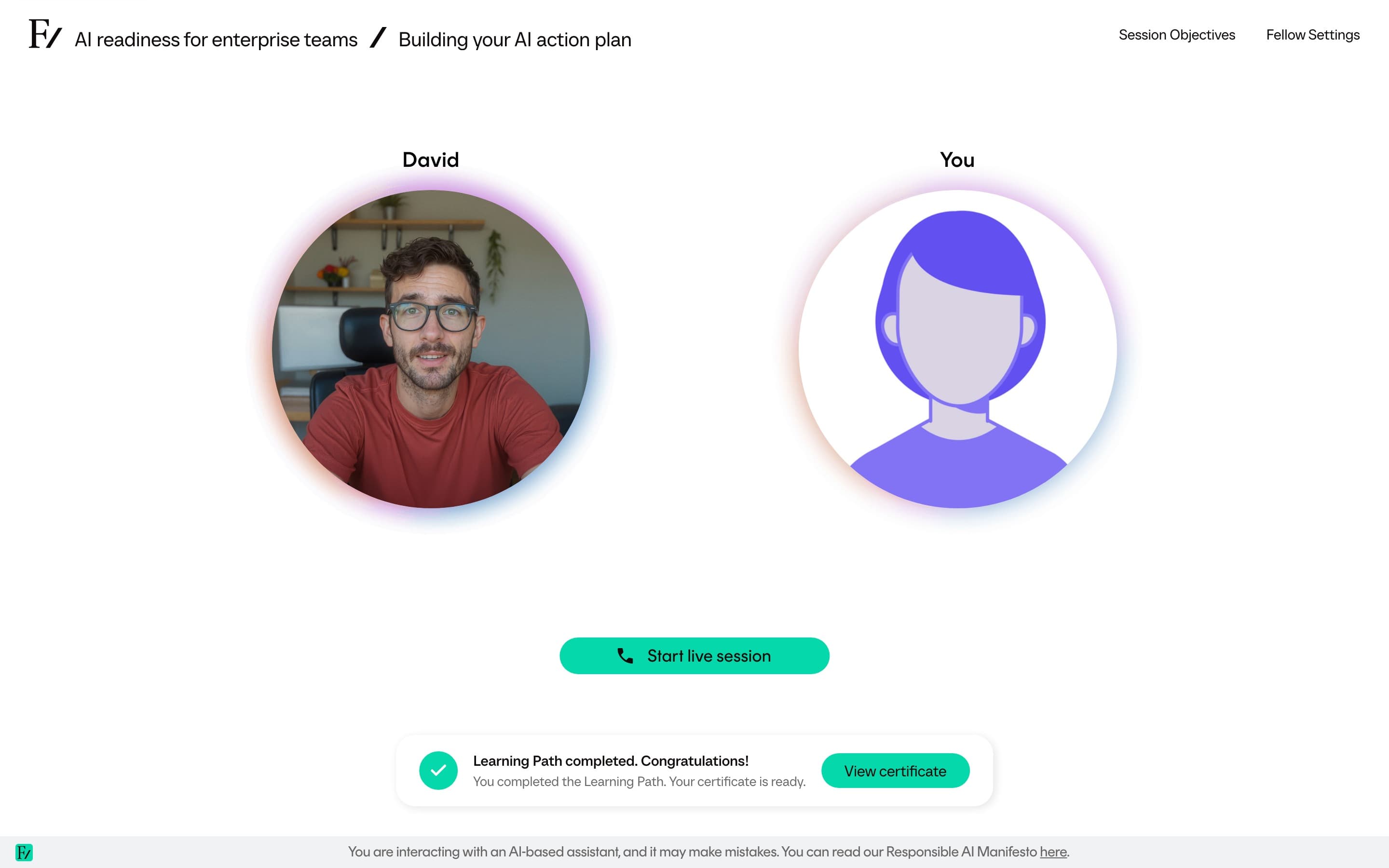
A confirmation banner appears with a Complete session button that takes you back to Your Journey, where the next session is ready. The same banner shows again if you reopen a session you have already finished.
If your Learning Path uses Schedule Next Session, and a later Fellow Session still remains on the path, the AI Fellow asks when you would like to take the next session and emails you a calendar invitation for the time you choose. The invitation includes the link to start the next session at the scheduled time. This option does not appear on the last Fellow Session of the path.
You can read transcripts of every session you have completed from the Previous chats panel. See Previous chats.