

What is Frontierz
Frontierz is a workforce development platform built around AI Fellows. An AI Fellow is an AI teammate that holds live, voice-led conversations. You speak to an AI Fellow the same way you would speak to a colleague over a video call, and the AI Fellow guides the session.
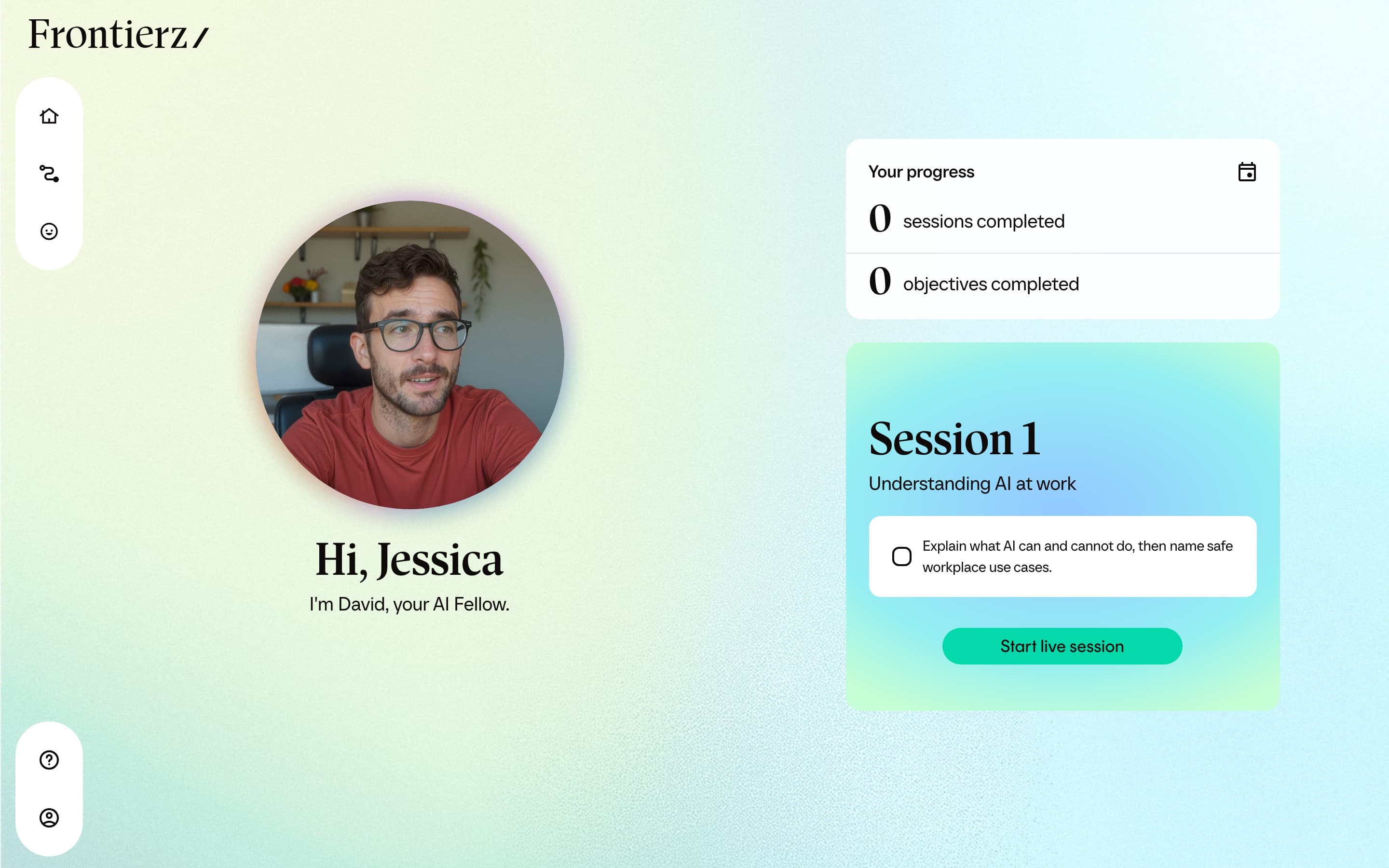
This manual covers what you see as a learner: the Home screen, Your Journey, what happens during a live session, and the controls available while you talk.
Who this manual is for
Use this manual if your organization has invited you to:
- Take a Learning Path made up of guided sessions.
- Talk to an AI Fellow assigned to you for coaching, simulation, or reference.
- Open a public AI Fellow link without signing in, for a focused conversation such as a public demo or an open coaching surface.
What is not covered here
Configuration, reports, and team-management screens are not part of the learner workspace. They live in Frontierz Studio and are used by administrators. You only see the surfaces relevant to your conversations and progress. If you need something configured, ask the person at your organization who manages Frontierz.
AI Fellows
An AI Fellow is an AI teammate you can talk to over voice. Each AI Fellow has its own name, voice, and area of focus. Some AI Fellows are set up for coaching, others for simulations, others for answering questions about a specific topic using uploaded reference material. When an AI Fellow has a Knowledge Base, it can search the uploaded documents during the conversation and open the relevant file when a question depends on a specific detail.
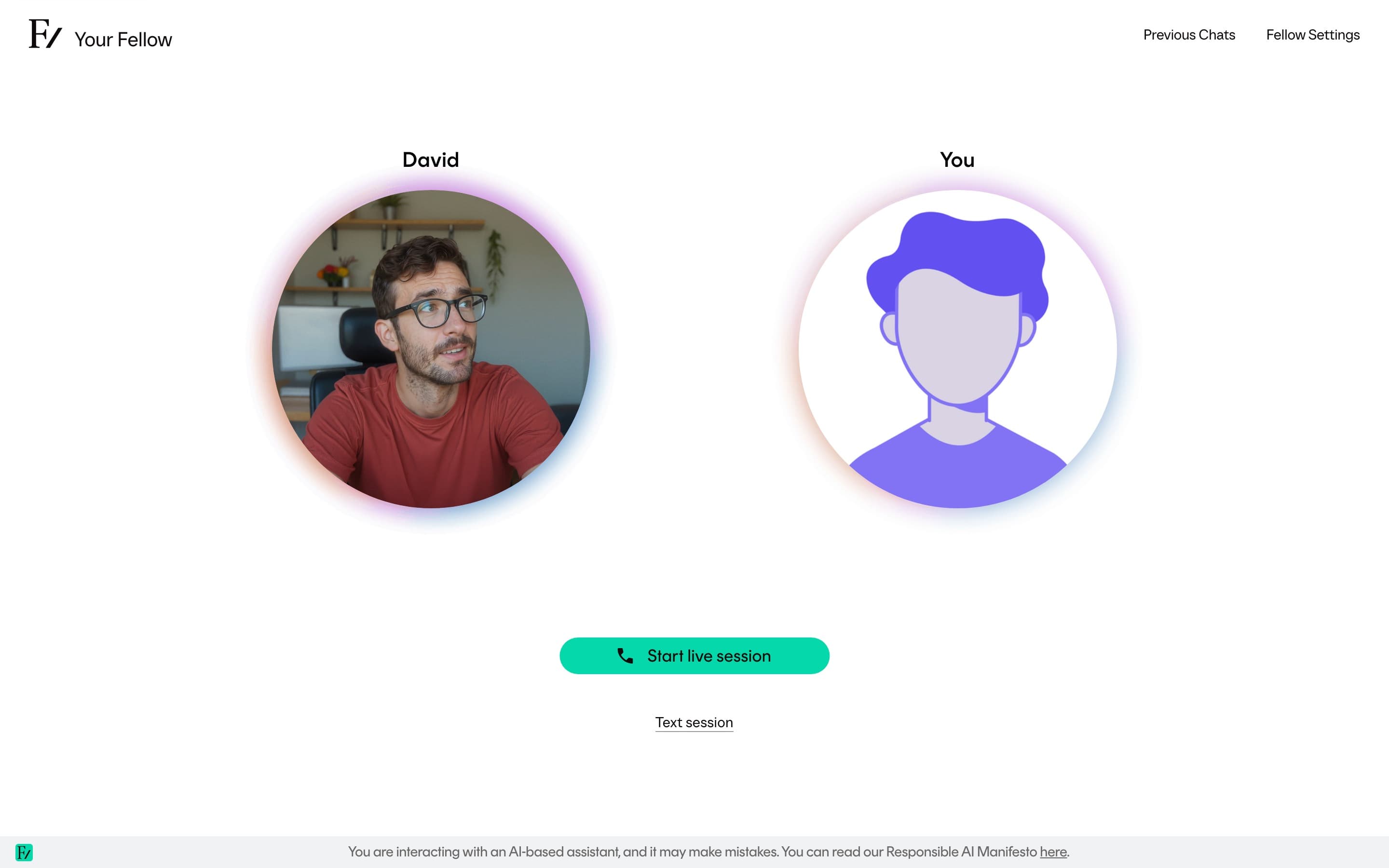
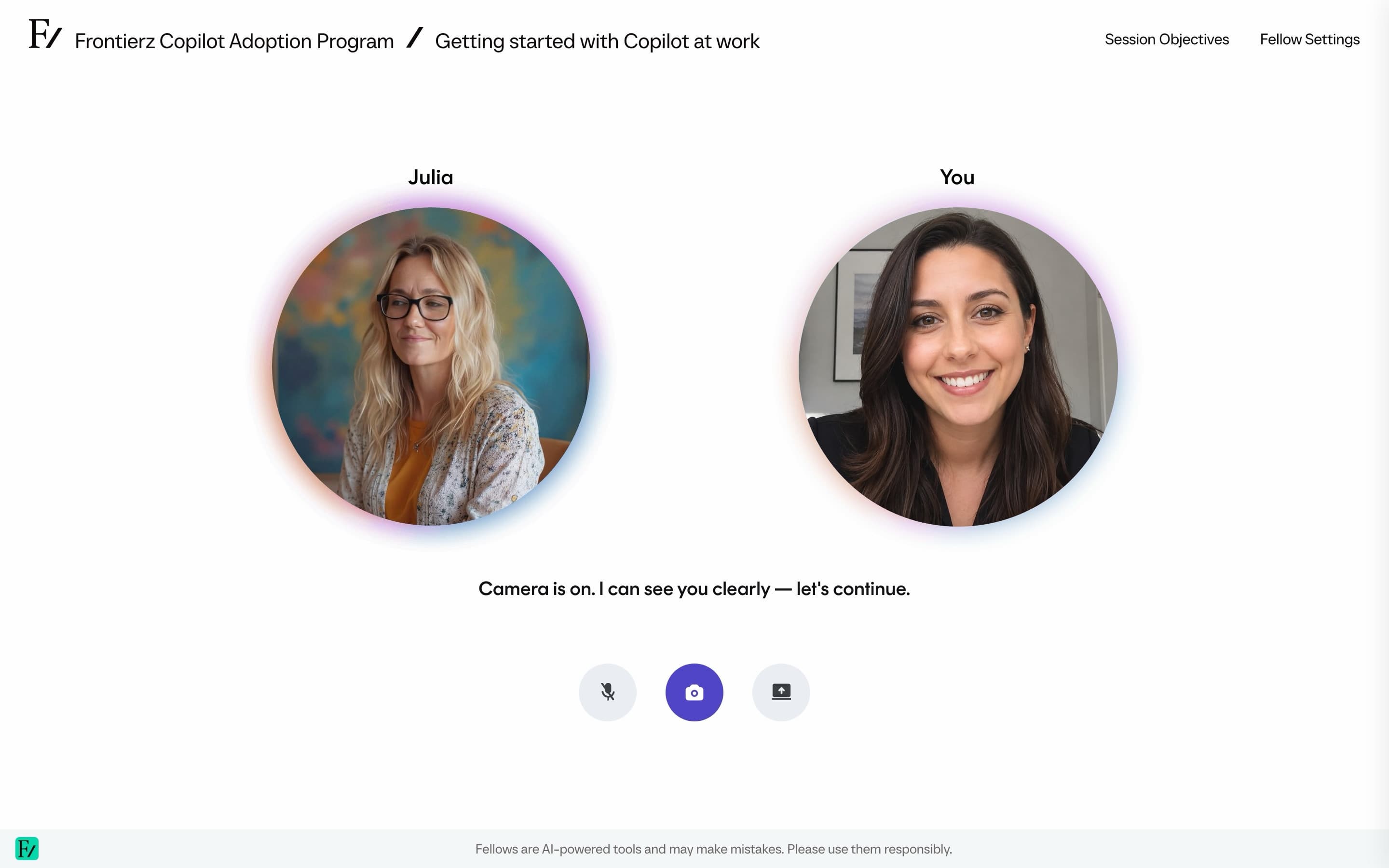
A live conversation with an AI Fellow looks and feels like a phone or video call. You speak, the AI Fellow responds, and the exchange happens in real time. You can interrupt, mute yourself, share your screen when relevant, and end the call at any time.
Some AI Fellows also let you type instead of speaking. If the person who set up the AI Fellow enabled that option, you will see a Text session button next to Start session. The conversation is saved the same way; you type and read instead of talking and listening. See Type instead of talk.
During a conversation, you may also be able to send a file to the AI Fellow by dragging it onto the session screen. The AI Fellow can use that file as context for the current conversation. See Send files during a session.
AI Fellows are always identified as AI. You will not be addressed by a human under a different label.
Learning Paths
A Learning Path is an ordered set of sessions that you complete one at a time. Each session is a live conversation with an AI Fellow focused on a small set of objectives, the things you need to say, demonstrate, or work through during the conversation. The next session unlocks once the AI Fellow confirms that the current objectives are met.
Learning Paths are useful for onboarding, AI adoption programs, manager development, regulated training, customer training, or any program where the order of topics matters.
Which one do I have?
It depends on what your organization set up:
| You see | What you have |
|---|---|
| A list of sessions on Your Journey | A Learning Path. Work through the sessions in order. |
| A Your Fellow entry in the sidebar | An AI Fellow assigned to you for general conversations. |
| A standalone link that opened a conversation directly | A public AI Fellow. You do not need to sign in. |
You can have all three at the same time. A Learning Path runs through its own AI Fellow. The same person can also have a separate AI Fellow for ad-hoc conversations and may receive a public AI Fellow link for a different use.
Where to start
Sign in
The invitation email, the sign-in link, and the first session.
Your workspace
A tour of the screens you will use day to day.
Your Journey
How a Learning Path moves you through ordered sessions.
Progress Reports
Your Learning Paths, badges, certificates, and practice feedback.
Live sessions
What it is like to talk to an AI Fellow, and the controls available.
Public AI Fellow links
The no-account flow when you opened a shared link.