
Available actions
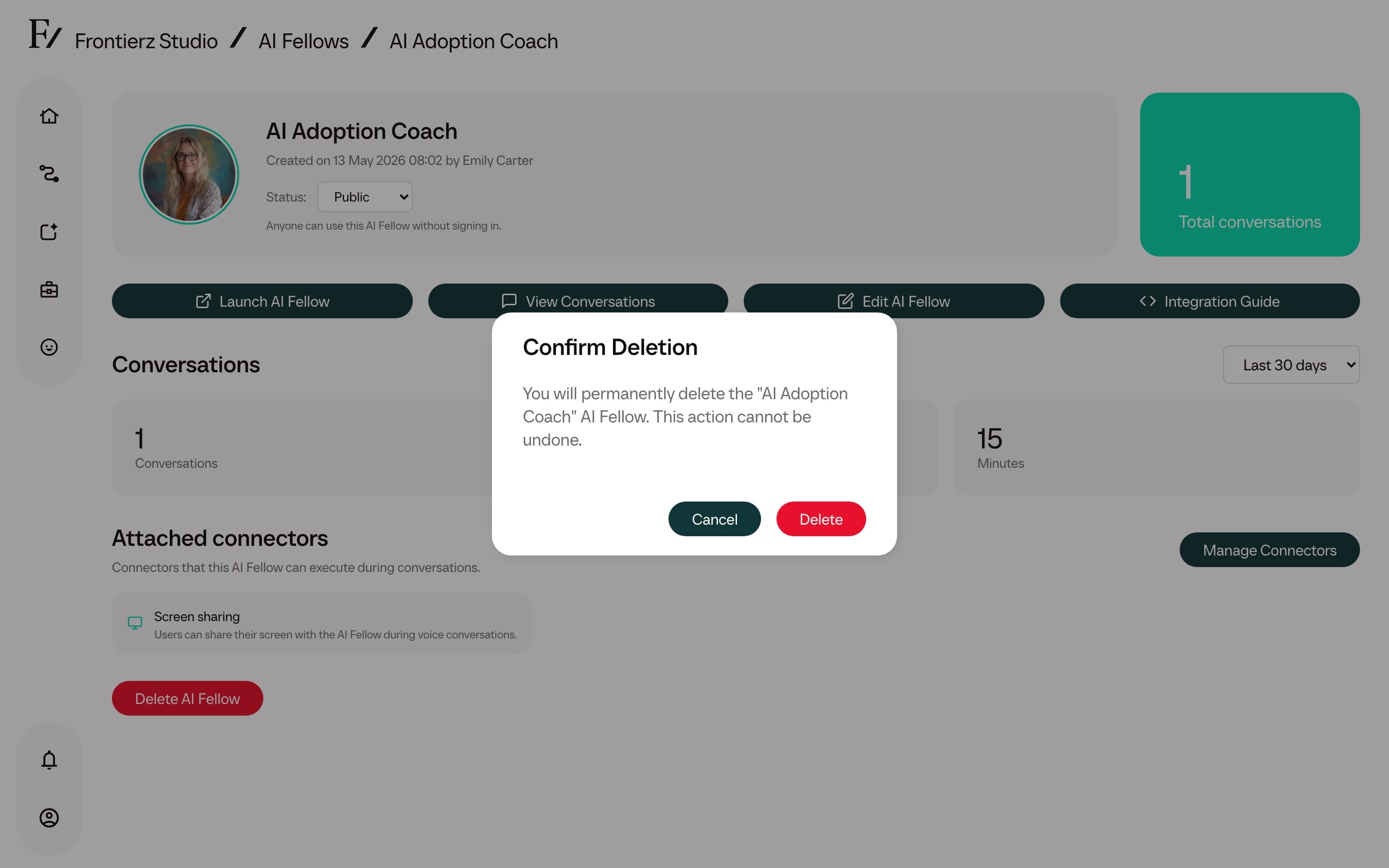
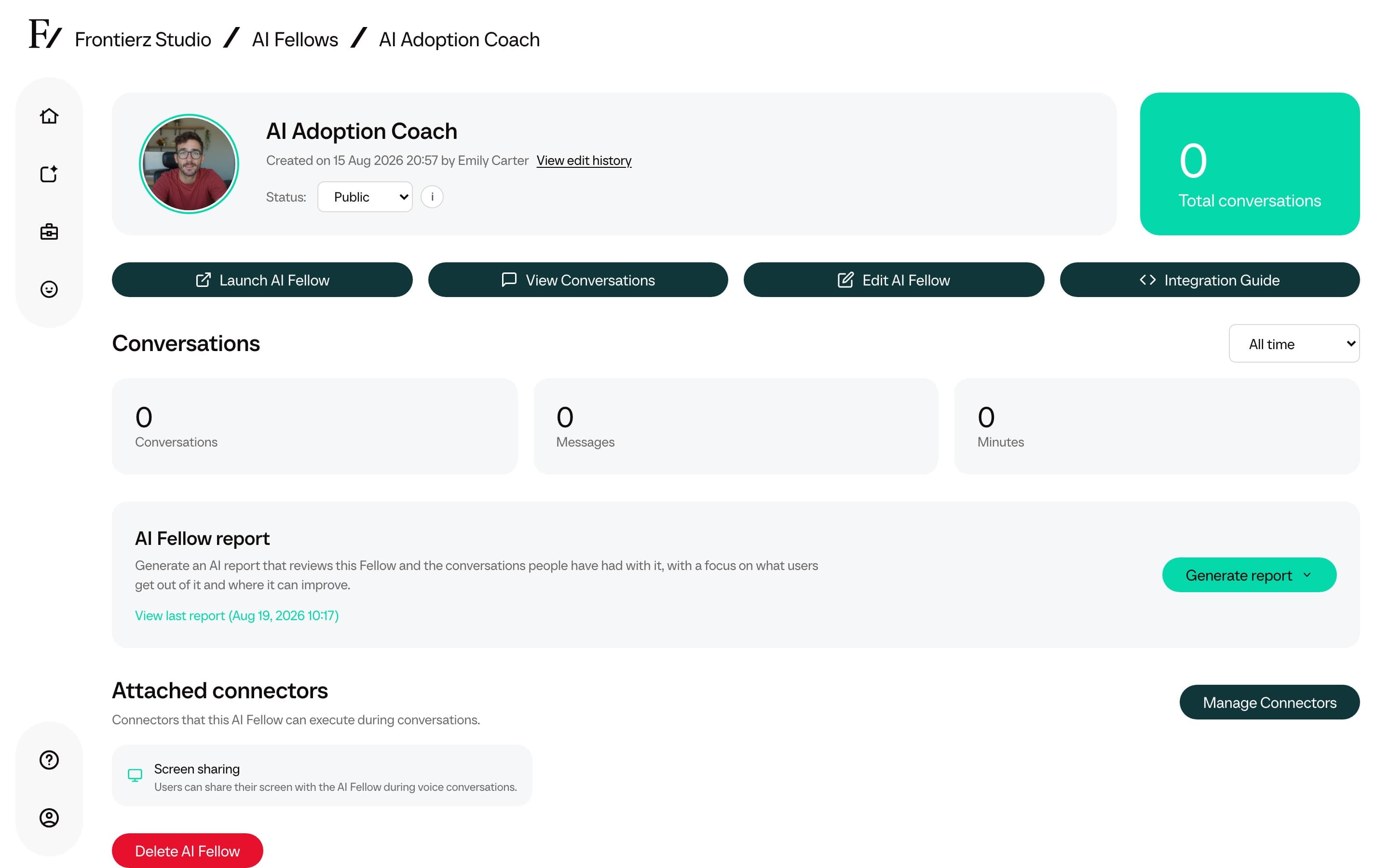
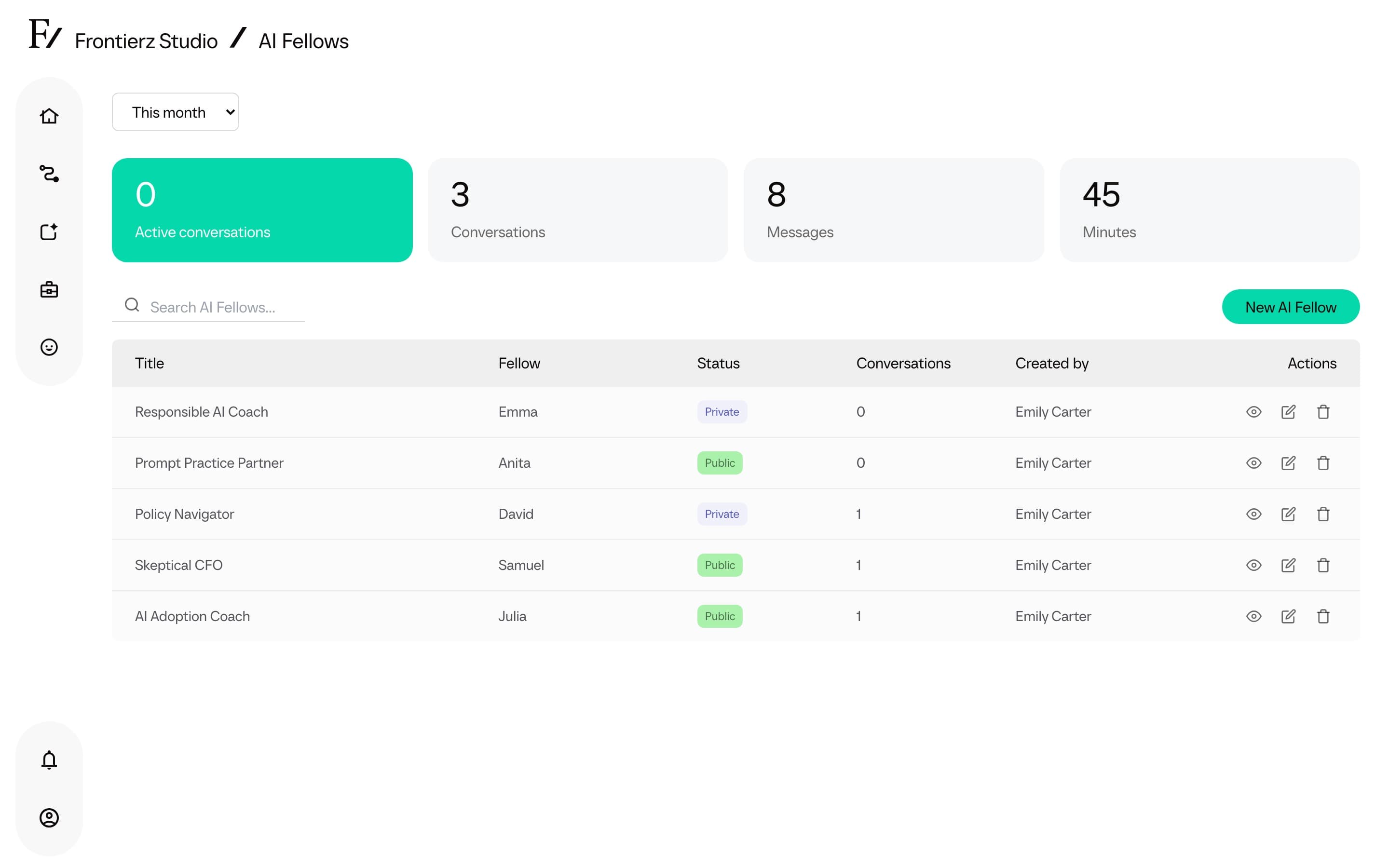
The following actions are available from the AI Fellows list and from each AI Fellow's detail page:
| Action | What it does |
|---|---|
| View | Opens the AI Fellow monitor page with its full configuration and stats. |
| Edit | Opens the editor to change purpose, Connectors, Knowledge Base, or any other setting. |
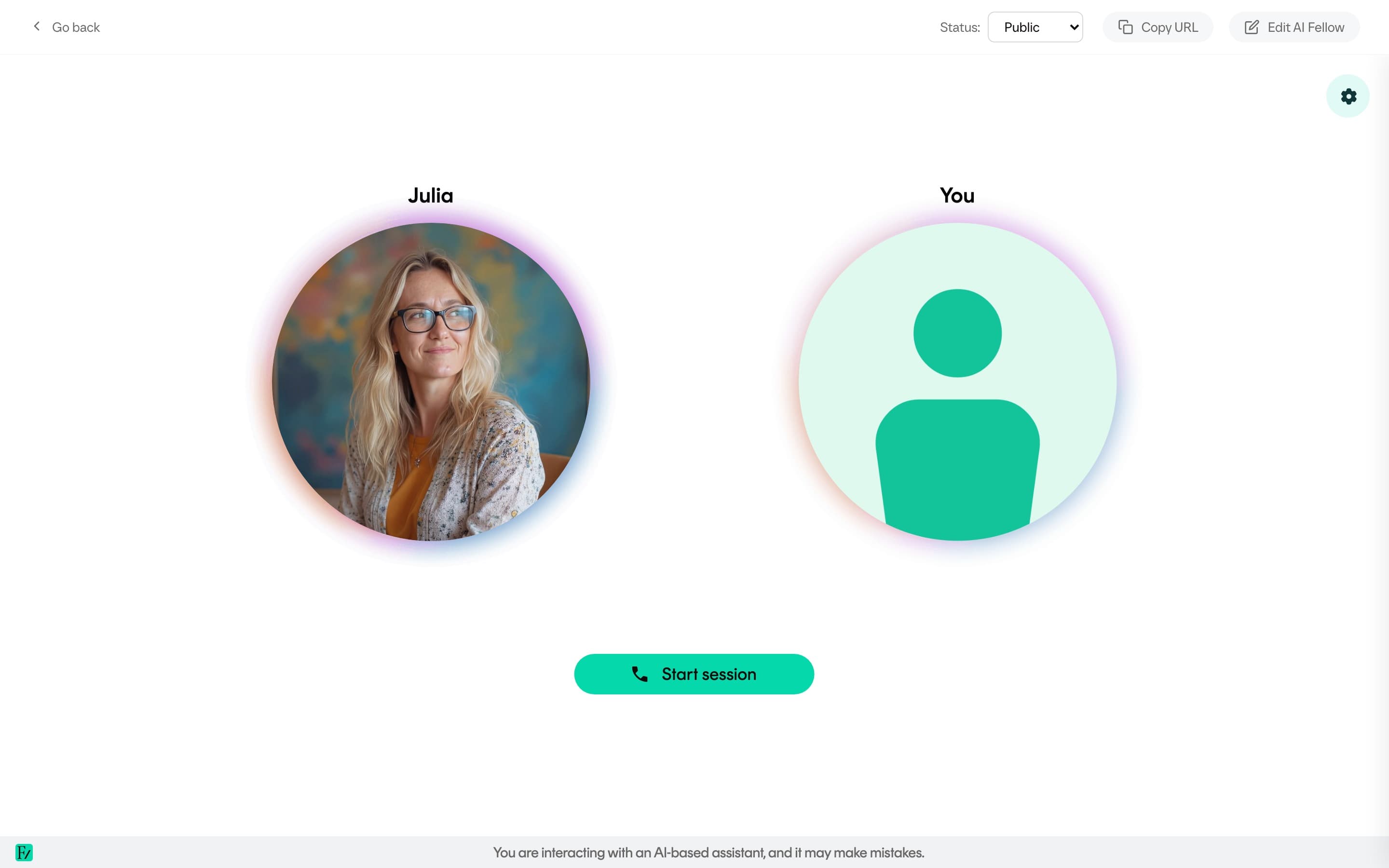
| Launch (test) | Starts a test conversation to verify the AI Fellow behaves as expected before granting user access. |
| Change visibility | Switches the AI Fellow between Public, Private, and Disabled. See Visibility for the definition of each state. |
| Manage Users | Available only on Private AI Fellows. Opens the access list to grant or revoke user access. See Manage Users. |
| Integration guide | Opens the modal with the AI Fellow standalone URL and an embed snippet. See Deployment options. |
| View conversations | Opens the conversation history with full transcripts. |
| View edit history | Opens the change log for this AI Fellow, including creation, status changes, configuration edits, Knowledge Base changes, and the admin who made each change. See Edit history. |
| Generate report | Generates an AI-written report about the AI Fellow from its conversations, then lets you print or export it. See AI Fellow report. |
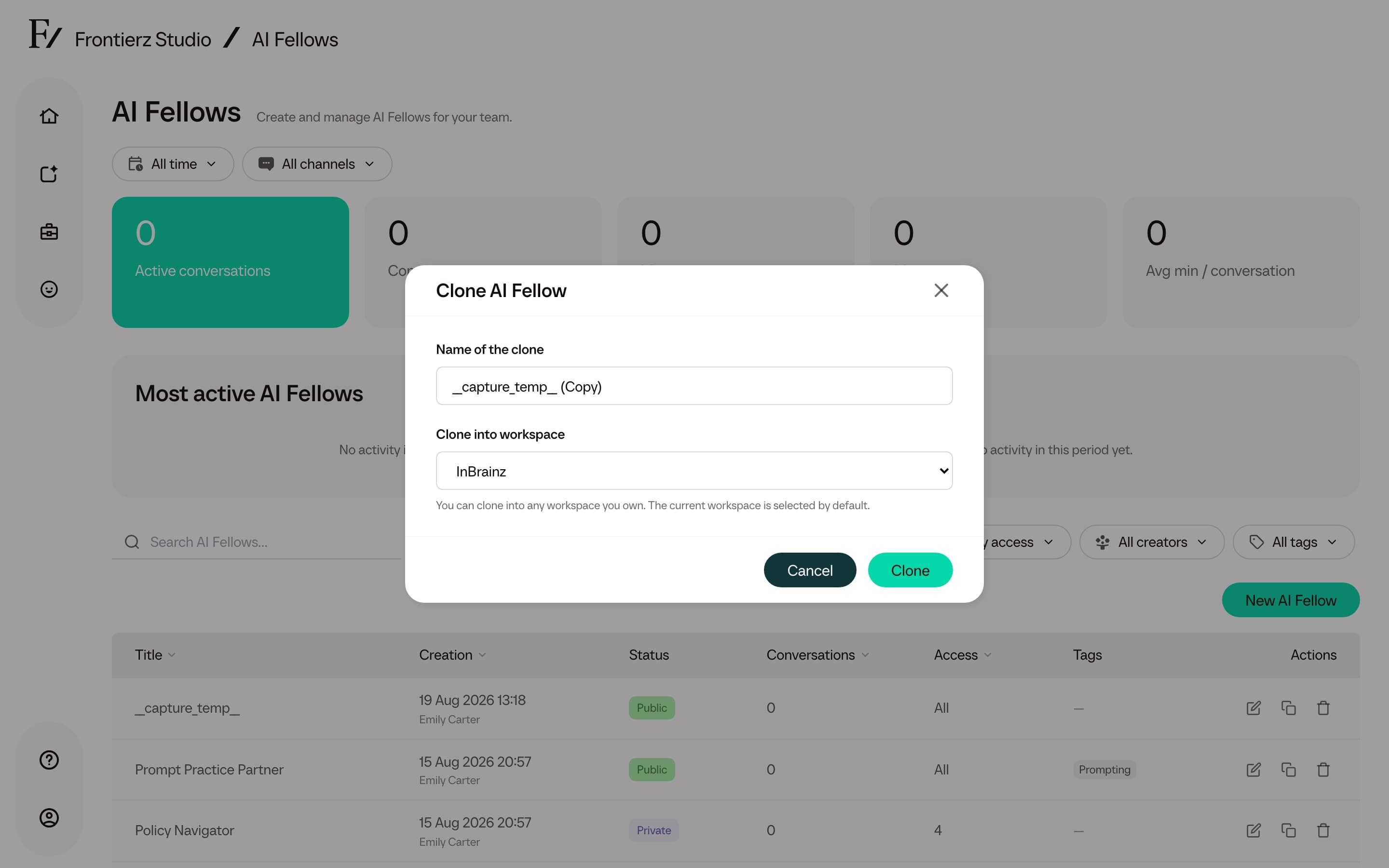
| Clone | Creates a Disabled copy without conversations or Private user access. Completed Knowledge Base files are copied. Owners with more than one workspace can choose a destination workspace. Other Admin users clone into the current workspace. When cloning to another workspace, Connector attachments and Manager assignments are not copied. |
| Delete | Removes the AI Fellow from active use. Existing conversation history remains available for authorized Admin users unless the conversation contents are deleted separately. |
Recommended testing workflow
Run a Launch session after any significant change to the purpose, Connectors, or Knowledge Base. The test conversation reproduces the user experience and helps identify:
- A purpose that has drifted from the intended behavior.
- A Connector that does not run when expected.
- A Knowledge Base that does not surface the right content.
When the AI Fellow handles the test as expected, set its visibility to Public or Private.