

Manage users
Users are the people taking the program. Enroll them one at a time from inside a Learning Path, or import a whole list at once from Company Settings → Import users from CSV.
Enroll a single user
Open the Learning Path and switch to its Manage learners view.
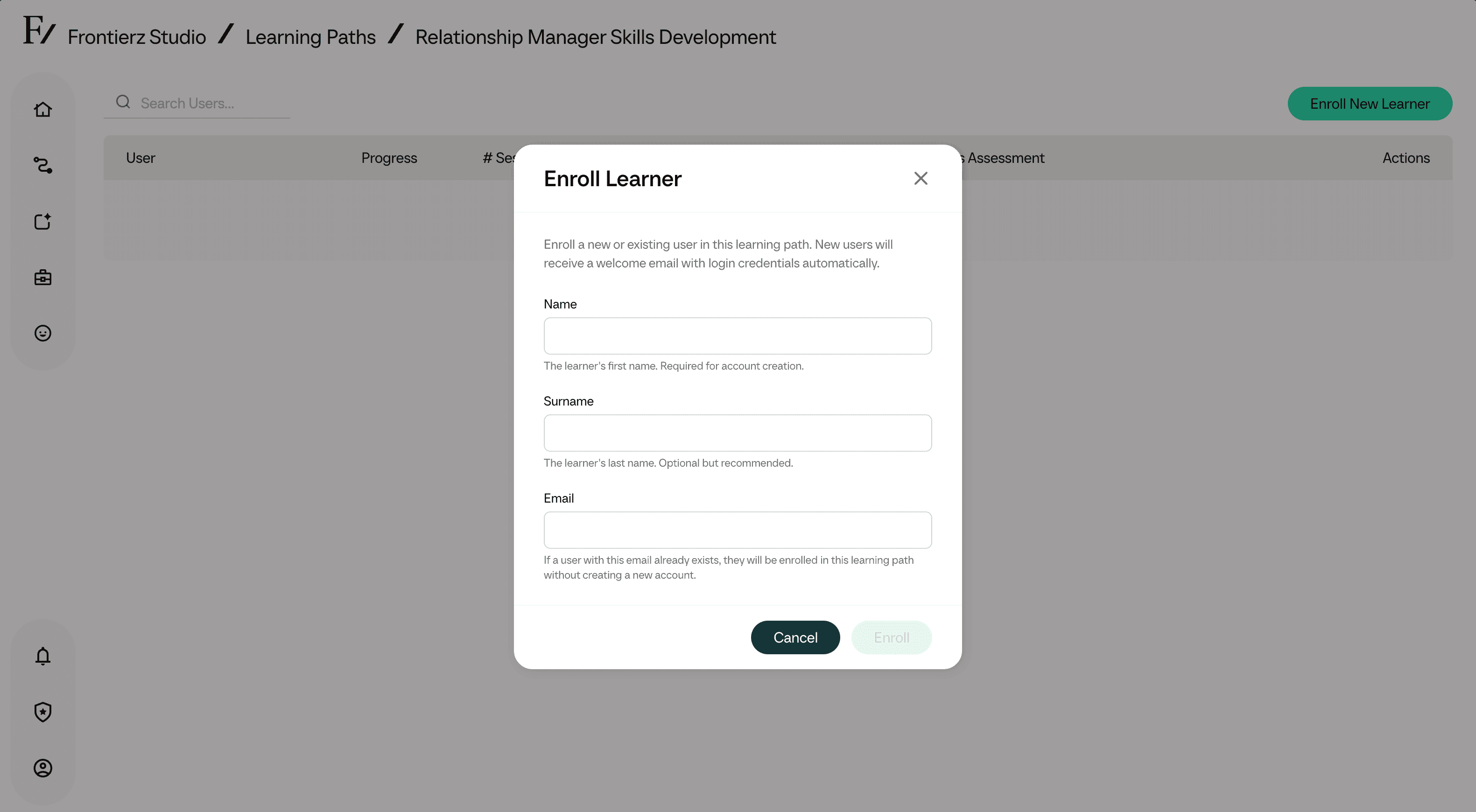
Click Enroll New Learner.
Enter the person's details.
Confirm. The user gets an email with a link into the program. New accounts log in passwordless via a magic link they receive at that address.
Remove a user
You can remove a user from a Learning Path at any time. Removing them deletes the progress they had inside that program.
There's no undo. If you might need their session history later, export the program data first. See Analytics.