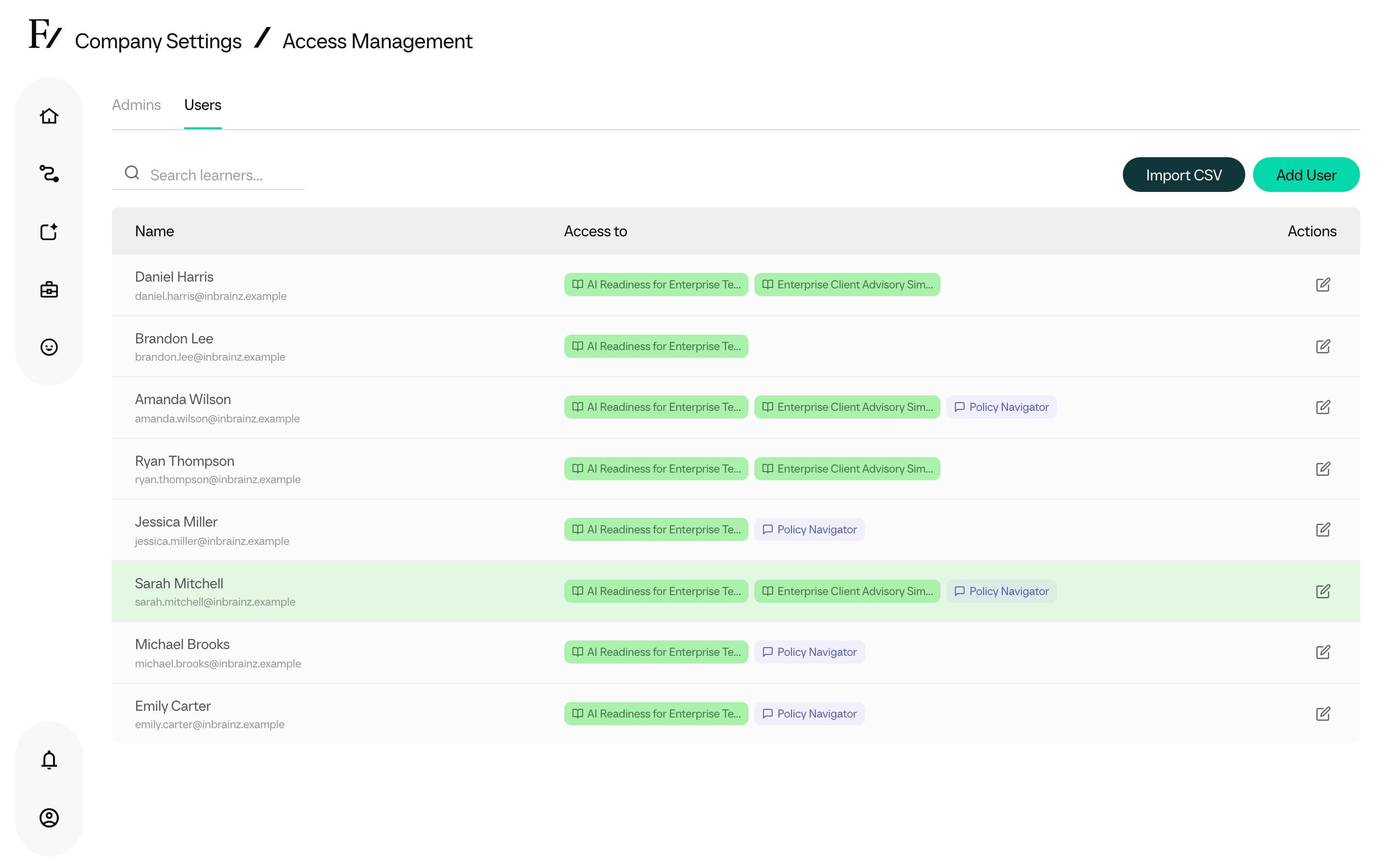
Enroll a user
Users are the people taking the Learning Path. Enroll them one at a time from inside a Learning Path, or import a group from the Learning Path Manage Users page.
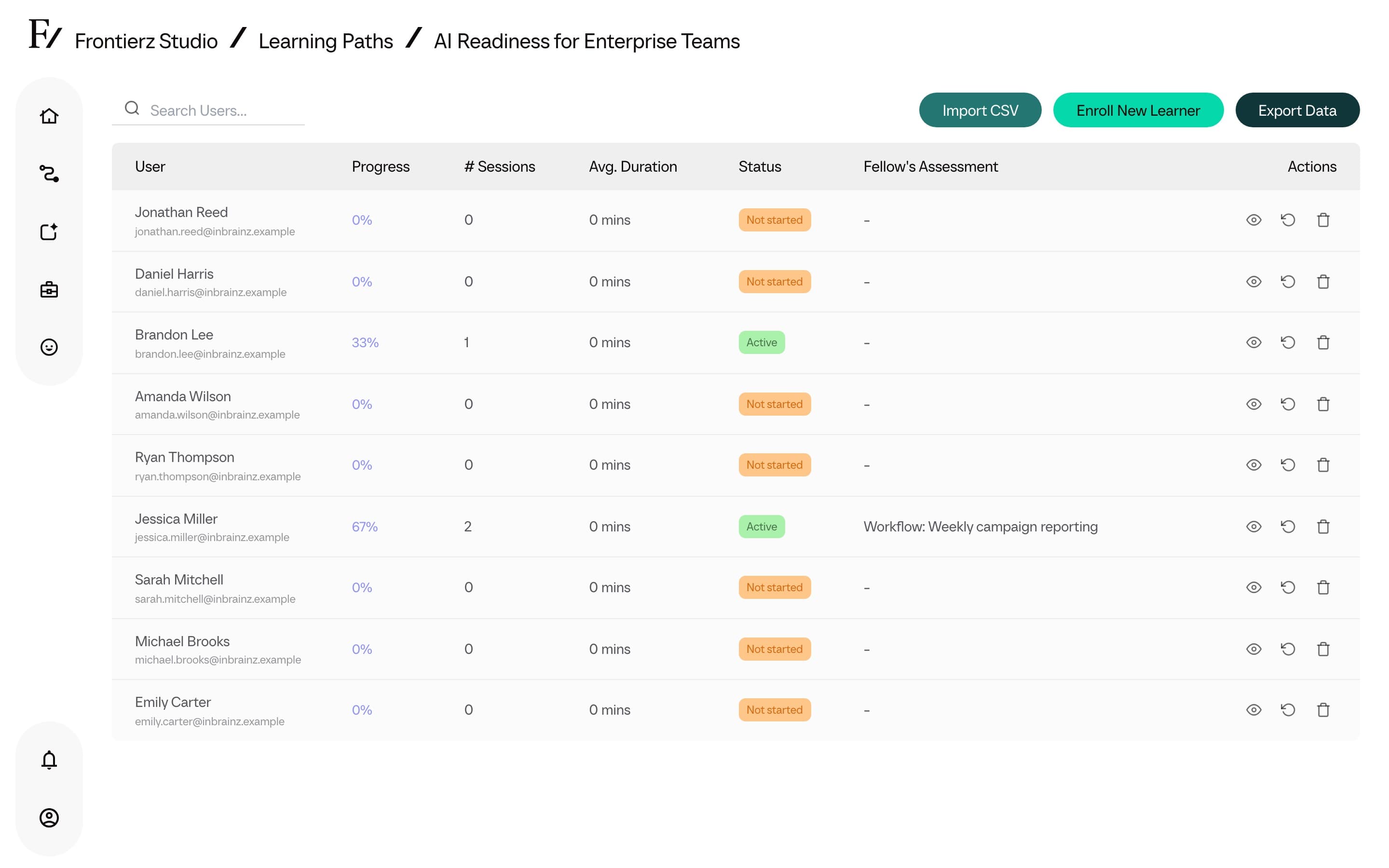
Enroll a single user
Open the Learning Path and switch to its Manage Users view.
Click Enroll New User.
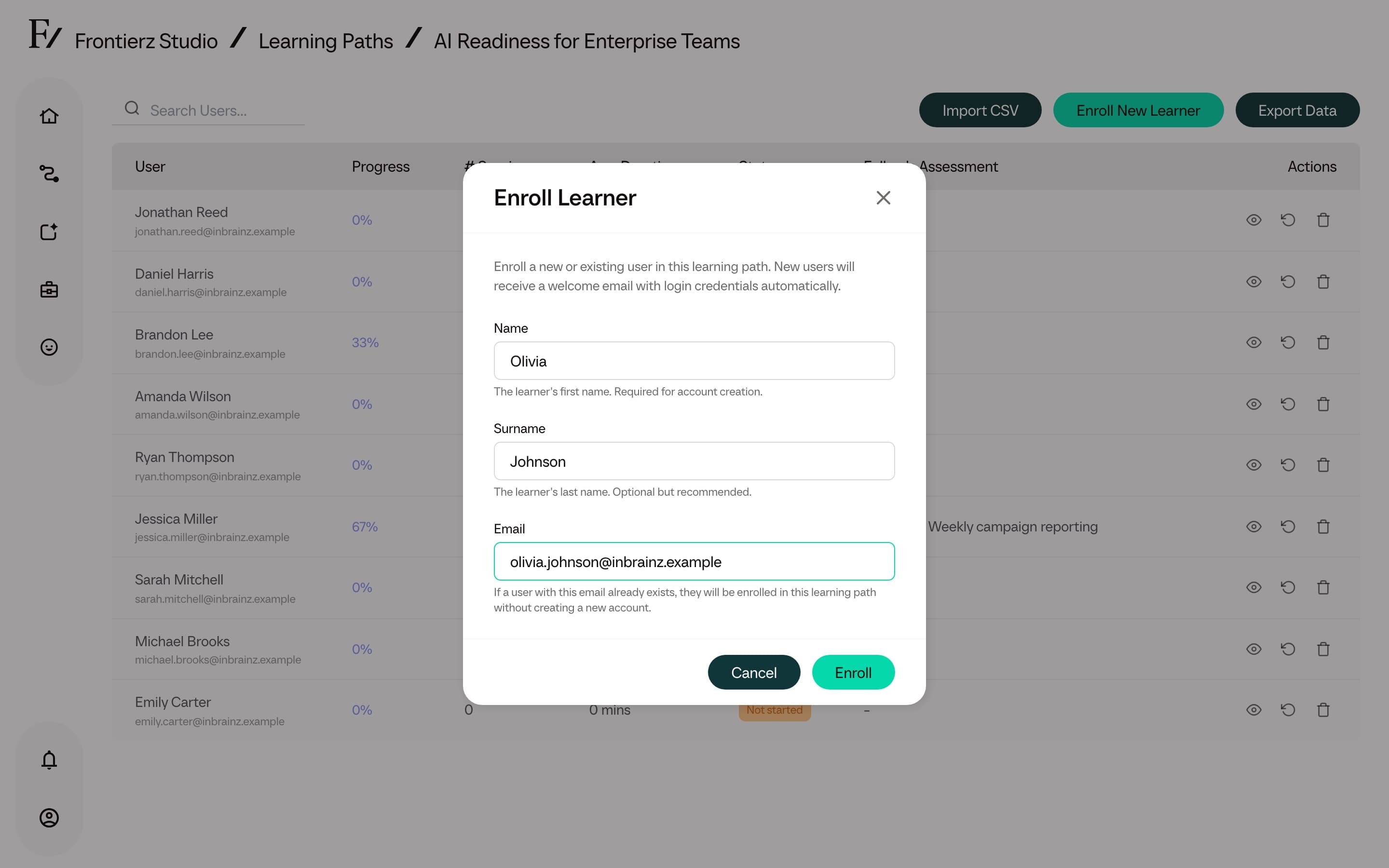
Enter the user's details.
Confirm the action. The user receives an email containing a direct link to the Learning Path. New accounts authenticate via a passwordless magic link sent to that email address.
Remove a user
A user can be removed from a Learning Path at any time. Removing a user revokes their access to that Learning Path. Their account remains in the company, and existing progress data is preserved unless the separate Clear Progress action is used.
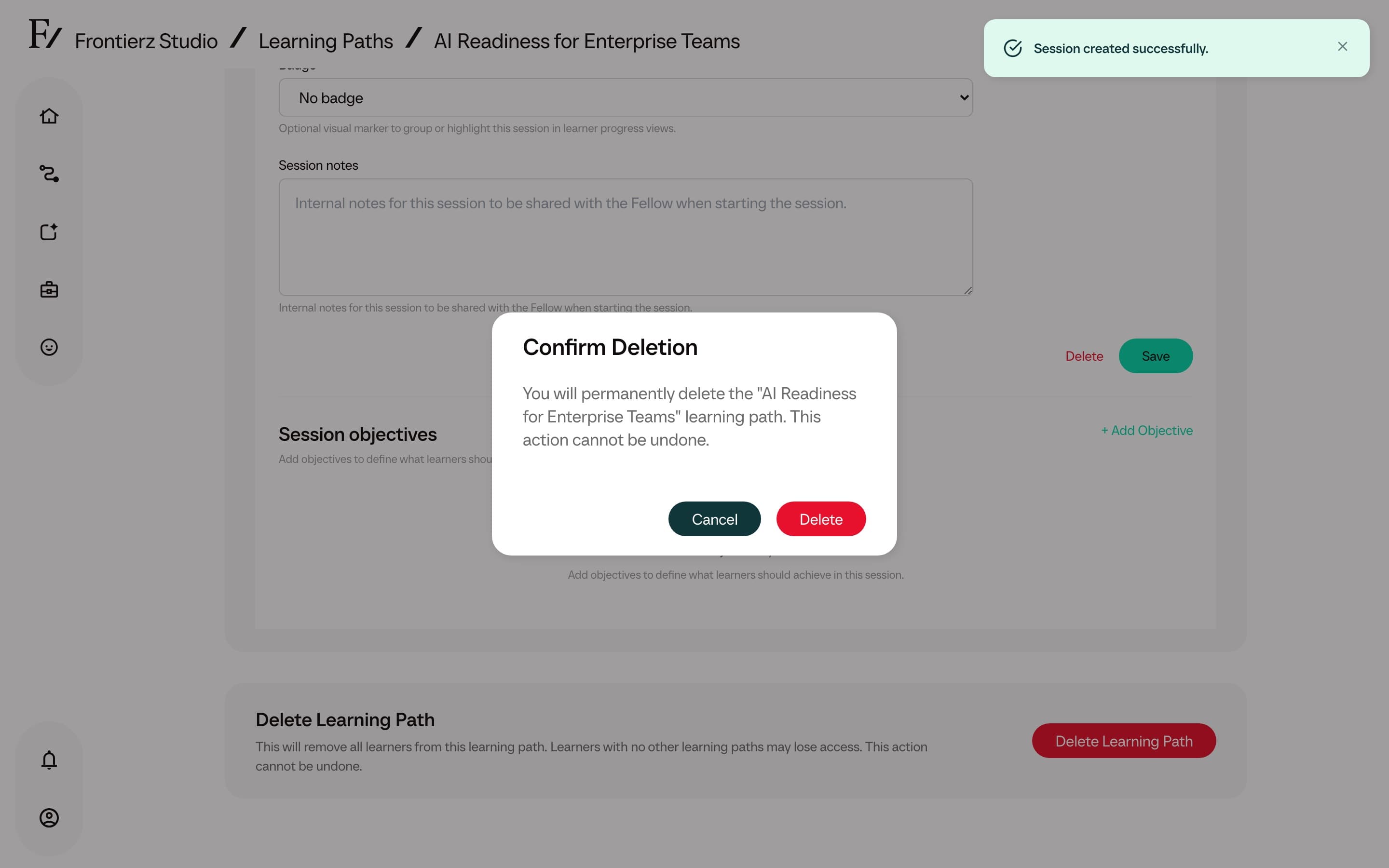
Clearing progress is separate from removing access and cannot be undone. Export the Learning Path data first if the session history may be needed later. See Analytics.