

Conversation management
Conversation management provides Admin users with tools to review AI Fellow activity after deployment.
Saved conversation data
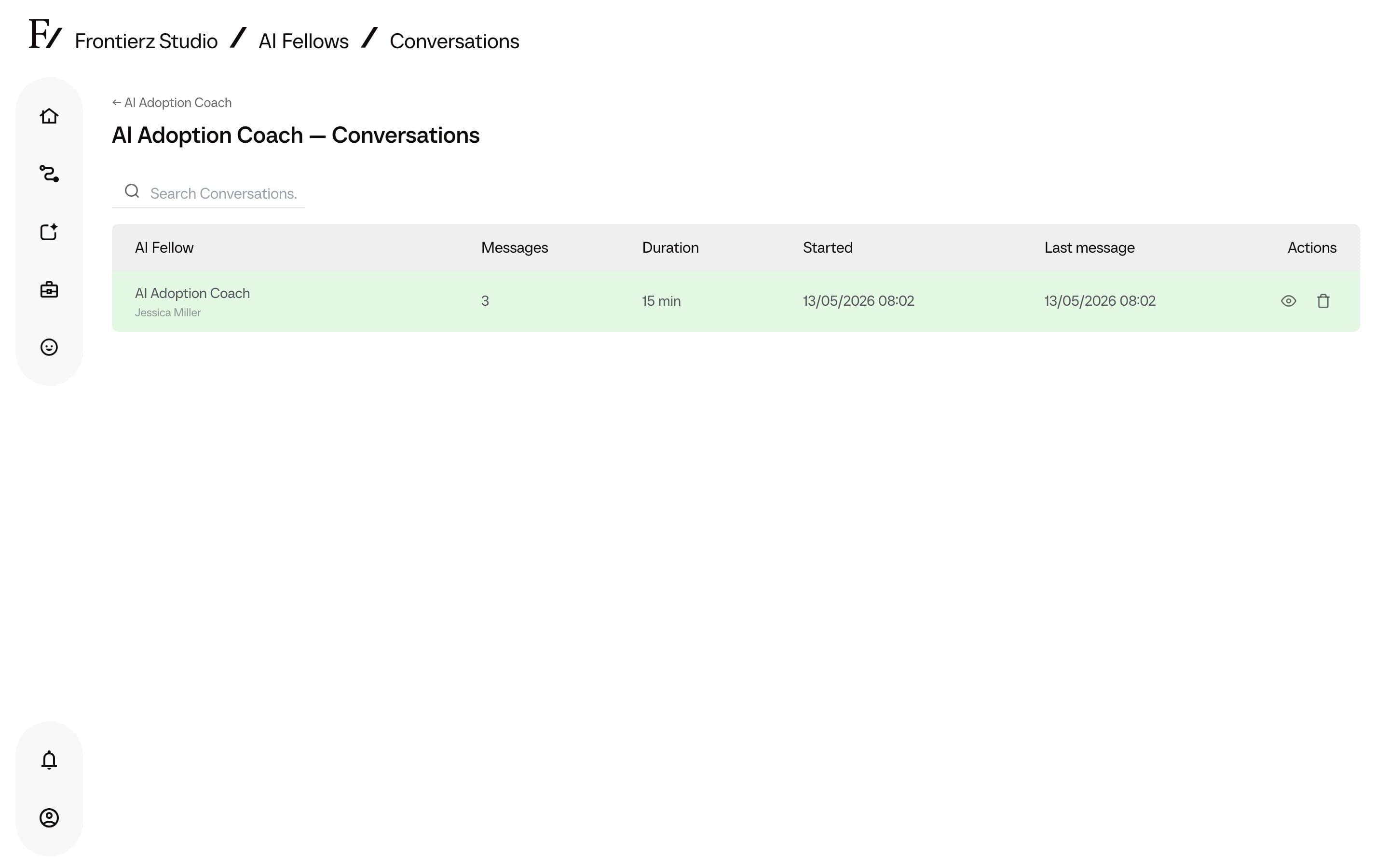
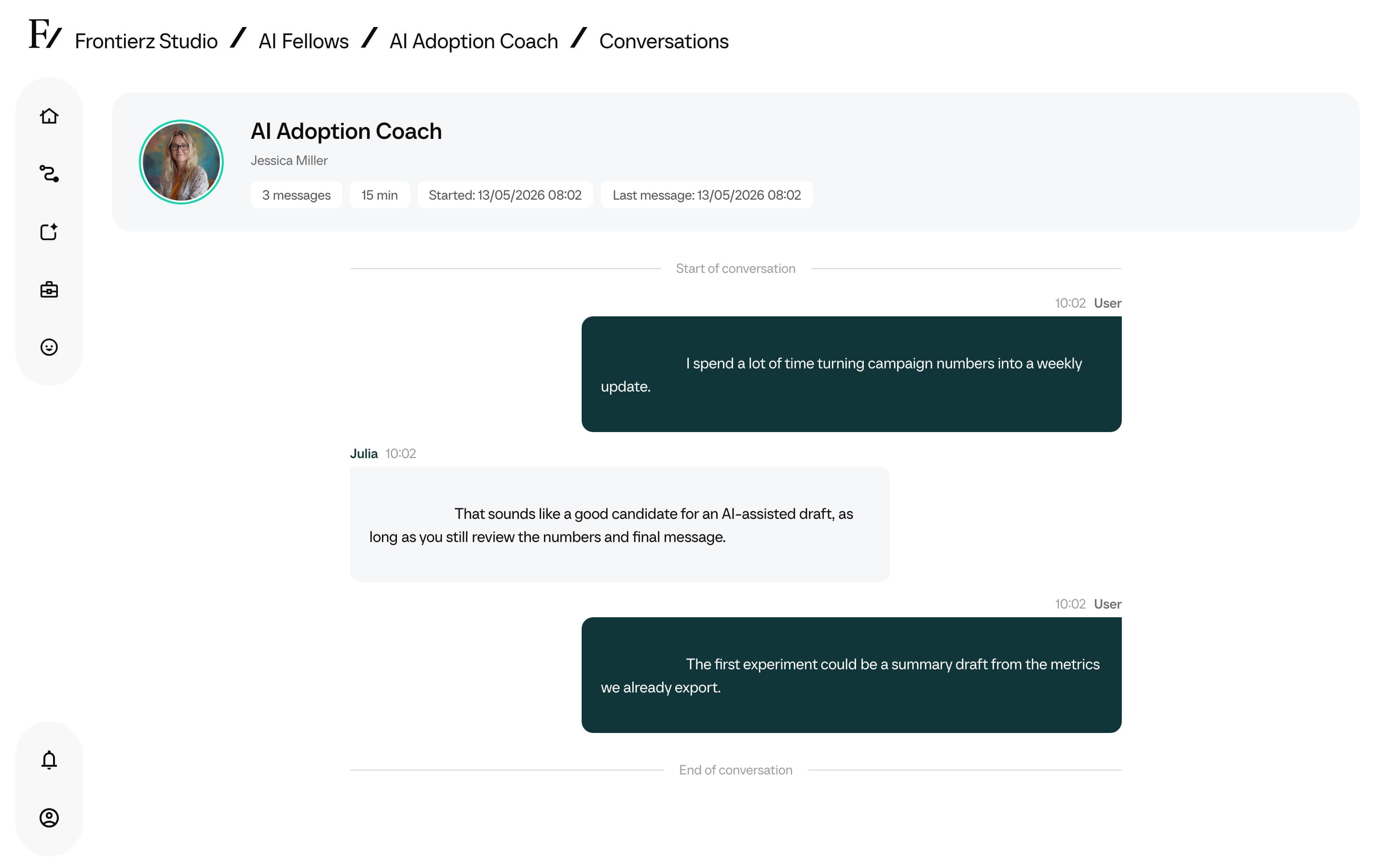
Each conversation stores the conversation transcript, message count, duration, timestamps, the AI Fellow involved, and any external user ID passed by the embed or direct link.
Public AI Fellows are anonymous by default. Private AI Fellows and Learning Path sessions are tied to a signed-in user. Public embeds can also pass an external user ID when activity must be reconciled with an external system.
Review a conversation
Open an AI Fellow and click View Conversations, or open the conversations list from the AI Fellows area.
Delete conversation contents
Authorized Admin users can delete the message contents of a conversation. This removes the readable transcript from Studio while keeping the activity record for reporting.
Deleting conversation contents is permanent. Export or review the conversation contents before confirming the deletion.